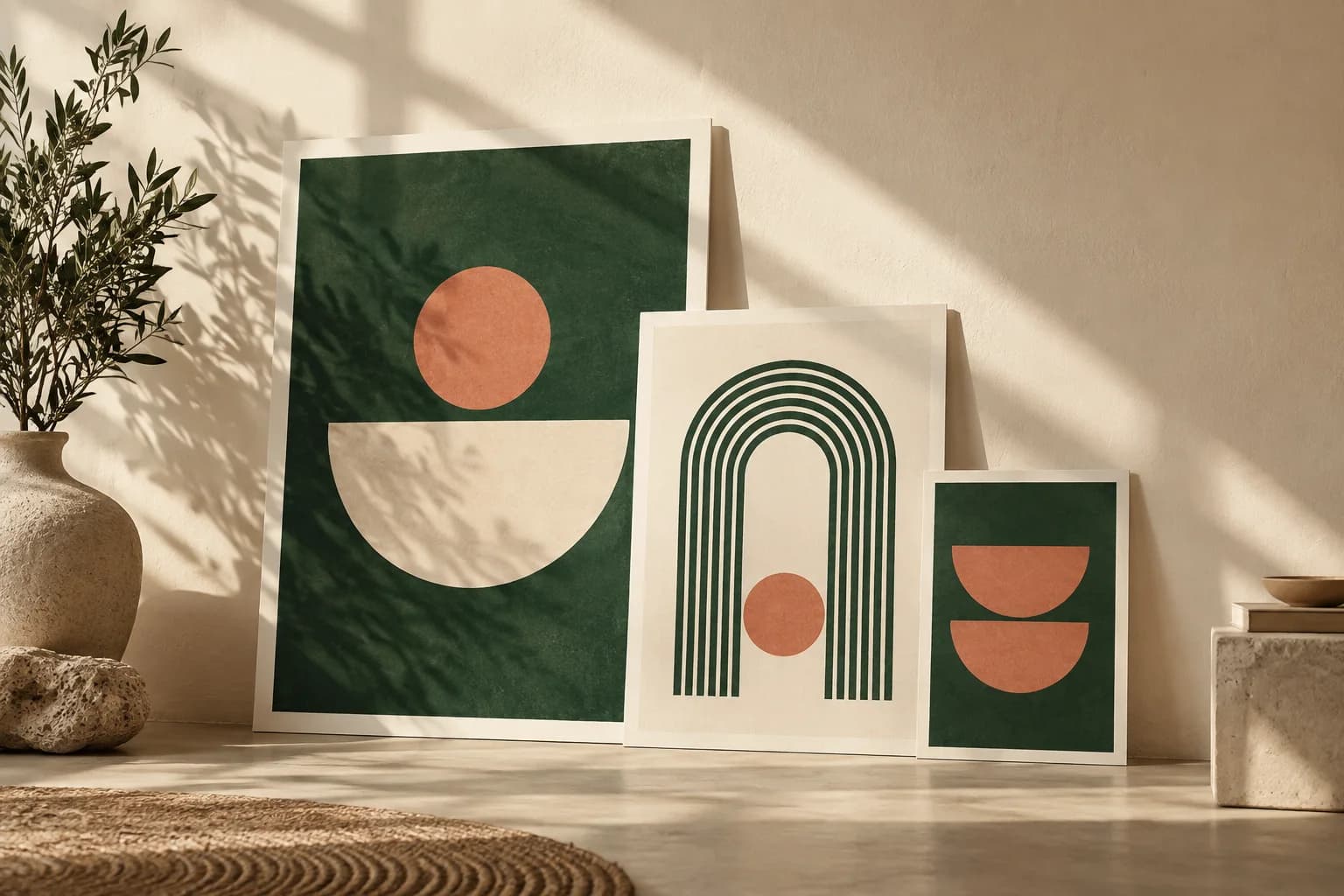
How big is a 24 × 36 poster?
The finished sheet is 609.6 × 914.4 mm, or 6 square feet. It is one of the largest common US poster sizes and a natural choice for lobbies, event entrances, retail walls and trade show backdrops where people see the poster from 10 feet or more. Its 2:3 shape matches a 12 × 18 poster, so a design can scale between the two without a new crop, but it will not drop straight into an 18 × 24 frame, which is 3:4. If you are still deciding between formats, compare the standard poster sizes before committing.
What file size does a 24 × 36 poster need?
Effective resolution is the pixel width divided by the printed width in inches. The table shows what common targets mean at this size, before bleed.
| Target PPI | Pixels needed | Megapixels | Typical use |
|---|---|---|---|
| 300 | 7,200 × 10,800 | 77.8 | Fine detail viewed up close |
| 200 | 4,800 × 7,200 | 34.6 | Mixed viewing distances |
| 150 | 3,600 × 5,400 | 19.4 | Most walls viewed from several feet |
| 100 | 2,400 × 3,600 | 8.6 | Distant viewing only; test first |
A photo 3,600 pixels wide stretched across 24 inches supplies 150 PPI. Relabeling that file as 300 PPI in software changes only the metadata; it adds no detail. Enter your real pixel dimensions in a print resolution calculator to see the effective PPI on both axes before you commit to an image.
How much bleed does a 24 × 36 poster need?
When color runs to the edge, the file must extend past the trim on every side. With a common 0.125 inch bleed, the artwork becomes 24.25 × 36.25 inches, or 7,275 × 10,875 pixels at 300 PPI. Use the exact bleed from your printer's template. If the poster goes into a frame, remember that the frame lip hides part of the edge, so keep text further inside than the safe margin alone requires.
How should you lay out a 24 × 36 poster?
Build a message ladder before opening the design file. Write three items: a headline that states the one idea, a single supporting line, and the action you want, such as a date, a web address or a QR code. Give each a clearly different size. A large sheet tempts designers to add copy, but a poster that tries to say everything is read by no one.
Put the headline in the top third, where eyes land first. Group the supporting line and action lower down, with enough empty space around them that they read as a separate step. For more on sizing each level, see poster font size.
How big should text be on a 24 × 36 poster?
Size type from the distance at which people first notice the poster. A widely cited benchmark is the ADA Standards for visual characters on signs: at least 5/8 inch at up to 72 inches of viewing distance, plus 1/8 inch for each additional foot, when text sits 40 to 70 inches above the floor. Posters are not required to follow that rule, but it gives useful minimums.
- 10 feet: capital letters at least 1.1 inches tall
- 15 feet: at least 1.75 inches
- 20 feet: at least 2.4 inches
A headline in the 3 to 4 inch range reads comfortably from across most rooms and still leaves space for an image.
Where should a QR code go on a large poster?
Place the code at a height people can reach with a phone, roughly chest height when the poster is mounted, and not at the very bottom where furniture or crowds block it. Keep a clear margin around it; the QR code specification calls for a quiet zone four modules wide on every side. A short label saying what the scan opens helps people decide to try it. Planning a QR code on a poster covers size and placement in more detail.
How do you hang a 24 × 36 poster?
Decide the mounting method before finalizing the layout, because each method hides or marks a different part of the sheet. A frame covers the edges. Pins and tacks leave holes near the corners. Top and bottom poster rails add a clean finish to vertical posters and hang from hooks, rope or suction cups, but they cover a strip at the top and bottom. Lamination adds protection against smudges and moisture for posters that will be handled or displayed for months.
How do you proof a poster this large?
A screen at 25 percent zoom hides problems that appear at full size. Review the whole layout reduced, then print one section at 100 percent on a home or office printer and hold it at the real viewing distance.
- Headline readable from the intended distance
- Most demanding photograph checked at placed size
- Fine text, dark shadows and the QR code included in the test section
- Nothing important inside the area a frame or rail will cover
- Final file at full bleed size with fonts embedded
Finally, consider how people move past the poster. In a corridor, viewers see it at an angle, so large type and strong contrast matter more than fine detail. At an entrance, people may stop, so a QR code or short list can work. Match the density of information to how long viewers will actually stand in front of it.
Custom posters are offered in 24 × 36 among eight sizes, on eight paper stocks with optional lamination, starting at $4.99 for a single print; the final price depends on size, stock and lamination.
Frequently asked questions
What resolution is best for a 24 × 36 poster?
300 PPI, or 7,200 × 10,800 pixels, suits posters that people inspect up close. For walls viewed from several feet, 150 PPI, or 3,600 × 5,400 pixels, usually looks sharp. Check the effective PPI of your most demanding photograph, and never rely on changing the PPI setting alone, because that does not add real image detail.
Can I print an 18 × 24 design at 24 × 36?
Not without changes. An 18 × 24 design has a 3:4 aspect ratio, while 24 × 36 is 2:3, so the larger size is proportionally taller. You will need to extend the background, add space or rearrange elements. Enlarging also lowers effective resolution, so recheck every image at the new placed size before approving.
How far away can people read a 24 × 36 poster?
That depends on letter height, contrast and lighting. Using the ADA sign benchmark of 5/8 inch plus 1/8 inch per foot beyond 6 feet, a headline with 3 inch capitals clears the minimum at up to about 25 feet. Supporting text of about 1 inch meets the benchmark for people standing within about 9 feet.
What file format should I send for a 24 × 36 poster?
A PDF at the full bleed size with fonts embedded is the safest choice, because it keeps text and vector graphics sharp at any scale. High resolution PNG or JPEG files also work when the design is mostly photographic. Name the file with the size and version so the approved artwork is easy to identify later.
Sources & specification notes
The references below support the relevant technical or product details in this guide. Examples and checklists are not claims of practical testing or universal supplier requirements. Confirm the current specifications for your chosen product before production.
- U.S. Access Board: ADA Standards, 703.5.5 visual character height ↗
Minimum sign character heights by viewing distance, used here as a legibility benchmark.
- DENSO WAVE: QR Code area and quiet zone ↗
Specifies a four module quiet zone on all sides of a QR Code symbol.