Business checks that fit
the way you pay.
Browse four practical formats, compare the essentials and order online. Bank details are encrypted before a check item enters your cart.
 Explore three per page checks
 Start with how you use checks.
Open any format to see its available quantity, options and starting price.
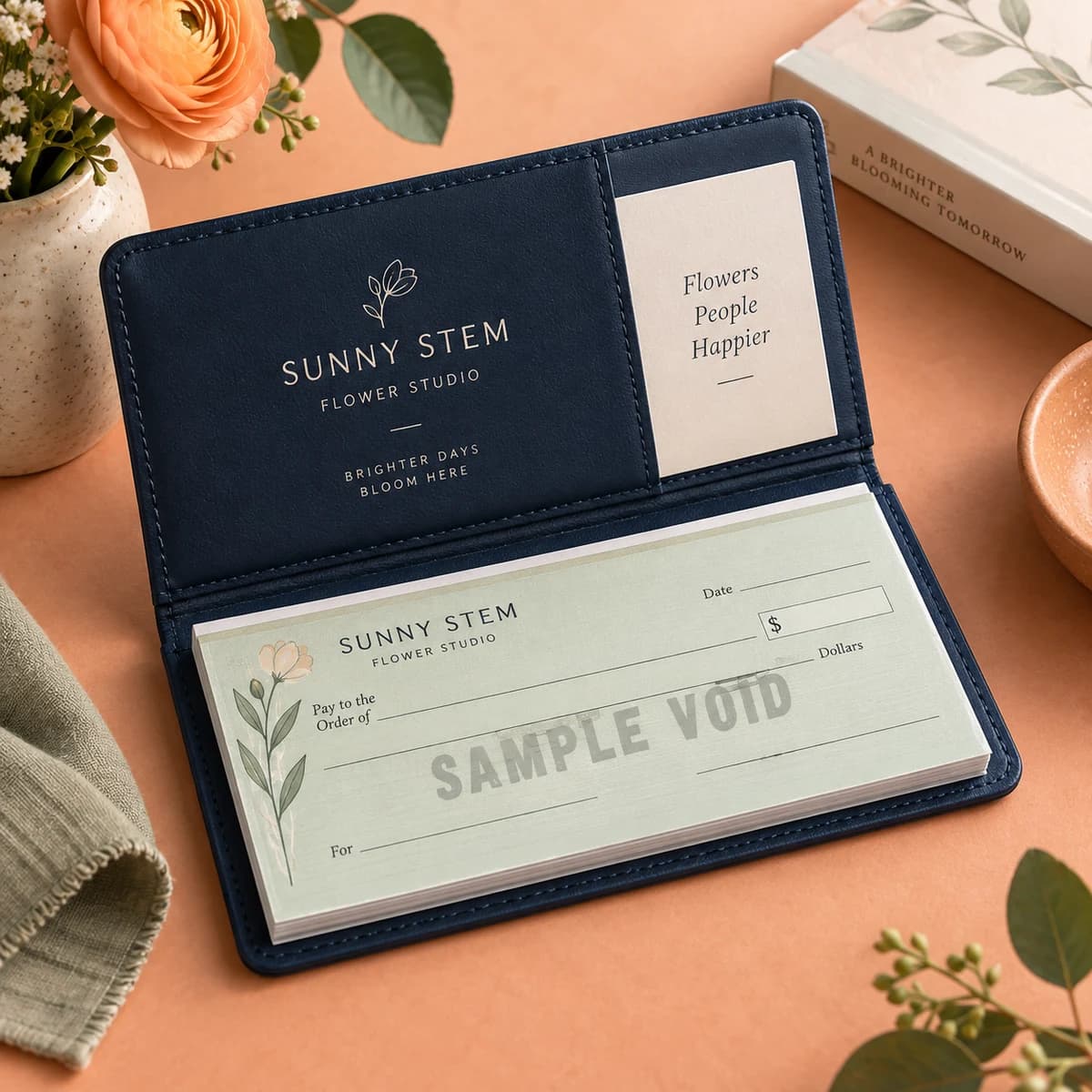
Wallet checks
Classic wallet size checks with your logo and banking details. Professional, secure, checkbook ready.
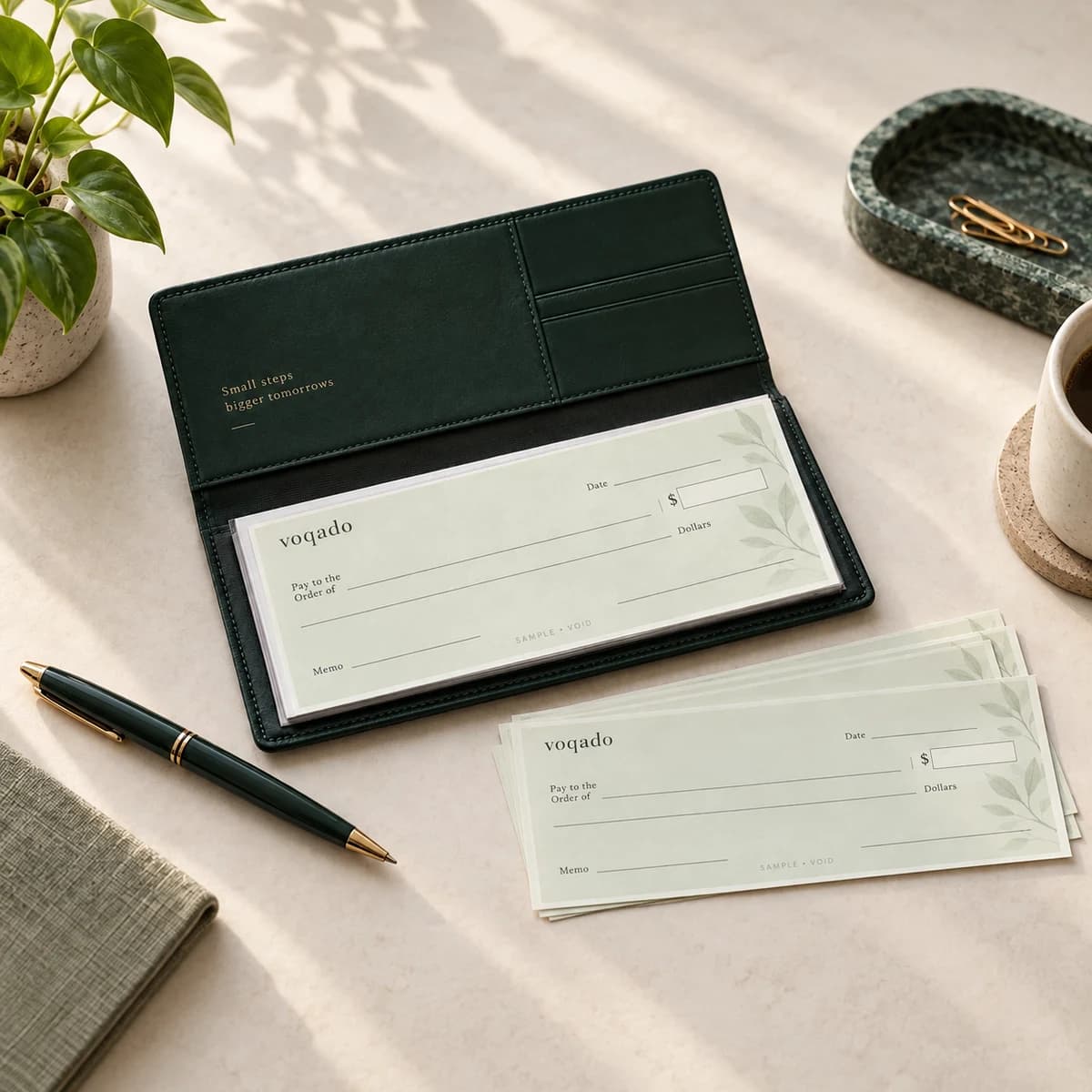
Wallet trial checks
A 25 check sample run to try your design before you commit. Perfect for the occasional payment or a first test drive.
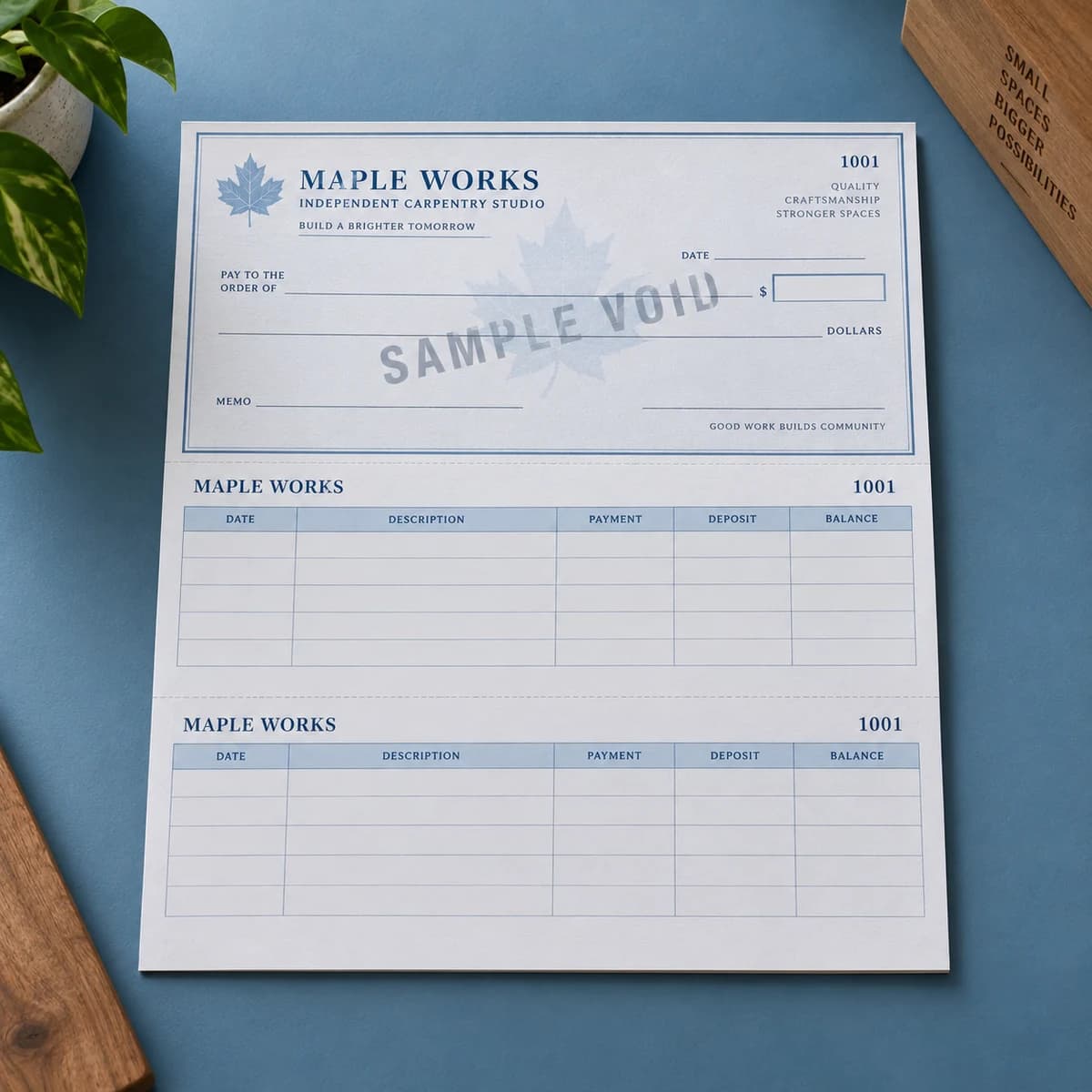
Laser business checks
Loose sheet checks built for your accounting software. Print payments straight from QuickBooks, Xero, or NetSuite.
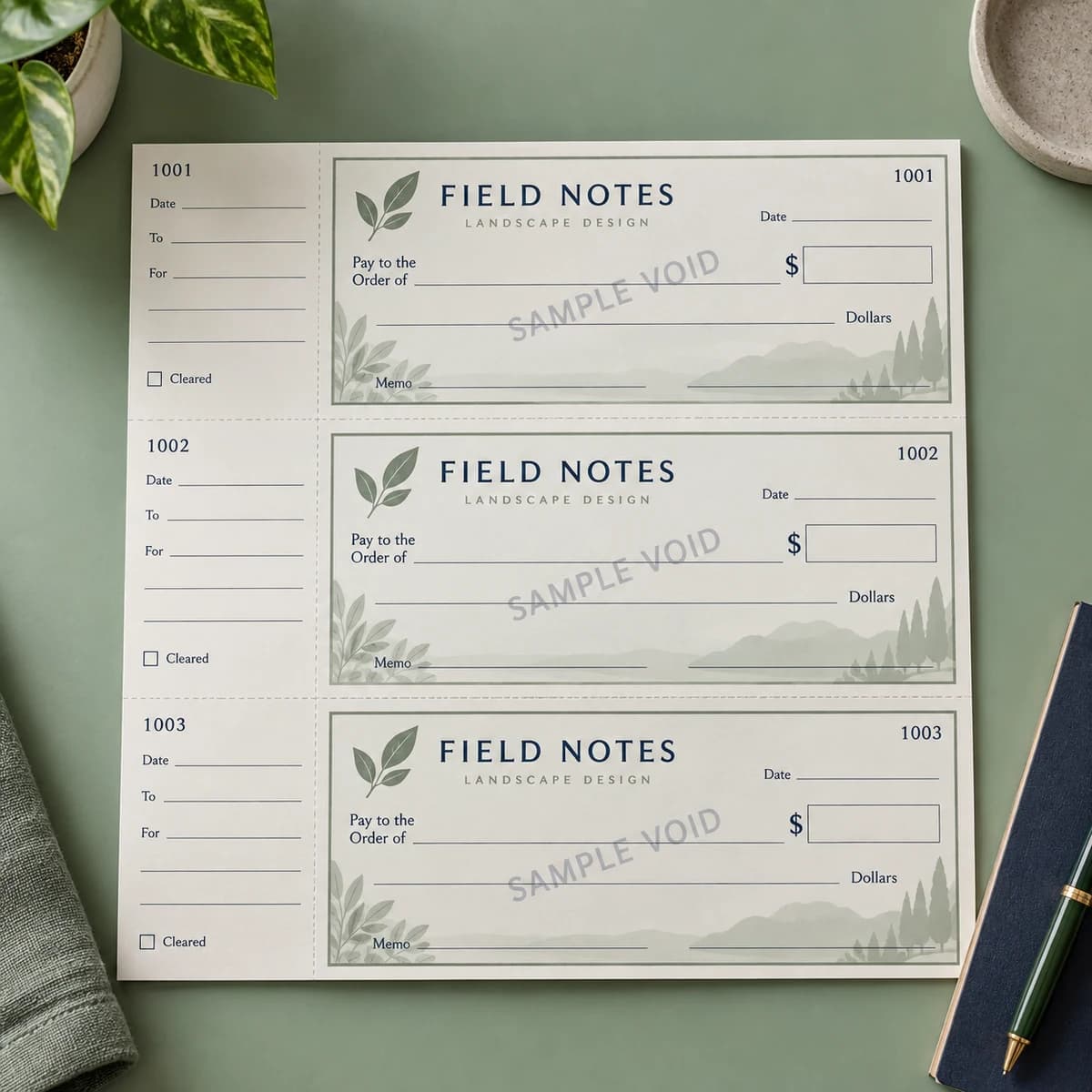
Three per page business checks
Three checks per sheet, with tear off stubs for built in recordkeeping. The desk friendly way to stay organized.
Checks for the software you already use.
Laser business checks are listed as compatible with QuickBooks Desktop, QuickBooks Online, Quicken, Xero, NetSuite, Sage, Microsoft Dynamics. Open your software for layouts, alignment steps and the starting price.
Find your everyday format.
Answer three quick questions for a useful starting point. Review prices and required options on the product page.
Compare all four formats.
On a small screen, swipe across the table. With a keyboard, focus the table and use the arrow keys.
| Format | Size | Checks per page | Software | Stub or copy | Best for |
|---|---|---|---|---|---|
| Wallet checks | 6 x 2.75 in check | Wallet format, fits a standard checkbook cover | None listed | Single or duplicate carbonless copy | Everyday payments from a checkbook |
| Wallet trial checks | Wallet size check | 25 checks per order | None listed | Varies by template | Trying a design before a full order |
| Laser business checks | Loose sheet for laser and inkjet printers | Varies by layout | QuickBooks Desktop, QuickBooks Online, Quicken, Xero, NetSuite, Sage, Microsoft Dynamics | Varies by template | Printing payments from accounting software |
| Three per page business checks | Loose sheet for office binders | Three per sheet | None listed | Tear away stub with every check; single or duplicate copy | Desk and binder recordkeeping |
THREE SIMPLE STEPS
Choose, pay, approve.
Enter the essentials once. We will contact you only when a production detail or verification needs attention.
Choose and secure
Pick the format, design, quantity and copy style. Enter routing and account details in the protected form before cart.
Review and pay
Confirm the item, delivery and total. Complete payment through the secure checkout.
Approve the proof
We review the order and prepare the production proof. If verification is needed, we send a private follow-up link.
Need help with an existing order?
Email print@voqado.co with your order reference. Keep bank numbers and documents out of email; we will send a private verification link when required.
Learn before you order.
Start with the eight guides most buyers read first, then browse every check guide by topic.
- Check printing: a complete guide for small businessesCheck printing explained for small businesses: formats, the MICR line, bank data, security features, software fit, proofs, costs and when to reorder.Read the guide
- How to order business checks: a step by step walkthroughHow to order business checks in seven steps: choose a format, confirm bank data, set numbering, submit numbers securely and approve the proof.Read the guide
- Laser checks vs wallet checks: which format fits your business?Laser checks print from accounting software; wallet checks are written by hand. Compare size, cost per check, records and software fit before you order.Read the guide
- Check security features explained: what each one stopsMicroprinting, void pantographs, chemical reactive paper, heat reactive ink and the padlock icon: what each check security feature stops and what it cannot.Read the guide
- Check fraud prevention for small businesses: a practical checklistA practical check fraud prevention checklist for small businesses: separate duties, lock stock, reconcile fast, use positive pay and mail checks the safe way.Read the guide
- How to write a check: a step by step guide with examplesHow to write a check in six steps: date, payee, amount in numbers, amount in words, memo and signature, with worked examples, common mistakes and a register.Read the guide
- Three per page business checks: how the binder format worksThree per page business checks put three handwritten checks and their record stubs on one binder sheet. See sizes, stub fields, users and reorder timing.Read the guide
- Voucher checks: when a check needs a detachable stubVoucher checks put one check and one or two detachable stubs on a letter sheet. Learn what the stubs show, which layout to pick and when payroll needs them.Read the guide
Check printing basics
Order business checks with confidence. What every line on a check means, the numbers your bank needs, check sizes and how to choose a supplier.
- Check printing: a complete guide for small businesses
- How to order business checks: a step by step walkthrough
- What information do you need to order checks?
- Ordering checks online vs from your bank: cost, speed and safety
- Check sizes and dimensions: personal, business and voucher
- Parts of a check: every line and number explained
- Routing number vs account number: how to find each on a check
- What is MICR? The magnetic line at the bottom of every check
- MICR toner: do you need it to print your own checks?
- What number should your checks start at?
- Business checks for an LLC: name, DBA and what to print
- Business checks with a logo: file prep and placement
Check formats and software
Compare laser, wallet and three per page business checks, then set up printing from QuickBooks, Xero, Sage, NetSuite or Quicken without misalignment.
- Laser checks vs wallet checks: which format fits your business?
- Three per page business checks: how the binder format works
- Voucher checks: when a check needs a detachable stub
- Check on top, middle or bottom: choosing a laser check layout
- How to print checks from QuickBooks without alignment problems
- Can you print your own checks at home? What is legal and what works
- Blank check stock: what it is and when to use it
- Check printing software: what to look for before you buy
- Payroll checks: layouts, stubs and what employees need to see
- Duplicate checks vs single checks: do you need carbon copies?
- Double window envelopes for checks: sizing and alignment
Check security and fraud prevention
Protect every check you write. Security features that stop washing and counterfeiting, positive pay, safe mailing and what to do if checks vanish.
- Check security features explained: what each one stops
- Check washing: how it works and how to prevent it
- Positive pay: the bank service that stops altered checks
- Check fraud prevention for small businesses: a practical checklist
- Is it safe to mail a check? How to reduce the risk
- Lost or stolen checks: exactly what to do next
- The best pen for writing checks: why gel ink matters
Writing, depositing and records
Write, void, endorse, deposit and record checks correctly, including cents, stale dates, mobile deposit rules and balancing your checkbook.
- How to write a check: a step by step guide with examples
- How to write a check with cents (and amounts under a dollar)
- How to void a check for direct deposit or a mistake
- How to endorse a check: blank, restrictive and mobile deposit
- How long is a check good for? Stale dates and void after notices
- How to balance a checkbook and keep a check register
- Mobile check deposit: limits, holds and the paper check
Check the numbers before you print.
Business check questions, answered.
Which check format should I choose?
Wallet checks suit everyday payments from a checkbook. Laser business checks print from accounting software on a laser or inkjet printer. Three per page business checks keep a tear away stub with every check for desk and binder records. The wallet trial is a 25 check sample run if you want to try a design first.
Which accounting software works with Voqado laser checks?
Laser business checks are listed as compatible with QuickBooks Desktop, QuickBooks Online, Quicken, Xero, NetSuite, Sage and Microsoft Dynamics. Pick the template layout that matches your software.
Will my bank accept Voqado checks?
Yes. Voqado checks are Check 21 compliant and accepted by U.S. banks and credit unions, as long as your routing and account information is accurate. Review the MICR line on your proof before you approve it.
Can I upload my own check design?
No. You choose from production approved templates, then personalize the text, fonts, colors, logo and business details.
Can checks ship to a PO box?
No. For security, checks ship only to a physical address that matches the address printed on the checks.
What if my checks arrive damaged or misprinted?
If an order arrives damaged, misprinted or different from the approved proof, contact us within 30 days for a reprint or refund. You keep the original item.