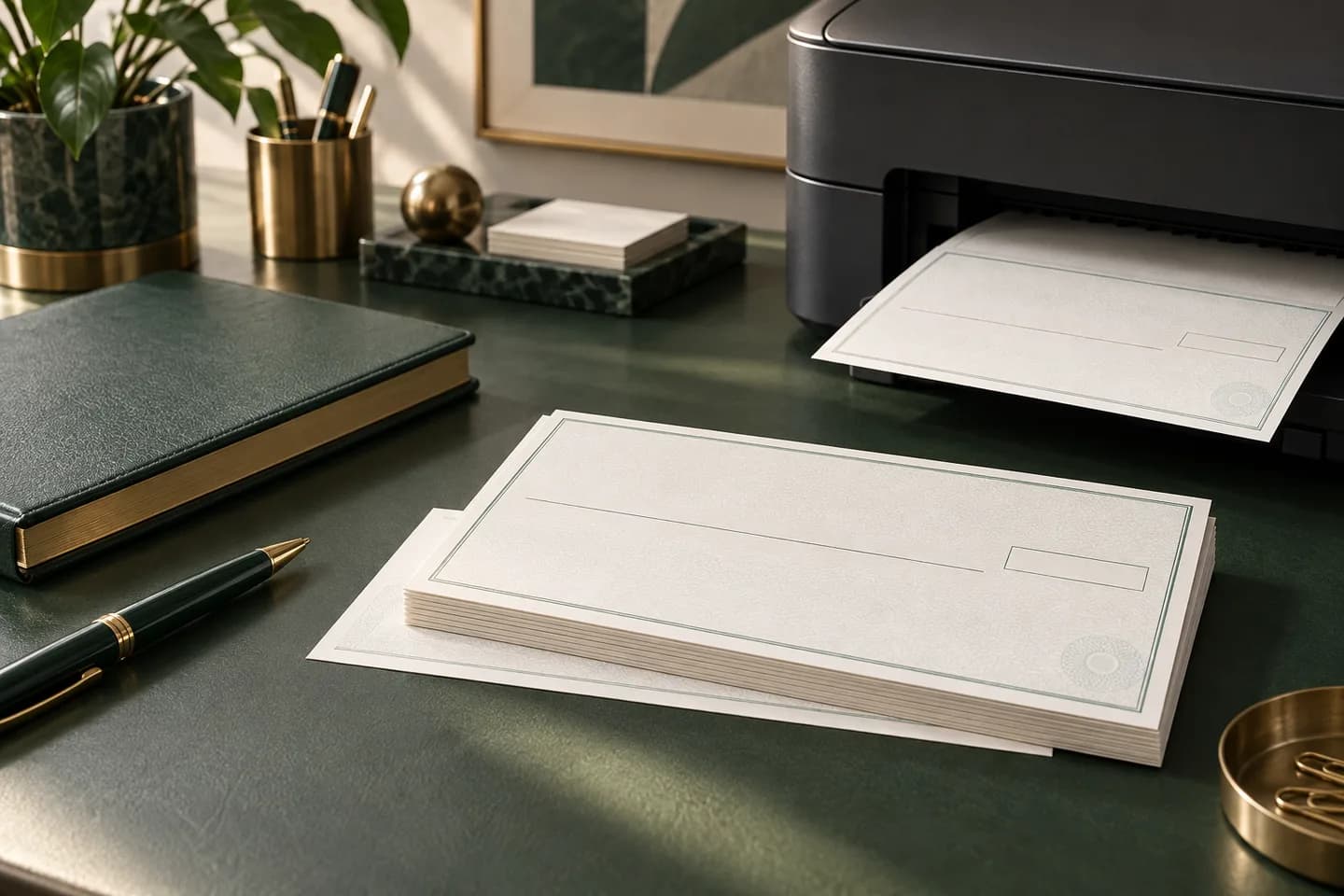
What does check printing actually involve?
A printed check is a payment document that has to survive machines, not just look good. Banks sort checks on reader sorters that read the magnetic line along the bottom, so the paper, the ink and the position of every number follow standards written by the X9 committee of the American National Standards Institute. Your part is to choose the right format, supply correct bank data and approve a proof.
If you have never done it before, the step by step ordering walkthrough covers the order screen itself. This guide explains the decisions behind each field so you can make them once and reuse them on every reorder.
Which check format fits the way you pay?
Format follows workflow. If you write checks by hand at a desk or in a truck, you want a book or wallet format. If you pay bills from accounting software, you want loose laser sheets that feed your office printer.
| Format | Size or layout | Best for | Starting price |
|---|---|---|---|
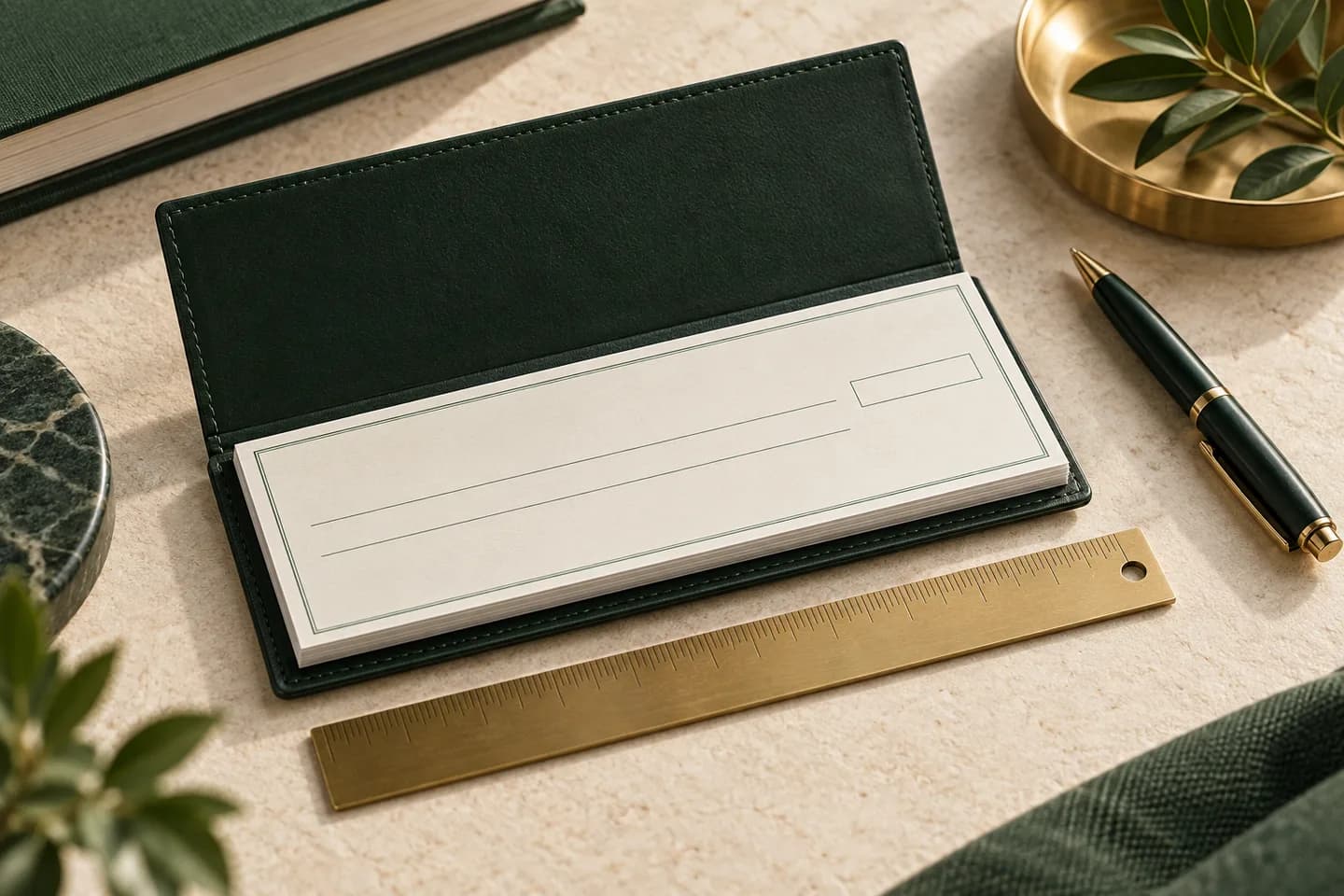
| Wallet checks | 6 x 2.75 in, single or duplicate | Handwritten payments on the go | $11.99 for 100 |
| Wallet trial checks | Wallet size, 25 checks | Testing a design or rare payments | $5.99 for 25 |
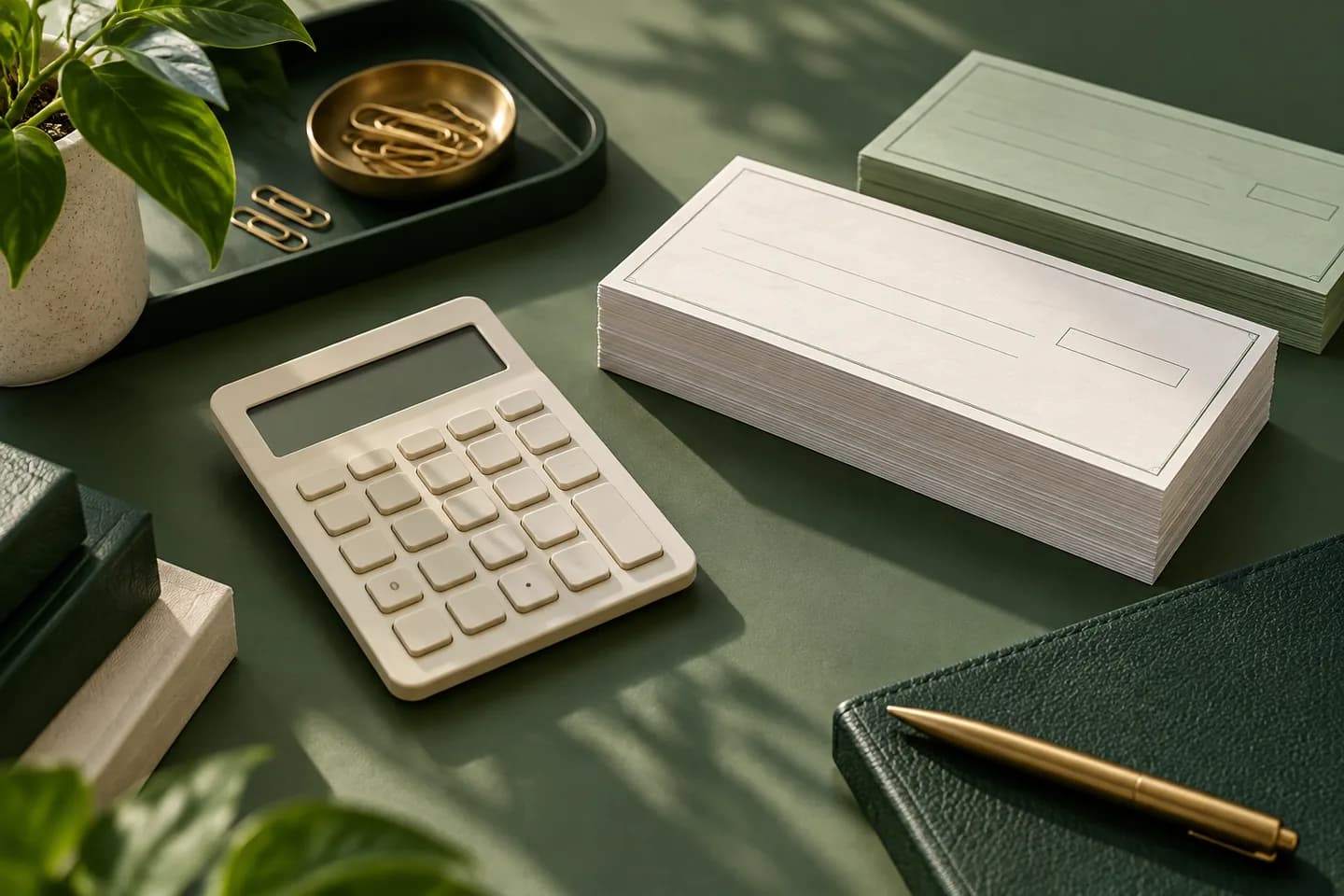
| Laser business checks | Loose 8.5 x 11 in sheets | Printing from QuickBooks, Xero or NetSuite | $34.99 for 50 |
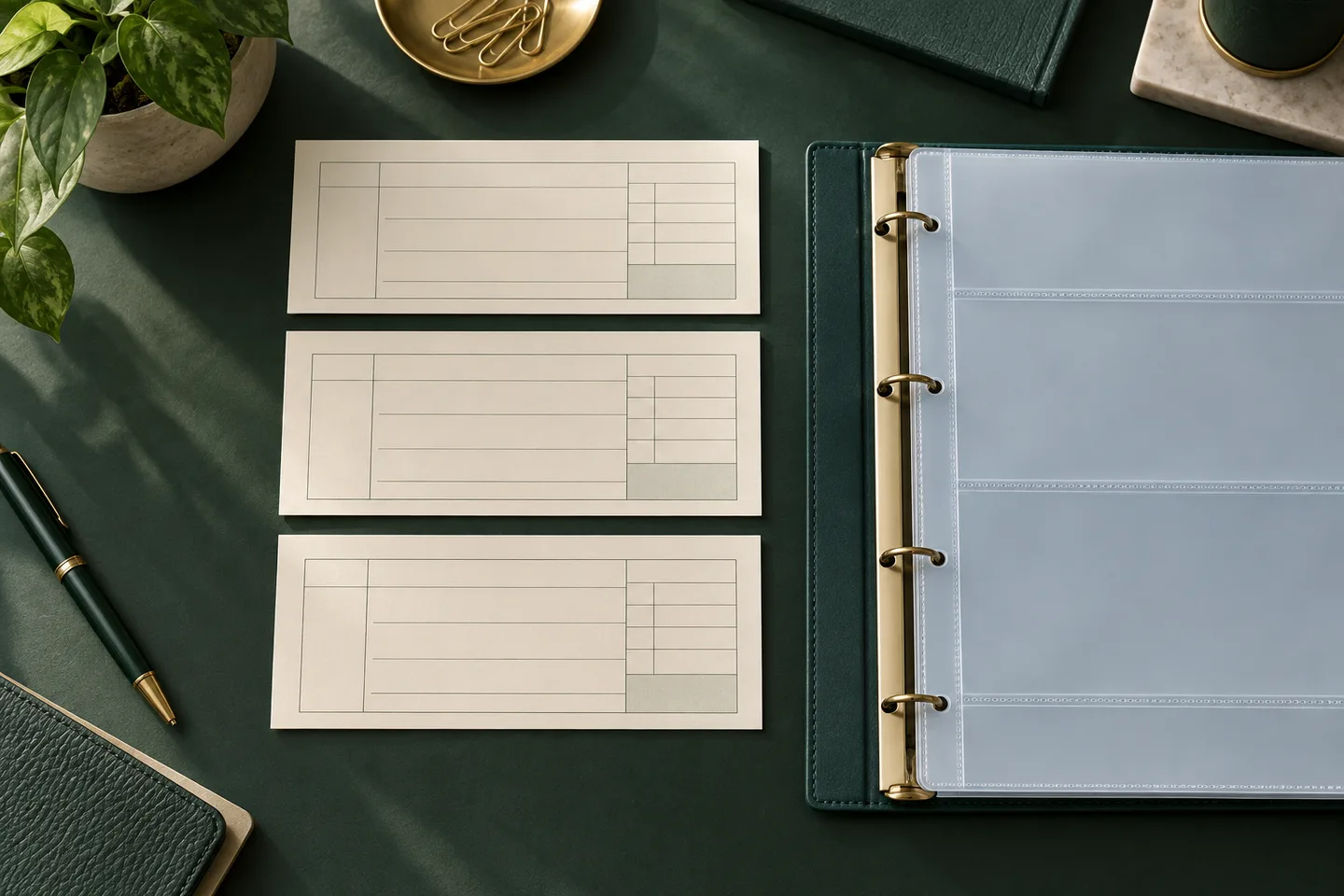
| Three to a page checks | Check plus side stub, three per page | Handwritten payments with a record | $10.79 for 54 |
Prices are Voqado starting prices at the time of writing, before shipping and tax. Whatever the format, the finished check has to fit a size window: the TROY MICR handbook, summarizing the ANSI specification, gives a width of 6 to 8.75 inches and a height of 2.75 to 3.66 inches. Our guide to check sizes and dimensions compares the common layouts in detail, and you can compare the four check formats side by side before you choose.
What goes in the MICR line?
The row of blocky digits along the bottom is the MICR line, short for magnetic ink character recognition. It uses the E-13B font, which has only fourteen characters: the digits 0 to 9 plus four symbols called transit, on us, amount and dash. Federal Reserve Regulation CC defines the MICR line as the routing number, account number, check number, amount and other data printed near the bottom of a check in magnetic ink under the ANSI placement standard.
Two layout rules matter for anyone designing a check. The bottom 5/8 inch is a clear band reserved for MICR characters, so logos, signatures and background art stay out of it. The amount field at the right end stays blank on a new check, because the bank of first deposit encodes the amount later. For the full breakdown of symbols and fields, read what MICR is and why it matters.
What bank information does the printer need?
A printer needs the account holder name exactly as the bank lists it, the address you want printed, the bank name, the nine digit routing number, the account number and the number the first check should carry. Some banks also print a fractional routing number near the check number, and Regulation CC recognizes the routing number in either fractional or nine digit form. Banner Bank, for example, tells customers ordering from another vendor to request the bank's MICR specification sheet for the printer.
The full list of information needed to order checks, including optional fields, has its own guide. One rule applies everywhere: bank numbers never go in email. Voqado collects routing and account numbers in a protected form and encrypts them separately from the cart before the check item is added.
Which security features are worth paying for?
Check fraud is not a niche risk. In a 2023 alert, FinCEN reported that financial institutions filed more than 350,000 suspicious activity reports on check fraud in 2021 and over 680,000 in 2022, much of it tied to checks stolen from the mail and then washed or counterfeited.
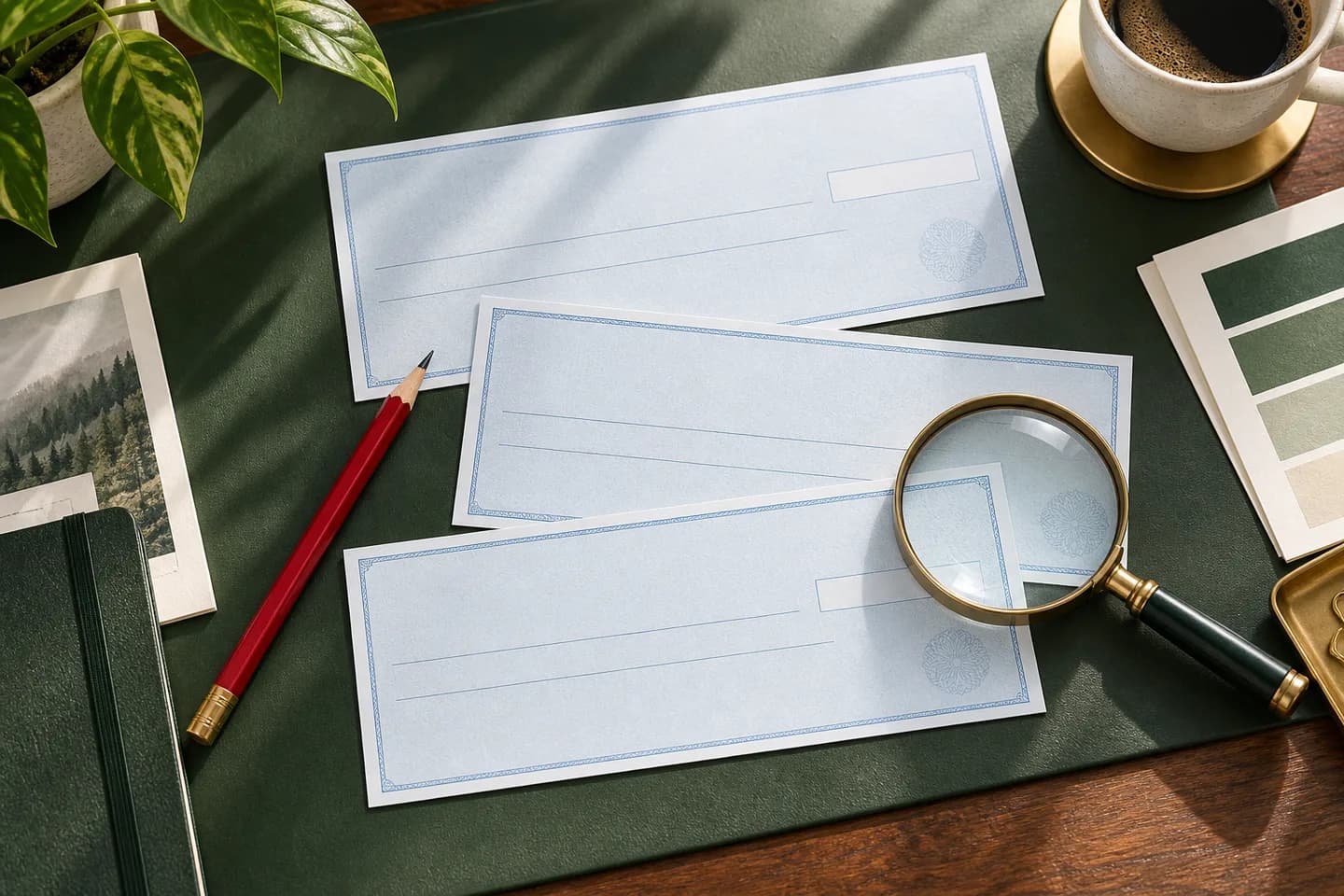
Look for overt features you can see, such as microprinted lines, warning bands that list the features, and paper that reacts to chemical erasers. The Check Payment Systems Association padlock icon signals that a check carries at least three designated security features, with the icon and its description counting as one. The association is clear that features help a recipient spot alteration but do not guarantee a check is genuine.
How do printed checks work with accounting software?
Laser checks arrive with your bank data already printed, and your software fills in the date, payee and amount. QuickBooks Online offers two check types: standard, which puts three checks on a page, and voucher, which puts one check on a page with stubs. You type the starting check number in the print screen, so the number in the software must match the paper in the tray.
Print one test page on plain paper, hold it over a real check sheet against a window, and adjust alignment before you run live stock. Record the software name, version and layout before you order so the stock matches what the program expects.
What should you check on the proof?
Most check problems are data problems that a careful proof catches. Work through this list before you approve, and keep a copy of the business check order checklist for the next reorder.
- Business name matches the account title exactly, including LLC or Inc
- Address, phone and any DBA line are current
- Routing number has nine digits and matches your bank's specification
- Account number matches your statement digit by digit
- Starting check number does not overlap a range you already used
- Format and layout match the setting in your software
- Nothing but MICR characters sits in the bottom 5/8 inch
- Signature lines match how many signers your account requires
How much does check printing cost?
Price depends on format, quantity, single or duplicate copies, security features, logo printing and shipping. Bankrate's survey of check prices found third party printers charging roughly 5 to 24 cents per standard check versus 40 to 66 cents at banks, so it pays to compare. Treat those figures as a snapshot, since prices change.
A worked example with starting prices: 100 wallet checks at $11.99 cost about 12 cents each, 54 three to a page checks at $10.79 cost about 20 cents each, and 50 laser checks at $34.99 cost about 70 cents each before shipping. Standard shipping starts at $5.99 and is free on orders of $60 or more.
When should you reorder checks?
Reorder when about a quarter of your supply is left. Standard orders need 2 to 4 business days of handling plus 5 to 8 business days in transit, so plan on two to three weeks and never wait for the last book. Start the new order one number after your last check, and read how to choose a starting check number before you open a second account or switch formats.
Frequently asked questions
Is it safe to order checks from a company other than my bank?
Yes, as long as the printer follows bank specifications and protects your data. Banks routinely accept checks from third party printers, and some banks send their own customers to outside check companies. Confirm the printer collects routing and account numbers through a secure form rather than email, shows you a proof, and prints the MICR line in magnetic ink to ANSI placement rules.
How long does it take to get printed checks?
Plan on two to three weeks for standard delivery. A typical online order needs a few business days of handling and proof review, then several business days in transit. At Voqado, standard orders take 2 to 4 business days of handling plus 5 to 8 business days of transit, so reorder well before your last book runs out.
Do I need special ink to print checks?
Only if you print the MICR line yourself. The routing, account and check numbers along the bottom must be in magnetic ink or toner so bank reader sorters can read them. If you buy laser checks with the MICR line already printed, your office printer only adds the date, payee and amount in regular toner.
What is the cheapest check format for a small business?
Per check, a wallet style book is usually the cheapest to print because it uses the least paper. At starting prices, 100 wallet checks cost about 12 cents each, while three to a page checks cost about 20 cents each and laser checks more. Choose on workflow first, though, because the wrong format costs more in wasted time.
Sources & specification notes
The references below support the relevant technical or product details in this guide. Examples and checklists are not claims of practical testing or universal supplier requirements. Confirm the current specifications for your chosen product before production.
- Cornell LII: 12 CFR 229.2, Regulation CC definitions ↗
Defines the MICR line as data printed near the bottom of a check in magnetic ink under the ANSI placement standard, and recognizes routing numbers in fractional or nine digit form.
- TROY Group: MICR Basics Handbook ↗
Manufacturer handbook summarizing ANSI check size limits, the E-13B character set, MICR field positions, the 5/8 inch clear band and reject fees.
- FinCEN: Alert on nationwide surge in mail theft related check fraud (February 27, 2023) ↗
Reports more than 350,000 check fraud SARs in 2021 and over 680,000 in 2022, and describes check washing.
- Check Payment Systems Association: The Padlock Icon ↗
Explains that the padlock icon requires at least three designated security features and does not by itself guarantee authenticity.
- Intuit QuickBooks: Print a check in QuickBooks Online ↗
Confirms the standard (three per page) and voucher check types and the starting check number field in the print screen.