Get it as soon as 7 business days with Standard delivery. Dates are estimates.
Laser business checks

Product view, 1 of 9
Specimen · Not valid for payment
50 from $38.49· $0.77 each
Loading your options.
- Secure checkoutCard details are encrypted and never stored by Voqado.
- Damaged checks reissued securelyTell us within 30 days. A replacement goes through the secure intake, so your bank numbers are never sent again.
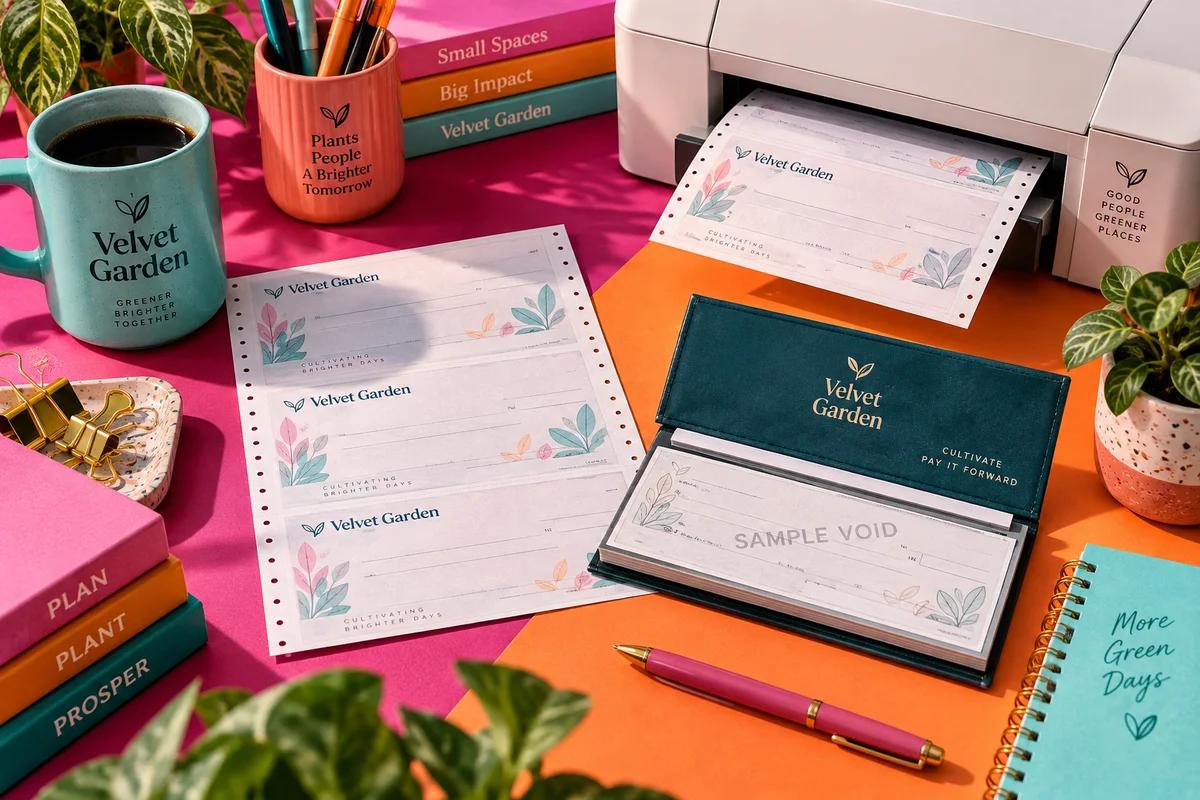
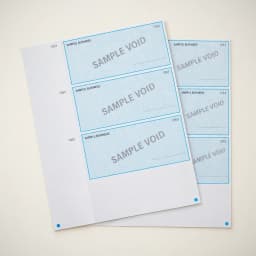
Loose sheet checks built for your accounting software. Print payments straight from QuickBooks, Xero, or NetSuite.
Why choose laser business checks
Printed from your software
Your accounting package fills in the payee, the amount and the date, and your office printer does the rest. No handwriting, no retyping amounts into a register.
A layout for each job
Multipurpose suits general payments, Payroll is meant for paychecks, and Accounts payable for paying vendor invoices. All three are the same price at every quantity, so choose by the job, not the cost.
Quantities for a whole year
Order 50 to try the alignment, or up to 2,448 checks when you already know the layout works and want to stop reordering every month.
Before you order
- Will it line up with my software?
- Pick the layout that matches the check type your software prints, then print a test page on plain letter paper. Hold it over a blank check against a light. If the payee, amount and date drift, adjust the alignment in your print settings and test again before printing real checks.
- My bank might not take printed checks
- Acceptance is your bank's call and we will not promise it for them. Before production, the routing number you enter must pass its built in check digit and the account number must be entered twice to the same value. If you are unsure, show your bank a printed check from the first small order.
Sizes and materials
| Size | 8.5 × 11 in |
|---|---|
| Layout | Multipurpose, Payroll, Accounts payable |
| Copy style | Single |
| Quantity | 50 checks to 2,448 checks |
| Detail | Loose sheet format for laser and inkjet printers |
| Templates | multi purpose, payroll, accounts payable; assorted layouts |
| Detail | Compatible with QuickBooks Desktop/Online, Quicken, Xero, NetSuite, Sage, Microsoft Dynamics |
| Detail | Check 21 compliant; tamper resistant security printing |
| Detail | Template personalization; original uploaded artwork is not supported |
How people use it
Weekly payroll for a small team
Choose the Payroll layout so the paper matches the paycheck format your software prints. A run of 408 covers a team of eight paid weekly for most of a year.
Paying vendor invoices
The Accounts payable layout matches the vendor payment format in accounting software, so a vendor can tie the payment to their invoice without calling you.
A first order to test the printer
Start with 50 Multipurpose checks. Run your alignment test on the first sheet, then order the large quantity once the fields land where they should.
Set up laser checks before the first real run
Laser checks print from software, so the work is in matching the layout and testing alignment once. After that, every run is a print job.
Match the layout to your software
Choose Multipurpose, Payroll or Accounts payable to match the check type you select in your accounting package, and pick your software from the list.
Laser checks by accounting packageOrder and add bank details securely
Pay for the checks, then enter the routing number, the account number twice and the starting check number in the secure step. If something is missing after payment, a private link arrives by email.
Printing checks from QuickBooksRun a plain paper alignment test
Print one check on plain paper, lay it over a blank check and hold both to a light. Adjust the offset in your software until the fields sit inside their boxes.
Check printing software basicsLoad the tray the right way up
Mark the top of one sheet with a pencil, print a test, and note which way it feeds. Tape that note inside the tray so the next person loads it correctly.
Pairs well with
 Letterhead
Print remittance letters and invoices on matching letterhead.
 Rectangular address stamps
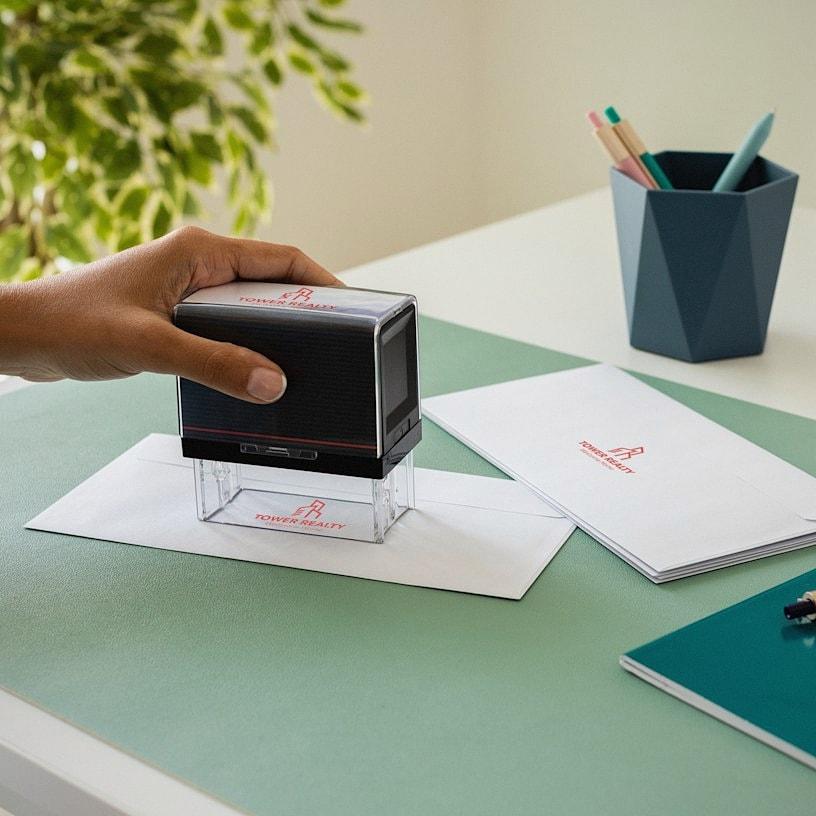
Stamp the return address on outgoing payment envelopes.
 Return address labels
Label envelopes when you mail a batch of vendor checks.
Good to know
Which accounting software works with laser checks?
The software choices are QuickBooks Desktop, QuickBooks Online, Quicken, Xero, NetSuite, Sage and Microsoft Dynamics. The software name helps match the layout, but your printer settings still need the test page described above.
Can I add my logo to laser checks?
Not your own file. You personalize a published template: the accounting layout, business text, fonts, published colors, and a mark chosen from the supplied icons. A stock logo cannot be chosen on this format, only an icon.
Do I need a special printer or ink?
Laser checks are loose sheets for laser and inkjet printers. Use the printer you already print invoices on, and feed a test sheet first so you know which side faces up in your tray.
Which starting number do I enter for laser checks?
Enter the number printed on the first sheet in your software as well as in our secure step, so the check number the software records matches the paper. If you are moving from another check printer, start above your last used number.
Can I get duplicate laser checks?
No. This format is made as single checks only. There is no duplicate version to choose. Your accounting software keeps the record of every check it prints.
How much do laser business checks cost?
With layout Multipurpose: 50 checks for $38.49, 100 checks for $65.99, 204 checks for $98.99, 408 checks for $120.99, 816 checks for $142.99, 1,632 checks for $219.99, 2,448 checks for $274.99. Other choices change the price, and the order form shows the exact price before you add it to your cart. Tax and delivery are shown before payment, and standard U.S. shipping is free on orders of $100 or more.
Routing and account numbers go only in the secure check step, now or after you pay. How check orders work
More business checks
54 from $19.99$0.37 each
80 from $12.49$0.16 each
25 from $6.99$0.28 each