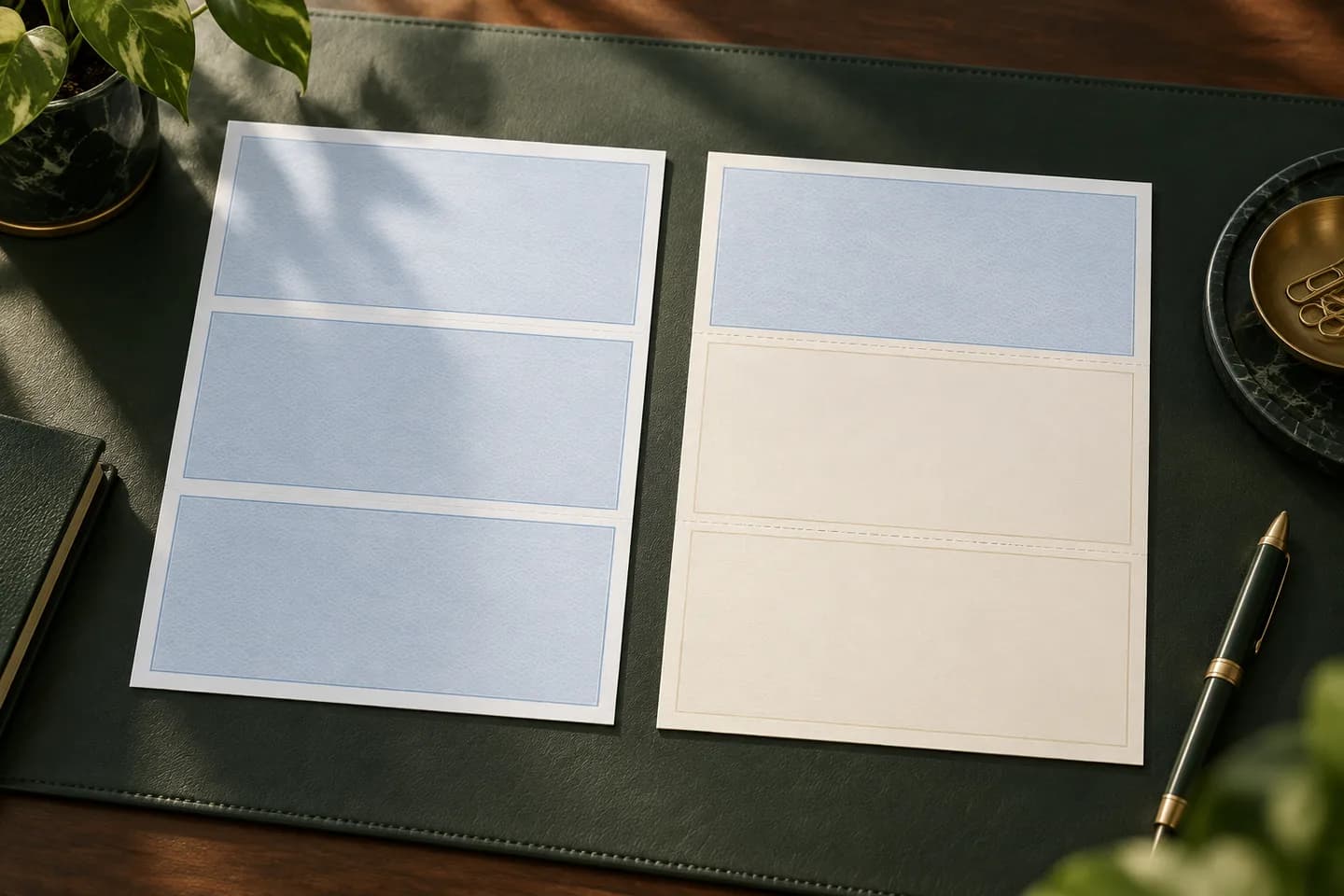
What is a voucher check?
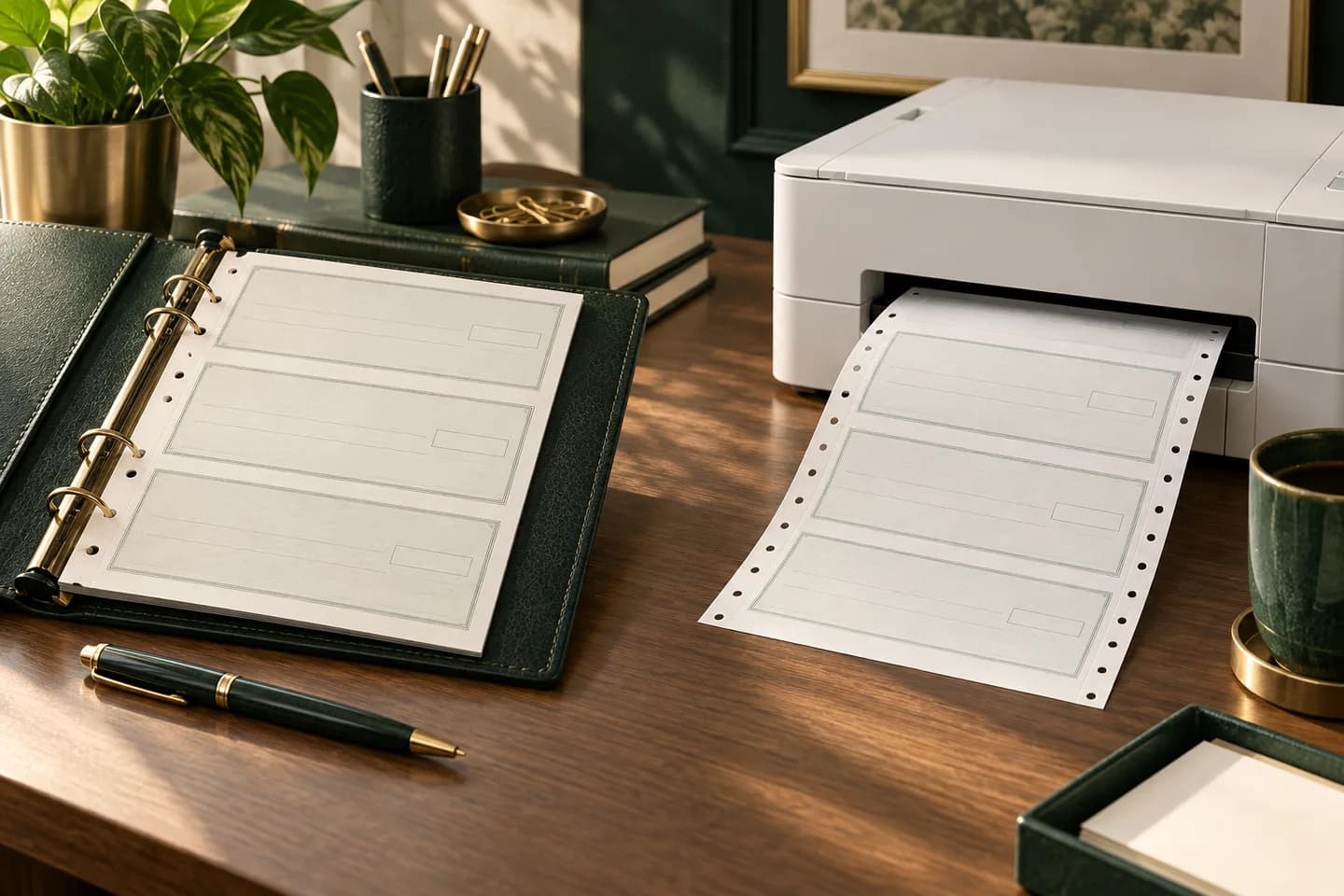
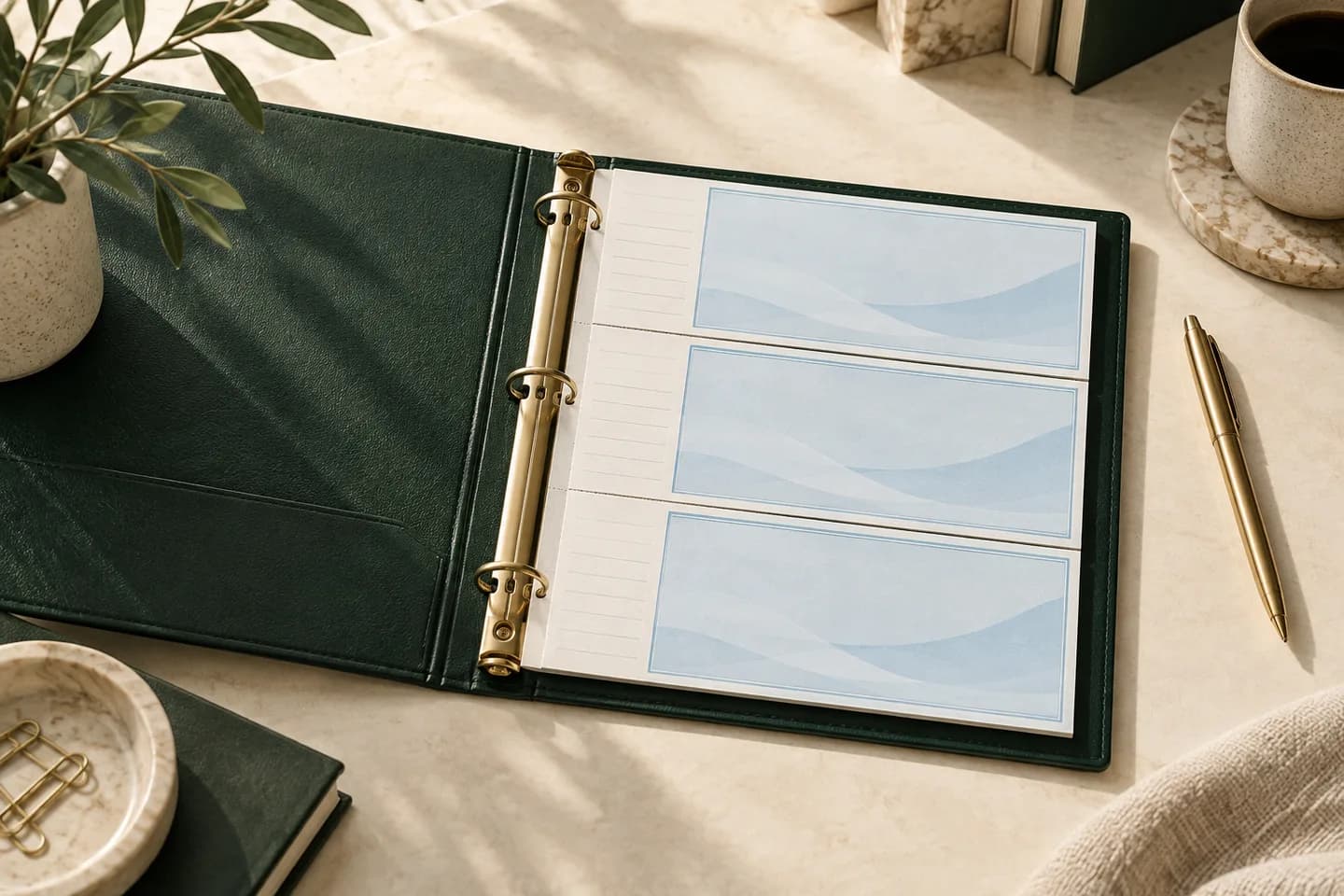
A voucher check is a laser check that shares its sheet with stubs, also called vouchers. The sheet is standard letter size, 8.5 x 11 inches, perforated into three panels: one check, about 3.5 inches tall, and two stub panels. Accounting software prints the check and the stub details in one pass.
The stub is what makes the format useful. A vendor who receives $4,812.50 wants to know which invoices it covers. An employee wants to see gross pay, taxes and deductions. The voucher carries that explanation with the payment, so nobody has to call your office to ask what the check was for.
What goes on a voucher stub?
The stub content depends on the software and the type of payment. Your software fills it in automatically from the bill or payroll record, so you choose the layout, not the words.
| Payment type | Typical stub content | Who keeps which stub |
|---|---|---|
| Vendor bill (accounts payable) | Invoice numbers, invoice dates, amounts, discounts, credits applied | Vendor gets one, you file one |
| Payroll | Pay period, hours, gross pay, taxes withheld, deductions, net pay, year to date totals | Employee gets one, you file one |
| Refund or general payment | Memo, reference number, account or project | Payee gets one, you file one |
Layouts are usually sold as multipurpose, accounts payable or payroll. The difference is often just the printed labels and lines on the stubs, so pick the one that matches the payments you make most.
Check on top, middle or bottom: which voucher layout?
The check can sit in any of the three panels. Your software decides which one it expects, so match the stock to the software rather than to taste.
| Layout | Sheet order | Where it is common |
|---|---|---|
| Check on top | Check, stub, stub | QuickBooks voucher style, NetSuite voucher, many others |
| Check in middle | Stub, check, stub | Some Sage and other accounting packages |
| Check on bottom | Stub, stub, check | Some payroll and specialty billing systems |
NetSuite describes its voucher style as the check at the top of the sheet with voucher information below, and QuickBooks voucher checks also print with the check on top. Xero's check style editor supports top, middle and bottom voucher layouts. Before buying, open your software's print setup and confirm the layout it names. Our guide to check on top, middle or bottom walks through that choice in detail.
When do you need voucher checks instead of standard checks?
Use voucher checks when a payment needs a written explanation that travels with it. Standard laser checks, printed three per letter sheet, have almost no room for detail and suit simple payments where the memo line is enough.
- You pay several invoices to one vendor in a single check.
- You take early payment discounts or apply credits and want the math shown.
- You pay employees by paper check and they need an earnings statement.
- You need a filed copy of each payment for audits or board review.
- You mail checks in window envelopes and want the payee address to print on the sheet.
If none of these apply and you write a few checks a month, a handwritten format may suit you better. The full comparison of formats, including wallet and binder checks, is in our guide to laser checks vs wallet checks.
Do payroll checks have to use voucher stubs?
Federal law does not require a pay stub. The US Department of Labor states that the Fair Labor Standards Act requires employers to keep accurate records of hours and wages, but does not require them to give employees pay stubs. Many states do require a wage statement, and the required items and whether electronic delivery counts vary from state to state.
That is why many employers who pay by paper check use a payroll voucher layout: the stub is a convenient place to deliver the statement your state may require. Check your state labor department's rules for the exact items, then confirm your payroll software prints each one. Our guide to payroll checks covers layouts and stub content for employees.
How do voucher checks fit in envelopes?
A voucher sheet folds into thirds along its perforations, so it fits a business check window envelope with the payee address showing through the window. Envelopes sold for QuickBooks checks are built around its check on top layout, where the payee name and address print in the area the lower window shows after folding.
Always fold a printed test sheet and slide it into your envelope before a full run. The address needs clear space on every side of the window, even when the sheet shifts inside. For sizes and window positions, see our guide to double window check envelopes.
How do you print voucher checks correctly?
- Confirm the layout name in your software's print setup before ordering.
- Order stock that matches: check on top, middle or bottom.
- Print one test page on plain paper and hold it over a blank voucher sheet against a light.
- Adjust alignment in software if text sits outside the fields.
- Load stock face and direction exactly as your printer manual shows.
- Print, then confirm in software that every check printed correctly.
- Detach your file stub and store it with the paid bill or payroll record.
If a check jams or prints badly, mark it VOID, keep it for your records, and reprint using the next check number so your sequence stays complete.
What does a voucher check cost?
Voucher checks cost more per sheet than handwritten formats because each check uses a full letter sheet. As a reference point, Voqado laser business checks start at $34.99 for 50, in multipurpose, payroll or accounts payable layouts, which is about 70 cents per check before toner. For a business paying 20 vendors a month, 50 checks last about ten weeks. Budget for the reorder lead time: standard orders take 2 to 4 business days of handling plus 5 to 8 business days in transit.
Frequently asked questions
What is the difference between a voucher check and a standard check?
A voucher check uses one full letter sheet for one check and one or two stubs that explain the payment. A standard laser check puts three checks on one letter sheet with little or no stub space. Voucher checks suit invoice payments and payroll, while standard checks suit simple payments where a memo line is enough.
Does QuickBooks use voucher checks?
Yes. QuickBooks Online lets you choose voucher or standard in print setup, and its voucher type prints one check per page with stubs. QuickBooks places the check at the top of the sheet. Confirm the check type in your print setup before ordering, and run a test page on plain paper to check alignment.
Why are there two stubs on a voucher check?
Two stubs give each side a record. The payee keeps one stub with the check details, such as the invoices paid or the earnings statement, and you file the second stub with the paid bill or payroll record. Some layouts print identical stubs, while others leave the second stub for your internal notes.
Can I handwrite a voucher check?
You can, but it defeats the purpose. Voucher checks are laser forms designed for software to fill in the check and stubs in one pass. If you write checks by hand and want a record stub, three per page binder checks are designed for that job and keep each stub in the binder.
Sources & specification notes
The references below support the relevant technical or product details in this guide. Examples and checklists are not claims of practical testing or universal supplier requirements. Confirm the current specifications for your chosen product before production.
- Intuit: Print a check in QuickBooks Online ↗
Describes the voucher type as one check with check stubs and standard as three checks per page.
- Oracle NetSuite Help: Setting Check Printing Preferences ↗
Defines the voucher type as the check at the top of an 8.5 x 11 sheet with voucher information below.
- Checkomatic: Top checks guide ↗
Describes the check on top panel at roughly 3.5 inches with two stubs and lists software that uses top or middle formats.
- US Department of Labor: FLSA pay stub FAQ ↗
States the FLSA requires wage records but does not require employers to provide pay stubs.
- Insightful Accountant: Xero simplifies check printing ↗
Reports Xero support for top, middle and bottom voucher layouts.