What does check on top, middle or bottom mean?
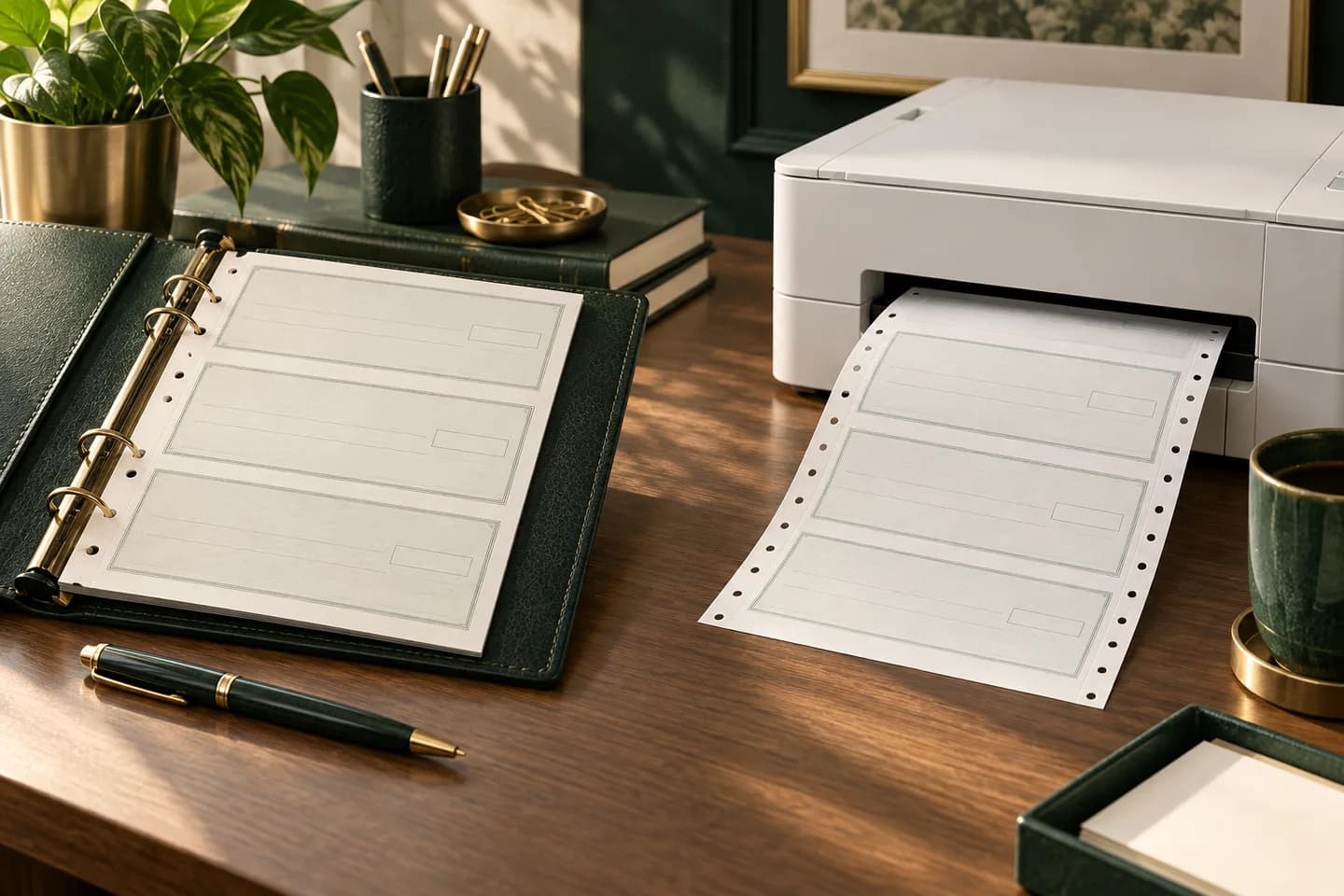
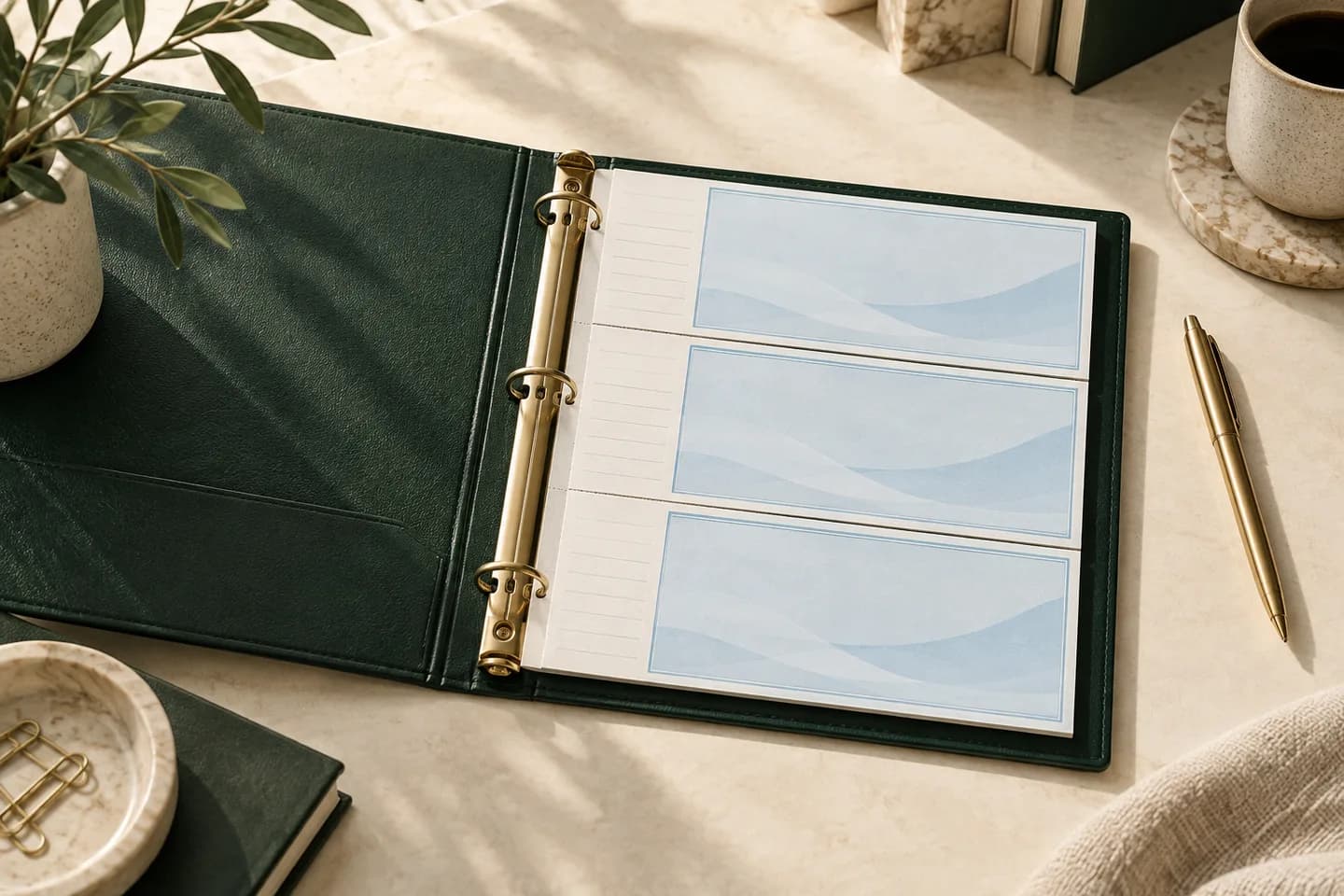
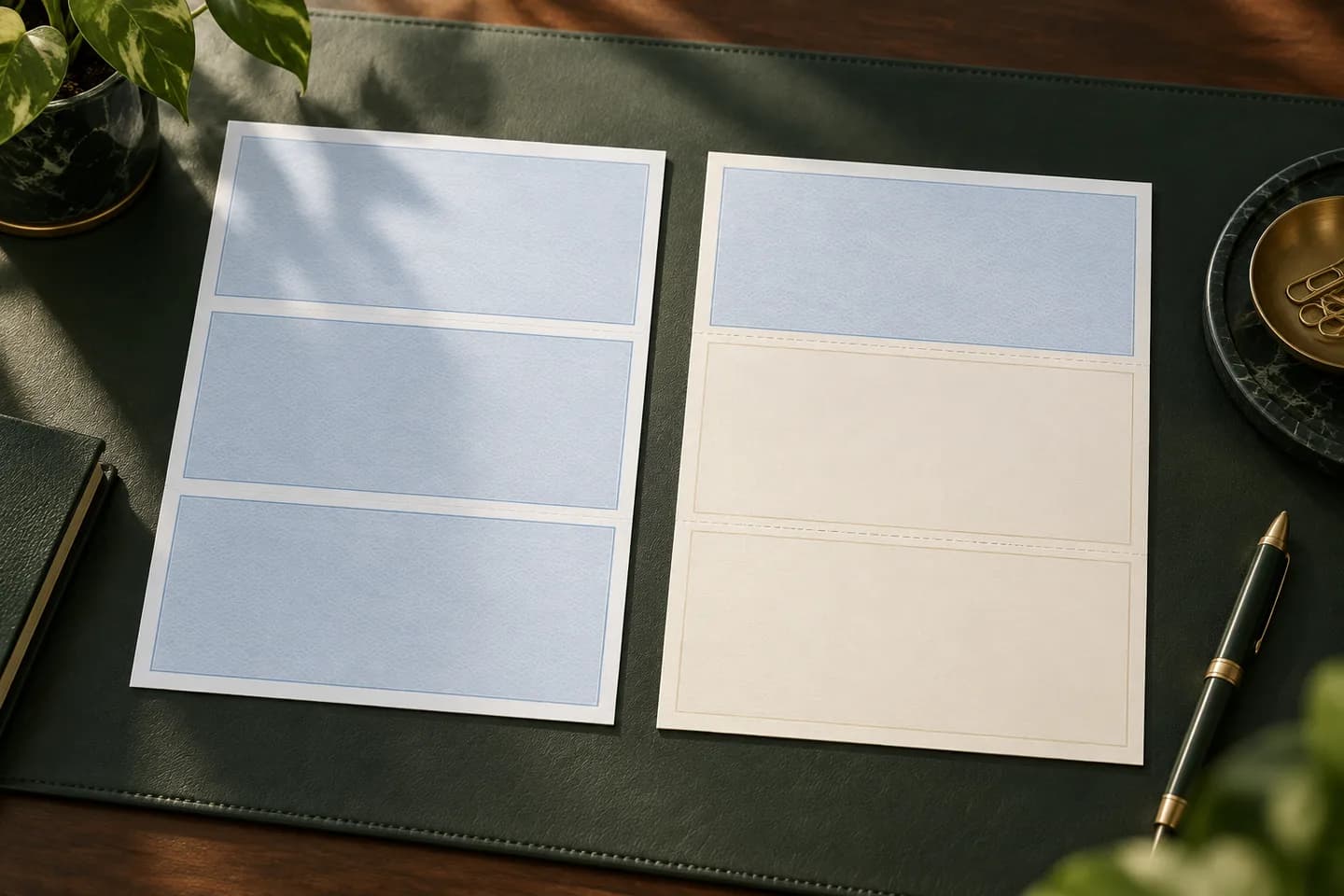
A laser business check sheet is 8.5 x 11 inches, perforated into three panels. One panel is the check, about 3.5 inches tall, and the other two are stubs that carry invoice or payroll detail. The layout name tells you which panel holds the check.
Your software prints text at fixed positions. If it expects the check at the top and your stock has the check in the middle, the payee and amount land on a stub and the check is unusable. That is why layout is the first thing to confirm when you order laser checks, before color, logo or security features. If you are still deciding between printed and handwritten checks, start with our comparison of laser checks vs wallet checks.
Which layout does your accounting software expect?
Most software makes the choice for you, and a few let you switch. Here is where common packages stand, based on their own documentation where available.
| Software | Layouts it prints | Where to look |
|---|---|---|
| QuickBooks Online | Voucher with check on top, or standard (three checks per page) | Print checks, then Print setup |
| QuickBooks Desktop | Voucher, standard or wallet style | Printer setup for checks |
| Xero | Check on top, middle or bottom with vouchers, or up to three per page | Check style editor, Paper Layout |
| NetSuite (basic layouts) | Standard (three per sheet) or voucher (check at top) | Printing and Fax preferences |
| Sage 50 and some others | Often check in middle | Form or check layout settings |
Treat the last row as a starting point and confirm in your own version. For QuickBooks Online specifically, Intuit staff have replied in its community that printing on the bottom of voucher sheets is not available, so bottom stock is the wrong buy for that software.
What are the pros and cons of each layout?
| Layout | Sheet order | Works well for | Watch out for |
|---|---|---|---|
| Check on top | Check, stub, stub | Accounts payable, general use, QuickBooks | Payee sees the check before the stub detail |
| Check in middle | Stub, check, stub | Software that splits detail above and below | Fewer envelopes are marketed for it |
| Check on bottom | Stub, stub, check | Payroll, where the stub detail reads first | Not supported by some software |
If your software supports more than one, check on top is usually the easiest to source stock and envelopes for. Payroll teams sometimes prefer bottom so the employee reads the earnings detail first. The layout does not change how the bank processes the check.
How do you find out which layout you use today?
- Pull a sheet of your current stock and see which panel holds the check.
- Open your software's print setup and write down the check type and layout name.
- Look at the last printed checks in your file to confirm the text lined up.
- Check any reorder form from your previous supplier; it usually names the layout.
- If you are switching software, confirm the new program's layout before ordering.
Switching software is a common way to end up with the wrong stock. A business moving from a middle layout program to QuickBooks Online, for example, needs check on top stock from day one.
How does the layout affect window envelopes?
Window envelopes are designed around where the payee address prints after the sheet is folded. When the sheet is folded in thirds, the check panel faces forward and the payee name and address, printed below the pay to line, should sit behind the lower window.
Envelopes sold for QuickBooks checks are sized for the check on top layout. Blue Summit Supplies, for example, recommends its 3 5/8 x 8 11/16 inch double window envelope for QuickBooks voucher checks. With a middle or bottom layout, fold so the check panel faces the front and test with your real envelope. The postal rule of thumb is that the whole address must stay visible with at least 1/8 inch of clear space inside the window, even when the insert shifts. Our guide to double window check envelopes covers sizes, and the envelope fit tool lets you test a folded sheet against common envelope sizes before you buy a box.
How do you align a new layout before the first run?
Every printer feeds a little differently, so test on plain paper before you print on check stock.
- Select the check type and layout in print setup.
- Print a sample on plain letter paper.
- Place the sample over a blank check sheet and hold both up to a light.
- If fields drift, use the software's alignment grid or offset fields to move them.
- Repeat until the date, payee, amount and signature line sit inside their boxes.
- Print one real check, then a small batch.
In QuickBooks Online, Intuit says the alignment grid can be dragged or adjusted by hand to match your sample. NetSuite uses Horizontal and Vertical Print Offset fields in its printing preferences. The full QuickBooks routine is in our guide on printing checks from QuickBooks without alignment problems.
Does the layout matter for payroll stubs?
Yes, because payroll stubs carry more lines than a vendor stub, so choose a layout your payroll software fills completely; our explainer on voucher checks and detachable stubs covers what the stubs hold.
What should you confirm before ordering laser checks?
Layout is the first item on the list, but not the only one.
- Layout that matches your software: top, middle or bottom.
- Stub labels: multipurpose, accounts payable or payroll.
- Starting check number that continues your sequence.
- Bank routing and account numbers, entered through a secure form, never email.
- Envelopes that fit the folded sheet and show the payee address.
- Enough stock for several months plus the reorder lead time.
Voqado laser checks start at $34.99 for 50 sheets in multipurpose, payroll or accounts payable layouts, and a production proof is prepared before printing. Standard orders take 2 to 4 business days of handling plus 5 to 8 business days in transit, so do the layout test well before your current stock runs out.
Frequently asked questions
Which laser check layout does QuickBooks use?
QuickBooks voucher checks print with the check on top and stubs below. QuickBooks Online also offers standard checks, three per letter sheet. Intuit community replies say QuickBooks Online cannot print checks at the bottom of a voucher sheet, so order check on top stock for voucher printing and confirm the check type in print setup first.
Can I use check on top stock with software that prints in the middle?
Not reliably. The software places the payee, amount and date at fixed positions for its own layout, so the text would land on a stub. Some programs, such as Xero, let you change the paper layout, but if yours does not, order stock that matches the layout it prints.
Why do payroll checks sometimes use check on bottom?
Some payroll teams prefer the check on bottom because the earnings stub is the first thing an employee reads when the sheet is folded and opened. It is a preference, not a rule. Use it only if your payroll software supports the bottom layout and your envelopes show the address correctly.
Does check position affect how the bank processes the check?
No. Once the check is detached along the perforation, the bank sees a normal business check with the MICR line at the bottom edge. The position on the sheet only matters for printing alignment, folding and which window envelope shows the payee address.
Sources & specification notes
The references below support the relevant technical or product details in this guide. Examples and checklists are not claims of practical testing or universal supplier requirements. Confirm the current specifications for your chosen product before production.
- Intuit: Configure print settings for checks in QuickBooks Online ↗
Describes the plain paper sample, light test and alignment grid adjustment.
- QuickBooks Community: How do I print checks at the bottom of voucher checks? ↗
Intuit staff reply that printing at the bottom of voucher sheets is unavailable in QuickBooks Online.
- Oracle NetSuite Help: Setting Check Printing Preferences ↗
Defines standard and voucher check types and the Horizontal and Vertical Print Offset fields.
- Insightful Accountant: Xero simplifies check printing ↗
Reports Xero support for top, middle or bottom voucher layouts or up to three checks per page.
- Blue Summit Supplies: Best envelopes for QuickBooks checks and invoices ↗
Recommends a 3 5/8 x 8 11/16 inch double window envelope for QuickBooks voucher checks.