What is the difference between laser checks and wallet checks?
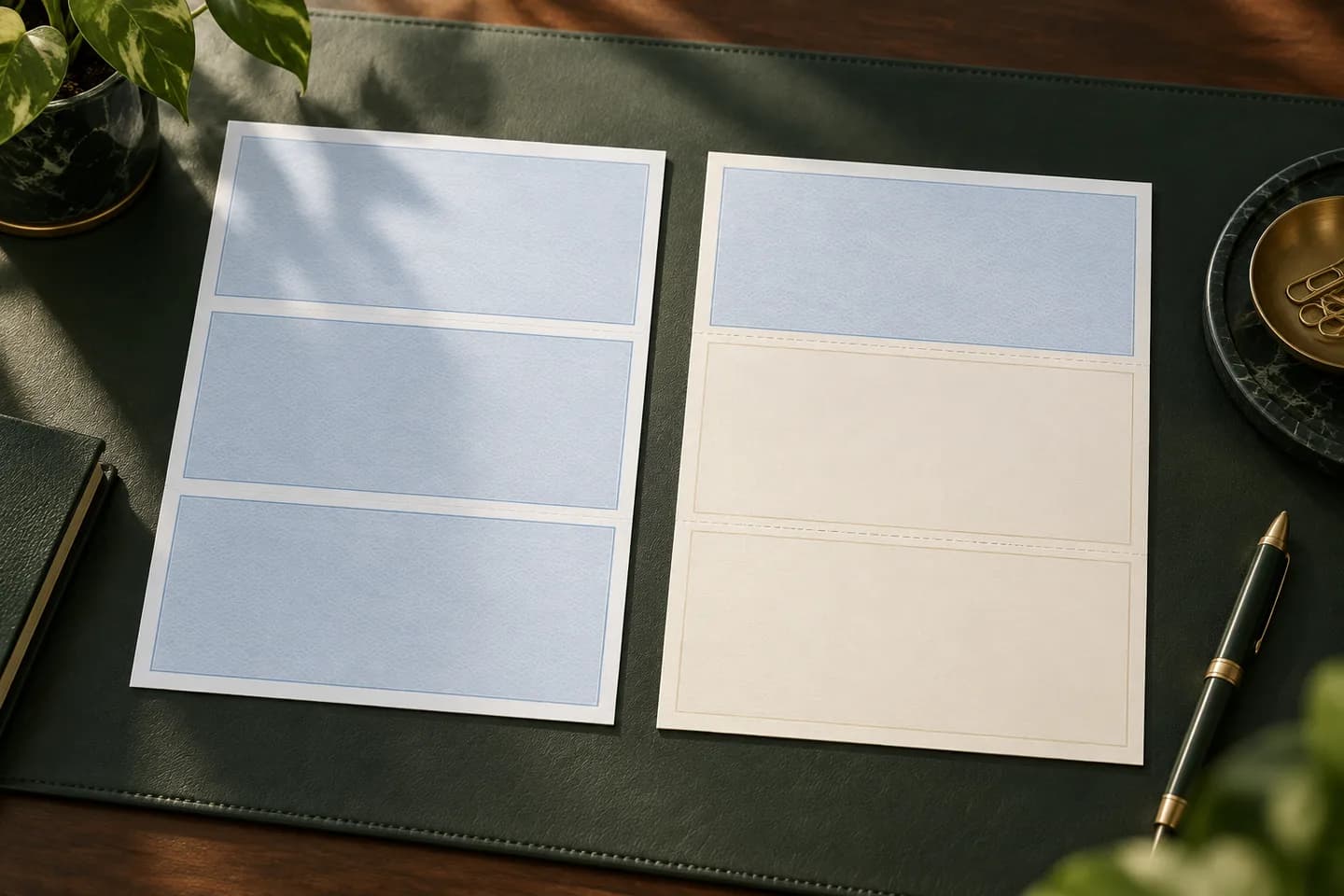
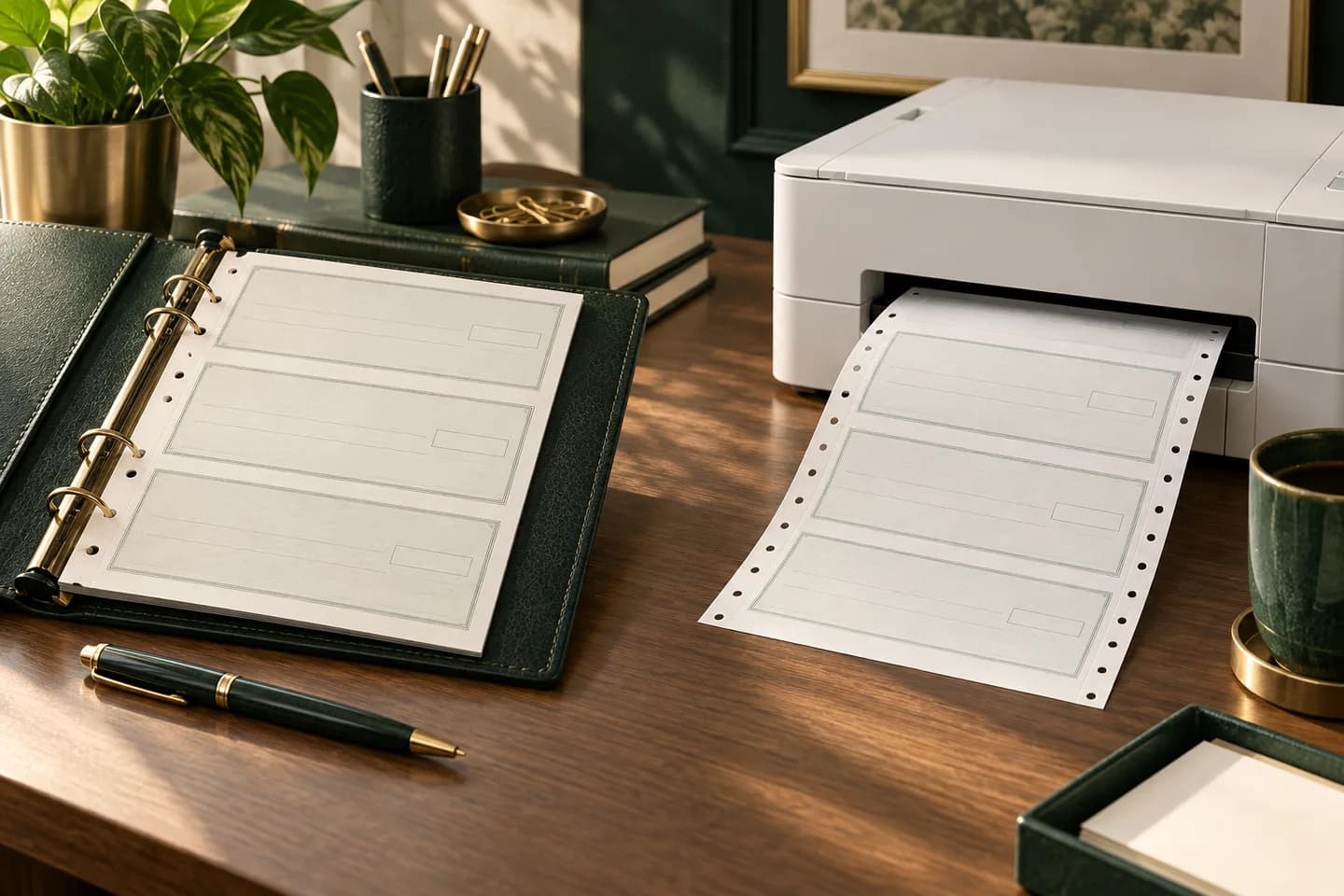
Laser checks are loose 8.5 x 11 inch sheets that you feed through an office laser printer. Your accounting software prints the date, payee, amount and memo, and it records the payment in your books at the same moment. Wallet checks are a bound checkbook of 6 x 2.75 inch checks that you fill in with a pen, the same size most people know from a personal checkbook.
Both carry your routing number, account number and check number in the MICR line along the bottom, and both clear through the bank the same way. The real difference is how the check gets written, where the record lives and how many checks you write in a month.
How do laser and wallet checks compare side by side?
| Factor | Laser checks | Wallet checks |
|---|---|---|
| How it is written | Printed by accounting software | Handwritten with a pen |
| Check size | About 8.5 x 3.5 in, on an 8.5 x 11 in sheet | 6 x 2.75 in |
| Payment record | Saved in software, plus stubs on voucher layouts | Paper register or carbonless duplicate |
| Best volume | Weekly bill runs, payroll, many vendors | A handful of checks a month |
| Equipment | Laser printer and software | A pen |
| Portability | Stays at the desk | Fits in a bag or truck console |
| Typical user | Offices on QuickBooks, Xero or NetSuite | Owners who pay on site or in person |
When do laser checks make more sense?
Choose laser checks when your books already live in accounting software. You enter the bill once, the software prints the check, and the payment lands in the ledger without retyping. That removes the most common bookkeeping error with handwritten checks: a payment that never gets entered.
Laser checks also scale. Paying 25 vendors on a Friday means selecting 25 bills and printing, not writing 25 checks by hand. If your bank offers positive pay, many accounting and check printing tools can export the list of issued checks for upload, which is far easier than typing a handwritten register into a bank portal.
The tradeoff is equipment. You need a working laser printer, a first run on plain paper to confirm alignment, and a quiet place to store unused stock. Our guide on how to print checks from QuickBooks walks through the alignment test step by step.
When are wallet checks the better choice?
Wallet checks win when you write only a few checks a month, or when you pay people where the work happens. A contractor paying a supplier at the yard, a landlord leaving a deposit refund, or a shop owner paying a local vendor at the counter does not want to walk back to a printer.
The weak spot is the record. Every handwritten check has to reach your books somehow, either through a paper register you copy into software or through a duplicate copy you keep. If you forget, your balance is wrong until the check clears. The guide to single and duplicate checks explains when a carbonless copy is worth the extra thickness.
Where do three per page and voucher checks fit in?
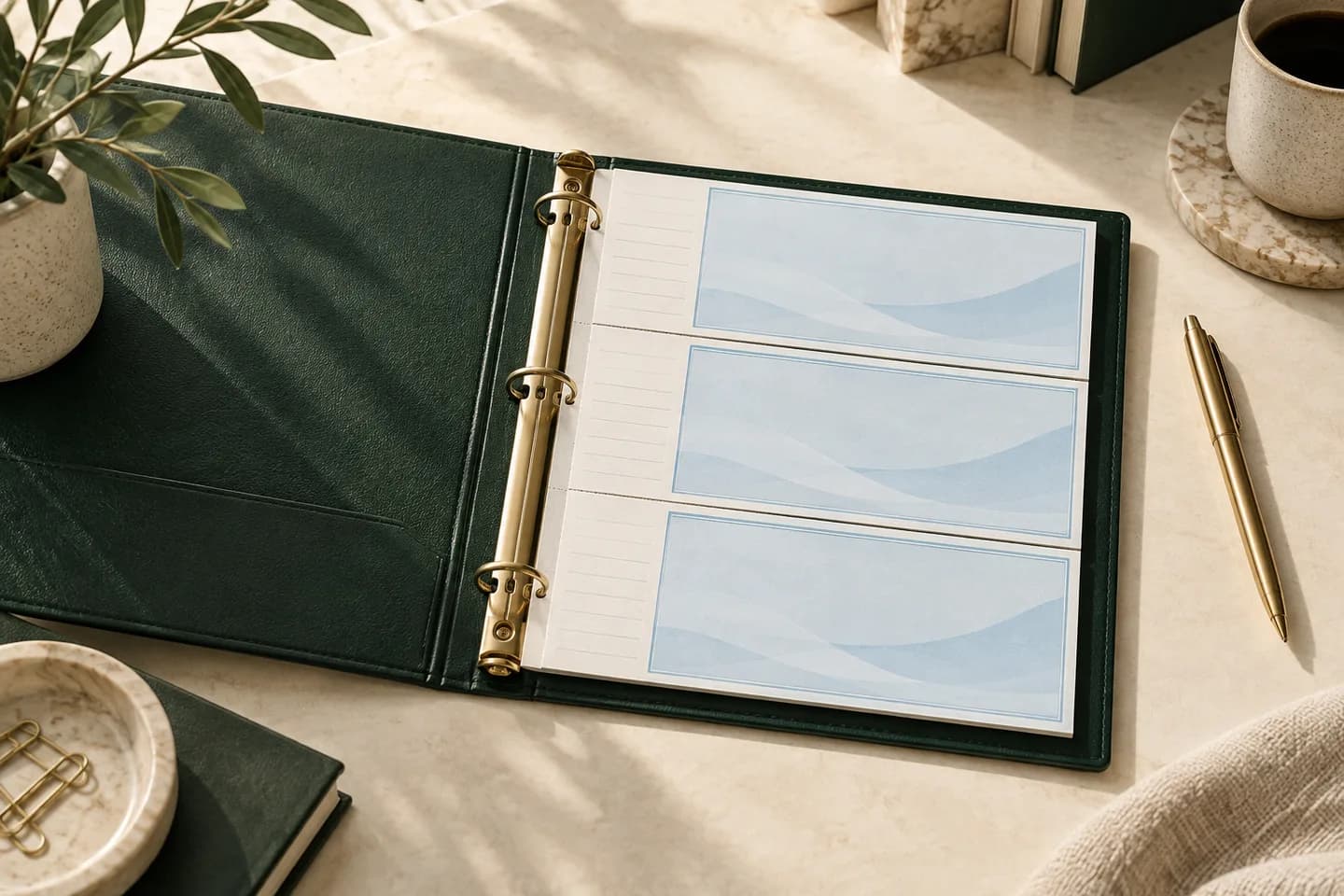
Two other formats sit between these extremes, and they are easy to confuse. Three per page binder checks are handwritten like wallet checks but larger, printed three to a sheet with a record stub for each check, and kept in a seven ring desk binder. Voucher checks are a laser layout with one check and one or two detachable stubs on each sheet, used for invoice detail or payroll earnings.
Watch the word standard. In QuickBooks Online print setup, standard means three laser checks on one letter sheet, which is a software printed format and not the handwritten binder checks. The full breakdown of binder checks is in our guide to three per page checks with stubs, and the stub layouts are covered in how voucher stubs work.
| Format | Written by | Size or layout | Record kept | Voqado starting price |
|---|---|---|---|---|
| Wallet checks | Hand | 6 x 2.75 in, single or duplicate | Register or copy | $11.99 for 100 |
| Wallet trial checks | Hand | 6 x 2.75 in, small first run | Register | $5.99 for 25 |
| Laser business checks | Software | Letter sheet, multipurpose, payroll or accounts payable layouts | Software plus stubs | $34.99 for 50 |
| Three to a page checks | Hand | Check plus side stub, binder sheets | Stub | $10.79 for 54 |
Prices are starting prices at the time of writing and change with options and quantity.
Does your software decide the format for you?
Often it does, so check before you buy. QuickBooks Online offers two check types in print setup, voucher and standard, and Intuit has confirmed in its community that wallet style printing is only available in QuickBooks Desktop. QuickBooks Desktop lists voucher, standard and wallet styles. Note that the Desktop wallet style still means laser sheets of small checks, not a bound checkbook.
Xero added a check style editor that supports check on top, middle or bottom layouts with vouchers, or up to three checks per page. NetSuite basic layouts offer standard, meaning three checks per sheet, and voucher, meaning the check at the top with voucher information below. If a handwritten checkbook is what you want, software compatibility does not matter at all.
How much does each format cost per check?
Use starting prices to compare, then add your own labor. At $11.99 for 100, wallet checks work out to about 12 cents each. At $34.99 for 50, laser checks are about 70 cents each before toner. Three to a page checks at $10.79 for 54 are about 20 cents each.
Now add time. Suppose you write 30 checks a month and each handwritten check takes three minutes to write, enter into the books and file. That is 90 minutes a month. A software batch of 30 might take 15 minutes, because the bills are already entered. If your time is worth $40 an hour, the handwritten route costs about $50 more a month in labor, which dwarfs the paper difference. At five checks a month, wallet checks win easily.
Checklist: which check format should you order?
- You pay bills from QuickBooks, Xero or NetSuite: laser checks.
- You run payroll on paper checks and need an earnings stub: laser voucher layout.
- You write fewer than about ten checks a month: wallet checks.
- You pay people on job sites or at a counter: wallet checks.
- You write checks at a desk by hand and want a stub for each one: three per page binder checks.
- You are unsure and want to test the look first: a small wallet trial run.
- Your bank offers positive pay and you want to use it: laser checks from software that exports an issue file.
How do you order once you have picked a format?
Gather your legal business name, address, bank routing and account numbers and a starting check number. With Voqado, bank numbers go into a protected form that is encrypted separately from the cart, and a production proof is prepared before printing, so never send bank numbers by email. Standard orders ship within the United States with 2 to 4 business days of handling plus 5 to 8 business days in transit, so order before your current supply runs low. If you are still torn, the check format finder asks three questions and points you to one format, and the business checks page shows every format with its layouts and options.
Frequently asked questions
Can I use wallet checks for my business?
Yes. Wallet checks work for a business account as long as they carry the business name and the correct bank details in the MICR line. They suit owners who write a few checks a month or pay people in person. The limit is record keeping: every handwritten check must be entered in your books by hand, so plan on a register or duplicate copies.
Can QuickBooks Online print wallet checks?
No. QuickBooks Online print setup offers voucher and standard check types only, and Intuit has stated in its community that wallet style printing works only in QuickBooks Desktop. If you use QuickBooks Online, order voucher checks for one check per sheet with stubs, or standard checks for three laser checks per sheet.
Are laser checks bigger than wallet checks?
Yes. A laser business check is about 8.5 x 3.5 inches and is printed on an 8.5 x 11 inch sheet, often with stubs. A wallet check is about 6 x 2.75 inches, the size of a typical personal check. The larger laser check leaves room for a longer payee name, a printed address block and a memo line that shows through a window envelope.
Do laser checks need MICR toner?
Not if the checks arrive preprinted. Preprinted laser checks already carry the magnetic MICR line, so your printer only adds the date, payee and amount in regular toner. MICR toner is needed only when you print on blank check stock and your software adds the bank numbers itself, because industry standards require that line in magnetic ink.
Sources & specification notes
The references below support the relevant technical or product details in this guide. Examples and checklists are not claims of practical testing or universal supplier requirements. Confirm the current specifications for your chosen product before production.
- Intuit: Print a check in QuickBooks Online ↗
Confirms the two QuickBooks Online check types: standard (three per page) and voucher (one check with stubs).
- QuickBooks Community: How can I print wallet checks vs standard or voucher checks? ↗
Intuit reply stating wallet checks are compatible only with QuickBooks Desktop.
- Intuit: Create, modify, and print checks in QuickBooks Desktop ↗
Lists the voucher, standard and wallet check styles in QuickBooks Desktop.
- Oracle NetSuite Help: Setting Check Printing Preferences ↗
Defines NetSuite standard (three checks per 8.5 x 11 sheet) and voucher (check at top) types.
- Insightful Accountant: Xero simplifies check printing process for businesses ↗
Reports Xero's check style editor with top, middle or bottom voucher layouts and up to three checks per page.