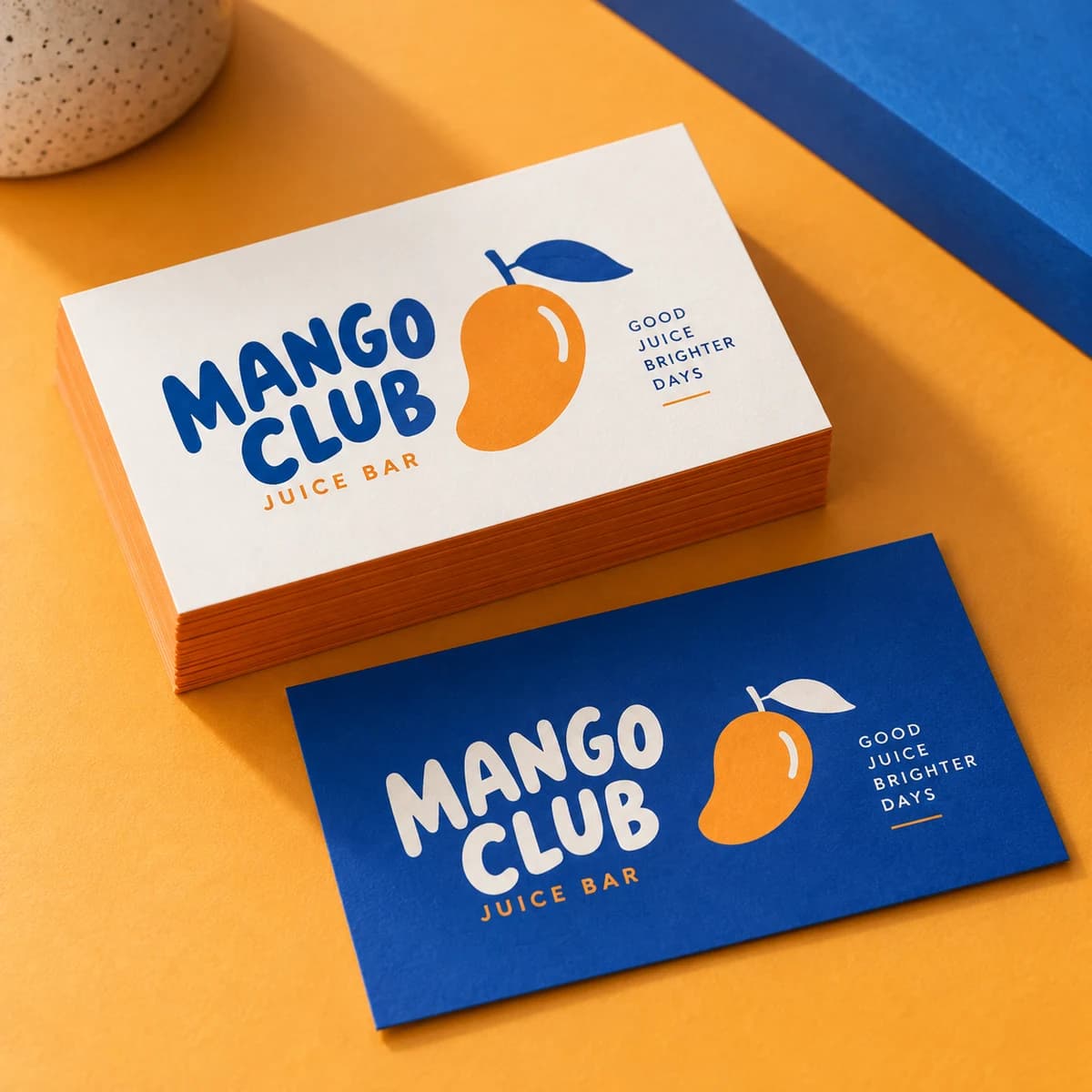
THE EVERYDAY ESSENTIAL
Standard business cards
From $10.0050 items
The classic handshake in card form. Clean, reliable, and ready to carry your name wherever you go.
Choose options Start without artwork · Tax and delivery shown before payment.From a clean first hello to an unforgettable finish. Compare papers, shapes and finishes, then confirm the available options for your order.
The main decision: Choose a shape, then a paper and finish that work together.
The classic handshake in card form. Clean, reliable, and ready to carry your name wherever you go.
Choose options Start without artwork · Tax and delivery shown before payment.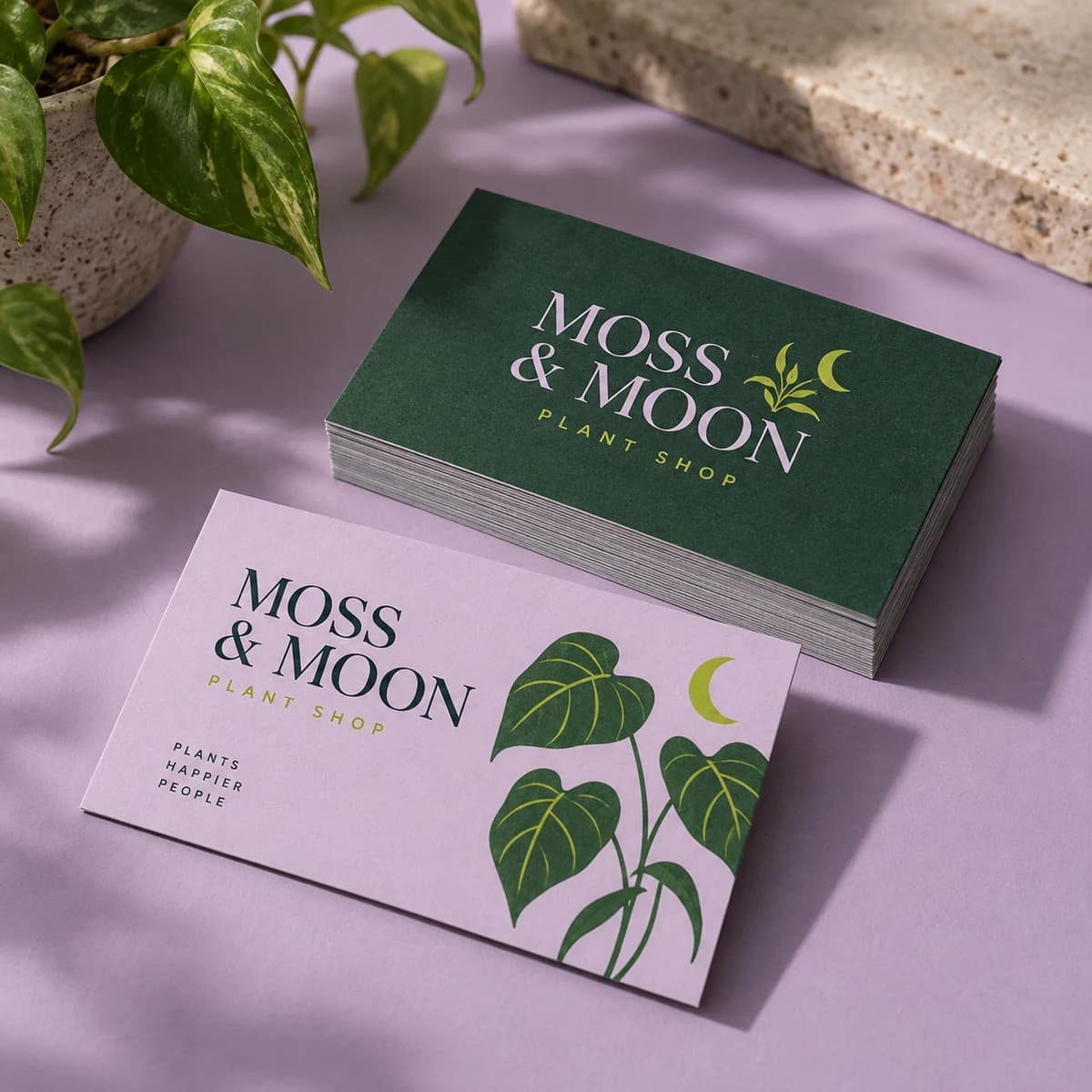
Smooth, understated, and all about your message. Matte keeps the spotlight on your words, not the shine.
Choose options Start without artwork · Tax and delivery shown before payment.
Give your colors a little extra energy. Glossy makes photography glow and bold color sing.
Choose options Start without artwork · Tax and delivery shown before payment.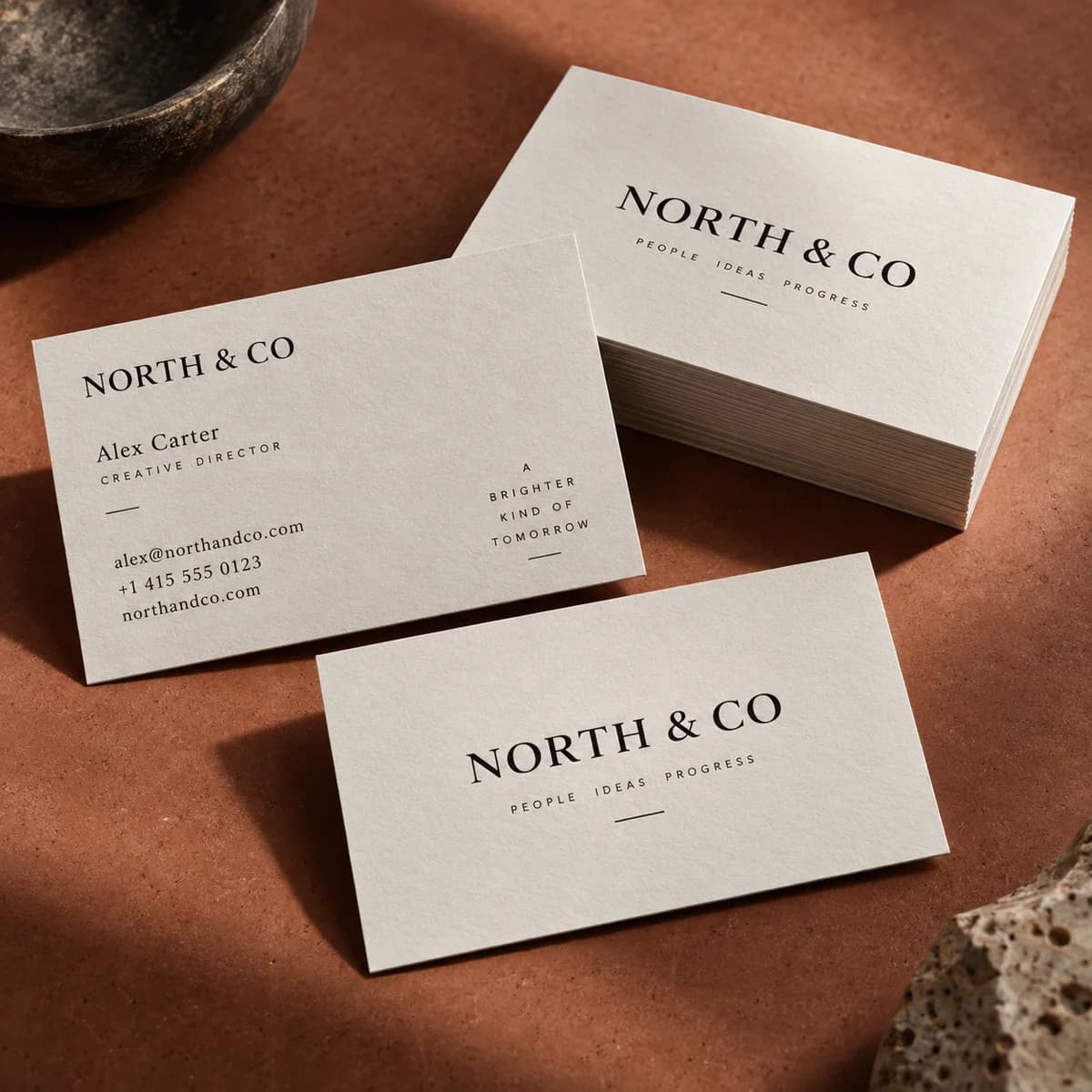
A natural surface for a more personal hello. Uncoated paper invites a pen, a note, a human touch.
Choose options Start without artwork · Tax and delivery shown before payment.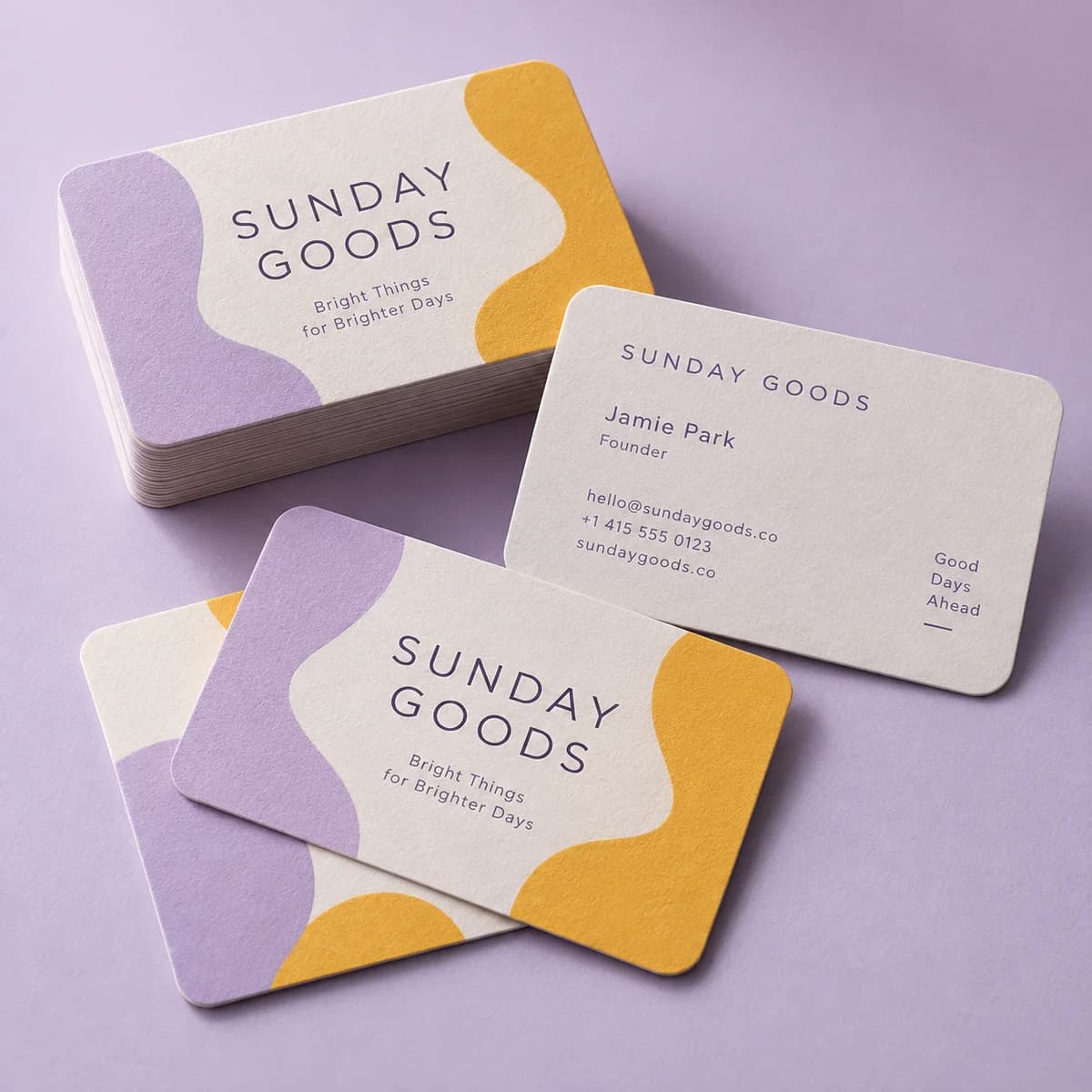
A softer edge on a strong first impression. Rounded corners feel modern, friendly, and they resist bending.
Choose options Start without artwork · Tax and delivery shown before payment.
A different shape. The same unmistakable you. Square cards break the rectangle habit and get noticed.
Choose options Start without artwork · Tax and delivery shown before payment.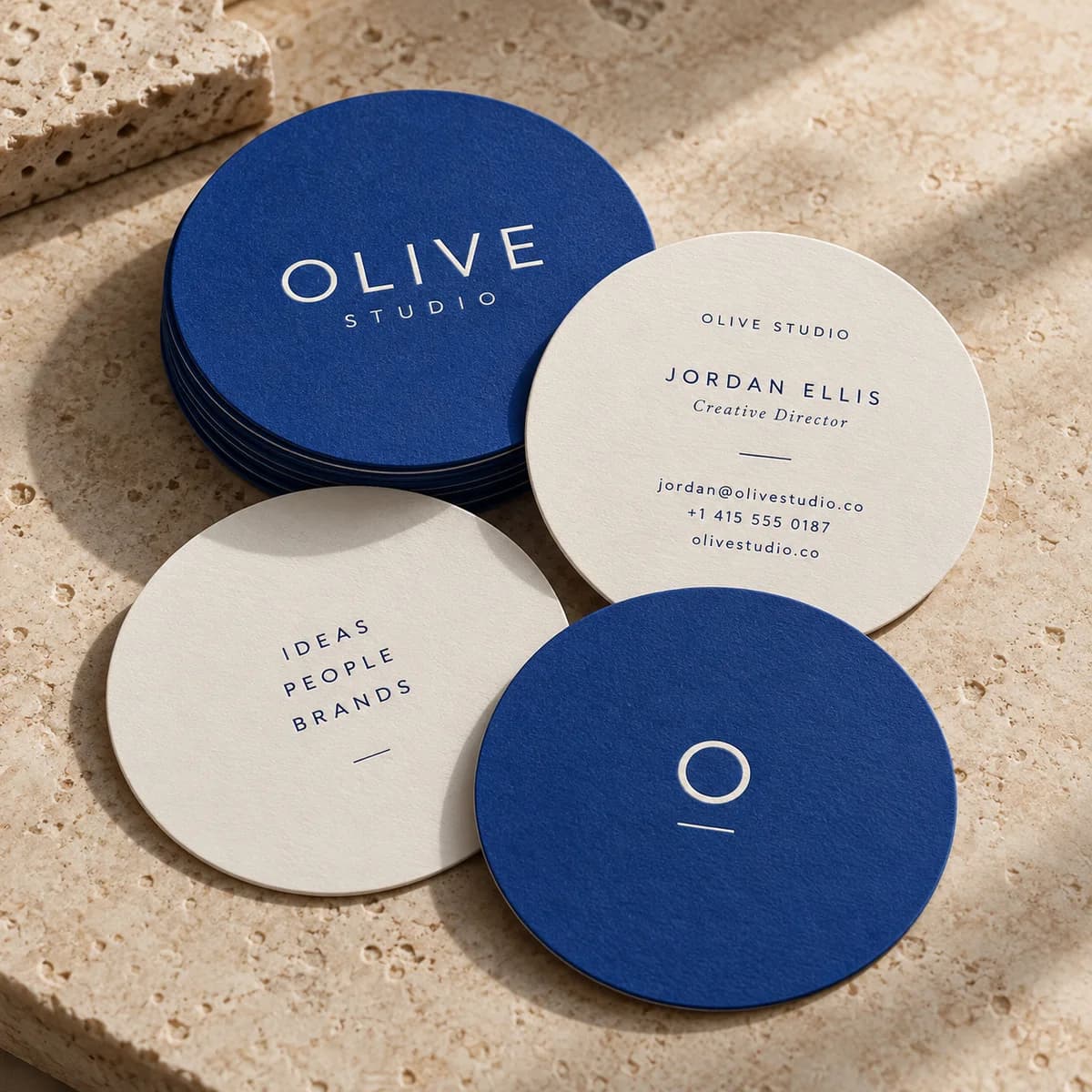
Round out your brand with a little surprise. A circular card nobody expects, and nobody forgets.
Choose options Start without artwork · Tax and delivery shown before payment.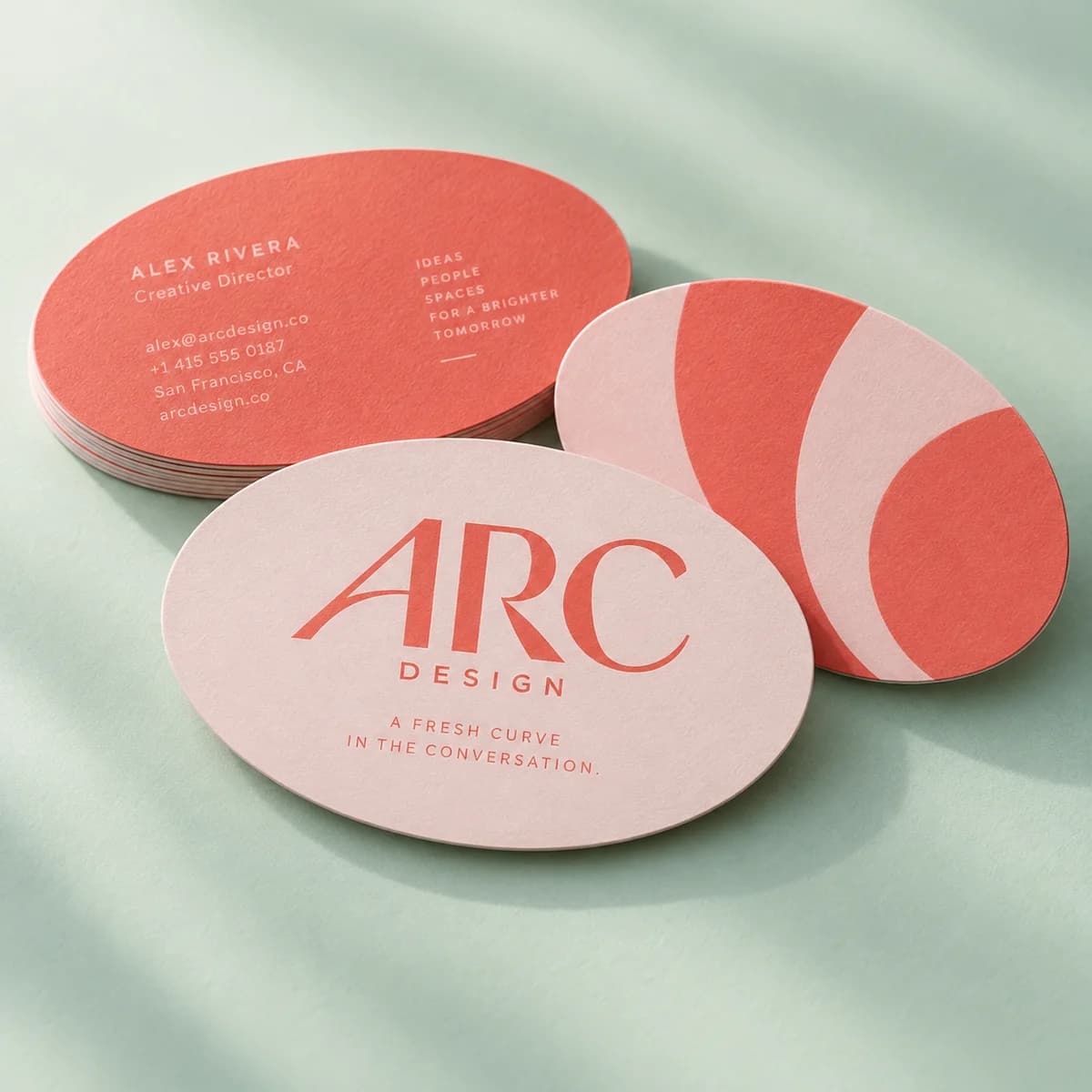
A fresh curve in the conversation. The oval keeps the familiar footprint with a friendlier outline.
Choose options Start without artwork · Tax and delivery shown before payment.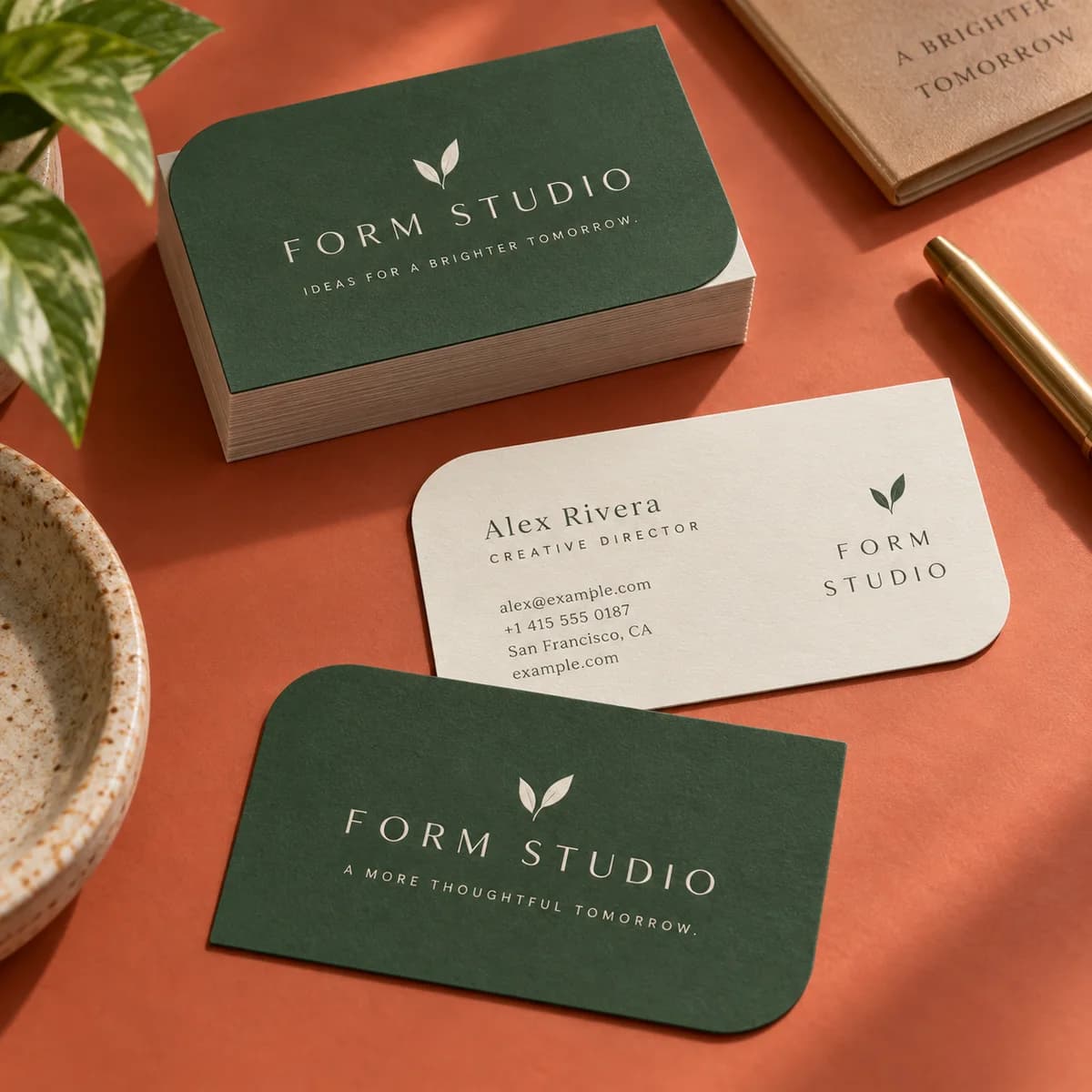
An unexpected shape for a memorable mark. The leaf says natural, organic and a little bit daring.
Choose options Start without artwork · Tax and delivery shown before payment.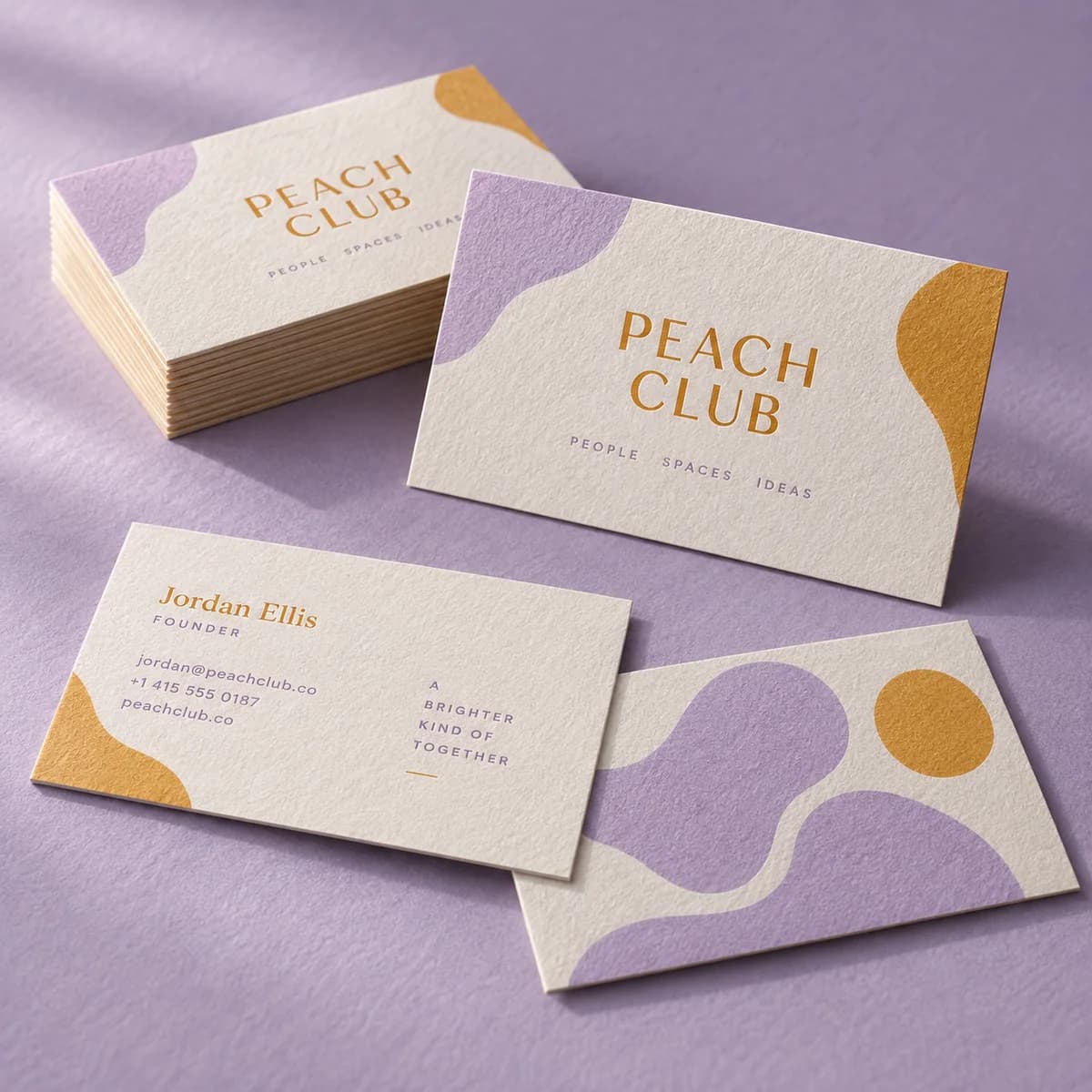
Let the paper bring its own personality. A natural texture for brands with quiet confidence.
Choose options Start without artwork · Tax and delivery shown before payment.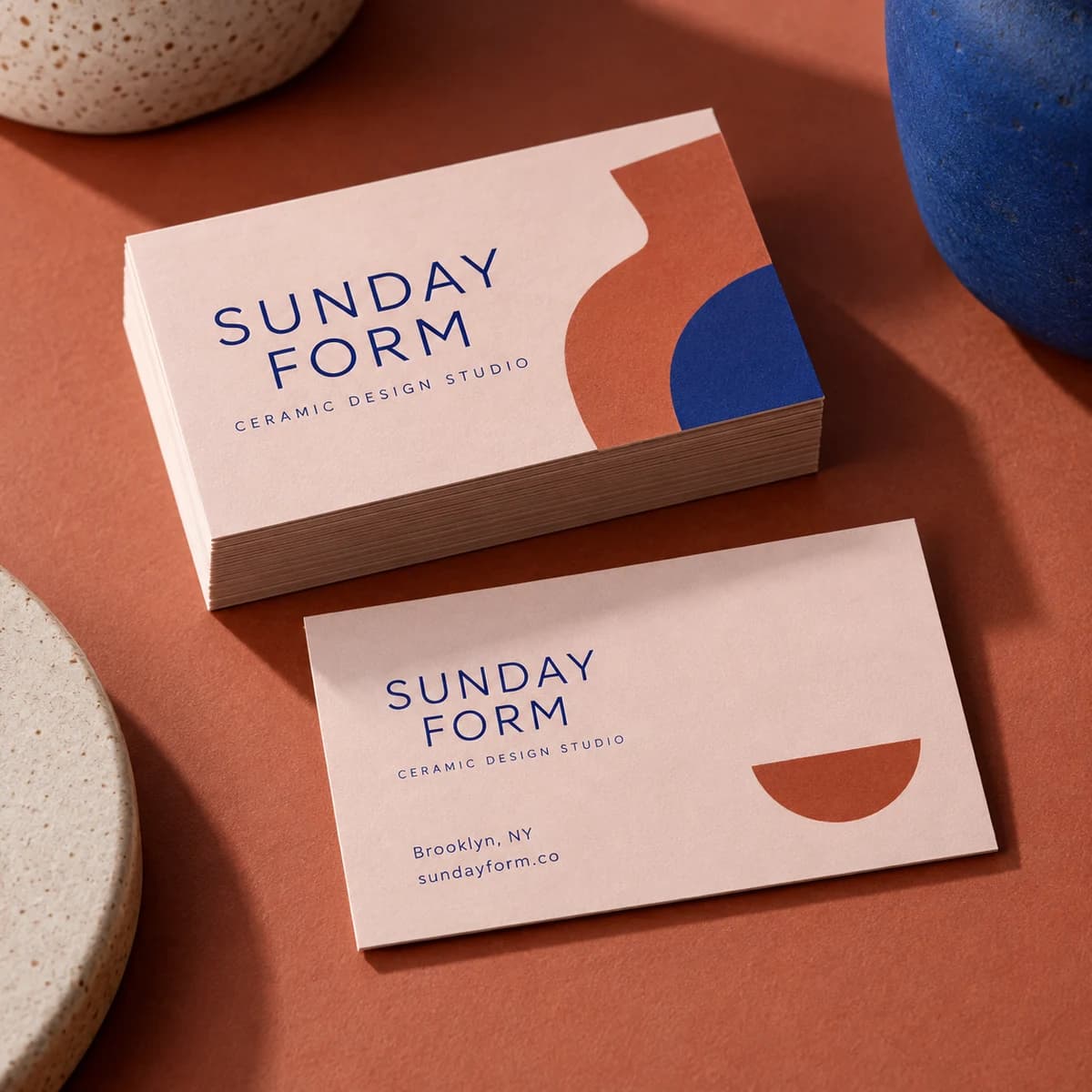
An introduction you can feel. Soft touch paper has a velvety texture that makes every handoff a little moment.
Choose options Start without artwork · Tax and delivery shown before payment.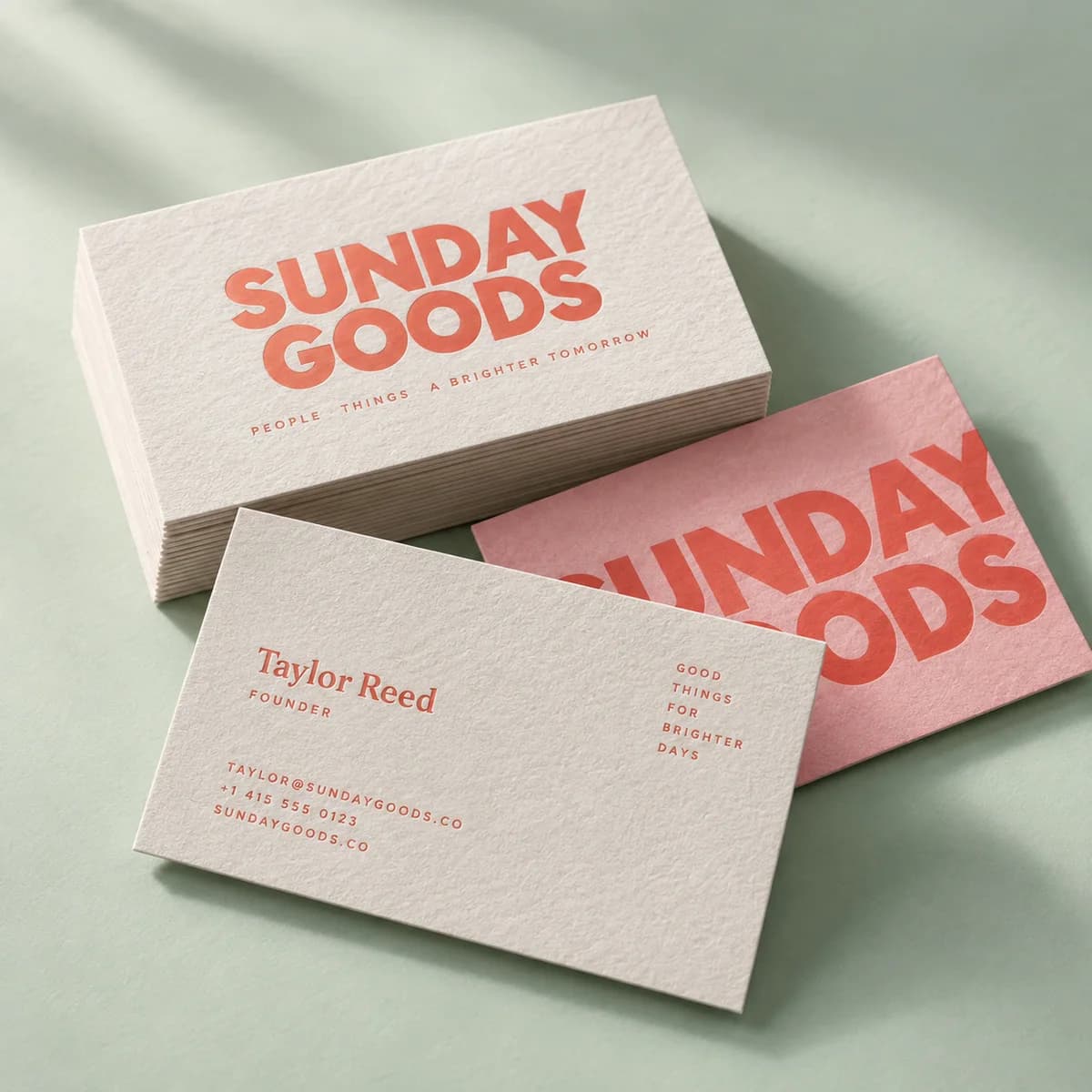
A little softness. A lot of character. Cotton paper gives your card a classic, crafted feel.
Choose options Start without artwork · Tax and delivery shown before payment.Showing 12 of 36 products
Jump directly to a format, grouped by product type. Each product page shows available options, current starting prices and the online ordering path.
Every product page lists its available options, the current starting price and the production template for its artwork. Compare a few formats before you commit to one.
Explore the print guides START HERE
Business cards by industry · 7 MIN READ
Business card ideas for 16 professions: the one job each card must do, the paper that suits it, and the license or legal details some trades must print.
Read the guide
Business card print planning · 7 MIN READ
Make business cards in seven steps: purpose, wording, a 3.5 × 2 in canvas with bleed, clear hierarchy, the right stock, a careful proof and a smart quantity.
Read the guide
Business card paper & finishes · 5 MIN READ
Thick business cards explained: what 14 pt, 16 pt and 32 pt mean, how layered stocks are made, the tradeoffs, and which businesses gain most from the upgrade.
Read the guide
Business card design decisions · 6 MIN READ
Eighteen business card design ideas grouped by goal, with the layout, type and paper choice that makes each one work when printed at 3.5 × 2 in.
Read the guide
Business card print planning · 6 MIN READ
How to get cheap business cards that still look professional: which options drive price, where saving is safe, and the few details you should never cut.
Read the guide
Business cards at work · 6 MIN READ
Business card etiquette for meetings, events and travel: when to offer a card, how to hand it over and receive one, customs abroad and how to follow up after.
Read the guideHelp us improve Voqado with analytics? Details