DESIGN CONCEPT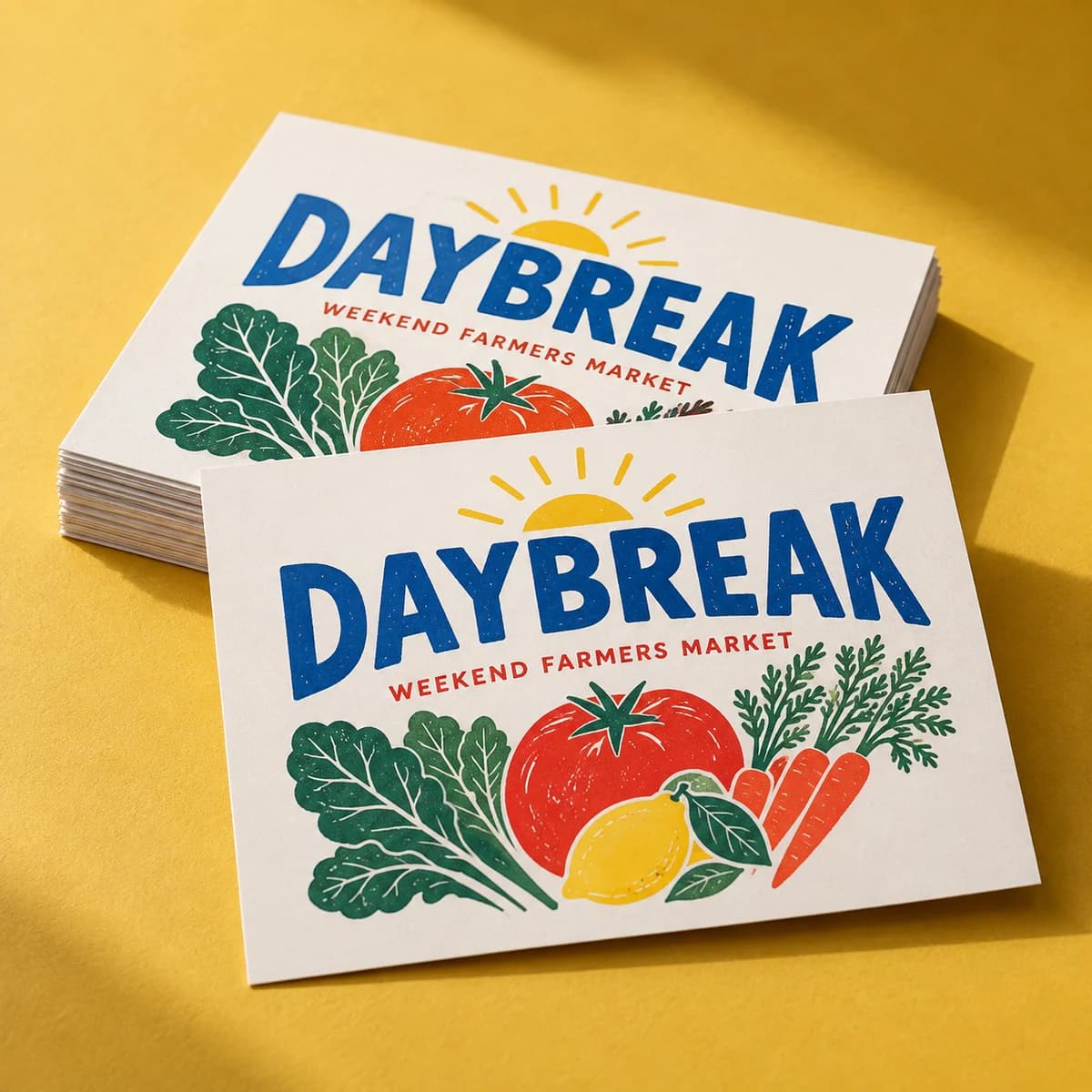
Design inspiration · Your artwork stays yours
From $10.00· 50 cardsTax and delivery shown before payment.
Make your next connection one scan away. A QR code turns your card into a doorway.
Why make people type when they can tap? A QR code on your card links straight to your site, portfolio, booking page or menu, no spelling, no searching. Our digital printing keeps fine details like QR codes crisp and scannable. Add the code in Studio, print the URL alongside it as backup, and scan test before you approve.
Opening product configuration…
Business card questions answered · 6 MIN READ
NFC business cards open a link when tapped on a phone. See which phones read them, what to store, where taps fail, and when a QR code works better.
Read the guide
Business cards at work · 6 MIN READ
Digital business card vs paper compared on cost, memory, speed and privacy, with the situations where each wins and how a QR code card gives you both.
Read the guide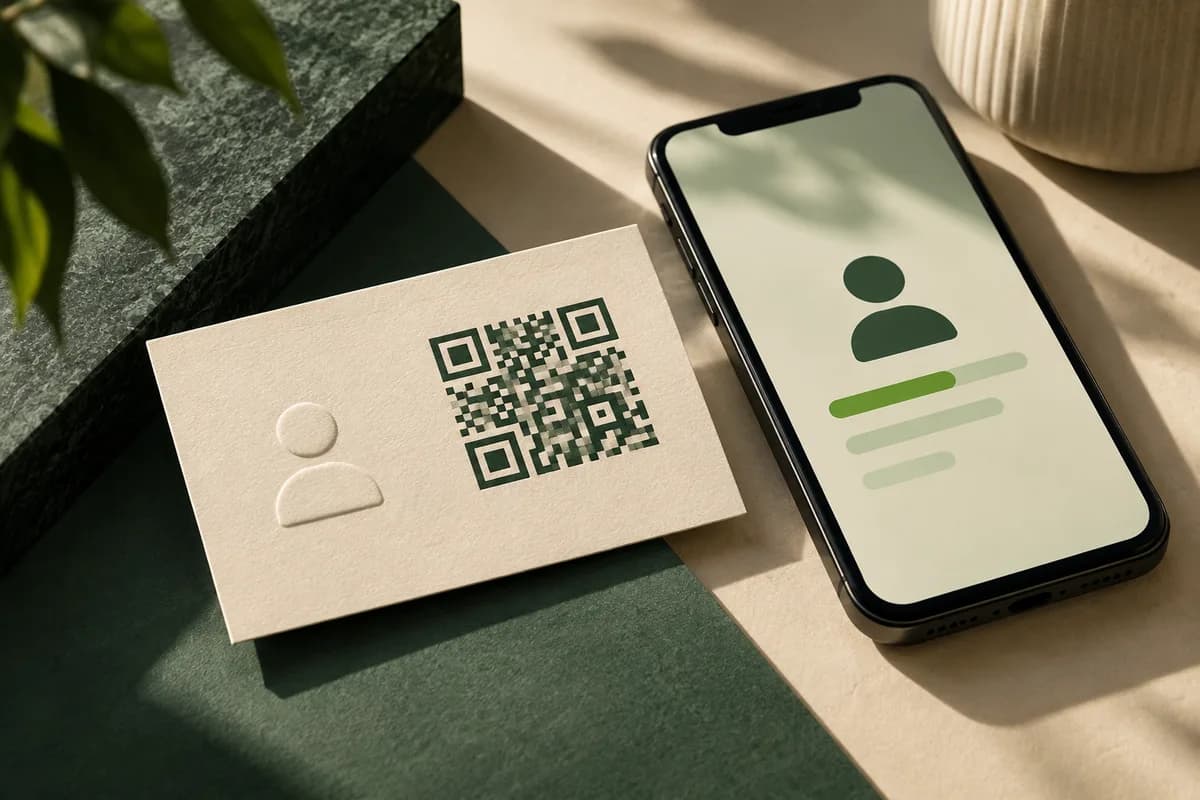
Business card QR & response · 5 MIN READ
A QR vCard business card stores a contact record that phones can save in one scan. Choose static or hosted data, keep fields short and test the saved contact.
Read the guide
QR codes & links for print · 5 MIN READ
A QR code helps when scanning saves real effort, like a long form or booking page. Skip it when a phone number or short address does the job better.
Read the guide START HERE
Business card print planning · 5 MIN READ
A practical guide to business card printing: the 3.5 × 2 inch standard, paper and finish choices, bleed and file setup, quantity planning and delivery times.
Read the guide START HERE
Business card design decisions · 5 MIN READ
A business card needs your name, title, company, one or two contact routes and a website. See what to add, what to cut and how to lay out both sides.
Read the guideStart with 50 cards for $10.00. We check your file for free and you approve a proof before we print.
COMPLETE YOUR PRINT KIT
Useful extras for your business. Choose what fits.
Add your logo and colors to preview a coordinated look.
Create a Brand Kit ↗Choose a saved design or start with your Brand Kit. Edits open in a separate copy.
Suggestions selected for this product. Matches use your words in this browser.
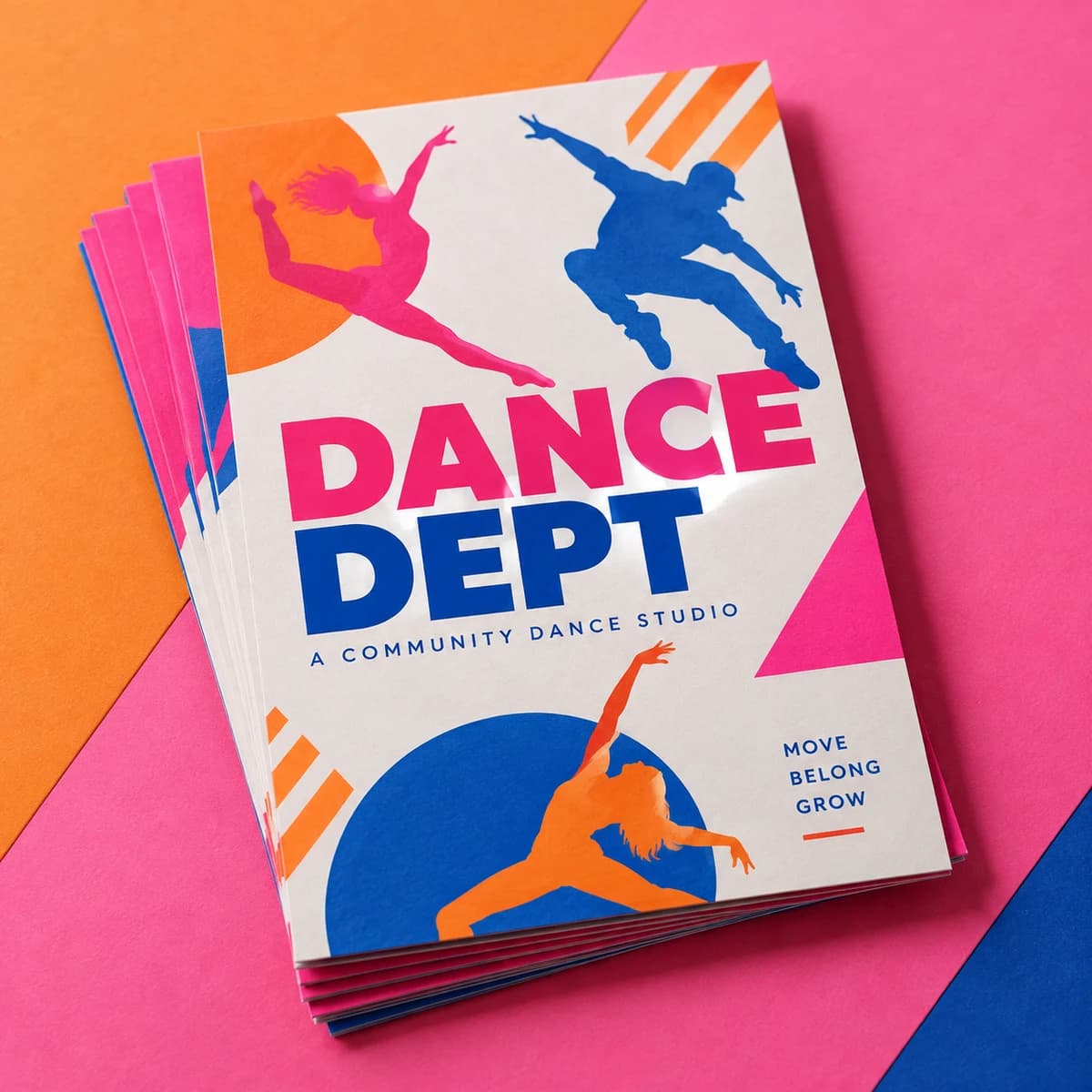
Previews are not production proofs. Customizing creates a separate editable project; your original stays unchanged. Review both sides, bleed and image quality before printing. Product links open options without transferring artwork. Your logo, cart contents and typed request stay out of AI requests. Nothing is added to your cart automatically.
Start with the format, compare the choices, then prepare the artwork for your exact order.
Published Studio profile
Full bleed 3.61 × 2.11 in; safe area 3.36 × 1.86 in. Applies to the standard rectangular format; confirm your chosen paper, finish, and printed sides.
Not every combination is available. Use the configurator to select quantity and options; payment is available only when that exact combination has an approved price.
Choose my options ↑Swipe or scroll sideways to see every column. Keyboard users can focus the table and use the arrow keys.
| Format | Consider it for | Check before ordering |
|---|---|---|
| Standard business cards | A straightforward starting point | Confirm paper, finish and printed sides. |
| Matte business cards | A low-sheen look | Compare the selected stock and finish before ordering. |
| QR code business cards You’re here | A route from print to a website | Test the final code at its printed size. |
Add it in Studio when designing, alongside a readable printed URL.
Your website, portfolio, booking page, menu, vCard: anything a scan should open.
Always test the code at its final printed size, and print the URL too in case a phone can't scan.
Square cards are especially good for showcasing a QR code: the shape gives it room to breathe.
Yes. Upload print ready PNG, JPEG or WebP artwork, or build an editable layout in Studio. Review size, bleed, safe area and both sides before ordering.
The displayed item subtotal covers the selected quantity and options. Tax and delivery are calculated during secure checkout before you pay.
Yes. Add the product to your cart now and attach final artwork later from your saved order.
Pieces that pair well with this one.
Help us improve Voqado with analytics? Details