What file specifications does a printer need?
Printers ask for the same short list on almost every job, because each item removes a common reason for delay. The table summarizes the usual targets for small format pieces such as business cards, postcards and flyers.
| Item | Typical target | Why it matters |
|---|---|---|
| Document size | Trim plus 0.125 in bleed per side | Color reaches the edge after cutting |
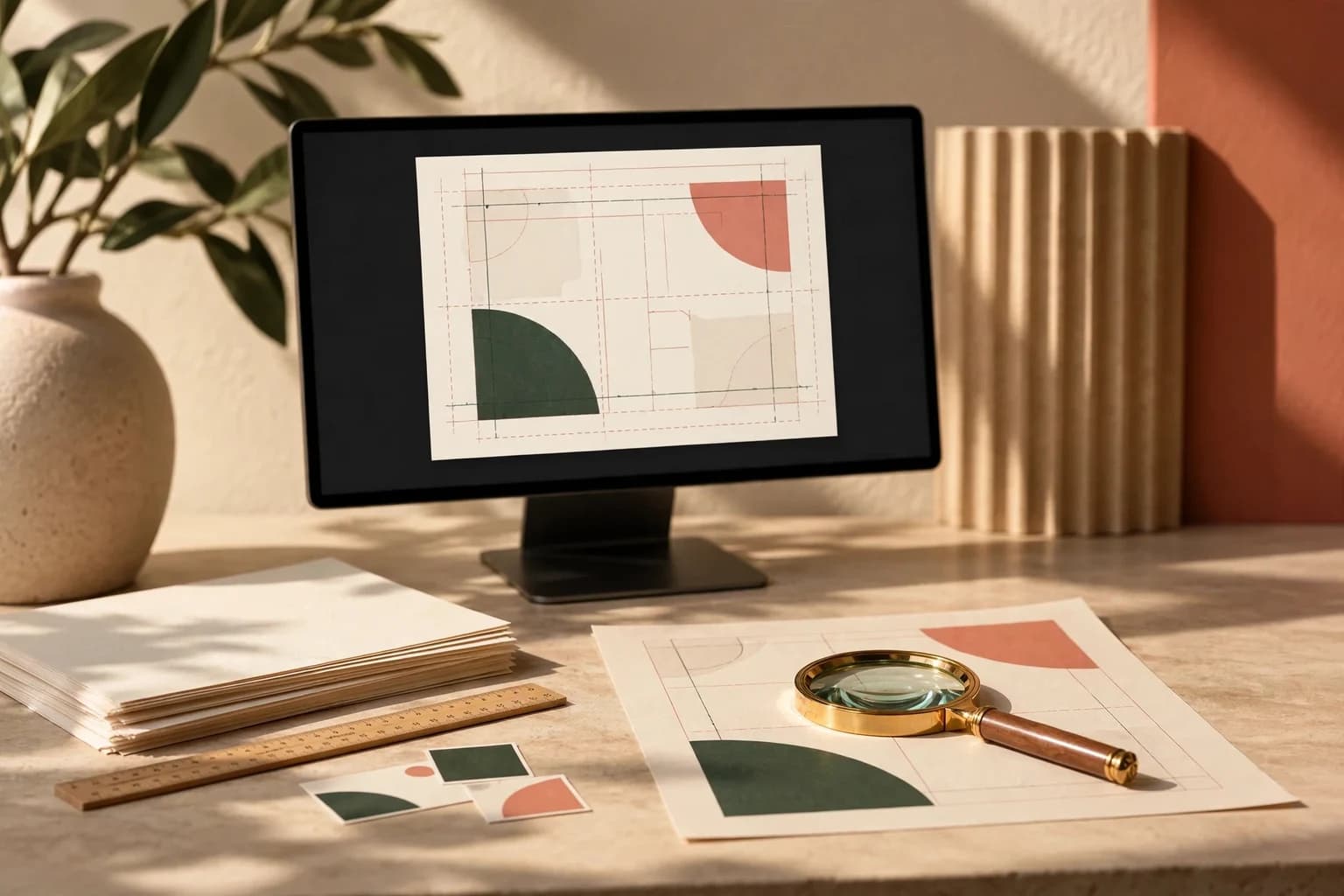
| Safe area | 0.125 in or more inside the trim | Text and logos survive a small cutting shift |
| Image resolution | 300 ppi at final printed size | Photos stay sharp at reading distance |
| Logos and type | Vector artwork where possible | Edges stay crisp at any size |
| Fonts | Embedded in the PDF or outlined | The printer sees the typeface you chose |
| Color | CMYK or a managed workflow | Fewer surprises when screen color meets ink |
| Thin lines | 0.5 point or heavier | Hairlines can disappear on press |
| File format | Press quality or PDF/X export | Layout, fonts and images travel together |
The U.S. Government Publishing Office guidelines back several of these numbers: a 1/8 inch minimum bleed, 300 ppi scans at a one to one output size and no rules thinner than 0.5 point. Always compare the list with the template for the exact product you are ordering.
What resolution should print artwork be?
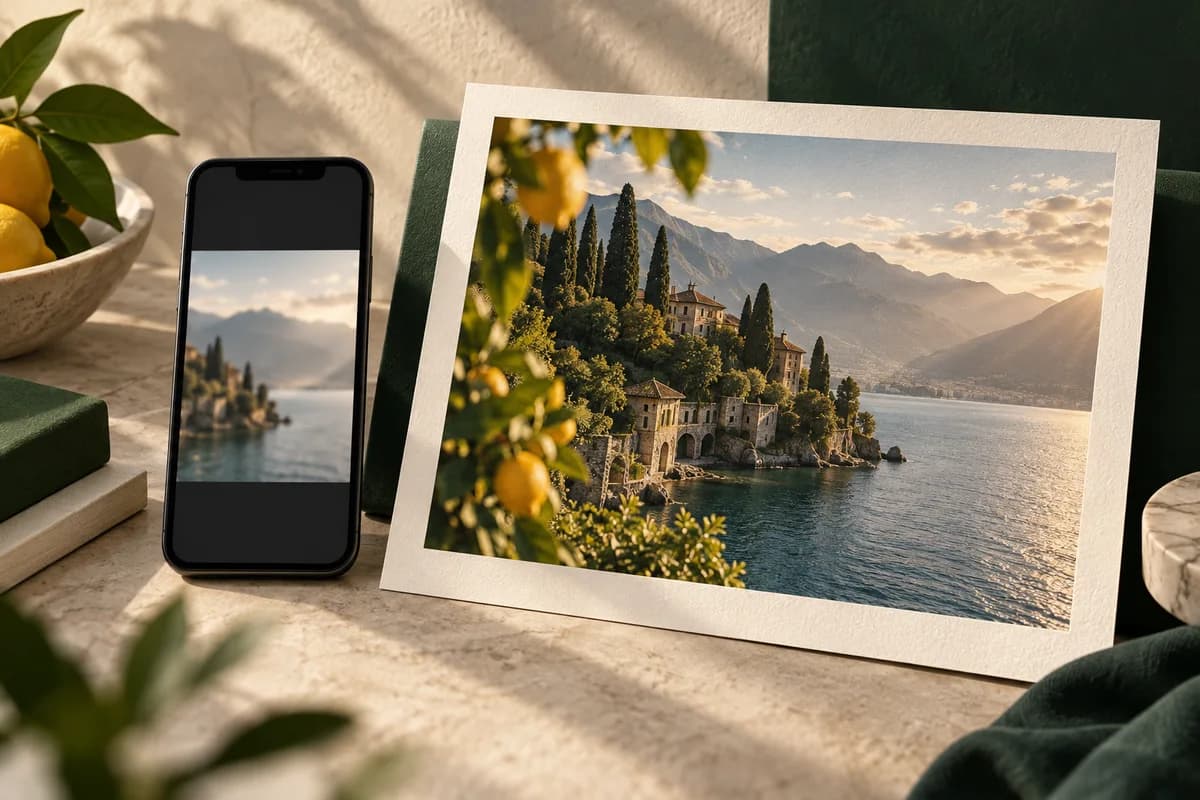
Aim for 300 pixels per inch at the size the image will print. Resolution is a ratio, so the pixel count you need grows with the print size. A 4 x 6 postcard needs 1200 x 1800 pixels of real image data, or 1275 x 1875 with bleed included. A photo exported for a website at 600 x 900 pixels will look soft on that card no matter what number the file header shows.
Changing the ppi value in an image editor without adding pixels does not add detail. If an image is too small, choose a smaller placement, find the original file or replace it. For a quick check of a specific photo, a print resolution calculator converts pixel dimensions into the largest sharp print size. Posters viewed from across a room can use lower ppi values, which the separate poster guides explain.
Should logos be vector or raster?
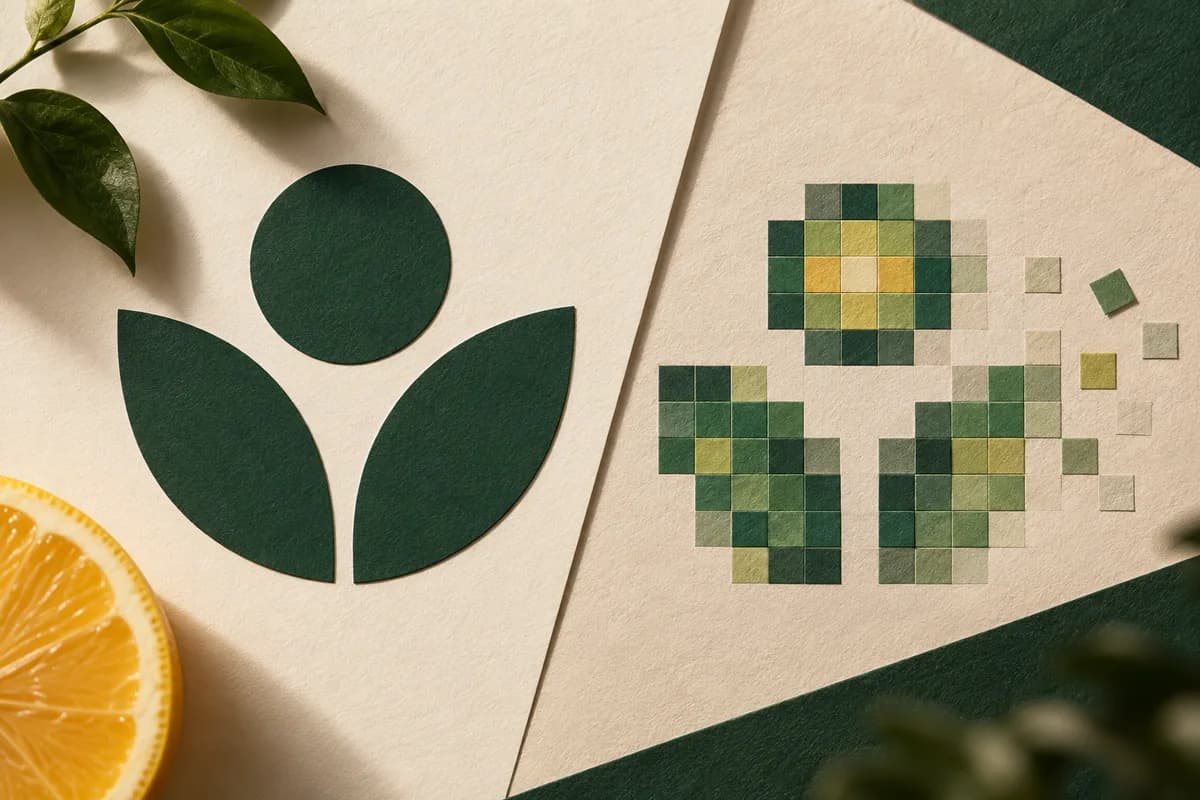
Vector artwork describes shapes mathematically, so a logo stays sharp whether it prints on a card or a banner. Raster artwork is a grid of pixels and softens when enlarged. Send logos as vector files, such as a PDF, SVG or EPS from the original design application, whenever you can. The deeper comparison of vector or raster logos covers when a high resolution raster file is acceptable.
Screenshots are the most common source of weak artwork. They capture screen pixels at screen size, often with compression, and they rarely have enough data for print. The guide on why screenshots make weak print artwork shows what to request instead.
Should artwork be RGB or CMYK?
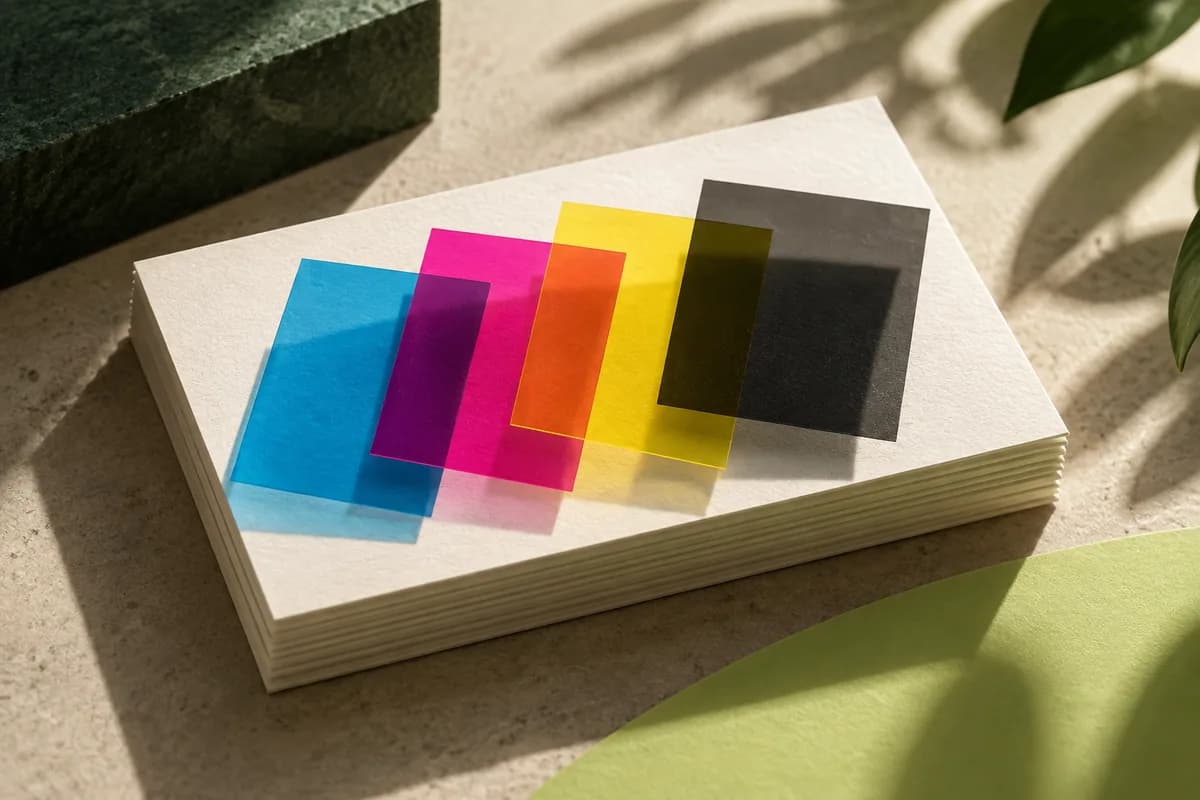
Screens mix red, green and blue light. Presses lay down cyan, magenta, yellow and black ink, which cannot reproduce every bright screen color. Vivid blues, greens and oranges often print noticeably duller than they look on a monitor.
You have two sound options. Design in CMYK from the start, or keep RGB images and export through a color managed preset your printer accepts. Either way, review the converted colors before approving. For brand colors that must match across products, the article on brand colors for print explains how to specify CMYK values and when a spot color is worth asking about.
How do you export a print ready PDF?
Export from the design application rather than printing to PDF, because a print driver can flatten, downsample or resize the page. Choose a press quality or PDF/X preset. Adobe describes PDF/X as a standard built for exchanging print files. Its strictest common variant requires every font to be embedded and limits color to CMYK or spot inks, while later variants accept wider color spaces and live transparency.
Turn on the option to include document bleed, confirm the page size equals trim plus bleed and leave crop marks off unless the printer requests them. Name the file with the product, size and version so the approved file is easy to identify later. The walkthrough on business card PDF export shows each setting in order.
How should fonts be handled?
A PDF can embed the fonts it uses, which is what print presets do by default. Outlining converts type into shapes, which guarantees appearance but makes the text permanently uneditable, so outline a copy and keep the live original. Check that no font appears as substituted when you open the PDF on another computer. Very small type needs extra care: text below about 6 points, light weights and reversed type on dark backgrounds can fill in or break up on textured paper.
What should you check before you approve a proof?
A proof is the last point where a correction costs nothing. Print the PDF at actual size on an office printer, trim it and hold it at reading distance. That catches most size and hierarchy problems that a screen hides.
- Read every word aloud, including small print on the back.
- Check phone numbers, emails and web addresses character by character.
- Scan every QR code with two different phones.
- Confirm bleed on all edges and that nothing important sits outside the safe area.
- Compare colors with a previous printed piece if you have one.
- Check the proof again after any correction, because edits introduce new errors.
How should you name and package the files?
Name each delivery file by product and component, such as Business card front.pdf, rather than a chain of final labels. Keep editable source files in one folder and approved exports in another, and send one clearly named approved file per component. A short brief alongside the PDF can state the finished size, which page is the front, the quantity, stock, finish and the proof you expect. If contact details or dimensions change, export again, get the relevant approval again and tell the printer which file replaces the old one.
What mistakes cause the most reprints?
The recurring causes are missing bleed, text too close to the trim, low resolution images, fonts that did not embed and a typo nobody read aloud. Each one is preventable at the file stage. If a finished order arrives damaged, misprinted or different from the proof you approved, reporting it within 30 days of delivery gets a reprint or refund, but an error that was in the approved file is still in the file. Careful preparation is the cheaper fix.
Frequently asked questions
What is the best file format for print?
A PDF exported from your design application with a press quality or PDF/X preset is the most reliable choice. It keeps layout, images and embedded fonts together and preserves the bleed you set up. High resolution JPEG or PNG files can work for simple single images, but they flatten text into pixels and cannot carry vector logos or live type.
Is 300 dpi required for all print jobs?
300 pixels per inch at final size is the standard target for pieces viewed at arm's length, such as cards, postcards and flyers. Large posters and banners viewed from several feet away can often use less, because the eye cannot resolve the extra detail at that distance. Ask your printer for the minimum they accept for large format products.
Should I convert my file to CMYK before sending it?
Converting to CMYK lets you see the color shift before approving, which is the safest route for most small business files. Some printers prefer RGB images inside a color managed PDF and convert them on their own equipment. Follow the printer's instructions, and whichever route you take, review the converted colors on a proof rather than trusting the screen.
Do I need to outline fonts for printing?
Not usually. A PDF made with a print preset embeds the fonts, which is enough for most printers. Outlining turns type into shapes and guarantees the look, but the text can no longer be edited. If you outline, do it on a copy of the file and keep the original so you can correct a phone number or date later.
Sources & specification notes
The references below support the relevant technical or product details in this guide. Examples and checklists are not claims of practical testing or universal supplier requirements. Confirm the current specifications for your chosen product before production.
- U.S. Government Publishing Office: GPO Publishing Guidelines ↗
Asks for bleed on every file that images off the final page with 1/8 inch as a general minimum, 300 ppi scans at a one to one output size, no rules thinner than 0.5 point and PDF files with embedded fonts.
- Adobe: What is a PDF/X file and how to use it ↗
Describes PDF/X as a standard for exchanging print files: its strictest variant requires embedded fonts and CMYK or spot color, while later variants allow RGB, Lab and ICC based color and support live transparency.