Print artwork and files, understood.
Most print problems start in the file, not on the press. These guides cover the checks that prevent them: bleed and safe area, resolution at the size you print, vector against raster logos, RGB against CMYK, embedded fonts, and a PDF that prints the way it looks on screen.
Business card files and poster files have guides of their own, because a 3.5 × 2 in card and a 24 × 36 in poster fail in different ways. A standard Voqado business card file is 3.61 × 2.11 in with bleed, with a 0.07 in safe inset. Start with the resolution guide, then the bleed guide, and use the free print tools to check your numbers.
Start here: How to convert pixels to print size.
All print artwork and files guides
 START HERE
Print artwork and files · 6 MIN READ
How to convert pixels to print size
Convert pixels to print size by dividing pixel count by PPI. Tables show print sizes for common images and the pixels needed for cards, flyers and posters.
Read the guide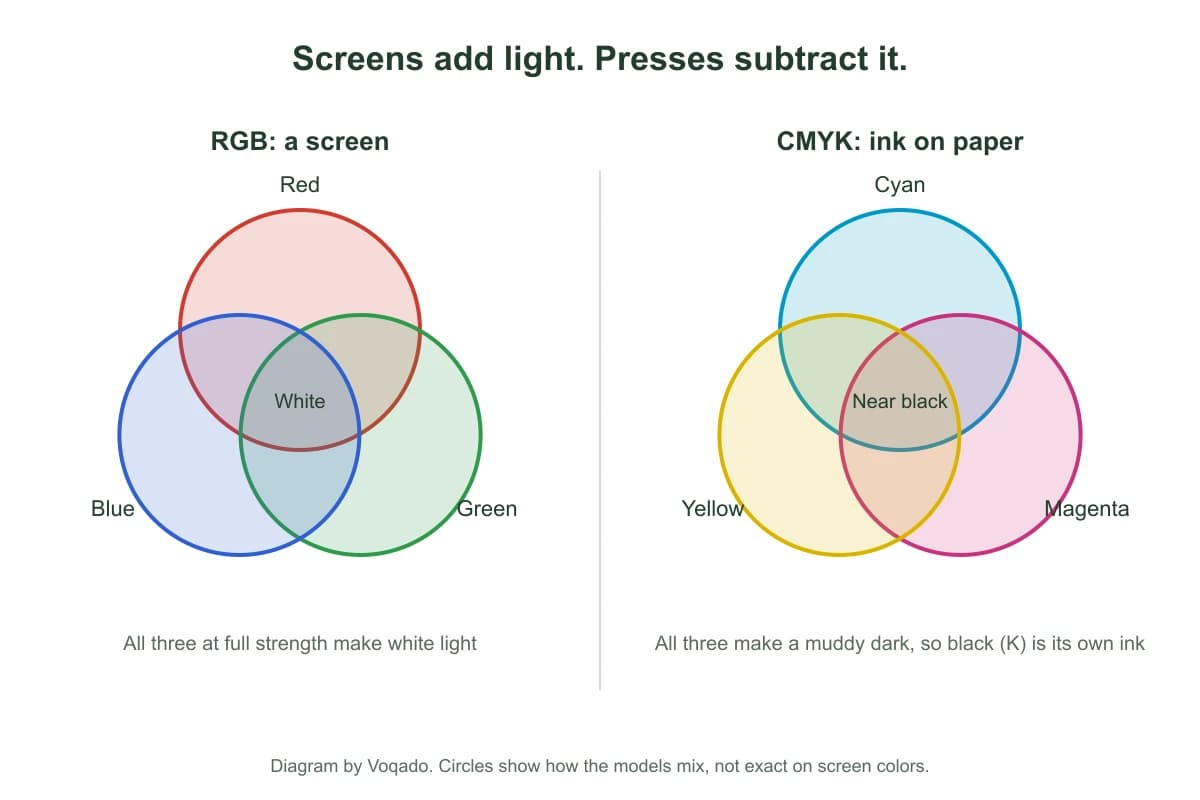
Print artwork and files · 6 MIN READ
CMYK vs RGB for print: what changes on paper
RGB is screen light, CMYK is ink on paper. Which colors shift, how Voqado handles RGB and CMYK files, and how to judge color before a full run.
Read the guide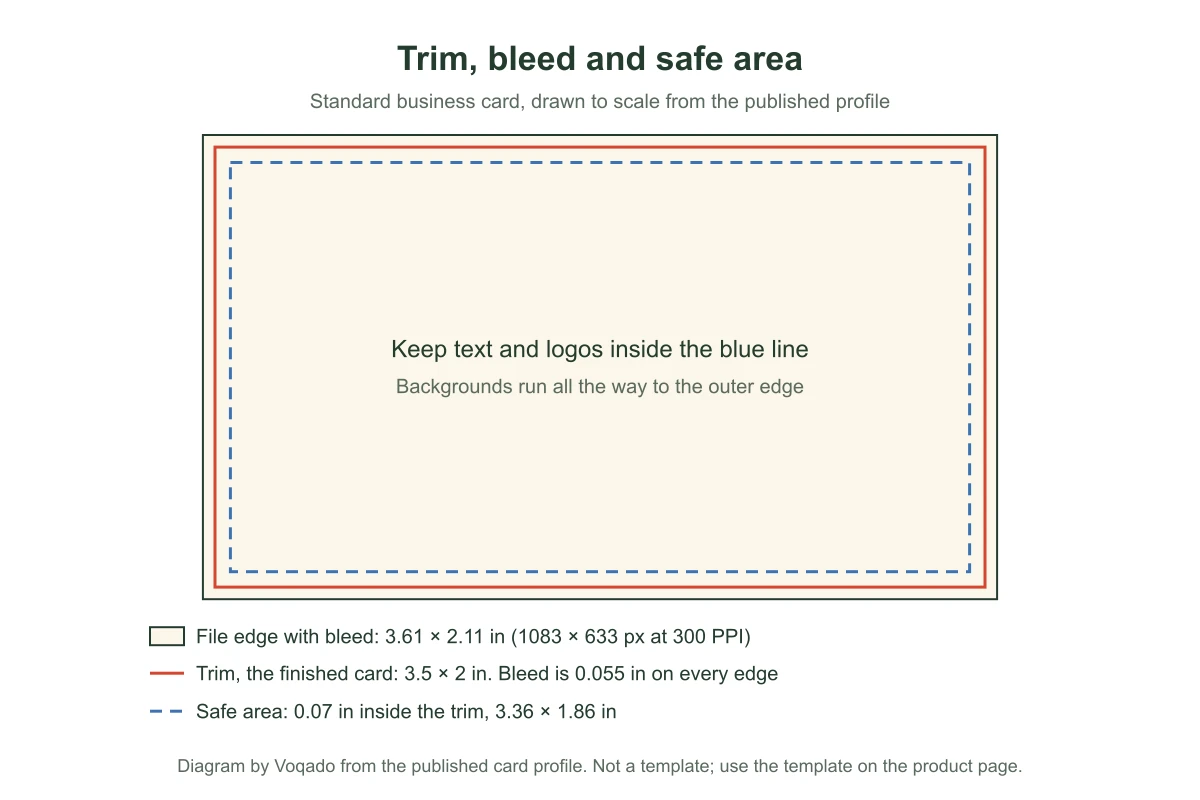
Print artwork and files · 9 MIN READ
Print size chart: every size with bleed and pixels
Finished size, bleed, file size, safe area and pixels at 300 PPI for every flat Voqado product, from the profiles the Studio draws its lines from.
Read the guide
Print artwork and files · 5 MIN READ
Poster print file checklist: size, bleed, resolution and fonts
What a print ready poster file needs: a PDF at trim plus 0.125 inch bleed, images at 150 to 300 ppi at final size, embedded fonts and a safe margin.
Read the guide
Print artwork and files · 5 MIN READ
Poster resolution: how many pixels each poster size needs
Multiply printed inches by pixels per inch: an 18 x 24 poster needs 5,400 x 7,200 pixels at 300 ppi. Pixel tables, crop math and when 150 ppi is enough.
Read the guide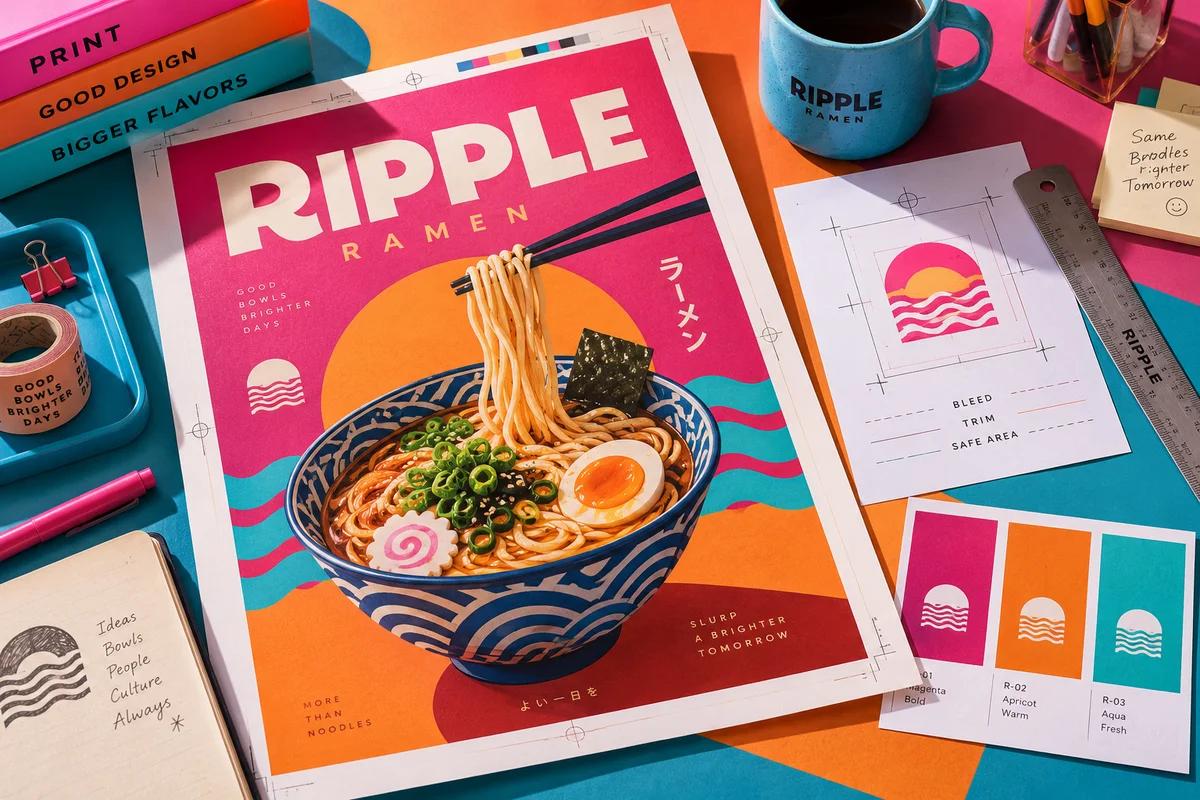
Print artwork and files · 5 MIN READ
Poster bleed and trim: file sizes, safe area and frame allowance
Poster bleed is usually 0.125 inch per side, so an 18 x 24 poster is built at 18.25 x 24.25 inches. File sizes, safe areas and frame allowances by size.
Read the guide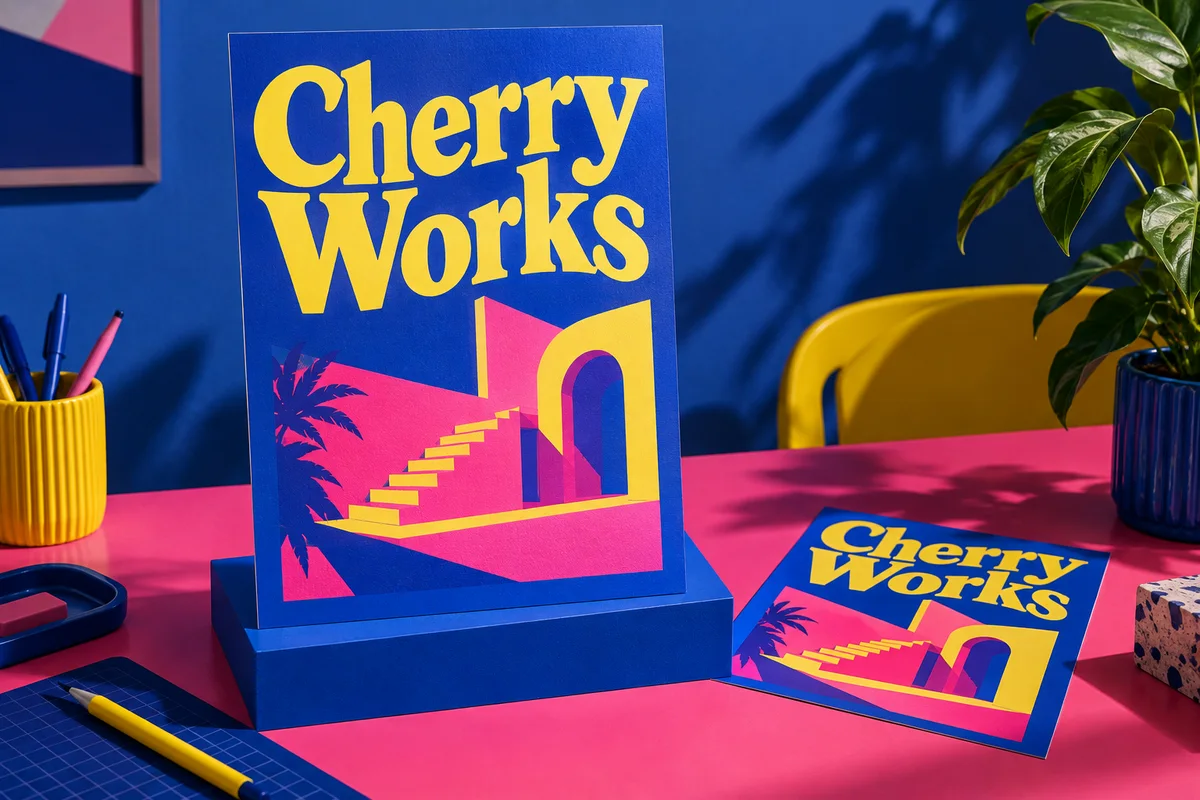
Print artwork and files · 5 MIN READ
Poster font size: how big text must be to read from a distance
How big poster text should be for the distance people read it from, using the road sign rule of 1 inch per 30 feet and ADA sign minimums, with a chart.
Read the guide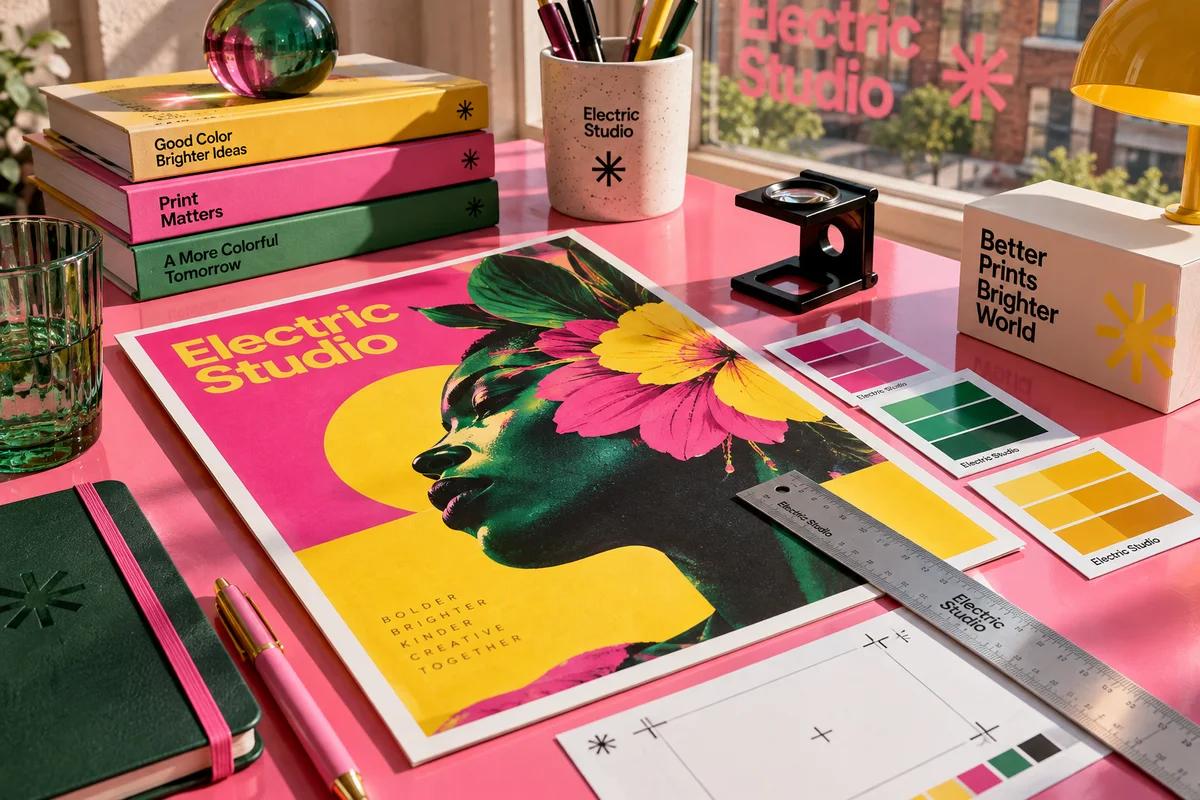
Print artwork and files · 5 MIN READ
Poster color proofing: why prints look darker than your screen
Why poster colors print darker than on screen, which color proof to ask for, how ICC profiles fit in and how to review a proof in the right light.
Read the guide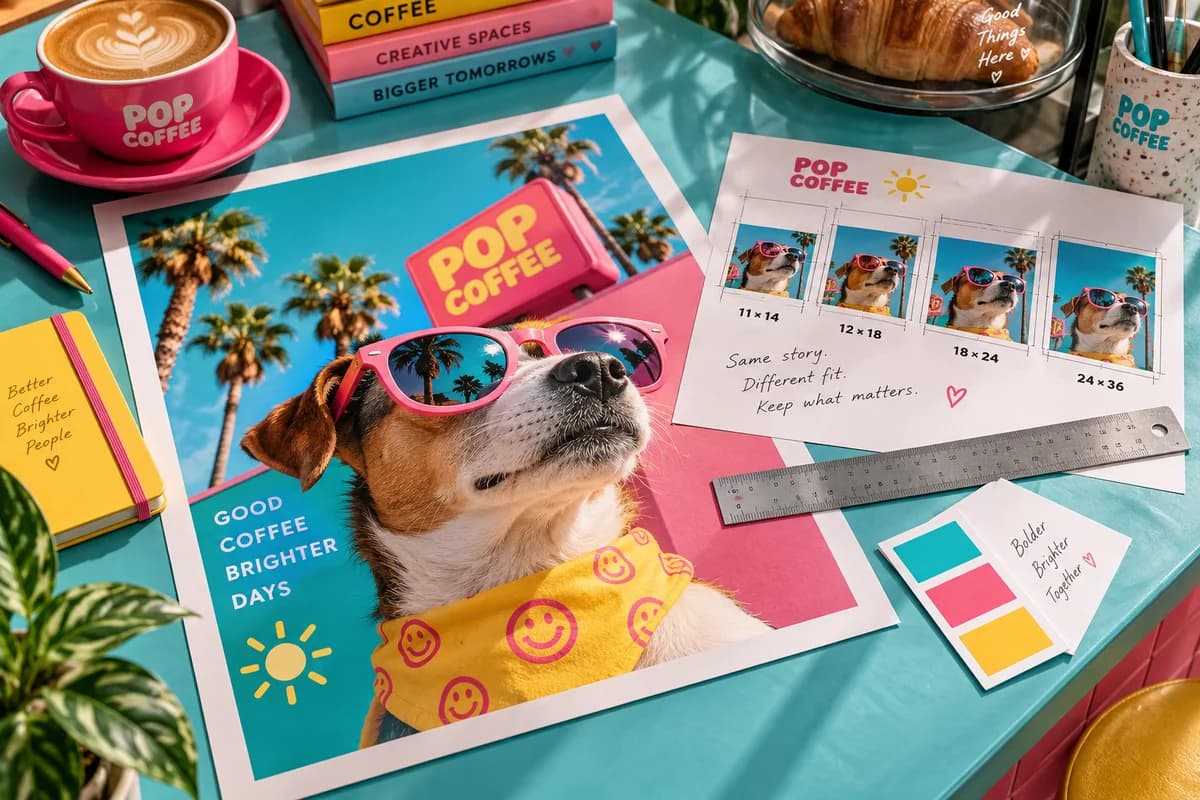
Print artwork and files · 5 MIN READ
How to crop a photo for a poster without losing the subject
Crop a photo for poster printing by matching the ratio of 11 x 14, 12 x 18, 18 x 24 or 24 x 36, comparing fit and fill and checking the pixels you keep.
Read the guide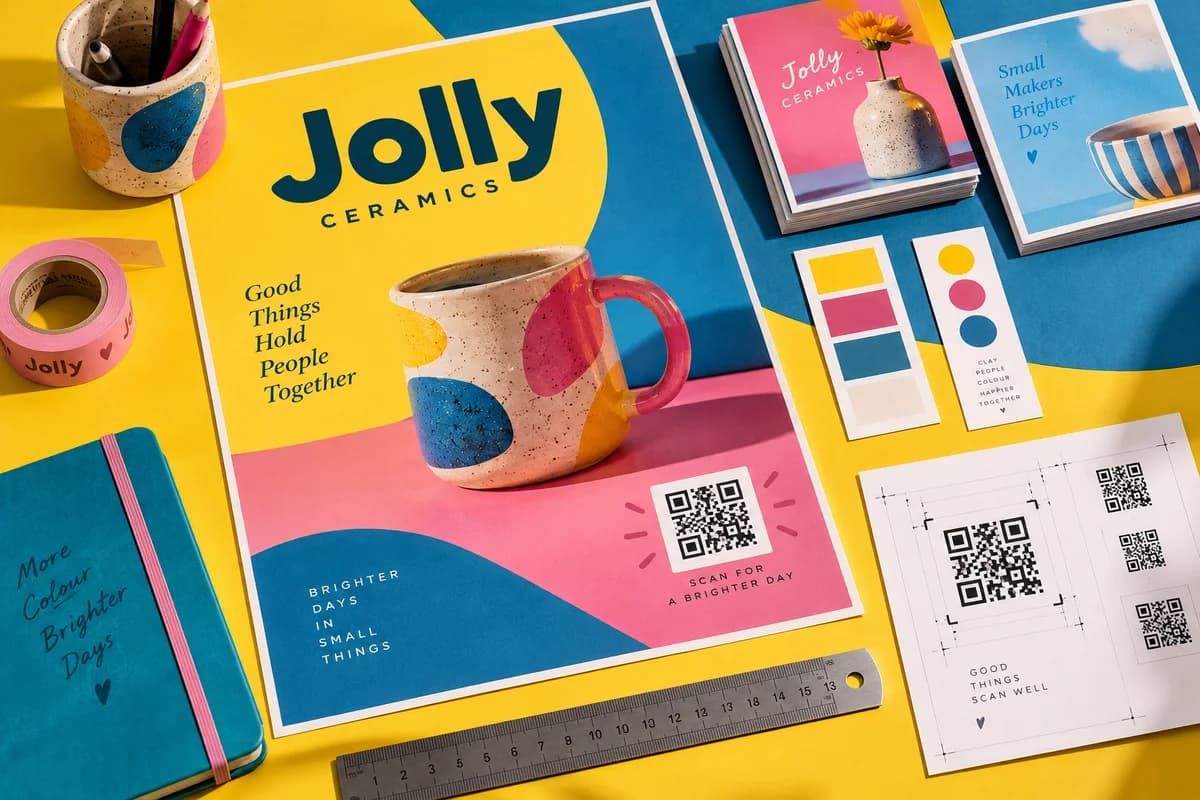
Print artwork and files · 5 MIN READ
QR codes on posters: size, placement and scan distance
How big a QR code should be on a poster for the scan distance, why the quiet zone matters, where to place it and how to test the code before printing.
Read the guide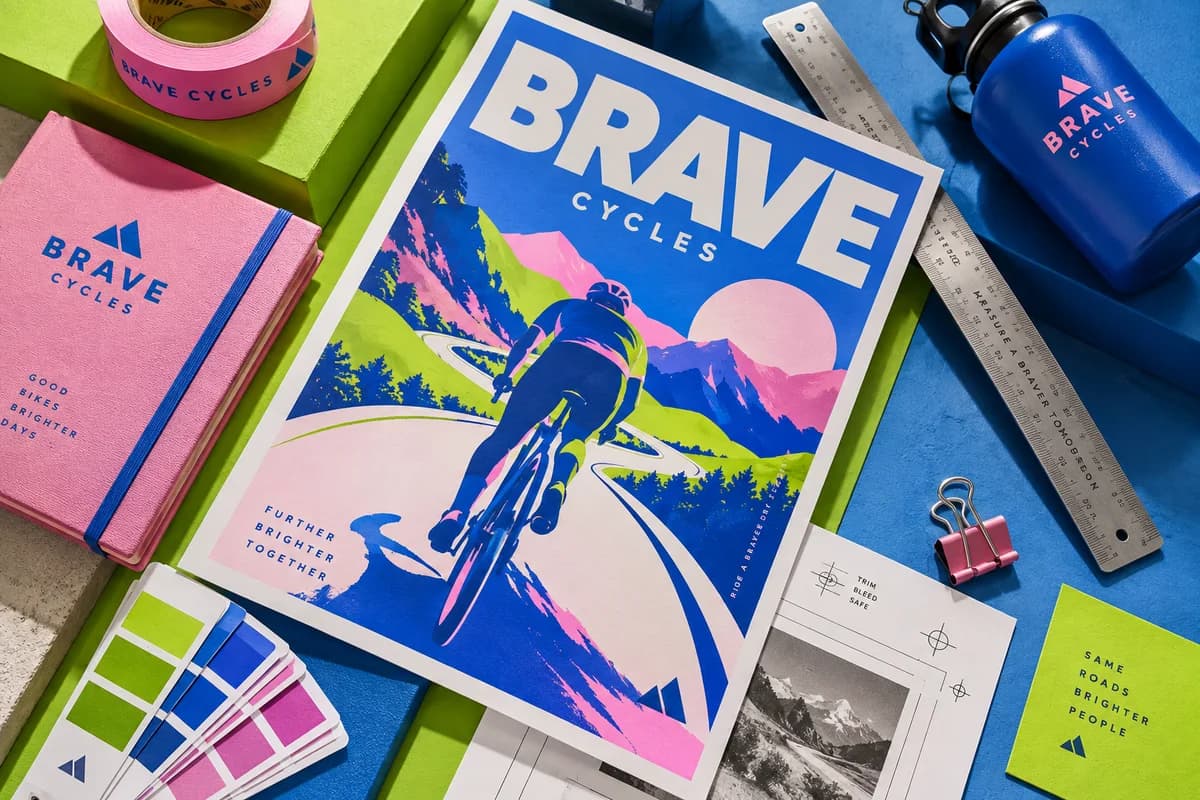
Print artwork and files · 5 MIN READ
PDF or JPG for poster printing: which file format to send
PDF or JPG for poster printing? Compare vector text, fonts, bleed, compression and color, see when a JPG is fine and how to check the file before sending.
Read the guide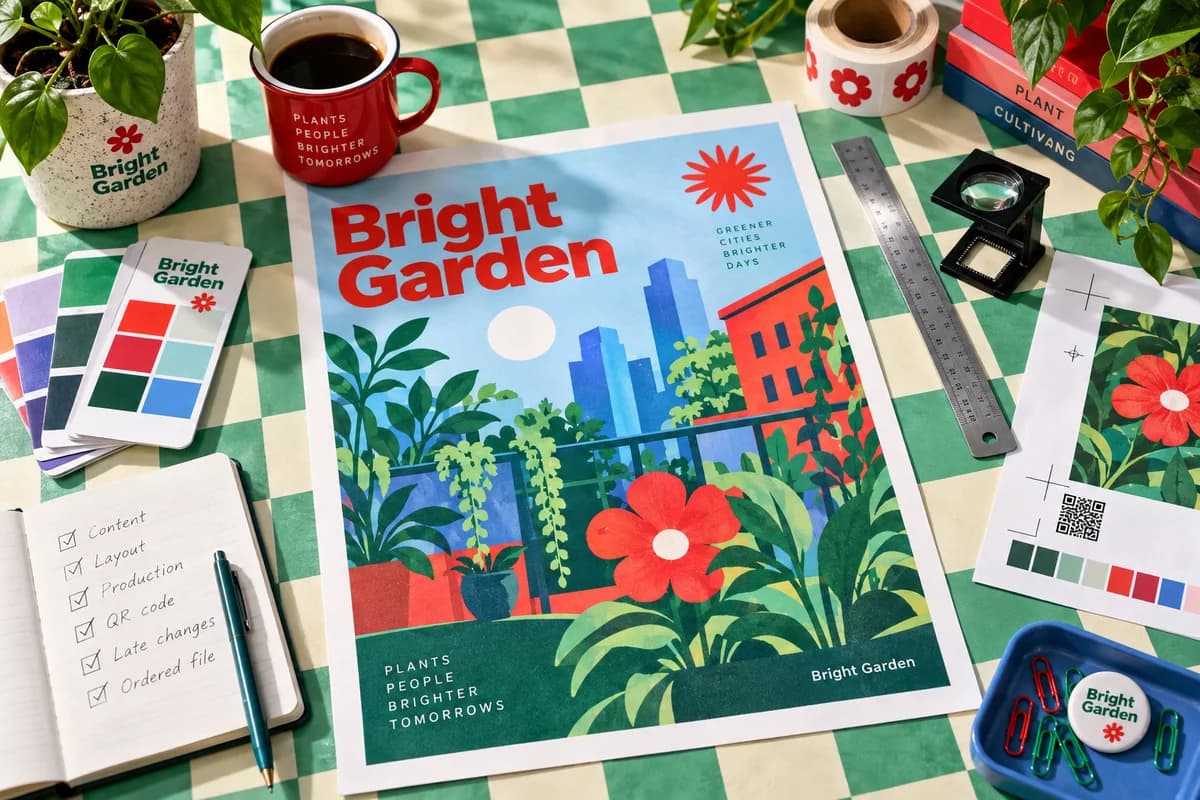
Print artwork and files · 5 MIN READ
Poster proof checklist: check your own preview and file before you order
A poster proof checklist for content, layout and production details, plus how to check QR codes, handle late changes and record the exact file you ordered from.
Read the guide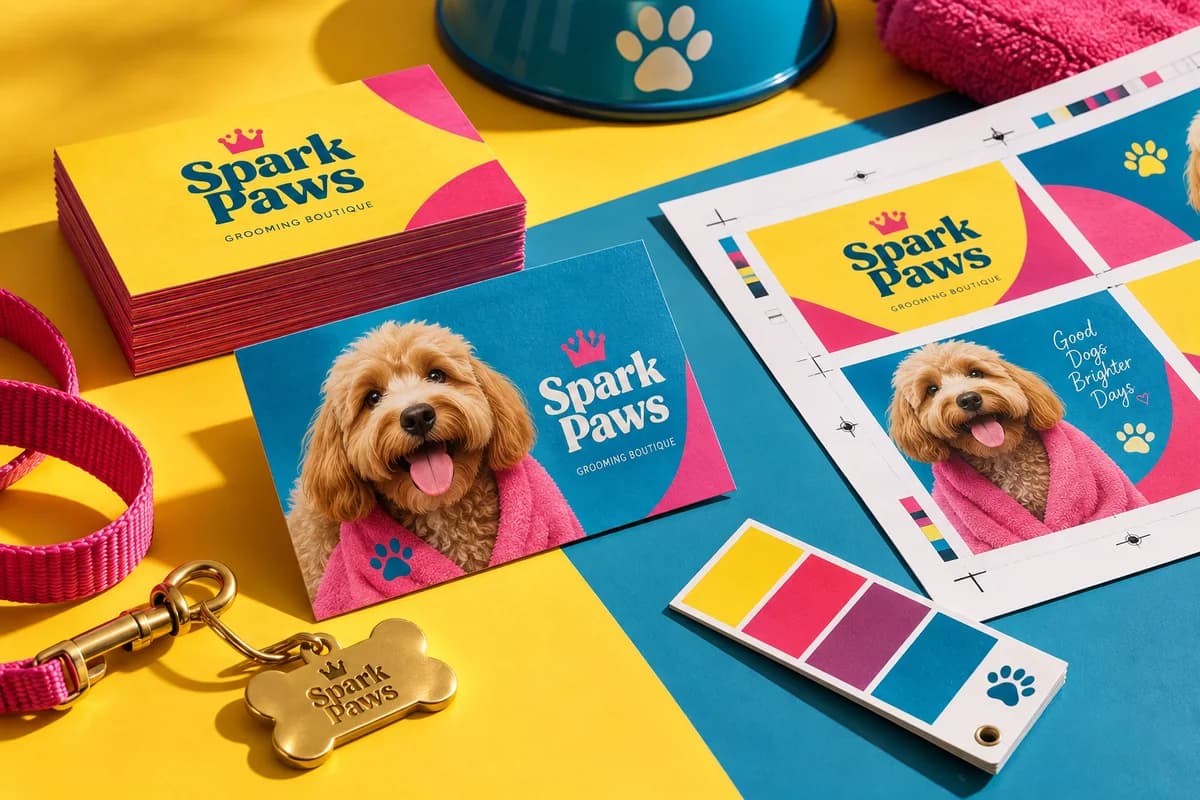
Print artwork and files · 6 MIN READ
Business card bleed: size, template setup and a worked example
How much bleed a business card needs, how to size a 3.5 x 2 inch file with bleed, where the safe area sits and how to check the exported PDF edges.
Read the guide
Print artwork and files · 5 MIN READ
How to export a business card PDF for print
Export a business card PDF for print: page size with bleed, embedded fonts, 300 ppi images, color settings, finish masks and a final check before upload.
Read the guide
Print artwork and files · 5 MIN READ
RGB vs CMYK for business cards: which color mode to use
RGB vs CMYK for business cards: why screen colors shift in print, who should convert the file, how to handle black and brand colors, and how to proof.
Read the guide
Print artwork and files · 5 MIN READ
Why your logo prints blurry on business cards and how to fix it
Why a logo prints blurry on business cards: too few pixels, upscaled web files, compression or hidden bitmaps. See pixel targets by size and how to fix it.
Read the guide
Print artwork and files · 5 MIN READ
How to embed fonts in a business card PDF
How to embed fonts in a business card PDF, when to outline text instead, how to confirm embedding after export and what font licenses allow for print use.
Read the guide
Print artwork and files · 5 MIN READ
Double sided business cards: set the back the right way up
Set up double sided business cards so the back reads upright when the card is flipped. Compare flip directions, file setup and mixed orientation layouts.
Read the guide
Print artwork and files · 5 MIN READ
Vector or raster: which logo file should you send to print
Vector logos are paths that stay sharp at any size; raster logos are pixel grids. Learn which file formats are which and how to check a logo before printing.
Read the guide
Print artwork and files · 5 MIN READ
Why screenshots make weak print artwork and what to send
A screenshot is a low pixel raster copy of a screen, not the original art. See how large one can print and what source file to request before printing.
Read the guide
Print artwork and files · 5 MIN READ
Business card sizes in inches, millimeters and pixels
The standard US business card is 3.5 x 2 inches. Compare US, European, Japanese, square and slim sizes in inches, millimeters and pixels with bleed.
Read the guide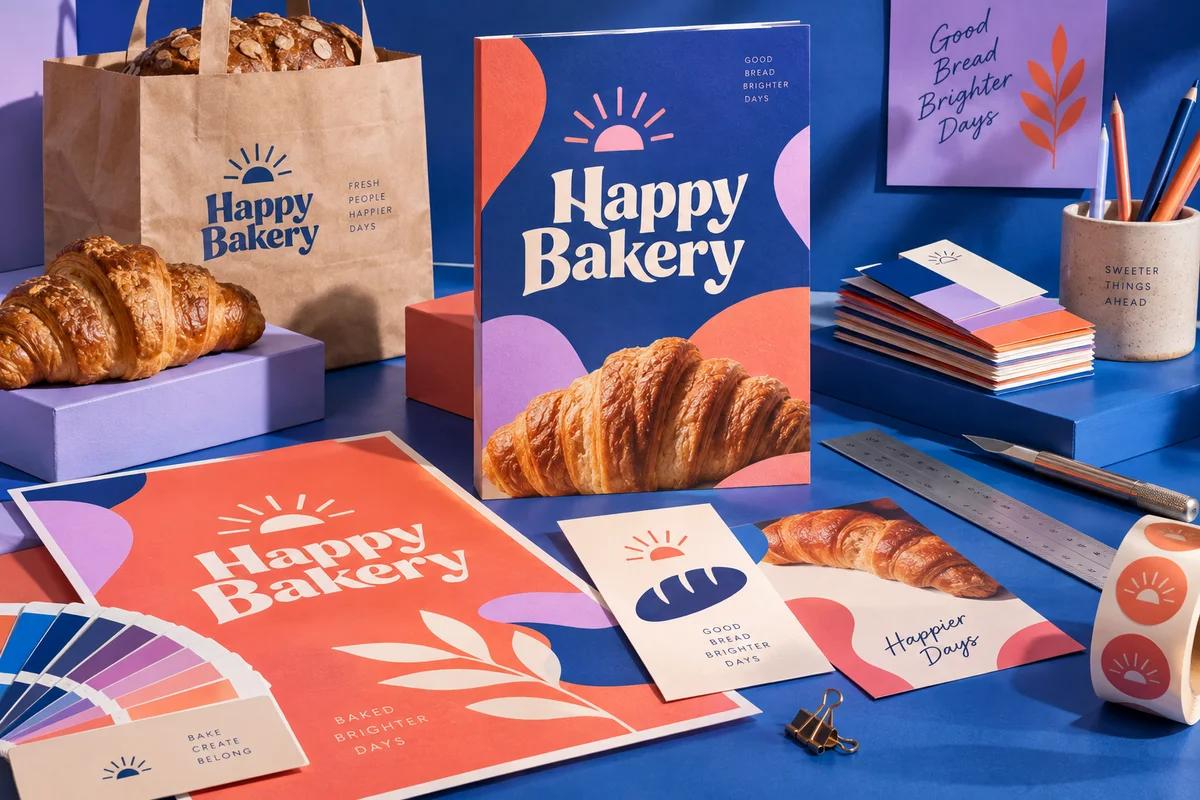
Print artwork and files · 7 MIN READ
What is bleed in printing? Trim, bleed and safe area explained
Bleed is artwork that runs 0.125 inch past the trim so cuts never show white edges. See file sizes by product, safe areas and a setup checklist.
Read the guide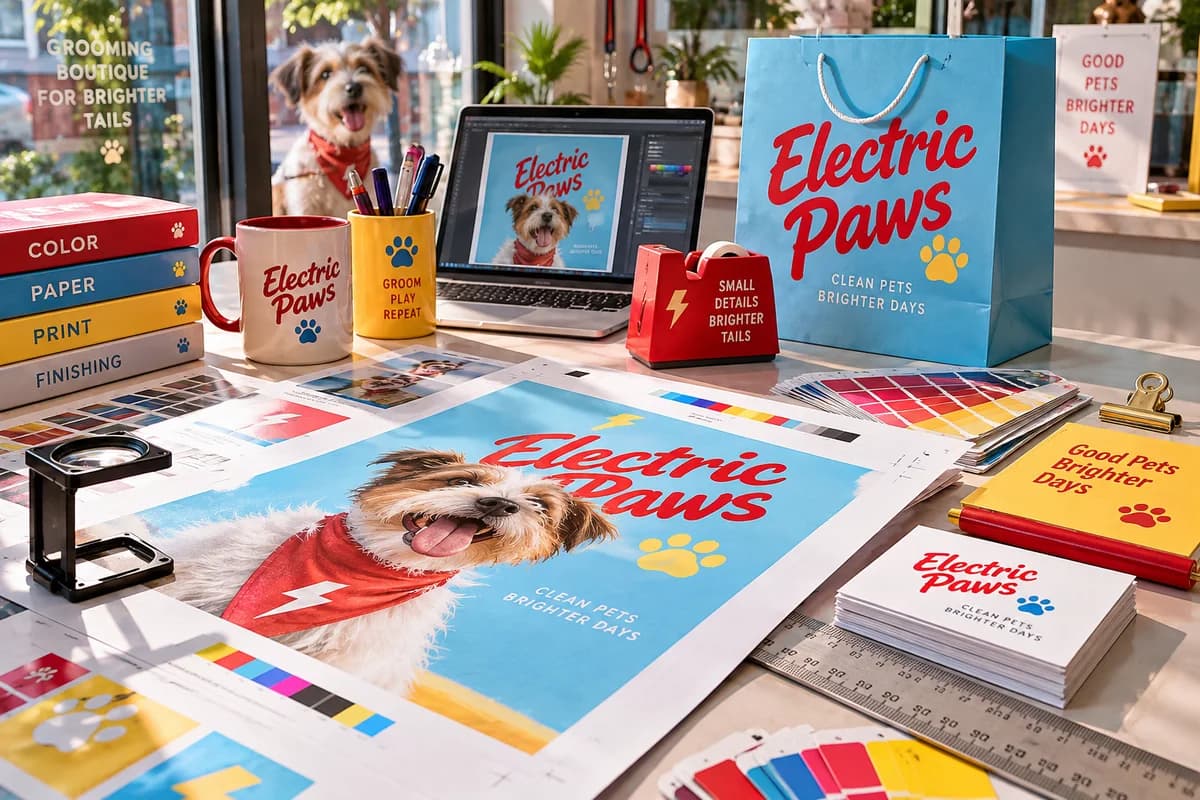
Print artwork and files · 6 MIN READ
How to prepare artwork for print: file specs and a proof checklist
Prepare artwork for print with 300 ppi images, 0.125 inch bleed, a PDF with embedded fonts and a careful color check. Includes a file spec table.
Read the guide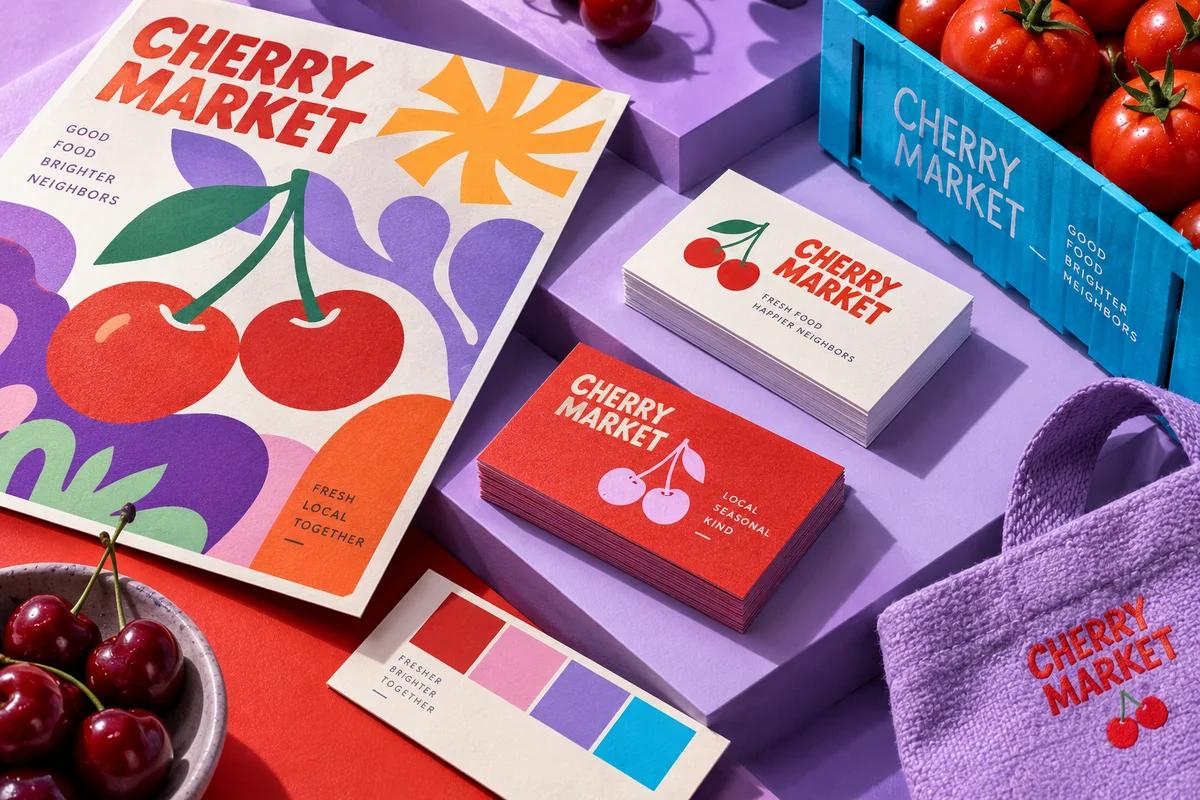
Print artwork and files · 7 MIN READ
Business card size in pixels: exact dimensions for print and screen
A standard business card is 1050 × 600 pixels at 300 PPI, or 1125 × 675 with bleed. Full tables for US, European, square and vertical cards and 600 PPI.
Read the guide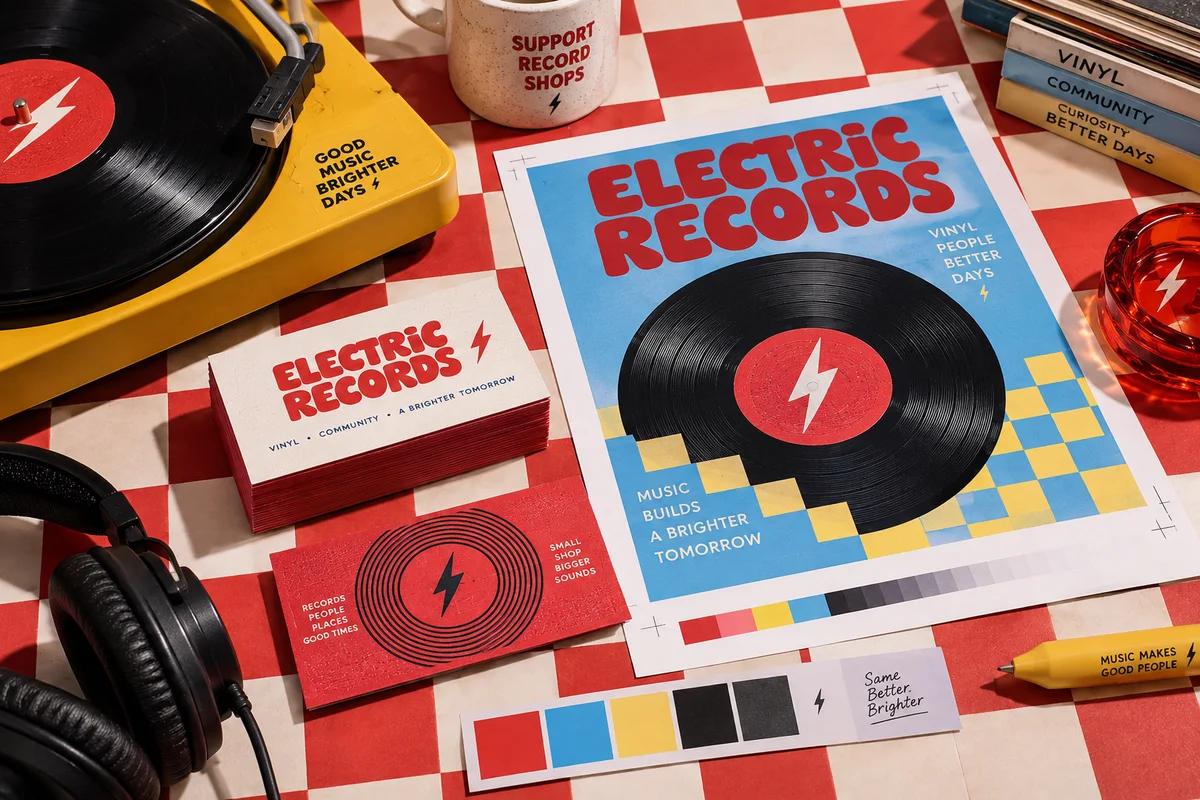
Print artwork and files · 6 MIN READ
How to print business cards from Canva without losing quality
Print business cards from Canva with the right size, bleed, safe margins and PDF Print settings, then catch color and resolution problems before you order.
Read the guide
Print artwork and files · 6 MIN READ
Business card template in Word or Google Docs: set it up to print
Use a business card template in Word or Google Docs for home sheets or professional printing, with the page setup, image and PDF settings that keep it sharp.
Read the guide
Print artwork and files · 6 MIN READ
Printing terms glossary: plain English for print buyers
A plain English printing terms glossary: bleed, safe area, CMYK, PPI, gsm, points, spot UV, saddle stitch, imposition and dozens more, grouped by stage.
Read the guide
Print artwork and files · 6 MIN READ
Brand colors for print: build a palette that prints true
Turn screen brand colors into print ready values: define CMYK and Pantone equivalents, test on real paper, and set rules so every order matches the last.
Read the guide
Print artwork and files · 6 MIN READ
Pantone vs CMYK: when spot color is worth it for your print
Pantone inks are premixed; CMYK builds color from four inks. Learn how each prints, what it costs, and a simple rule for choosing on cards, labels and boxes.
Read the guide