What is the formula for converting pixels to print size?
There are two versions of the same formula. To find the largest print size at a chosen resolution, divide pixels by PPI: width in pixels divided by PPI gives width in inches, and the same for height. To find the pixels a layout needs, multiply inches by PPI: a 4 inch wide space at 300 PPI needs 1200 pixels across.
Always run the math on both axes. An image can have plenty of pixels in one direction and too few in the other once it is cropped to a different shape. For centimeters, divide the inch result by 0.3937, or multiply inches by 2.54.
How big can you print common image sizes?
The table shows the uncropped print size for common pixel dimensions at three resolutions. Figures are rounded to two decimals.
| Pixels | At 150 PPI | At 240 PPI | At 300 PPI |
|---|---|---|---|
| 1200 by 800 | 8 by 5.33 in | 5 by 3.33 in | 4 by 2.67 in |
| 1800 by 1200 | 12 by 8 in | 7.5 by 5 in | 6 by 4 in |
| 2400 by 1800 | 16 by 12 in | 10 by 7.5 in | 8 by 6 in |
| 3000 by 2000 | 20 by 13.33 in | 12.5 by 8.33 in | 10 by 6.67 in |
| 3600 by 2400 | 24 by 16 in | 15 by 10 in | 12 by 8 in |
| 4000 by 3000 | 26.67 by 20 in | 16.67 by 12.5 in | 13.33 by 10 in |
| 6000 by 4000 | 40 by 26.67 in | 25 by 16.67 in | 20 by 13.33 in |
How many pixels do you need for common print sizes?
Reverse the calculation to set a target before you shoot, export or buy an image. Multiply each printed dimension by the PPI you plan to use.
| Printed size | Pixels at 150 PPI | Pixels at 300 PPI |
|---|---|---|
| 3.75 by 2.25 in, a business card with an eighth of an inch bleed per side | 563 by 338 | 1125 by 675 |
| 4 by 6 in | 600 by 900 | 1200 by 1800 |
| 5 by 7 in | 750 by 1050 | 1500 by 2100 |
| 8.5 by 11 in | 1275 by 1650 | 2550 by 3300 |
| 18 by 24 in | 2700 by 3600 | 5400 by 7200 |
| 24 by 36 in | 3600 by 5400 | 7200 by 10800 |
Check the bleed your template actually uses before relying on the business card row. The guide to business card size in pixels covers card layouts in more detail, and the poster resolution calculator guide covers large formats.
How does cropping change the usable print size?
Cropping removes pixels, so the usable size shrinks. Take the same 2400 by 1800 pixel landscape photo and fill an 8 by 10 inch portrait frame. To match the portrait shape, the crop keeps 1440 by 1800 pixels, only 60 percent of the original area. At 8 by 10 inches, that is 180 PPI on both axes.
To reach 300 PPI with that crop, the print would need to shrink to 4.8 by 6 inches. At 240 PPI it could be 6 by 7.5 inches. Moving the crop changes which details remain, but it never adds pixels. The photo crop tool compares fit and fill for your own image and reports the retained pixels.
Does changing the DPI setting make an image print better?
No. The resolution value stored in a file is a label, not image detail. The W3C PNG specification, for example, describes an optional chunk that records the intended physical pixel size. Changing that value alters how large software thinks the image should print, but it leaves the pixel grid untouched. Setting a 900 pixel wide image to 300 PPI simply tells layout software to place it 3 inches wide.
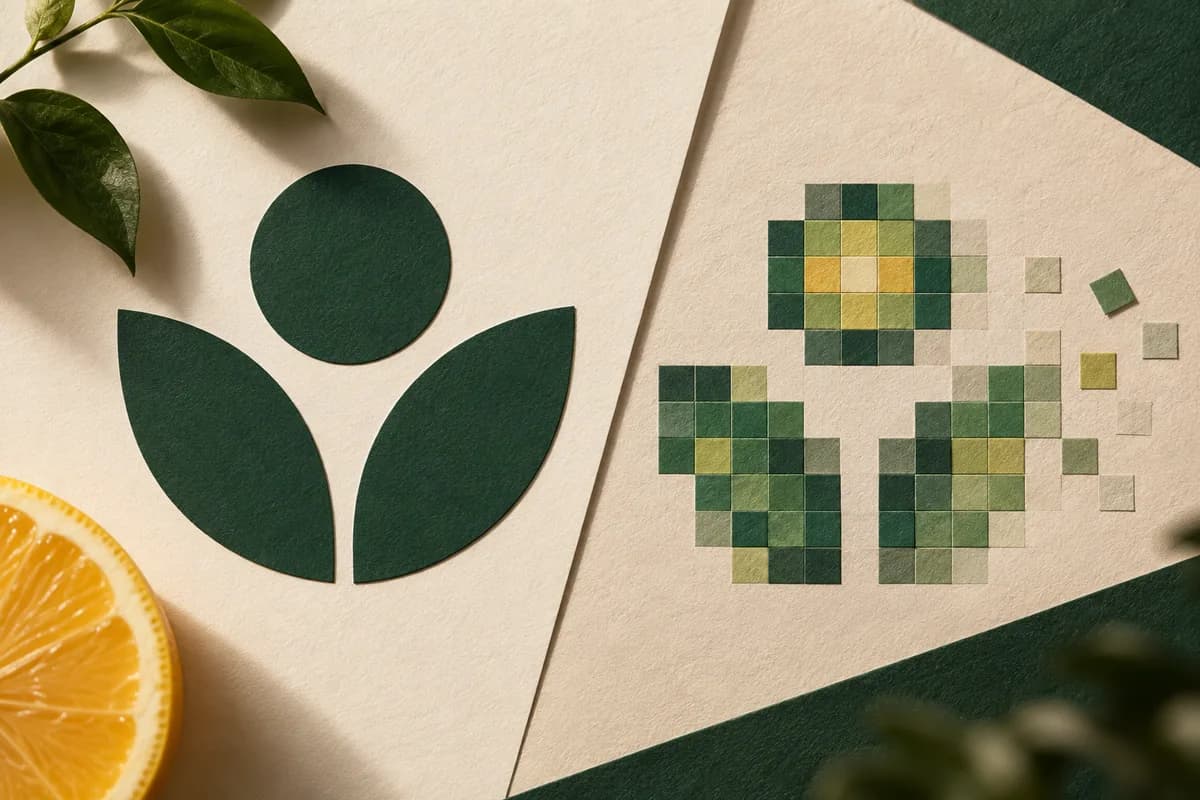
Resampling is different. It changes the pixel count by calculating new pixels from existing ones. Upsampling can make an image larger without adding the fine detail a camera never captured, so inspect any enlarged image at actual size before approving it.
What PPI should you use for printing?
For items viewed up close, such as business cards, postcards and flyers, 300 PPI at the final printed size is a common target. For Voqado business cards, the upload guidance is 300 DPI or higher. Large posters viewed from a distance can often print well at lower effective resolution, but confirm the target for the specific product with your printer. The number is a planning input, not a guarantee: a sharp, well lit photo at 240 PPI can look better than a blurred one at 300.
Why can an image print worse than the math suggests?
Pixel count says nothing about focus, noise or compression. The Library of Congress notes that JPEG is a lossy format that compresses images in 8 by 8 pixel blocks, and that quality varies with the degree of compression applied. Heavily compressed files, images saved many times and copies taken from social media can show blocky edges and color banding. Screenshots are a common example, and the guide on why screenshots make weak print artwork explains what to request instead.
What should you send with a photo print file?
- Send the original, full resolution image rather than a copy from social media or chat.
- Record the original and retained pixel dimensions after cropping.
- State the printed size and the resulting PPI on both axes.
- Confirm whether the placement includes bleed.
- Note subject details that must stay visible after trimming.
- Check the effective resolution with the print resolution calculator.
- Keep an uncropped copy in case the layout changes.
When a single large photo carries the design, custom posters are a good test of this math, because every missing pixel shows at full size.
Frequently asked questions
How do I convert pixels to inches for printing?
Divide the pixel count by the pixels per inch you plan to print at. A 1800 pixel wide image at 300 PPI prints 6 inches wide, and at 150 PPI it prints 12 inches wide. Do this for width and height separately, and use the pixels that remain after cropping rather than the original file dimensions.
How many pixels do I need for an 8 by 10 inch print?
At 300 PPI, an 8 by 10 inch print needs 2400 by 3000 pixels. At 240 PPI it needs 1920 by 2400, and at 150 PPI it needs 1200 by 1500. If the print has bleed, add the bleed to each dimension before multiplying, and check the shape so cropping does not reduce the usable pixels.
Is 72 DPI bad for printing?
The DPI or PPI value stored in a file is only a label. What matters is the pixel count compared with the printed size. A 3000 pixel wide image labeled 72 DPI still prints 10 inches wide at 300 PPI once placed at that size. A small image labeled 300 DPI does not gain detail from the label.
Can I make a small image big enough to print?
Resampling can increase the pixel count, but the new pixels are calculated from existing ones and cannot recreate detail the original never captured. Look for a larger original first. If that is not possible, print the image smaller, change the layout, or inspect an upsampled version at actual size before approving it.
Sources & specification notes
The references below support the relevant technical or product details in this guide. Examples and checklists are not claims of practical testing or universal supplier requirements. Confirm the current specifications for your chosen product before production.
- W3C: Portable Network Graphics (PNG) Specification, Third Edition ↗
Defines PNG as lossless raster storage and describes the pHYs chunk that records intended physical pixel size as metadata.
- Library of Congress: JPEG image encoding family ↗
Describes JPEG lossy compression applied to 8 by 8 pixel blocks, with quality varying by the degree of compression applied.