What is the difference between vector and raster artwork?
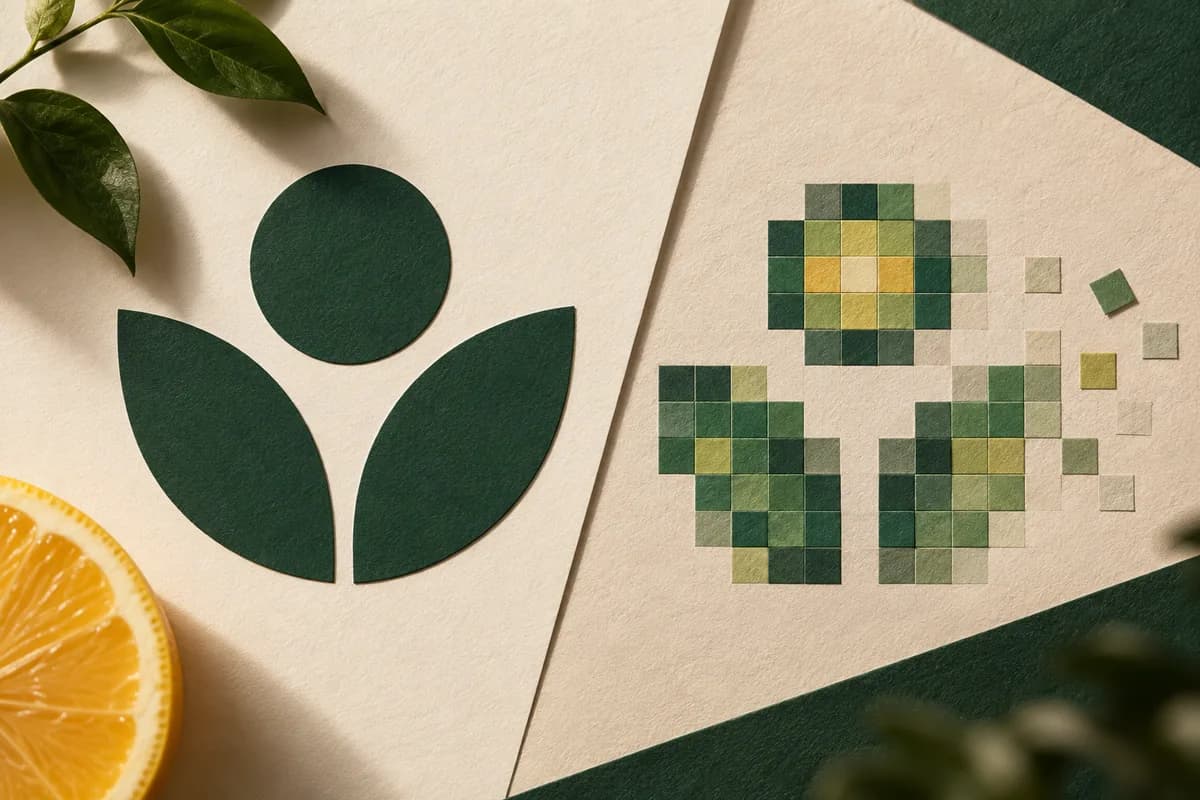
A vector file describes shapes: straight lines, curves, fills and strokes defined by coordinates. The W3C describes SVG, a common vector format, as a language for two dimensional graphics whose shapes are paths of straight lines and curves, alongside images and text. Because the shapes are calculated at output, a vector logo can print on a business card or a banner with the same crisp edges.
A raster file, also called a bitmap, is a grid of colored pixels. The W3C defines PNG, for example, as a format for storing raster images. Enlarge a raster logo beyond its pixel count and edges turn soft or stepped, because the file has no more information to give. Photographs are raster by nature, since a camera captures pixels, not paths.
Most print layouts mix both. A business card might combine a vector logo, live or outlined type, and a raster photo. The goal is not to make everything vector, but to use each type where it performs best.
Which file formats are vector and which are raster?
File extensions give a first clue, but not a guarantee, because several formats can contain either kind of artwork.
| Format | Usually contains | Good for | Watch out for |
|---|---|---|---|
| SVG | Vector | Logos, icons, simple graphics | Embedded raster images inside the file |
| AI or EPS | Vector | Logo masters from design software | Placed bitmaps, unoutlined fonts |
| Vector, raster or both | Print ready layouts | A screenshot pasted into a PDF stays raster | |
| PNG | Raster, lossless | Graphics with transparency, screen use | Too few pixels for the printed size |
| JPEG | Raster, lossy | Photographs | Compression blocks on logos and text |
| TIFF | Raster | High quality photographs | Very large files |
Is a PDF always a vector file?
No. A PDF is a container. It can hold vector paths, live text, raster images or any mix. The Library of Congress describes PDF/X, the ISO 15930 print exchange family, as self contained, with all fonts and images embedded so the file prints predictably. Embedding a low resolution image inside a PDF keeps that image exactly as it was. Renaming or exporting a screenshot as a PDF does not turn it into vector artwork.
How can you tell if your logo is really vector?
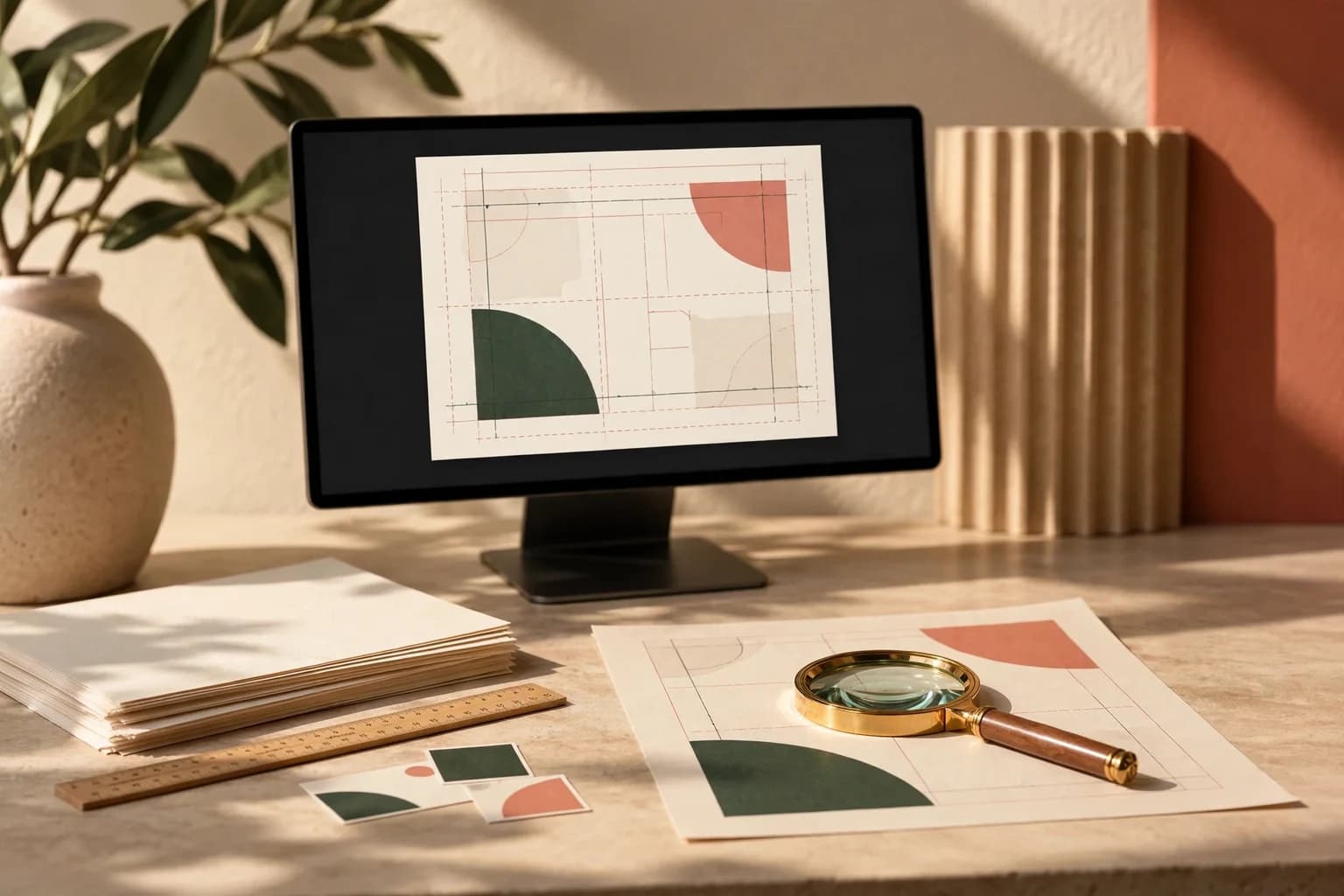
Open the file and zoom far in, to 800 percent or more. Vector edges stay smooth at any zoom level, while raster edges break into visible squares. In design software, switch to an outline or wireframe view: vector shapes show as thin path lines, while a raster logo appears as a single rectangle. You can also select the logo and check whether the software reports paths or an image.
File size is a weaker clue. A simple vector logo is often small, but a complex one with many points can be large, and a tiny raster logo can be smaller still. Rely on the zoom and outline checks instead.
What should you do if you only have a pixelated logo?
First, look for the original. Ask the designer, the agency or whoever set up your website for the vector master or an exported SVG, EPS or PDF. Check old email attachments and brand folders for files from the time the logo was created.
If no original exists, a careful manual redraw is usually more reliable than automatic tracing, especially for small lettering and thin lines, which tracing tools tend to distort. Compare the redraw with the approved logo side by side and have the brand owner approve it before it goes into any print file. The guide to fixing a blurry business card logo covers the common causes and remedies.
Should fonts be outlined in a logo file?
For a logo, yes, in the delivery copy. Converting type to outlines turns letters into shapes, so the logo looks the same on any computer, whether or not the font is installed. Always keep a separate editable master with live type so the wording can be changed later. For other text on the layout, embedding fonts in the PDF is often the better choice, since it keeps text editable in the source. The guide to business card font embedding explains when to outline and when to embed.
How many pixels does a raster logo need?
If a raster file is all you have, check it against the printed size. Multiply the printed width in inches by the resolution target. A logo printed 1 inch wide at 300 PPI needs at least 300 pixels across, and a logo printed 10 inches wide on a sign needs 3000. The guide to pixels to print size walks through the formula and common sizes. Even when the count is sufficient, check for compression blocks and soft edges, which the pixel math cannot reveal.
What should you check before sending logo artwork to print?
- Request the original vector logo, not a screenshot or web image.
- Zoom to 800 percent and confirm the edges stay smooth.
- Use outline view to confirm the logo is paths, not an embedded image.
- Outline fonts in the logo delivery file and keep an editable master.
- Confirm colors against your brand specification.
- Check for hidden objects, stray points or unused layers.
- Export a print ready PDF following the steps in prepare artwork for print.
- Review the final file against the approved design before ordering.
For a detailed walkthrough of export settings for cards, see the business card PDF export guide. A clean vector logo then drops straight into any layout, from a small card to a large sign, without redrawing.
Frequently asked questions
Should my logo be vector or raster for printing?
Your logo should be vector for printing whenever possible. Vector paths print with clean edges at any size, from a business card to a banner, and they are easy to recolor. Keep a raster version only for screen use or where a printer specifically asks for it, and make sure it has enough pixels for the printed size.
Is a PNG logo good enough for print?
A PNG can print well if it has enough pixels for the printed size and clean edges. A logo printed 2 inches wide at 300 PPI needs at least 600 pixels across. PNG is a raster format, so it cannot be enlarged without softening. For logos, a vector SVG, EPS or PDF from the original design file is the safer choice.
How do I know if my PDF logo is vector?
Open the PDF and zoom to 800 percent or more. Smooth edges at every zoom level suggest vector paths, while visible squares show a raster image. In design software, outline or wireframe view displays vector shapes as thin lines and a raster image as a single box. A screenshot saved as a PDF remains raster.
Can I convert a raster logo to vector?
You can trace or redraw it. Automatic tracing is quick but often distorts small lettering, thin lines and curves. A careful manual redraw by a designer is usually more accurate. Compare the result with the approved logo side by side, have the brand owner approve it, and keep the old reference file for comparison.
Sources & specification notes
The references below support the relevant technical or product details in this guide. Examples and checklists are not claims of practical testing or universal supplier requirements. Confirm the current specifications for your chosen product before production.
- W3C: Scalable Vector Graphics (SVG) 2, Introduction ↗
Defines SVG as a language for two dimensional graphics made of vector shapes, such as paths of straight lines and curves, plus images and text.
- W3C: Portable Network Graphics (PNG) Specification, Third Edition ↗
Defines PNG as lossless storage of raster images.
- Library of Congress: PDF/X family, ISO 15930 ↗
Describes PDF/X as self contained with embedded fonts and images for predictable printing.
- Library of Congress: JPEG image encoding family ↗
Notes that JPEG modes do not work well with bitonal or palette color images, the flat artwork typical of simple logos.