How do you calculate poster resolution?
There are two versions of the same formula. To find the pixels you need, multiply the printed width in inches by the target PPI, then do the same for the height. To check an image you already have, divide its pixel width by the printed width in inches; the result is its effective PPI at that size. Check both directions, because an image cropped to a different shape can have enough pixels on one side and too few on the other.
For example, a 3,600 x 5,400 pixel photo printed at 12 x 18 inches gives 300 PPI on both axes. The same photo printed at 24 x 36 inches gives 150 PPI. Nothing about the file changed; only the print size did. The free print resolution calculator runs this math for any size and target.
How many pixels does each poster size need?
The table lists the pixel dimensions for common poster sizes at three targets, before bleed. A2 is the ISO 216 size of 420 x 594 mm, about 16.54 x 23.39 inches.
| Poster size | 150 PPI | 200 PPI | 300 PPI |
|---|---|---|---|
| 11 x 14 in | 1650 x 2100 | 2200 x 2800 | 3300 x 4200 |
| 12 x 18 in | 1800 x 2700 | 2400 x 3600 | 3600 x 5400 |
| A2, 16.54 x 23.39 in | 2480 x 3508 | 3307 x 4677 | 4961 x 7016 |
| 18 x 24 in | 2700 x 3600 | 3600 x 4800 | 5400 x 7200 |
| 24 x 36 in | 3600 x 5400 | 4800 x 7200 | 7200 x 10800 |
If the design runs to the edge, add the bleed before multiplying. An 18 x 24 poster with 0.125 inch bleed is 18.25 x 24.25 inches, which is 5,475 x 7,275 pixels at 300 PPI. The full list of sizes is in the guide to standard poster sizes.
Is 300 PPI necessary for a poster?
Not always. The U.S. Government Publishing Office asks for photographs scanned at 300 pixels per inch at a one to one input to output ratio, and that is the right target for small prints and anything examined at arm's length. Posters are usually seen from farther away, where the eye cannot resolve as much detail. Voqado's poster guidance asks for at least 150 PPI at final size and recommends 300 for the sharpest results.
A practical rule is to match the target to the closest likely viewing distance. A menu board or event schedule read from a step away benefits from 200 to 300 PPI. A window poster seen from the sidewalk looks sharp at 150. Fine detail such as small type inside a photo, faces or product texture pushes the target up.
What is the difference between PPI and DPI?
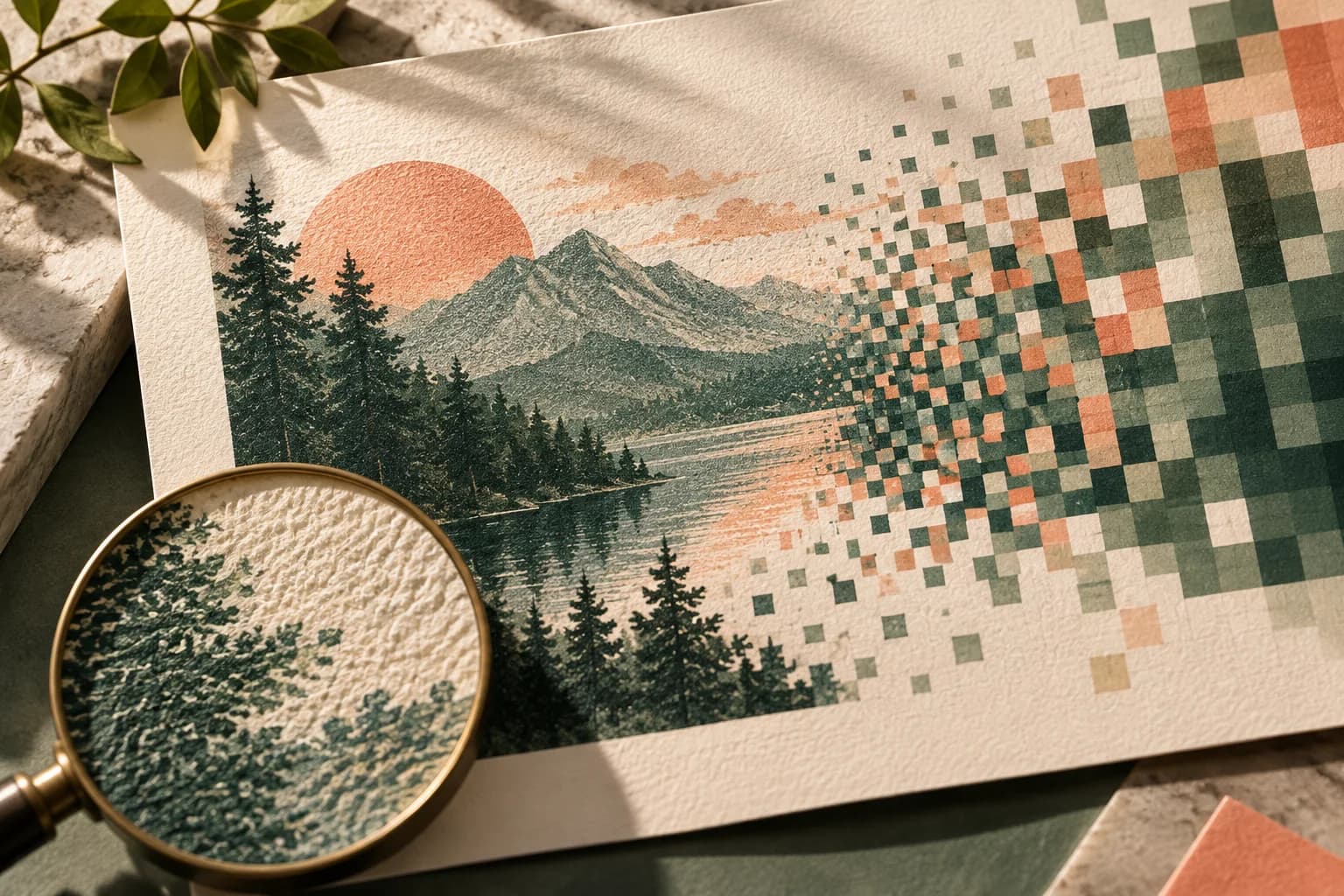
PPI, pixels per inch, describes the image: how many pixels of your file land on each printed inch. DPI, dots per inch, describes the printer: how many ink dots it places in an inch. A printer uses many dots to reproduce each pixel, so a high printer DPI cannot add detail that the image does not contain. Changing an image's resolution setting from 72 to 300 without resampling does not create pixels either; it only changes the print size the software assumes. When a printer asks for 300 DPI artwork, it usually means 300 PPI at the final size.
How does cropping change effective resolution?
Cropping throws pixels away. If you start with a 6,000 x 4,000 pixel photo and crop a portrait section 2,700 pixels wide and 4,000 tall, you have 2,700 x 4,000 pixels left. At 18 x 24 inches that is 150 PPI across and about 167 PPI down, so the width is the limiting side. The same logic applies when a layout scales a photo to fill a frame of a different shape. The photo crop calculator compares fitting and filling a print size and shows the effective PPI of each.
How many megapixels do you need for a poster?
Multiply the two pixel dimensions and divide by one million. An 18 x 24 poster at 200 PPI needs 3,600 x 4,800 pixels, about 17.3 megapixels. A 24 x 36 poster at 150 PPI needs about 19.4 megapixels, and at 300 PPI it needs about 77.8. GPO notes that a 3.1 megapixel camera yields a 300 PPI image at 5 x 7 inches, which shows how quickly large formats outgrow small files. Megapixels are only a guide, though; the shape of the crop decides what you can use.
Can you upscale a low resolution image for a poster?
Upsampling adds pixels by estimating between existing ones. It can smooth jagged edges and help a borderline image, but it cannot recover detail that was never captured, and faces or text often look soft or artificial. Treat it as a small rescue, not a way to turn a phone screenshot into a 24 x 36 print. Always review an upsampled image at 100 percent zoom, and ideally print a section at full size.
What should you do when the image is too small?
- Recalculate using the pixels left after cropping, on both axes.
- Try a smaller poster size, or place the photo smaller within the layout.
- Choose a looser crop so fewer pixels are discarded.
- Ask for the original camera file instead of a copy from email or social media.
- Replace the photo with a larger original or a vector graphic.
- Print a full size test section of faces, text and fine edges before approving.
Once the numbers work, run through the poster file checklist and order a custom poster at the size you tested.
Frequently asked questions
What resolution should a poster be for printing?
Aim for at least 150 pixels per inch at the final printed size, and 300 for posters viewed up close or with fine detail. Calculate it by multiplying each printed dimension in inches by the target. An 18 x 24 inch poster needs 2,700 x 3,600 pixels at 150 PPI and 5,400 x 7,200 pixels at 300 PPI.
How many pixels do I need for a 24 x 36 poster?
A 24 x 36 inch poster needs 3,600 x 5,400 pixels at 150 PPI, 4,800 x 7,200 at 200 PPI and 7,200 x 10,800 at 300 PPI. If the design runs to the edge, add the bleed first; with 0.125 inch per side the print area becomes 24.25 x 36.25 inches, which slightly raises each figure.
Is 150 DPI good enough for a poster?
For most posters seen from several feet away, 150 PPI at the final size prints acceptably sharp. It is the minimum the custom poster guidance asks for. Choose 200 to 300 when people will read the poster from a step away, or when it includes faces, small type inside photos or fine product texture.
Does changing the DPI setting make an image higher resolution?
No. Changing the resolution setting without resampling only changes the print size the software assumes; the pixel count stays the same. Resampling adds estimated pixels but cannot recover detail that was never captured. To print larger with good quality you need an original image with more pixels, a tighter layout or a smaller poster.
Sources & specification notes
The references below support the relevant technical or product details in this guide. Examples and checklists are not claims of practical testing or universal supplier requirements. Confirm the current specifications for your chosen product before production.
- U.S. Government Publishing Office: GPO Publishing Guidelines ↗
Allow 1/8 inch minimum for any bleed; proofs imaged face and back and trimmed to finished size; 300 pixels per inch at a 1 to 1 output ratio.
- University of Cambridge (Markus Kuhn): ISO 216 paper sizes ↗
A series dimensions, including A2 at 420 x 594 mm and A1 at 594 x 841 mm, and the 1 to square root of 2 aspect ratio.