What is the difference between a PDF and a JPG?
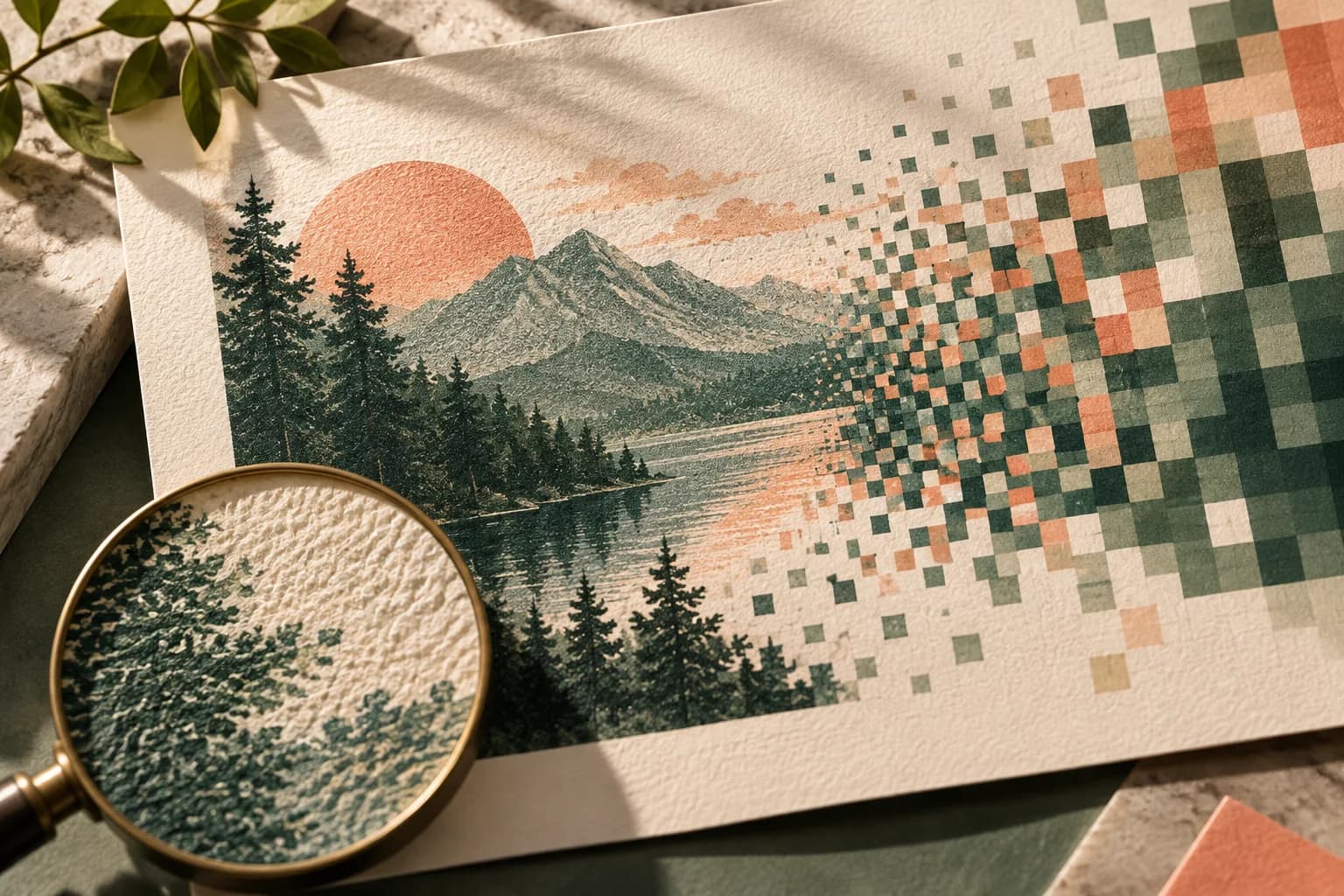
A PDF is a container. It can hold vector shapes, live text with embedded fonts, raster images and page boxes that define the trim and bleed. A JPG is a single grid of pixels. Everything in it, including any text, has been turned into pixels at one fixed resolution.
JPG also uses lossy compression. The Library of Congress describes typical JPEG settings as reducing file size by 10:1 to 20:1, with quality depending on how hard the image is compressed, and notes that the format is limited to 8 bits per channel. Each time a JPG is edited and saved again, it is compressed again. That is why a JPG should be the last step in a workflow, exported once from a master file, and never the working file itself.
When is PDF the better choice for a poster?
Choose PDF whenever the poster includes type, a logo, a QR code, thin lines or a solid background that runs to the edge. Vector text and shapes stay sharp at any size, so a headline on a 24 x 36 poster has clean edges no matter how closely someone looks. The PDF can also carry the full page size including bleed, so the printer knows where the cut belongs.
For professional print exchange there is a stricter family called PDF/X, published as ISO 15930. The Library of Congress summary explains that it requires all fonts and images to be embedded, trim and bleed boxes to be defined and color spaces to be specified through an output intent, so a file can be printed predictably without back and forth. Not every PDF meets that bar. The GPO publishing guidelines caution that PDF files created for web use may not output well in print because of resolution and color settings.
When is a JPG good enough for a poster?
A JPG can work well for a poster that is essentially one photograph, such as a wall print of a landscape or a portrait with no text. In that case the file is pixels either way, and a PDF wrapper adds nothing. What matters is enough resolution at the final size and a high quality export.
Export at the highest quality setting and at the full pixel dimensions, at least 150 pixels per inch at the printed size and ideally 300. The GPO guidelines also advise avoiding in camera compression where possible and using the highest quality option when compression is needed. If the poster has any lettering smaller than a headline, switch to PDF.
How do PDF and JPG compare for poster printing?
| Feature | JPG | |
|---|---|---|
| Text and logos | Stay vector and sharp at any size | Become pixels at one resolution |
| Fonts | Can be embedded in the file | Flattened into the image |
| Page size and bleed | Page boxes define trim and bleed | Only pixel dimensions |
| Compression | Set per image during export | Lossy every time it is saved |
| Color | Can carry a color space and output intent | Usually RGB, 8 bits per channel |
| Best for | Layouts with type, QR codes and graphics | A single photograph with no small text |
Does saving a poster as a PDF improve image quality?
No. A PDF preserves whatever you put into it. A low resolution photo or a screenshot saved as a PDF still prints at screenshot quality, and renaming a file from .jpg to .pdf changes nothing inside it. Export from the original design file so text stays as vector type.
Watch the export settings as well. Presets meant for small file sizes often downsample images and apply heavy compression, which can blur photographs that looked fine in the design. Choose a print or high quality preset and confirm that downsampling is off or set above your target resolution.
What about PNG and TIFF for posters?
PNG is lossless and handles sharp graphics well, but it is designed for screens and is usually RGB with no page size or bleed information. TIFF is a lossless raster format that many printers accept for photographs. Both are still raster images, so text inside them has the same limits as a JPG. The GPO guidelines list GIF, BMP and similar formats as unsuitable for most print production. When in doubt, follow the printer's list of accepted formats.
How do you check a poster file before you send it?
Open the exported file in a separate viewer, not the design program, and inspect it as the printer will see it.
- Confirm the page size equals the trim plus bleed.
- Zoom to 100 percent or more and check type, logos and QR codes.
- Check that fonts are embedded or converted as the printer requests.
- Confirm images meet at least 150 PPI at the final size.
- Look for heavy compression artifacts around edges and in skies.
- Keep the editable original and the full resolution images.
- Name the export clearly so the approved version is easy to identify.
Voqado's Studio print PDF embeds supported fonts and sets page boxes, but it is RGB and is not a PDF/X export, so ask for a proof when color matters. For the full routine, see the poster preflight checklist, the guide to preparing artwork for print and the notes on bleed and trim. The print resolution calculator can confirm pixel counts, and the guide to calculate poster resolution explains the math. When the file is ready, upload it to a custom poster order.
Frequently asked questions
Is PDF or JPG better for printing a poster?
PDF is usually better for posters because it keeps text and logos as sharp vector shapes, embeds fonts and records the page size and bleed. JPG is fine for a poster that is a single photograph with no small text, provided it has enough pixels and is saved at high quality. Always follow the printer's accepted formats first.
What resolution should a JPG be for poster printing?
Aim for at least 150 pixels per inch at the printed size, with 300 recommended for the sharpest result. An 18 x 24 inch poster needs 2700 x 3600 pixels at 150 PPI and 5400 x 7200 pixels at 300 PPI. Export at the highest quality setting and include the bleed in the pixel dimensions if the image runs to the edge.
What is a PDF/X file?
PDF/X is a family of ISO 15930 standards for exchanging print ready files. It restricts ordinary PDF so the file is self contained: fonts and images must be embedded, trim and bleed boxes must be defined and color must be specified through an output intent. Some printers require it, others accept a standard high quality PDF, so check before exporting.
Can I convert a JPG to a PDF for poster printing?
You can, and some printers ask for PDF uploads, but the conversion does not add detail or turn pixel text into vector type. The PDF will contain the same image at the same resolution. If the poster has text, rebuild or export it from the original design file so the lettering stays sharp, and check the pixel dimensions of any photos.
Sources & specification notes
The references below support the relevant technical or product details in this guide. Examples and checklists are not claims of practical testing or universal supplier requirements. Confirm the current specifications for your chosen product before production.
- Library of Congress: PDF/X family, graphic exchange (ISO 15930) ↗
Summarizes PDF/X for print ready exchange: all fonts and images embedded, trim and bleed boxes defined, and color spaces specified through an OutputIntent.
- Library of Congress: JPEG (DCT) compression format description ↗
Describes JPEG as lossy compression with typical settings reducing file size by 10:1 to 20:1, limited to 8 bits per channel.
- U.S. Government Publishing Office: GPO Publishing Guidelines ↗
Explains that PDF files should embed fonts, graphics and color data, warns that PDFs made for the web may not print well, and lists GIF, BMP and similar formats as unsuitable for most print production.