Check formats & software, understood.
Compare laser, wallet and three per page business checks, then set up printing from QuickBooks, Xero, Sage, NetSuite or Quicken without misalignment.
Start with Laser checks vs wallet checks: which format fits your business?, the overview for this topic. Each guide after it answers a separate buying, preparation or troubleshooting question.
 START HERE
Check formats & software · 6 MIN READ
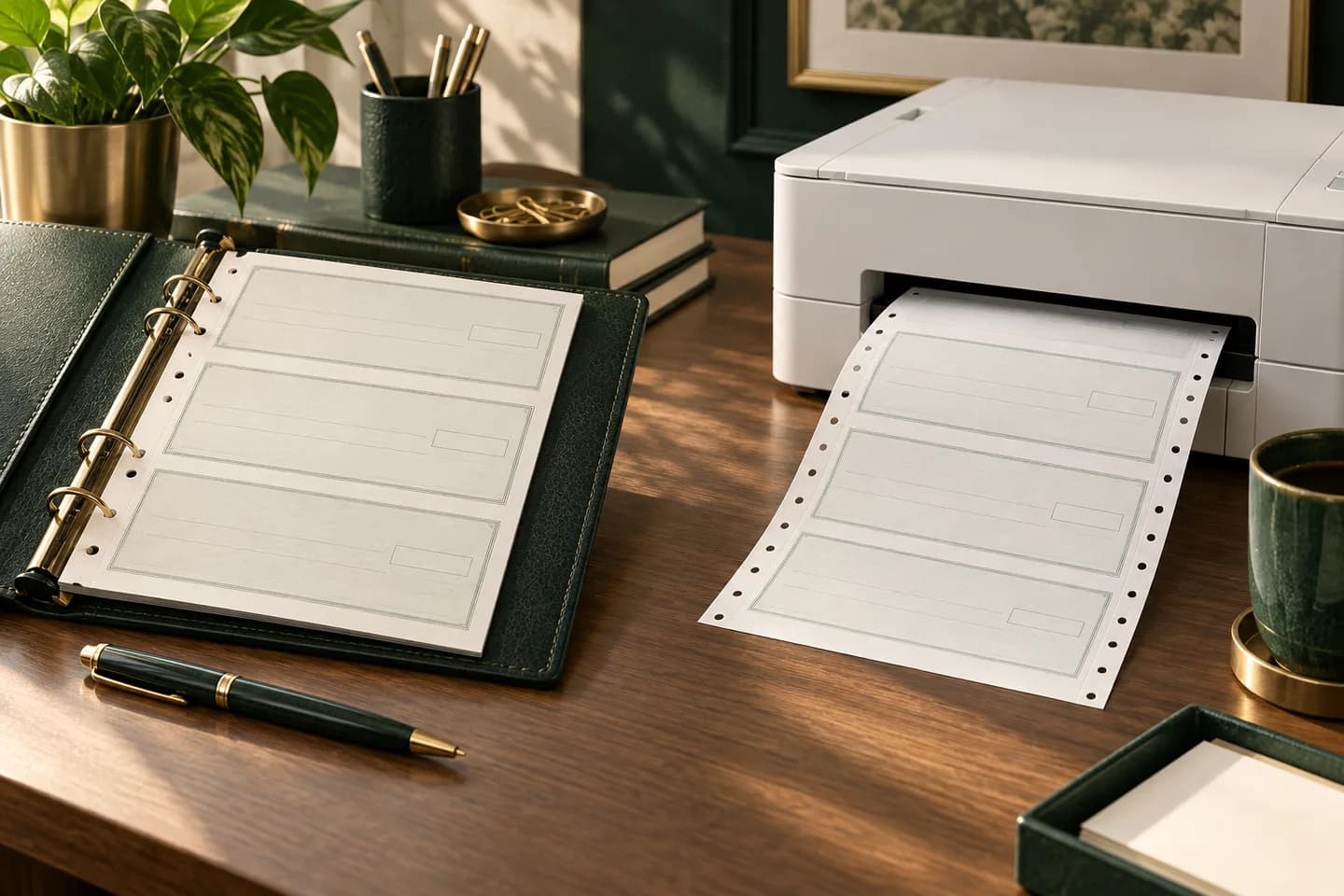
Laser checks vs wallet checks: which format fits your business?
Laser checks print from accounting software; wallet checks are written by hand. Compare size, cost per check, records and software fit before you order.
Read the guide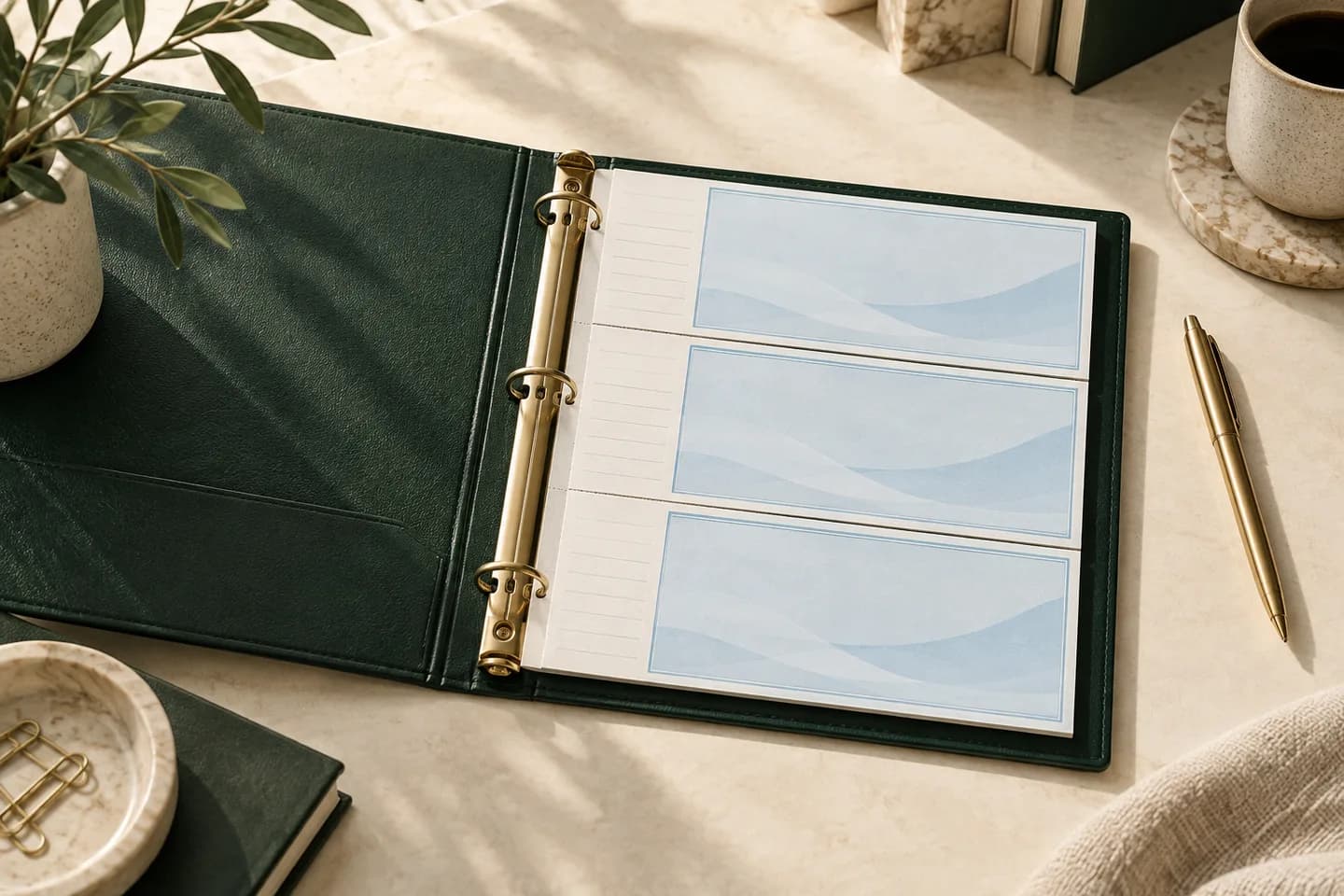
Check formats & software · 6 MIN READ
Three per page business checks: how the binder format works
Three per page business checks put three handwritten checks and their record stubs on one binder sheet. See sizes, stub fields, users and reorder timing.
Read the guide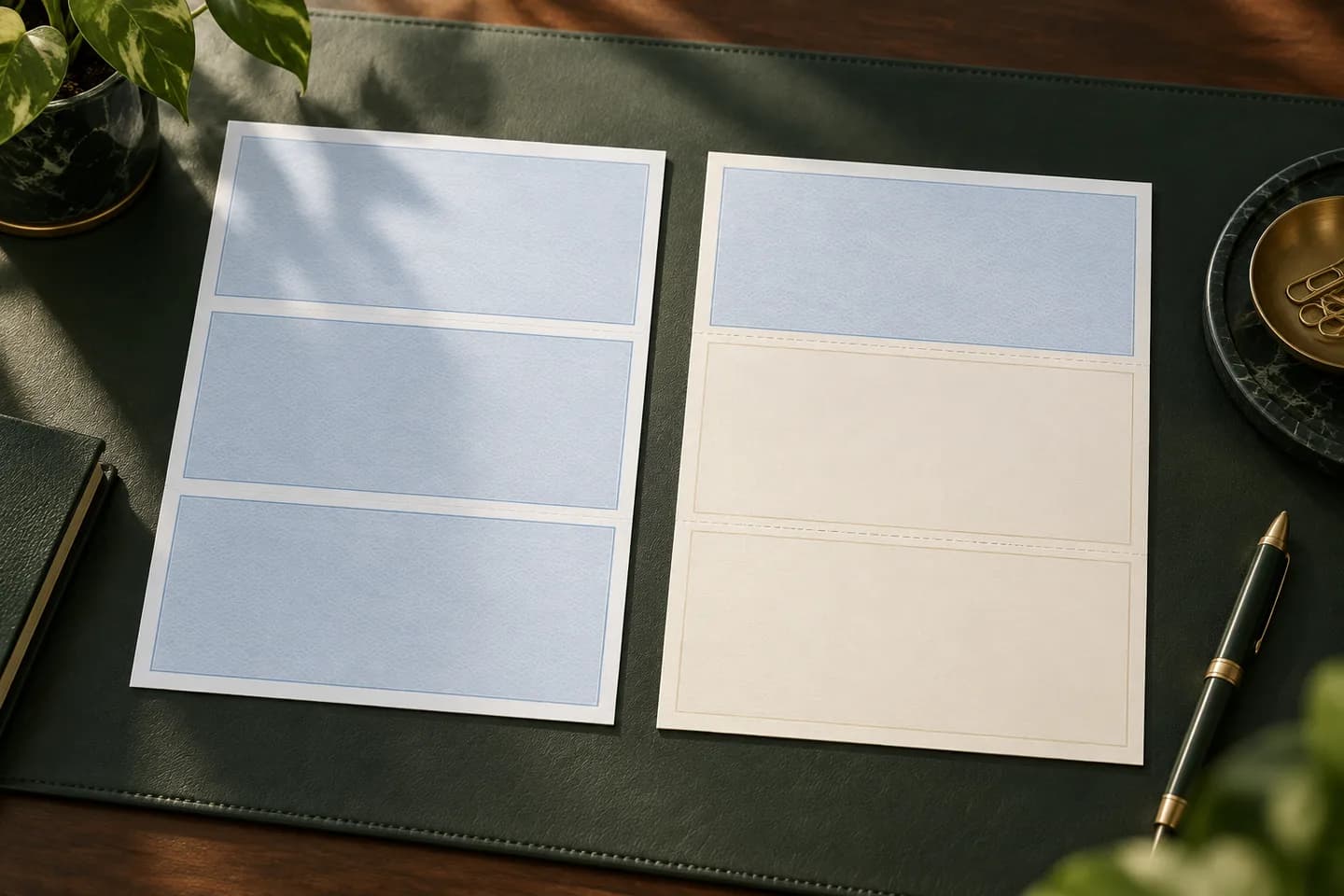
Check formats & software · 5 MIN READ
Voucher checks: when a check needs a detachable stub
Voucher checks put one check and one or two detachable stubs on a letter sheet. Learn what the stubs show, which layout to pick and when payroll needs them.
Read the guide
Check formats & software · 5 MIN READ
Check on top, middle or bottom: choosing a laser check layout
Check on top, middle or bottom depends on what your accounting software prints. See what QuickBooks, Xero and NetSuite use and how to test first.
Read the guide
Check formats & software · 5 MIN READ
How to print checks from QuickBooks without alignment problems
How to print checks in QuickBooks Online: pick the check type, test on plain paper, align, set the starting number and fix the most common printing problems.
Read the guide
Check formats & software · 5 MIN READ
Can you print your own checks at home? What is legal and what works
Yes, you can print your own checks in the US if the MICR line is in magnetic ink and your bank accepts them. See the two ways to do it and the risks.
Read the guide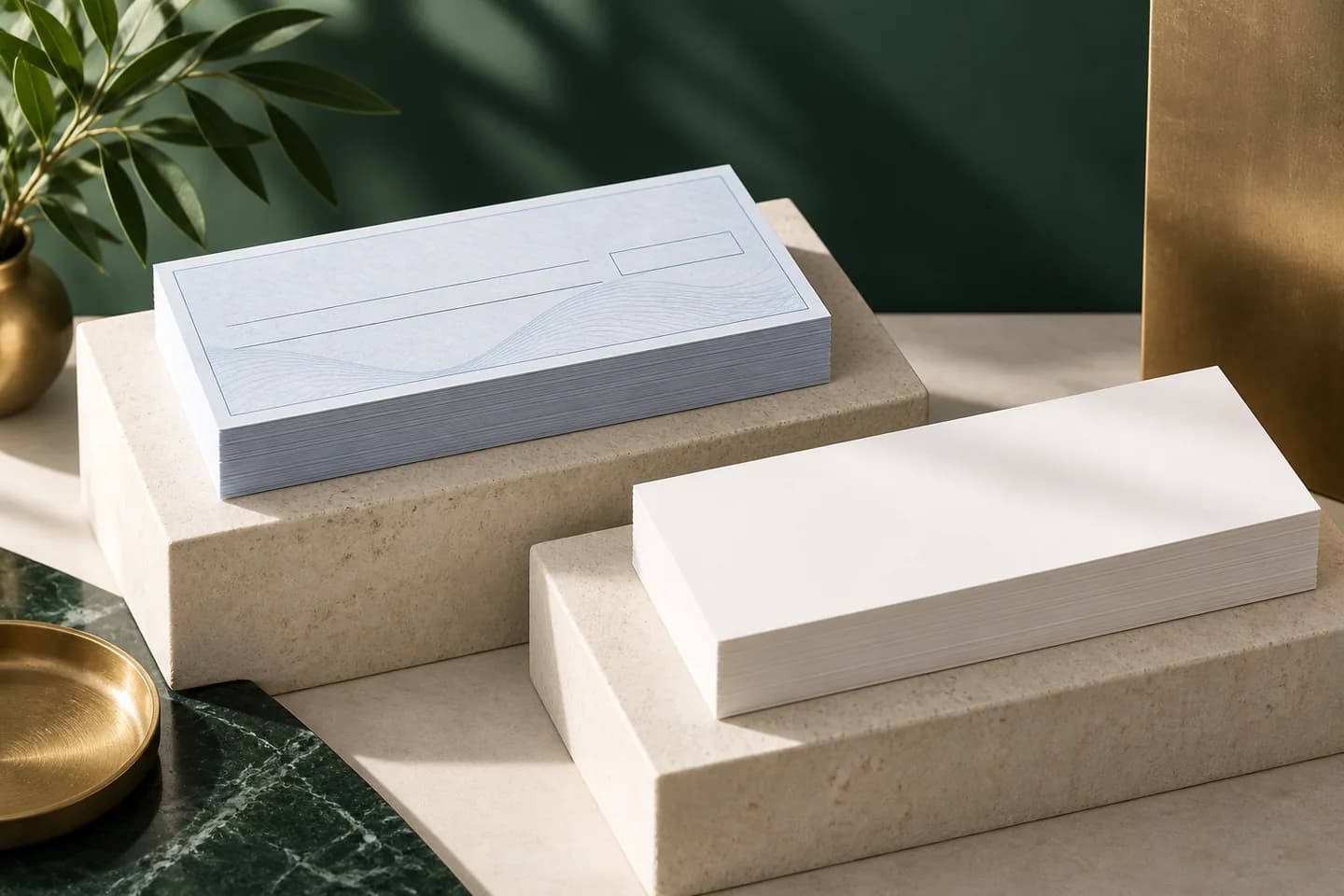
Check formats & software · 5 MIN READ
Blank check stock: what it is and when to use it
Blank check stock is security paper with no bank details, so you print everything, including the MICR line. Compare it with preprinted checks first.
Read the guide
Check formats & software · 6 MIN READ
Check printing software: what to look for before you buy
Check printing software should match your check layout, handle your accounts and export positive pay files. Compare accounting suites and standalone tools.
Read the guide
Check formats & software · 5 MIN READ
Payroll checks: layouts, stubs and what employees need to see
Payroll checks are usually voucher checks with an earnings stub. See what the stub shows, which rules vary by state and how to keep paychecks secure.
Read the guide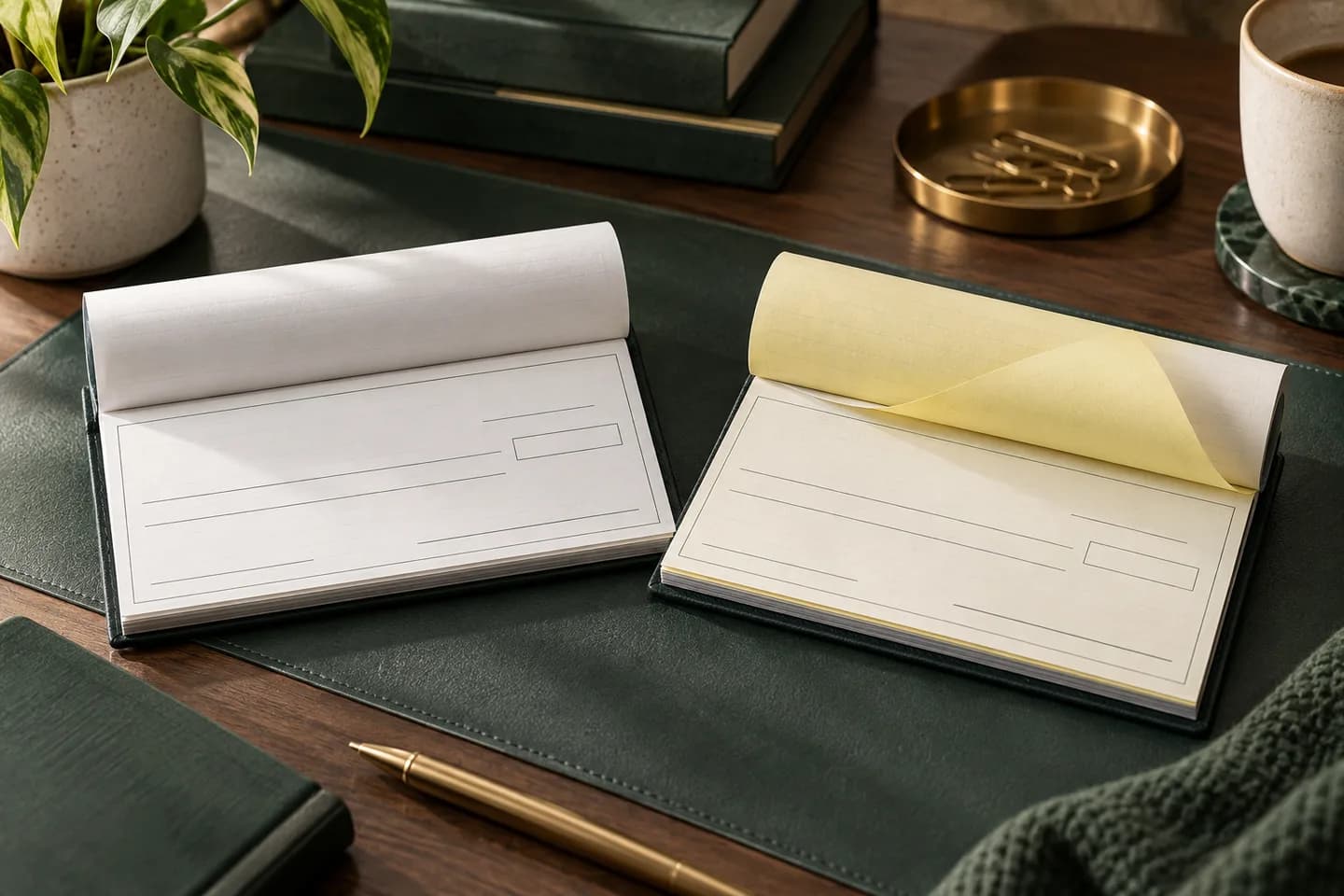
Check formats & software · 5 MIN READ
Duplicate checks vs single checks: do you need carbon copies?
Duplicate checks leave a carbonless copy of every check you write; single checks do not. Compare record keeping, cost, privacy and bulk before you order.
Read the guide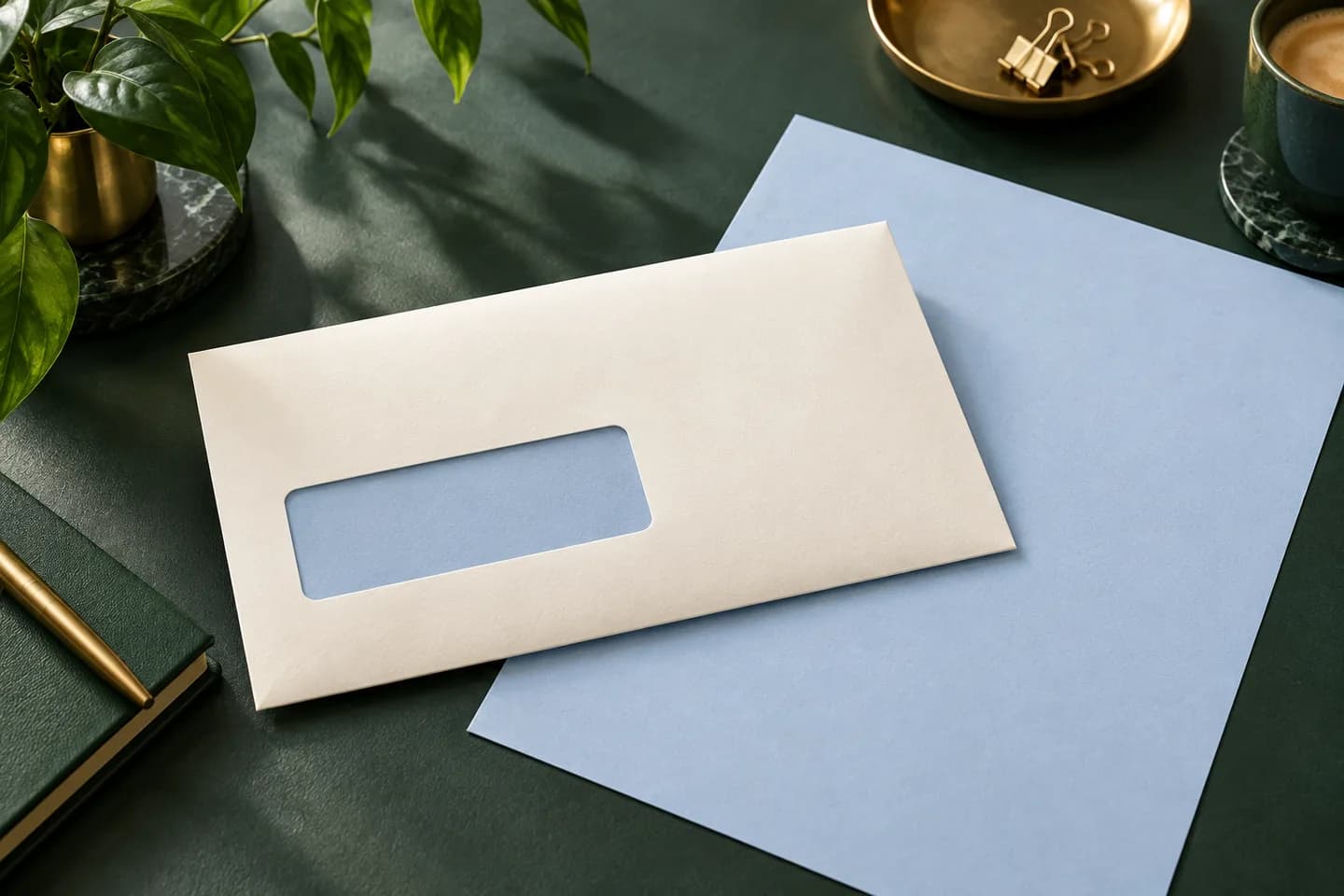
Check formats & software · 6 MIN READ
Double window envelopes for checks: sizing and alignment
Double window check envelopes show your return address and the payee address from a folded laser check. Compare #8 5/8 and #9 sizes and test the fit first.
Read the guide