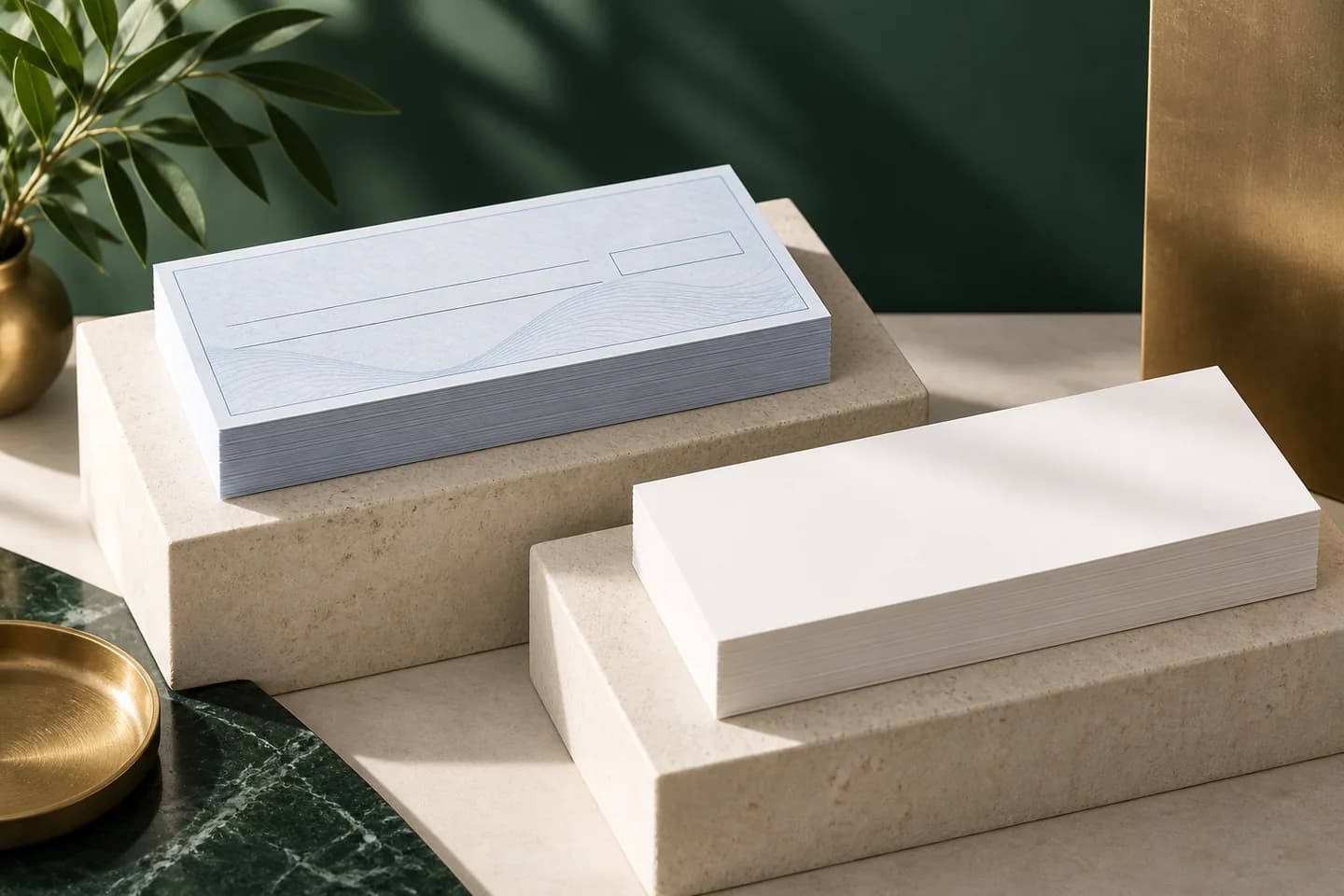
What is blank check stock?
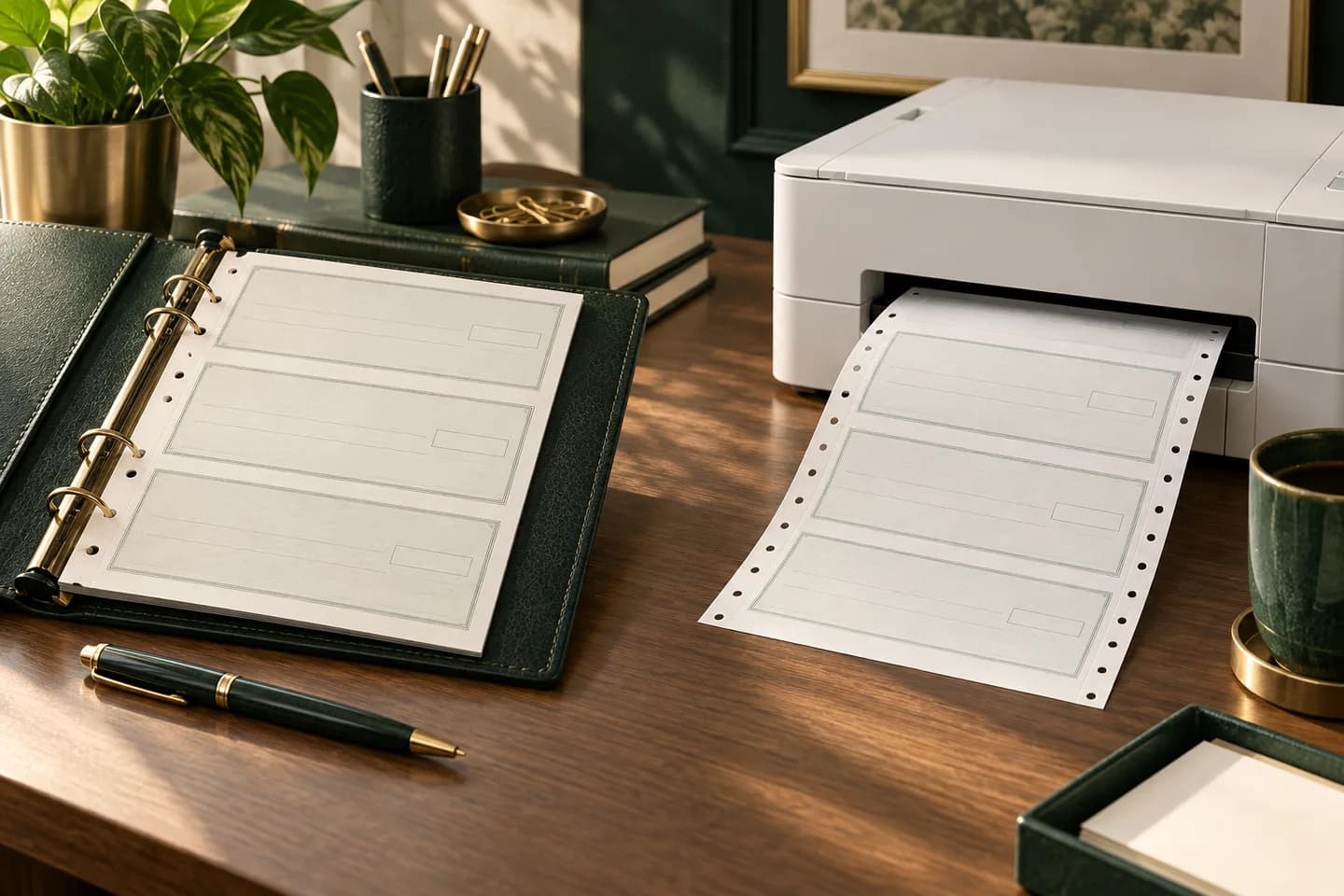
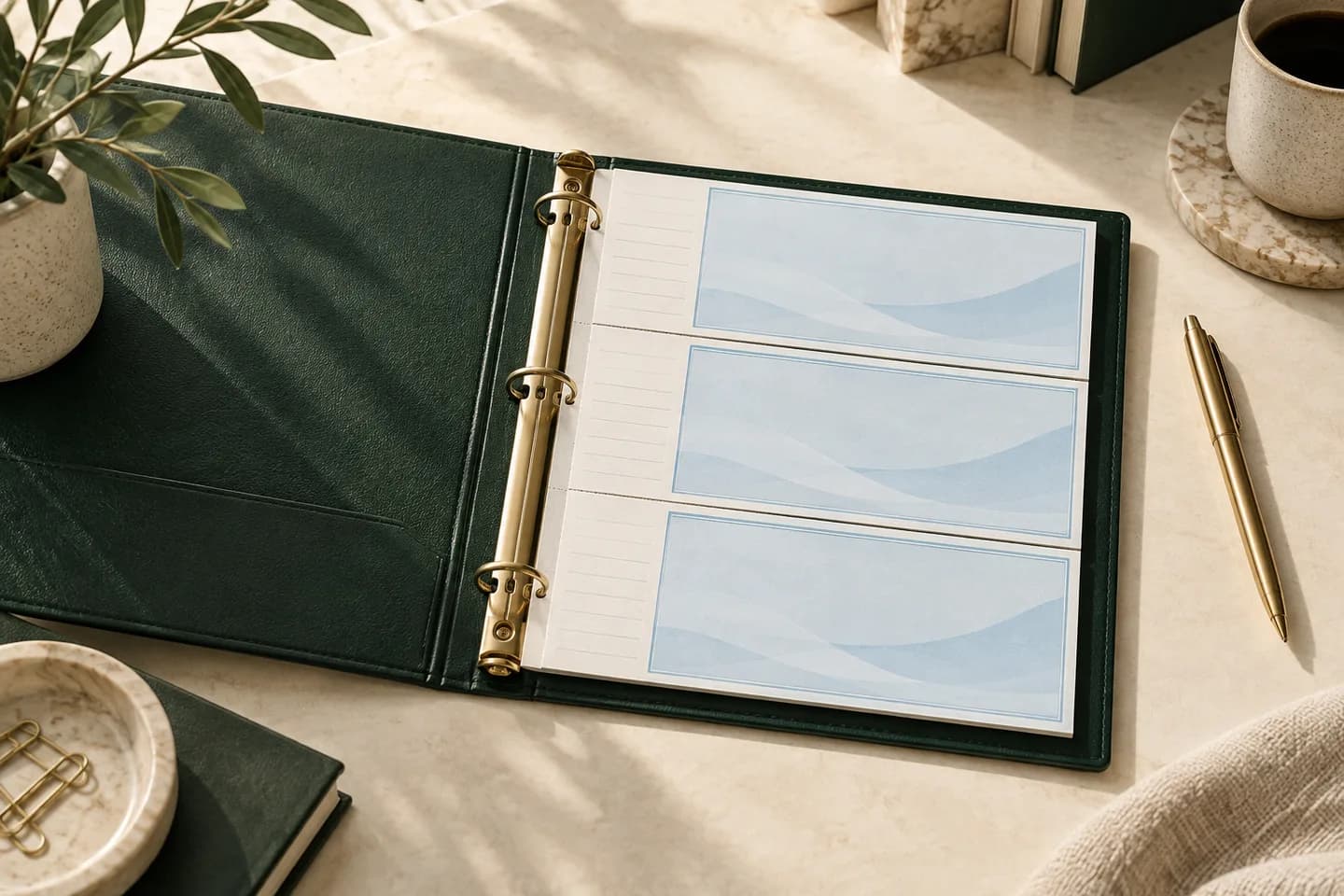
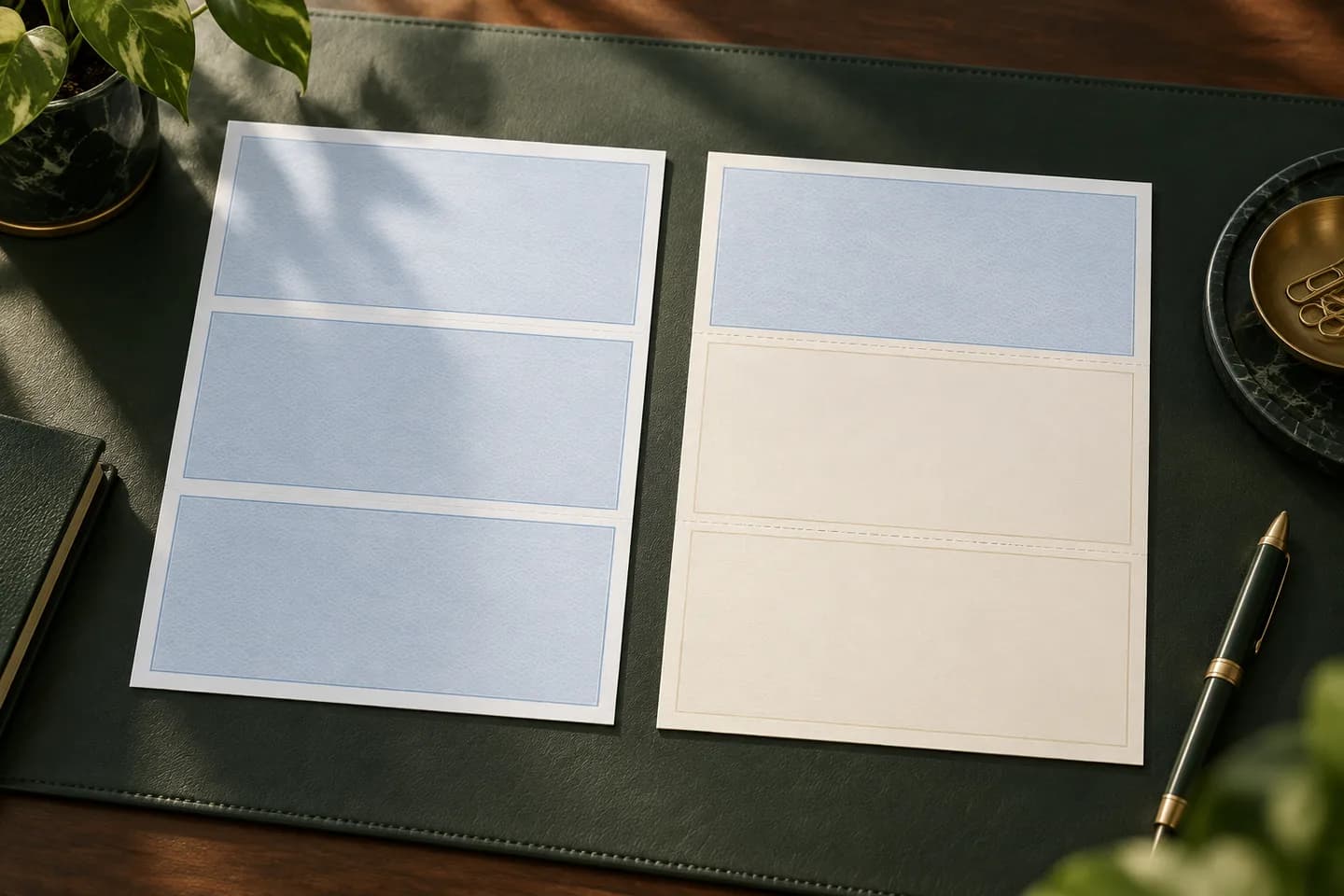
Blank check stock is laser check paper sold without any account information. Each sheet already has the check panel, perforations for stubs and security features such as a background pattern or chemically reactive paper. What it lacks is everything specific to you: business name, bank name, routing number, account number, check number and the MICR line.
Preprinted laser checks are the opposite. A check printer puts your bank details and magnetic MICR line on the stock before it ships, and your office printer only adds the date, payee, amount and memo. The paper looks similar in the box, but the work and the risk sit in very different places.
What do you have to print on blank check stock?
With blank stock, your software and printer do the check printer's job. That means every element a bank relies on must come from your system, correctly placed.
| Element | Printed on blank stock by | Notes |
|---|---|---|
| Business name and address | Your software | Must match the bank account |
| Bank name | Your software | Often with the bank's city |
| Check number | Your software | Top right and in the MICR line |
| Date, payee, amount, memo | Your software | Regular toner is fine |
| MICR line: routing, account, check number | Your software, in MICR toner | E-13B font, placed per ANSI X9.100-160-1 |
| Signature | You, or a signature image if your bank allows | Confirm your bank's rules |
The Federal Reserve notes that only the MICR line needs magnetic ink; the rest of the check can use regular toner. The Accredited Standards Committee X9 confirms that magnetic ink is still required for the code line, so a MICR font printed in ordinary toner does not meet the standard.
What are the pros and cons of blank stock vs preprinted checks?
| Factor | Blank check stock | Preprinted laser checks |
|---|---|---|
| Accounts per stock | Any number, one paper for all | One account per order |
| MICR line | You print it with MICR toner | Already printed |
| Printer supplies | MICR toner cartridge required | Regular toner |
| Software | Must support MICR and check design | Any software that prints checks |
| Setup | Design, alignment, MICR testing, bank approval | Alignment only |
| Theft risk | Anyone with software can print a check on it | Stock is tied to your account |
| Reorders | Paper only, any time | New order if bank details change |
The biggest advantage is flexibility. A property manager with twelve trust and operating accounts can keep one stack of paper instead of twelve boxes. The biggest drawback is that blank stock is valuable to a thief precisely because it is not tied to any account.
When does blank check stock make sense?
Blank stock pays off when the number of accounts or the volume is high enough to justify the setup and the controls. It is rarely worth it for a business with one checking account that prints a few dozen checks a month.
- You issue checks from several bank accounts or entities.
- You change banks or open accounts often and do not want to reorder stock each time.
- You already run a MICR capable printer and buy MICR toner.
- Your software designs and prints the full check, including the MICR line.
- You have a locked storage place and a log for unused stock.
- Your bank has approved your printed checks after reviewing a sample.
If most of those are not true, preprinted laser checks give you software printing without the extra steps, and our comparison of laser checks vs wallet checks helps if you are not sure you need printed checks at all. Our guide on printing your own checks at home compares both routes from the start.
Which software can print on blank check stock?
Not all accounting software can. Intuit's QuickBooks Desktop help states that QuickBooks does not print MICR fonts and points users to third party solutions. Xero added MICR encoding to its check style editor so users can print on blank stock, according to a report on the feature launch. Other accounting suites and standalone check programs vary, so confirm three things in writing: it prints the MICR line in the correct position, it supports your layout, and it handles every account you need.
Our guide to check printing software lists the features to compare, including positive pay exports and audit trails.
What printer and toner do you need?
You need a laser printer that accepts a MICR toner cartridge made for that model. Regular toner lacks the magnetic particles that bank readers detect. Keep the MICR cartridge in the printer you use for checks, and avoid swapping it out for everyday printing, which wastes an expensive cartridge.
Print quality matters more than with normal documents. Faded, smudged or misaligned MICR characters are a common reason a self printed check gets flagged for manual handling. Our explainer on MICR toner and ink covers cartridge choice and print quality in more detail.
How do you keep blank check stock secure?
Because blank stock works with any account, treat it like cash. The paper's own security features help against washing and copying, but not against someone printing a fresh check with a valid account number.
- Store unused stock in a locked cabinet with limited keys.
- Keep a log of sheets received, used, voided and remaining.
- Buy stock with security features such as chemically reactive paper, microprinting, a void pantograph and toner adhesion.
- Separate duties: the person who prints checks should not be the only one who reconciles the account.
- Use positive pay if your bank offers it, so only checks you issued are paid.
The last point matters most. Positive pay compares each presented check against the list you upload, so a check printed on stolen stock gets flagged as an exception. Our guide to positive pay explains how it works.
What should you do before switching to blank stock?
- Ask your bank whether it accepts checks printed on blank stock and whether it wants a sample.
- Confirm your software prints the MICR line and supports your layout: top, middle or bottom.
- Buy MICR toner for your exact printer model.
- Print a test check and have your bank review it before a live run.
- Set up storage, a usage log and positive pay.
If the list looks like more work than your volume justifies, preprinted checks are the simpler path. Voqado laser business checks start at $34.99 for 50, arrive with your bank details and MICR line already printed, and come in multipurpose, payroll or accounts payable layouts. For layout choice, see check on top, middle or bottom.
Frequently asked questions
Is blank check stock legal?
Yes. Buying and printing on blank check stock is legal in the United States. The checks must still meet bank processing standards, especially a MICR line printed in magnetic ink with correct placement, and your bank must be willing to accept them. Ask your bank for its rules and whether it wants to review a sample check first.
Can I use blank check stock without MICR toner?
Not for checks you expect the bank to process normally. The MICR line must be printed in magnetic ink under industry standards, and ASC X9 notes that data not printed in MICR cannot be captured magnetically and may need manual entry. Use MICR toner for the code line, or order preprinted checks instead.
Can QuickBooks print on blank check stock?
Not by itself. Intuit's QuickBooks Desktop help says QuickBooks cannot print MICR fonts, and suggests third party solutions for users who need MICR printing. Without such a tool, QuickBooks users should print on preprinted checks that already carry the bank details and MICR line.
Is blank check stock more secure than preprinted checks?
Not automatically. The paper can carry the same security features, but blank stock is not tied to any account, so stolen sheets can be printed with any account number. Preprinted checks only work against your own account. Whichever you use, lock up unused stock, keep a log and use positive pay.
Sources & specification notes
The references below support the relevant technical or product details in this guide. Examples and checklists are not claims of practical testing or universal supplier requirements. Confirm the current specifications for your chosen product before production.
- Accredited Standards Committee X9: Magnetic ink still required on checks ↗
Confirms MICR ink is required for the code line and names ANSI X9.100-160-1 and X9.100-20.
- Federal Reserve Board: Frequently asked questions about Check 21 ↗
States only the MICR line needs magnetic ink; other check information can use regular ink.
- Intuit: Create, modify, and print checks in QuickBooks Desktop ↗
States QuickBooks cannot print MICR fonts and points to third party solutions.
- Insightful Accountant: Xero simplifies check printing ↗
Reports Xero MICR encoding for printing on blank check stock.
- Tab Service Company: How check security features work ↗
Describes chemical sensitivity, microprinting, void pantographs and toner adhesion.