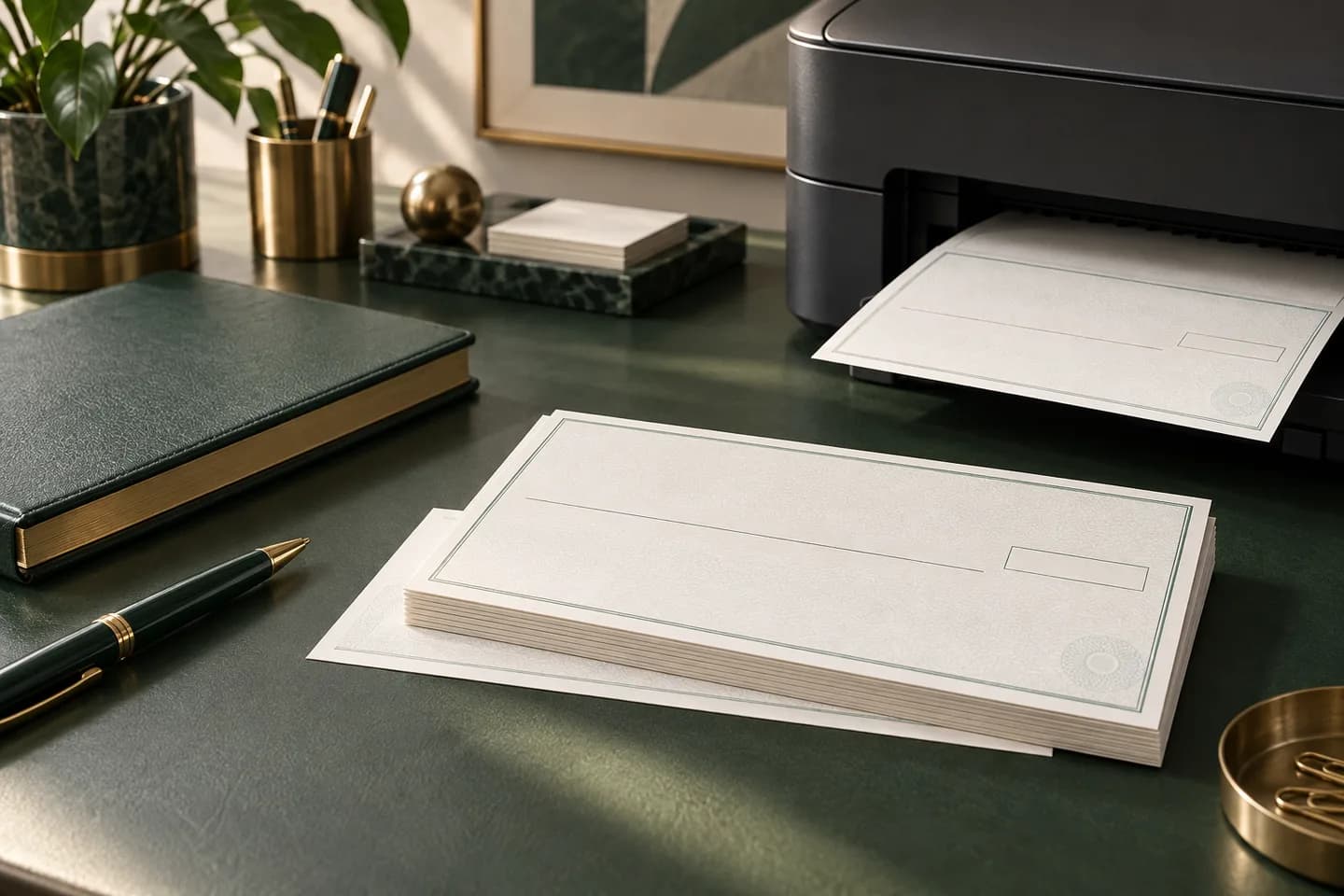
Do you need MICR toner to print checks?
It depends on who prints the bottom line. MICR toner contains magnetic particles so bank reader sorters can read the routing, account and check numbers by their magnetic signal. If your printer creates that line, it needs MICR toner. If a check printer already put the line on the paper, your printer only fills in text that bank machines do not read magnetically.
Most small businesses that print checks from QuickBooks, Xero or NetSuite never need MICR toner, because they buy laser checks with the bank data preprinted. MICR toner becomes necessary when you buy blank check stock and let software print everything, including the bank numbers.
When do you need MICR toner and when not?
Use this table to find your situation.
| Your setup | MICR toner needed? | Why |
|---|---|---|
| Preprinted laser checks, software adds date, payee, amount | No | The MICR line is already on the stock |
| Blank check stock, software prints the full check | Yes | Your printer creates the MICR line |
| Blank stock for several bank accounts | Yes | Each account's MICR line prints on demand |
| Handwritten wallet or desk checks | No | The MICR line is preprinted |
| Printing a copy of a check for your records | No | Copies are not presented for payment |
Blank stock is attractive for a business with several accounts, because one box of paper serves them all. The tradeoff is that you take on the MICR quality work a check printer would otherwise do. Our guide to blank check stock covers that route in more detail.
What happens if you print the MICR line with regular toner?
Regular toner is not magnetic, so a reader that relies on magnetic reading cannot read the line. Rosetta Technologies, a MICR supplier, puts it plainly: code line data not printed in MICR ink cannot be read by check readers with only standard magnetic read capability. The TROY MICR handbook adds that checks failing the MICR specification may be rejected and handled manually, and that banks commonly charge a manual processing fee for each rejected check.
There is a legal angle too. Federal Reserve Regulation CC treats an item that has not been preprinted or post encoded in magnetic ink with the paying bank's routing number as a noncash item, which falls outside the normal check collection rules.
Doesn't image based processing read regular toner anyway?
Sometimes. Many checks now travel as images, and the Federal Reserve's Check 21 FAQ describes electronic check records that carry the MICR line data along with the images. A deposit scanner that captures an image may read regular toner characters.
The problem is that you cannot choose the path your check takes. A payee may deposit it at a bank that sorts paper magnetically, or the item may need to be rehandled. The standards still call for magnetic ink, so a check without it is a gamble on every deposit. Treat regular toner MICR lines as unreliable, not as a cheaper equivalent.
What does printing your own MICR line cost?
The recurring costs are MICR toner, blank security stock and software that places the MICR font correctly. MICR toner cartridges can cost noticeably more than standard cartridges for the same printer, so compare current prices from your printer maker or a MICR supplier before deciding. Add the time to test alignment and the risk of reject fees while you learn.
Compare that against preprinted stock. At Voqado, laser business checks start at $34.99 for 50, about 70 cents a check before shipping, with multipurpose, payroll and accounts payable layouts. A business writing 30 checks a month would use about 360 a year; price that volume both ways and include toner, stock and your time on the home side.
Which printers can use MICR toner?
MICR toner is sold for specific laser printer models, either by the printer maker or by MICR specialists. It is not a universal cartridge, and a toner designed for one engine may not produce the right magnetic signal in another. The TROY handbook recommends using only the MICR toner designed for its printers and replacing the cartridge at the first low toner warning, because faded characters weaken the signal.
The handbook allows signal strength from 50 to 200 percent of the nominal level, and notes that ferromagnetic toner is sensitive to heat and moisture, so store cartridges accordingly. Before you buy, confirm with the printer maker that a MICR cartridge exists for your model.
What paper do you need for printed checks?
Check paper is built to survive machines. The TROY handbook cites ANSI X9.18 for a minimum of 20 pound paper and recommends 24 pound for durability, with the grain running along the length of the check. It notes that a check may pass through reader sorters as many as 30 times, so cheap copy paper tears and jams. Use security check stock with features such as microprinting and chemically reactive paper. Store it locked, like a checkbook: anyone holding blank stock, a MICR font and your account numbers can produce a check that looks genuine, so count sheets and log every voided page.
What should you check before printing your own MICR line?
Run through this list before you pay a real bill with a home printed check.
- A MICR cartridge made for your exact printer model
- A licensed E-13B MICR font or check software that includes one
- Security check stock of at least 20 pound weight
- The bank's MICR specification sheet for your account
- The MICR line inside the bottom 5/8 inch clear band, nothing else there
- A test sheet reviewed by your bank before live use
- A plan to replace toner at the first low warning
Banner Bank, like many banks, tells customers ordering checks from an outside source to request its MICR specification sheet; ask for the same sheet when you print your own. For the underlying standard, read what MICR is and why it matters, and weigh the options in ordering checks online vs from your bank. If the list looks like more work than it is worth, print checks from your software on preprinted laser stock instead. Our guide to printing your own checks at home covers what is legal, and the check printing guide covers the rest of the ordering decisions.
Frequently asked questions
Can I print checks without MICR toner?
Yes, if the MICR line is already printed on the check stock. Preprinted laser checks carry the bank numbers in magnetic ink, and your printer adds the date, payee and amount with regular toner. If you print on blank stock, the bottom line needs MICR toner or you risk rejects and processing fees.
Will a bank reject checks printed without magnetic ink?
It might. A check whose MICR line is not magnetic can fail on reader sorters that rely on magnetic reading, and banks can process it manually and charge a fee. Some image based deposits may still read it, but you cannot predict how each check will be handled, so it is not a safe practice.
Can I use an inkjet printer to print checks?
You can print the date, payee and amount on preprinted checks with most printers, including inkjets, as long as the software lines up with the stock. Printing the MICR line itself needs a magnetic ink or toner made for your printer model. Confirm availability with the printer maker before buying blank stock.
Is MICR toner worth it for a small business?
Usually only if you write many checks from several bank accounts. Blank stock and MICR toner let one box of paper serve every account, but you take on font, alignment, signal strength and paper quality. For most small businesses, preprinted laser checks are simpler and remove the risk of MICR rejects.
Sources & specification notes
The references below support the relevant technical or product details in this guide. Examples and checklists are not claims of practical testing or universal supplier requirements. Confirm the current specifications for your chosen product before production.
- TROY Group: MICR Basics Handbook ↗
Manufacturer handbook summarizing ANSI check size limits, the E-13B character set, MICR field positions, the 5/8 inch clear band and reject fees.
- Rosetta Technologies: Magnetic ink still required on checks ↗
Explains why magnetic ink is still needed after Check 21 and cites the ANSI MICR standards and Regulation CC.
- Cornell LII: 12 CFR 229.2, Regulation CC definitions ↗
Defines the MICR line as data printed near the bottom of a check in magnetic ink under the ANSI placement standard, and recognizes routing numbers in fractional or nine digit form.
- Federal Reserve Financial Services: Check 21 enabled services FAQ ↗
Confirms that electronic check records carry the MICR line data and that items can be rejected for image quality.
- Banner Bank: Identifying numbers on a check ↗
Shows the routing number to the left of the account number and advises requesting a MICR specification sheet when ordering from another vendor.