What do you need before you order business checks?
Ten minutes of preparation prevents almost every reprint. Gather these items before you open any order page, and keep them in one place for the next reorder.
- A recent bank statement or your bank's online account details page
- The business name exactly as it appears on the account title
- The address and phone number you want printed
- The last check number you used, if you have written checks on this account before
- Your accounting software name and version, if you print checks from a computer
- A logo file, if you want one on the check
If you are new to the subject, the check printing guide explains the formats, the MICR line and the security features in more depth. This walkthrough stays on the order itself.
Step 1: Which check format should you choose?
Pick the format that matches how you already pay bills. Changing your workflow to suit a check design is the most common first order regret.
| If you pay by | Choose | Why |
|---|---|---|
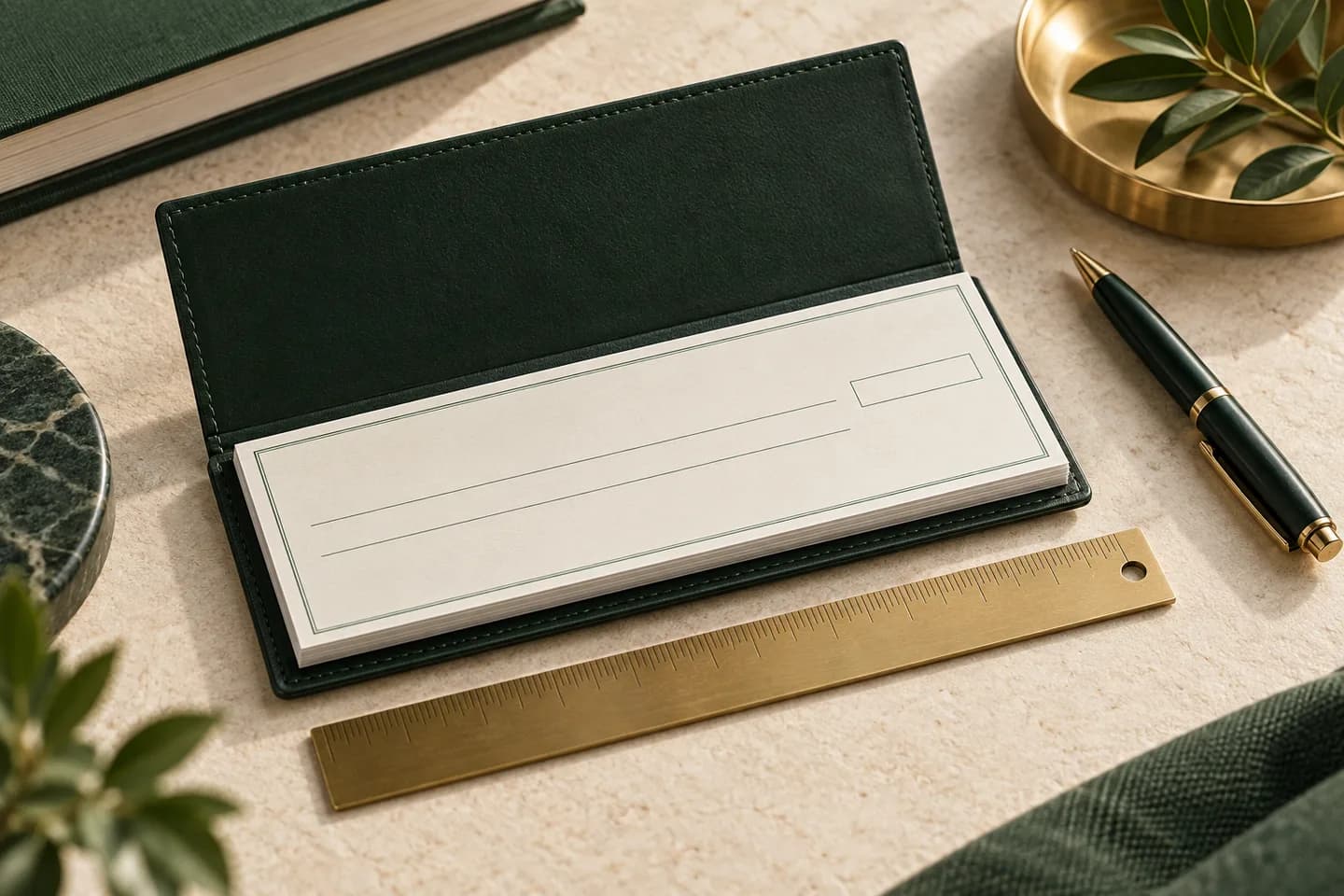
| Hand, away from a desk | Wallet checks | Compact 6 x 2.75 in book, single or duplicate |
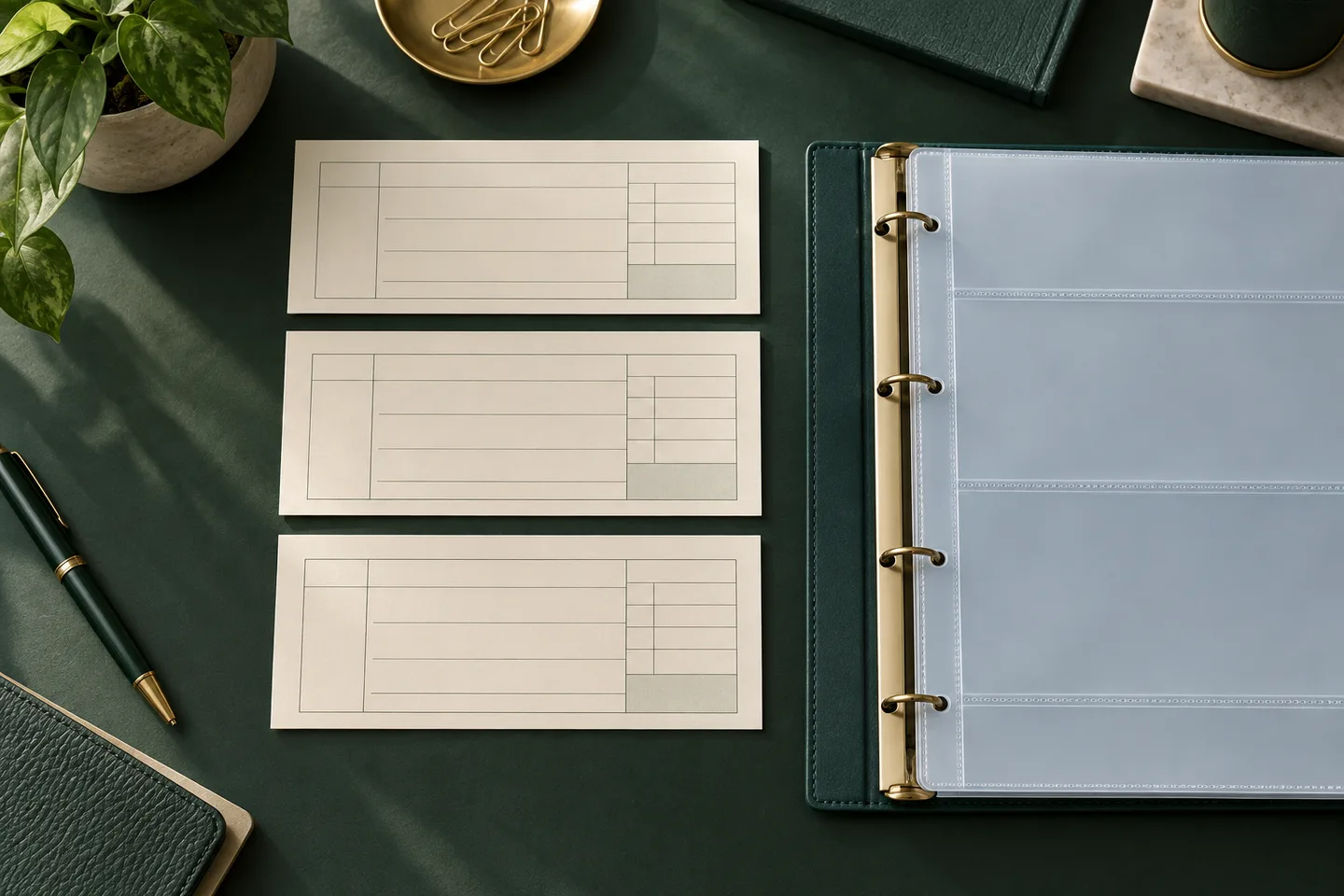
| Hand, at a desk, and need records | Three to a page checks | Check plus side stub for notes |
| QuickBooks, Xero or NetSuite | Laser business checks | Loose sheets for your office printer |
| Rarely, or testing a design | Wallet trial checks | Small first run of 25 |
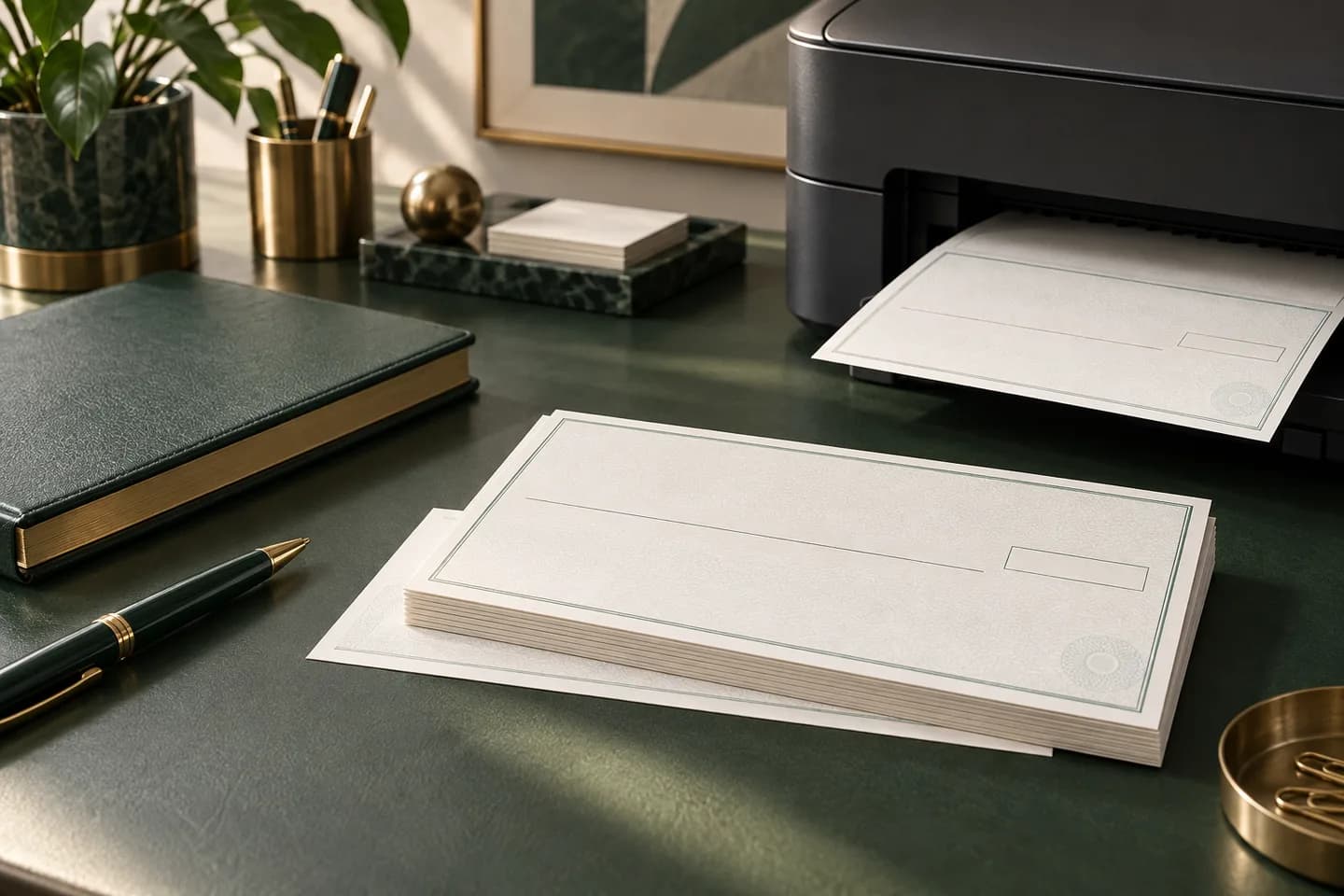
If you print from software, check which layouts it supports first. QuickBooks Online, for example, prints two check types: standard, with three checks per page, and voucher, with one check per page plus stubs. You can open all four check formats on one page to compare options and starting prices.
Step 2: How do you confirm the account details?
Copy the routing and account numbers from a bank source, never from a web search or an old invoice. The routing number is nine digits; the account number length varies by bank. If you are ordering from a printer other than your bank, ask the bank for its MICR specification sheet, a document Banner Bank and many others provide so outside printers place the numbers correctly.
Match the name line to the account title. An LLC should print its legal name, and a DBA line only if the account is titled that way. Our guide to the information needed to order checks lists every required and optional field.
Step 3: How do you choose a design, logo and security features?
Choose a design that keeps the date, payee, amount and signature areas light enough to read and write on. Busy dark backgrounds make handwriting hard to read and can interfere with bank imaging.
A logo belongs in the top left beside your company block, never in the bottom 5/8 inch where the magnetic line sits. Read the guide to business checks with a logo before you upload artwork. For security, look for microprinting, a warning band that lists the features and paper that reacts to chemical erasers. FinCEN reported more than 680,000 check fraud reports from financial institutions in 2022, so these features are worth having.
Step 4: How many checks, copies and what starting number?
Estimate a year of use. Count the checks you wrote in the last three months and multiply by four. A business that writes 20 checks a month needs about 240 a year, so a box of 250 is a sensible choice.
Decide between single and duplicate copies. Duplicates leave a carbonless copy of every check, which helps if you do not keep a separate register. Then set the starting number: continue from your last check plus one on an existing account. Banks often default first orders to low numbers, and Regions, for instance, defaults first time personal orders to 101 but lets you change the field. Read how to pick a starting check number before you decide.
Step 5: Why do bank numbers go through an encrypted form?
Your routing and account numbers are the keys to your account. Anyone holding them together with your name can attempt counterfeit checks, which is why they should never travel by email, chat or cart notes.
On Voqado, you enter routing and account numbers in a protected form before the check item is added to the cart. The numbers are encrypted separately from the cart, and the cart holds only a secure receipt. If anyone asks you to email bank numbers or a voided check, treat it as a red flag.
Step 6: What should you review before you pay?
Review the item summary as if you were the bank. Confirm the format, design, quantity, copy style and starting number. Then confirm shipping and total. Standard shipping starts at $5.99 depending on the product and is free on orders of $60 or more.
Three errors cause most reprints: a name that does not match the account title, a transposed digit in the account number, and a starting number that repeats an earlier box. Each takes seconds to spot on the summary and days to fix after printing. Keep the business check order checklist open during this step so nothing is skipped.
Step 7: What should you check on the proof?
The proof is your last chance to catch an error before hundreds of checks print. Voqado reviews the order and prepares a production proof, and if verification is needed, it sends a private follow up link instead of asking for documents by email.
Read the proof slowly, out loud if it helps. Compare each digit of the routing and account numbers with your bank source, check the name and address spelling, and confirm the starting check number and the number of signature lines. If something looks wrong, say so before approving, and if you need to email support at print@voqado.co, include only your order reference, never bank numbers.
What happens after you approve the proof?
Standard orders take 2 to 4 business days of handling plus 5 to 8 business days in transit. When the box arrives, open it and check the first and last check numbers against your order.
Before you mail the first check, write a small one, such as a supplier payment, and watch it clear on your statement. If you are unsure about a new design, start with the wallet trial pack of 25 checks and reorder the full run once it clears.
Frequently asked questions
Can I order business checks online without going to my bank?
Yes. You can order business checks from an online printer as long as you have the correct routing number, account number and account title. The printer generally does not need your bank's permission, but it must print the MICR line to bank standards. Ask your bank for its MICR specification sheet if you want extra assurance, and approve a proof before printing.
What documents do I need to order business checks?
You do not usually need documents, only accurate information: the business name as shown on the account, the address to print, the bank name, the nine digit routing number, the account number and the starting check number. Some printers may ask for verification on certain orders. At Voqado that happens through a private follow up link, never by email attachment.
How many business checks should I order at once?
Order roughly a year of checks. Multiply your average monthly check count by twelve and round up to the nearest box size. Ordering far more than a year's worth risks waste if your address, bank or logo changes, while ordering too few means paying shipping more often and risking a gap between boxes.
Is it safe to email a voided check to a check printer?
It is not a good idea. A voided check shows your routing number, account number, name and address together, which is exactly what a counterfeiter needs. Enter bank numbers only in a secure order form. If a printer needs to verify your account, it should provide a private, secure link rather than asking for a scan by email.
Sources & specification notes
The references below support the relevant technical or product details in this guide. Examples and checklists are not claims of practical testing or universal supplier requirements. Confirm the current specifications for your chosen product before production.
- Banner Bank: Identifying numbers on a check ↗
Shows the routing number to the left of the account number and advises requesting a MICR specification sheet when ordering from another vendor.
- Intuit QuickBooks: Print a check in QuickBooks Online ↗
Confirms the standard (three per page) and voucher check types and the starting check number field in the print screen.
- Regions Bank: How to order and reorder checks ↗
Notes that first time orders default to starting number 101 and the field can be changed.
- FinCEN: Alert on nationwide surge in mail theft related check fraud (February 27, 2023) ↗
Reports more than 350,000 check fraud SARs in 2021 and over 680,000 in 2022, and describes check washing.