Where is the cheapest place to order checks?
For most small businesses, a third party printer beats the bank on price. Bankrate's survey of check prices found third party printers charging about 5 to 24 cents per standard check, against roughly 40 to 66 cents at the banks it checked, with duplicate checks costing more at both. Treat those numbers as a snapshot, because prices and promotions change.
The exception is an account that includes checks. Bankrate notes that some banks and credit unions do not charge for ordering or reordering checks, so ask your bank before you shop. For business accounts, though, free checks are less common and the included designs are usually basic.
How do bank, online and home printed checks compare?
There are three realistic routes: order through your bank, order from an online printer, or print checks yourself on blank stock. Each trades money for time or control.
| Route | Typical cost | Speed | Design control | Main risk |
|---|---|---|---|---|
| Your bank | Highest per check, unless included | Varies by bank | Limited styles | Paying for convenience |
| Online printer | Lower per check | Standard shipping, often one to three weeks | Wide range, logos | Choosing an unvetted vendor |
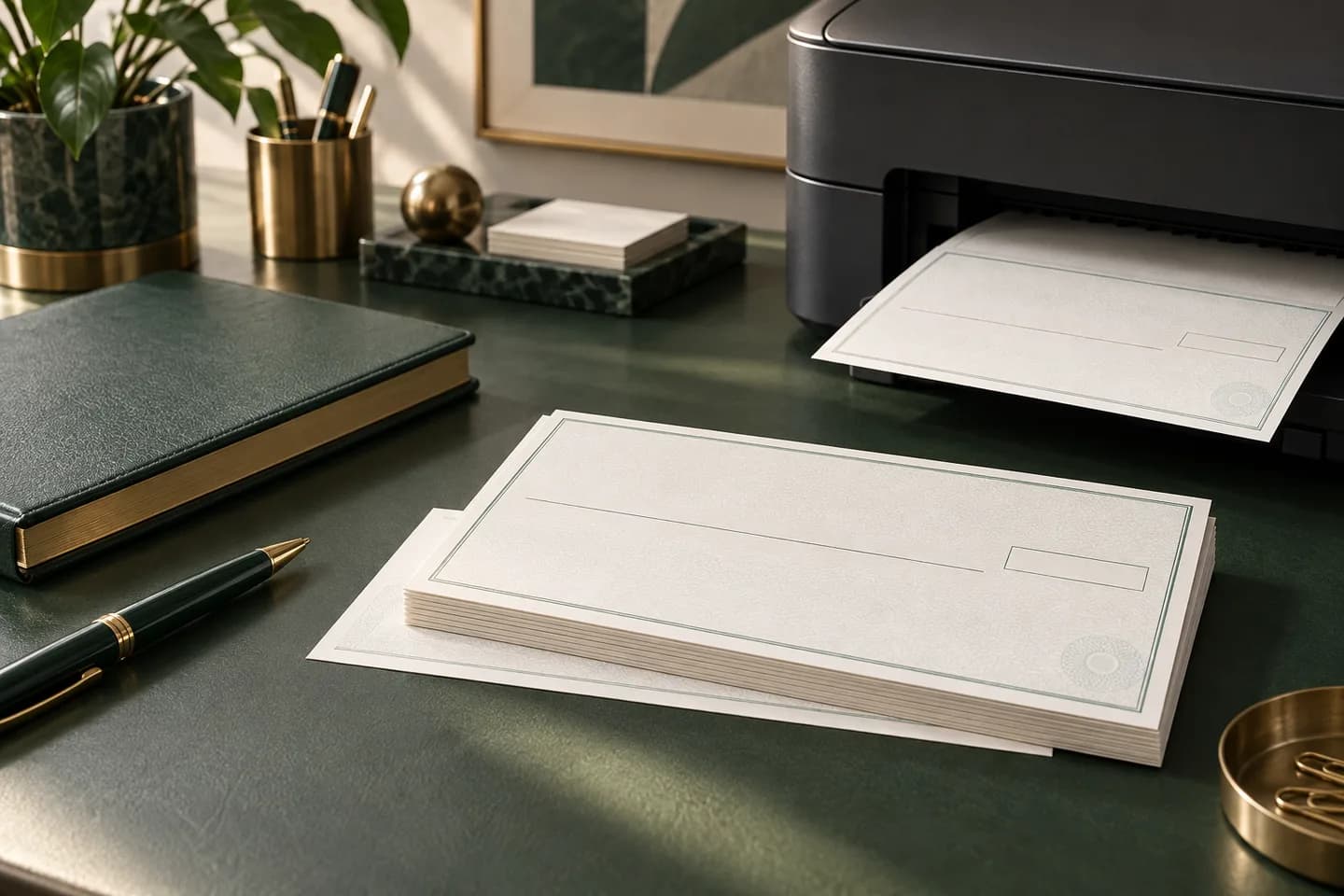
| Print your own | Low stock cost, plus toner and software | Same day once set up | Full | MICR errors and bank rejects |
Many banks do not print checks themselves. They hand orders to a check printing company, which is why the order page often looks like an outside vendor. Regions, for example, points customers to Harland Clarke for check orders.
What drives the price of a box of checks?
Two boxes with the same count can differ in price by several times. These are the factors that move the number most.
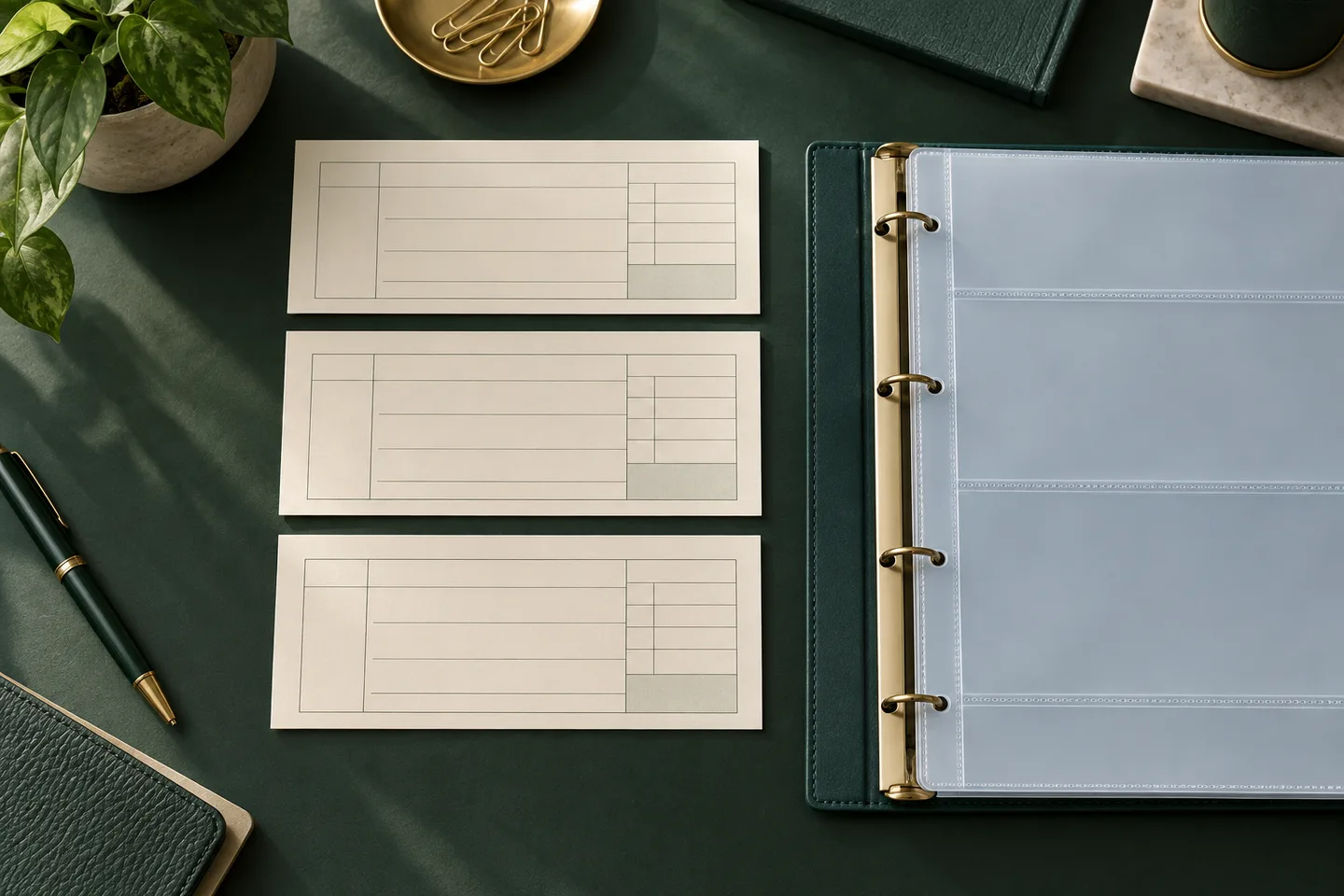
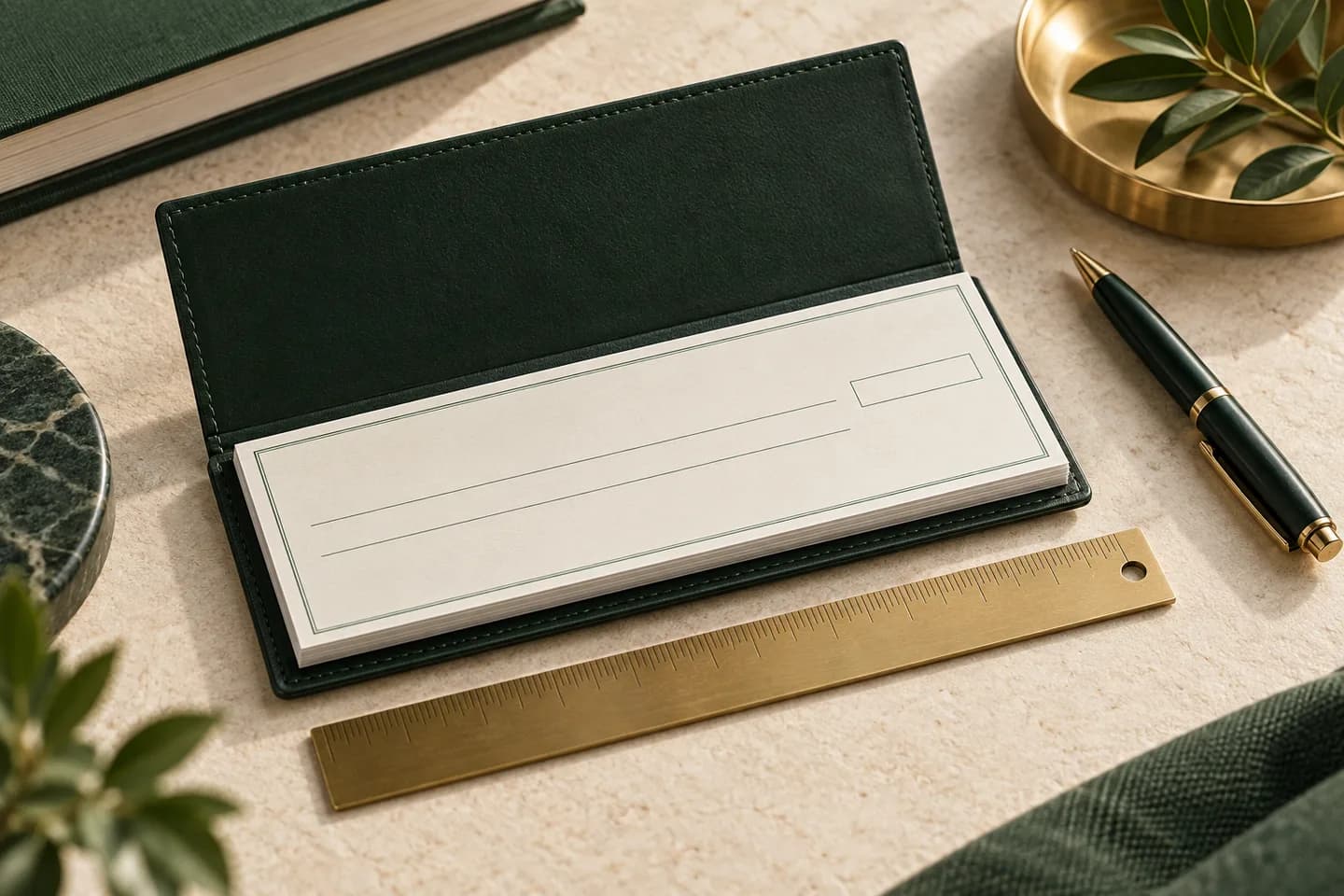
- Format: wallet checks use the least paper, laser sheets the most
- Quantity: the per check price drops as boxes get larger
- Copies: duplicate checks cost more than single checks
- Security features: chemically reactive paper and extra features add cost
- Logo and color printing
- Shipping speed: expedited delivery can cost more than the checks
- Accessories: covers, binders and deposit slips
How fast can you get checks from each option?
Speed depends on production plus shipping. Banks and online printers both print to order, so neither is instant, and delivery times vary by vendor. From an online printer, standard delivery can take one to three weeks from order to doorstep. At Voqado, standard orders take 2 to 4 business days of handling plus 5 to 8 business days in transit, and Voqado is not a same day printer.
Printing your own is the only route to same day checks, but only after you have bought blank stock, MICR toner and software and passed a test with your bank. If you often run short, the cheaper fix is to reorder earlier.
Are online check printers safe?
A reputable online printer is as safe as a bank order, but you have to check. Bankrate suggests checking a company's standing with the Better Business Bureau and looking for the Check Payment Systems Association padlock icon. The association says the icon means the check carries at least three designated security features, though no feature guarantees a check is genuine.
Look at how the printer takes your bank data. Routing and account numbers should go into a secure form, not email or chat. You should see a proof before printing. If you want extra assurance, ask your bank for its MICR specification sheet; Banner Bank tells customers to request one when ordering from another vendor.
Is printing your own checks cheaper?
Per check, yes, once you have the equipment. The catch is the setup. The MICR line must be printed in magnetic toner in the right position, and the TROY MICR handbook warns that checks that fail the specification can be rejected by bank reader sorters, with the bank charging a manual processing fee for each rejected check.
For a business that writes a few dozen checks a month, preprinted laser checks are the middle path. The printer puts the MICR line and bank data on the stock, and your office printer adds only the date, payee and amount. Before you buy toner, read MICR toner: do you need it to print your own checks.
What does a real per check comparison look like?
Divide the total you pay, including shipping, by the number of checks. Here is the math with Voqado starting prices at the time of writing.
| Format | Starting price | Per check before shipping |
|---|---|---|
| Wallet checks, 100 | $11.99 | About 12 cents |
| Wallet trial checks, 25 | $5.99 | About 24 cents |
| Three to a page checks, 54 | $10.79 | About 20 cents |
| Laser business checks, 50 | $34.99 | About 70 cents |
Standard shipping starts at $5.99 depending on the product and is free on orders of $60 or more. So a single box of 100 wallet checks with $5.99 shipping lands near 18 cents each, while combining items to pass $60 removes shipping from the math.
What hidden costs should you watch for?
The box price is rarely the whole bill. Watch for add ons that are preselected at checkout, such as check covers, binders, extra deposit slips, fraud protection bundles and expedited shipping. Each can be useful, but decide on purpose rather than by default.
The larger hidden cost is an error. A wrong digit in the account number means reprinting the whole box, and a misprinted MICR line can bring bank reject fees on every check that bounces through manual handling. That is why a clear proof step and a clear reprint or refund policy matter as much as the headline price. Ask any printer what happens if the proof was right but the printed checks are not, and whether you have to ship anything back.
Which option fits a small business?
Choose by how you pay. If you handwrite checks, a wallet or three to a page order from an online printer is usually the best value. If you pay from accounting software, price laser checks for your software and compare against a year of bank orders. Print your own only if you write many checks and are ready to manage MICR quality.
Whatever you choose, follow the step by step ordering walkthrough, approve the proof carefully and compare formats and starting prices before you commit. The check printing guide explains the formats and security features behind these prices.
Frequently asked questions
Is it cheaper to order checks online or from the bank?
Online is usually cheaper. A Bankrate survey found third party printers charging about 5 to 24 cents per standard check, compared with about 40 to 66 cents at banks. Some banks and credit unions include free checks with certain accounts, so ask your bank first, then compare the online price per check after shipping.
Will my bank accept checks printed by another company?
Yes, if the checks meet bank specifications. Banks process checks from outside printers every day; what matters is that the MICR line is printed correctly in magnetic ink with the right routing and account numbers. If you are unsure, ask your bank for its MICR specification sheet and write one small check first to confirm it clears.
What is the fastest way to get business checks?
The fastest route is printing checks yourself on blank or preprinted laser stock, but only if you already have a working setup. Otherwise, order early. Most printers, including banks' vendors, print to order and ship over one to three weeks. Expedited shipping can shorten the transit time but not the production time.
Do cheap checks have fewer security features?
Not necessarily. Price is driven mostly by format, quantity and copies, and many low cost checks include basic features like microprinting and a warning band. Check the product details for the features listed, look for the padlock icon, and add stronger features if you mail many checks or have had a fraud problem.
Sources & specification notes
The references below support the relevant technical or product details in this guide. Examples and checklists are not claims of practical testing or universal supplier requirements. Confirm the current specifications for your chosen product before production.
- Bankrate: Where to buy checks and save money ↗
Survey snapshot of per check prices at banks versus third party printers and advice on vetting check companies.
- Check Payment Systems Association: The Padlock Icon ↗
Explains that the padlock icon requires at least three designated security features and does not by itself guarantee authenticity.
- TROY Group: MICR Basics Handbook ↗
Manufacturer handbook summarizing ANSI check size limits, the E-13B character set, MICR field positions, the 5/8 inch clear band and reject fees.
- Banner Bank: Identifying numbers on a check ↗
Shows the routing number to the left of the account number and advises requesting a MICR specification sheet when ordering from another vendor.
- Regions Bank: How to order and reorder checks ↗
Shows a bank directing check orders to Harland Clarke, an outside check printer.