Is it legal to print your own checks?
Printing your own checks is legal in the United States. No federal rule says a check has to come from a bank or a licensed check printer. What matters is whether the check can be processed: it needs your correct routing and account numbers, a properly formatted MICR line in magnetic ink and a drawer's signature, and your bank has to be willing to accept it.
That last part is not automatic. Banks set their own policies on checks their customers print, and some may want to see a sample before you start. Call your bank's business services team before your first run and ask whether they accept self printed checks and whether they want a test check.
What makes a home printed check acceptable to a bank?
The bank cares most about the bottom edge of the check. Automated sorting equipment reads the routing number, account number and check number from the MICR line, the row of characters in the E-13B font along the bottom edge.
| Requirement | What it means | Standard or source |
|---|---|---|
| MICR line in magnetic ink | Routing, account and check number printed with MICR toner or ink | ANSI X9.100-160-1; X9 advisory |
| Correct font | E-13B characters, including the special transit and on us symbols | ANSI X9 standards |
| Correct placement | Characters in the right band and position from the edges | ANSI X9.100-160-1 |
| Readable check fields | Date, payee, amount in figures and words, signature | Bank practice |
| Suitable paper | Check stock, ideally with security features | Bank practice |
| Bank approval | Your bank agrees to process self printed checks | Your bank |
The Federal Reserve notes that industry standards have long required the MICR line on original checks to be printed in magnetic ink, and that only the MICR line needs it. The date, payee and amount can print in regular toner. The Accredited Standards Committee X9 warns that data not printed in MICR ink cannot be captured magnetically and may need manual entry, and that checks are legally required to carry a magnetic code line to be treated as a cash item.
What are the two ways to print your own checks?
There are two practical routes, and they differ a lot in effort and risk.
| Route | What you print | What you need | Best for |
|---|---|---|---|
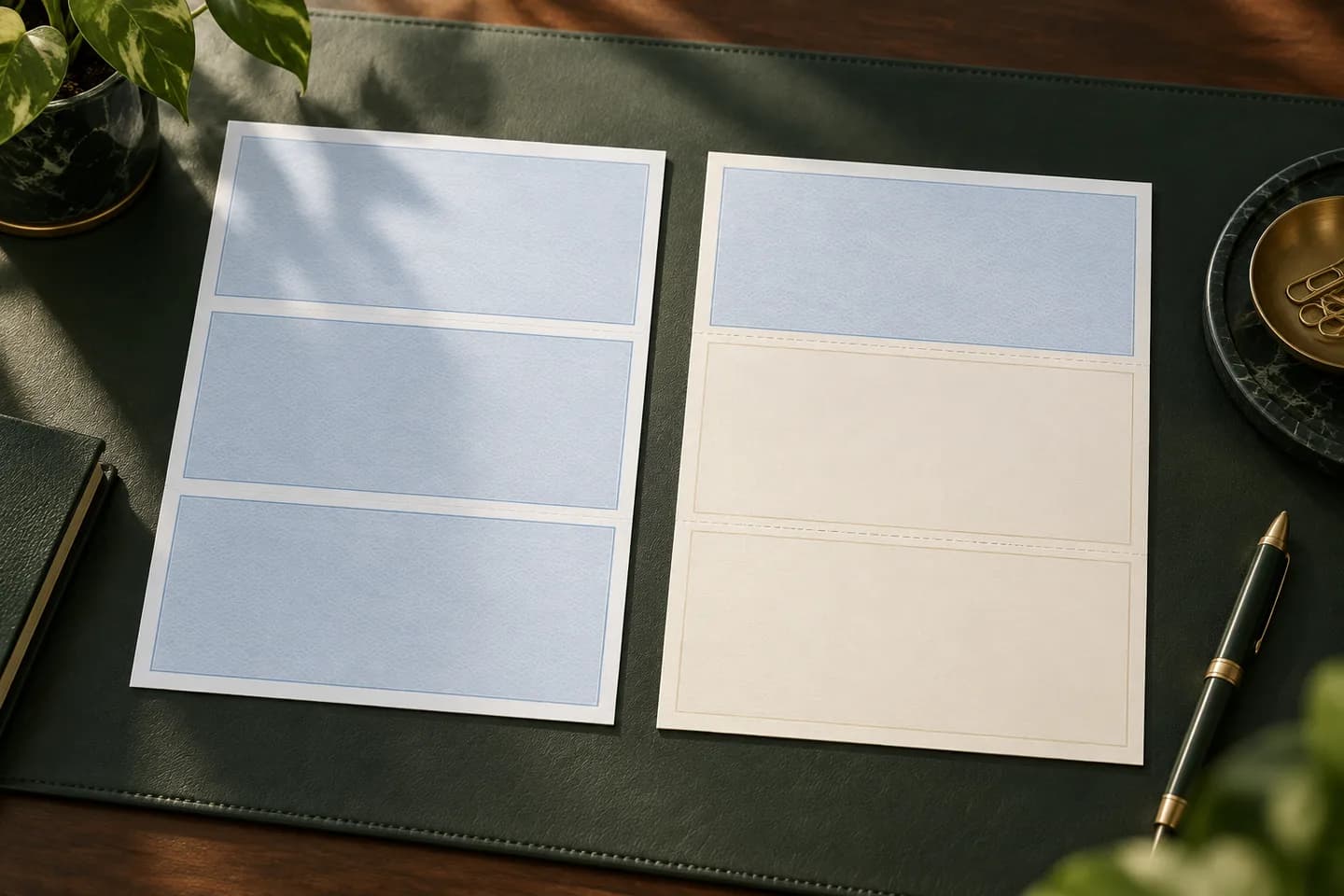
| Preprinted laser checks | Date, payee, amount and memo only | Laser printer, accounting software, regular toner | Most small businesses |
| Blank check stock | Everything, including the MICR line and bank details | Laser printer, MICR toner, software that prints MICR, bank approval | Businesses with several bank accounts |
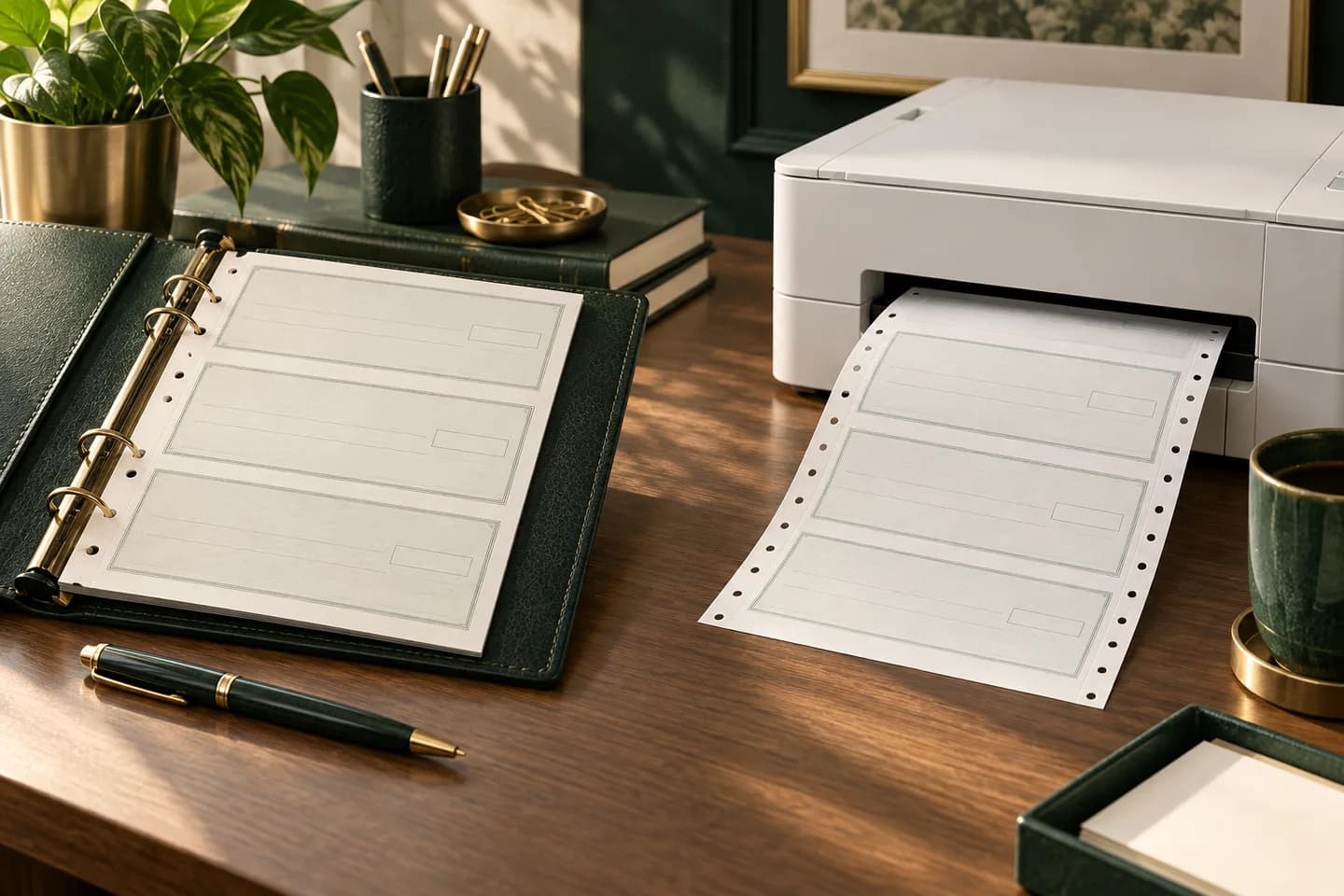
With preprinted laser checks, a check printer has already put your bank details and the magnetic MICR line on the stock. Your printer only fills in the payment details, so ordinary toner works. With blank stock, you are the check printer, which is why you need MICR toner and software that can format the E-13B line correctly. Our guide to blank check stock covers that route in detail.
Can you print checks with a regular inkjet or laser printer?
Any reliable laser printer can fill in payment details on preprinted checks, but a compliant MICR line needs magnetic toner or ink, so a regular printer with a MICR font is not enough. Our explainer on MICR toner and ink covers cartridges and printer choice, and the background on the line itself is in what is MICR.
What are the risks of printing your own checks?
- Rejected items: a badly placed or non magnetic MICR line can cause checks to be kicked out for manual handling or returned.
- Fraud exposure: blank stock plus your software can produce a valid check, so a stolen pack is a real risk.
- Weak paper: plain copy paper has no protection against washing, copying or alteration.
- Setup time: alignment, MICR testing and bank approval take hours before the first real check.
- Supply cost: MICR toner cartridges cost more than standard toner, so check prices for your printer model.
Security paper helps with the fraud risk. Features such as chemically reactive paper, microprinting, void pantographs and toner adhesion make alteration and copying harder. Our guide to check security features explains what each one stops. Whatever you use, lock unused stock away and log the check numbers you print.
When is ordering preprinted checks simpler?
For most small businesses, preprinted laser checks give you the control of printing in house without the MICR work. You still print from QuickBooks, Xero or NetSuite, but the bank details and magnetic line arrive already printed by the check printer.
Blank stock makes more sense when you run several bank accounts or entities and want one paper stock for all of them, or when you print hundreds of checks a month and already manage MICR toner. Our guide to check printing software explains which tools can print MICR on blank stock.
How do you print your own checks step by step?
- Call your bank and confirm it accepts self printed checks and whether it wants a sample.
- Choose your route: preprinted laser checks or blank stock with MICR toner.
- Confirm your software supports the layout: voucher, three per page or wallet style.
- Enter the correct routing number, account number and starting check number.
- Print a plain paper test, hold it over the check stock and align the fields.
- Print one real check and, if your bank asks, send it for review before a full run.
- Store unused stock securely and record every check number you print or void.
If you decide printed checks are right but want to skip the MICR work, Voqado laser business checks start at $34.99 for 50 and arrive with your bank details and MICR line already printed. Bank numbers are entered through a protected form and reviewed on a production proof before printing. If you are still weighing formats, start with laser checks vs wallet checks.
Frequently asked questions
Can I print checks on regular paper?
You should not. A check on copy paper lacks security features, and unless the MICR line is printed in magnetic toner, bank equipment cannot read it magnetically. Some banks may process such an item by hand or reject it. Use real check stock, preprinted or blank, and confirm your bank accepts self printed checks before relying on them.
Do I need a special printer to print checks?
Not for preprinted checks. Any reliable laser printer can print the date, payee and amount on stock that already carries your MICR line. For blank check stock you need a laser printer that accepts a MICR toner cartridge made for that model, plus software that places the MICR line correctly.
Will my bank accept checks I print myself?
Many banks do, but it is their decision. Call your bank's business services team, ask whether self printed checks are accepted and whether they want a sample check to test. Banks mainly look at the MICR line: magnetic ink, the E-13B font, correct numbers and correct placement along the bottom edge.
Can I print personal checks at home too?
Individuals can print checks the same way, using check stock, software and MICR toner, with the same condition that the bank accepts them. The rules for the MICR line do not change between personal and business checks. For occasional personal use, a handwritten checkbook is usually simpler than setting up MICR printing.
Sources & specification notes
The references below support the relevant technical or product details in this guide. Examples and checklists are not claims of practical testing or universal supplier requirements. Confirm the current specifications for your chosen product before production.
- Accredited Standards Committee X9: Standards advisory, magnetic ink still required on checks ↗
States MICR ink is still required for the code line, cites ANSI X9.100-160-1, and explains the cash item requirement.
- Federal Reserve Board: Frequently asked questions about Check 21 ↗
Confirms industry standards require the MICR line on original checks in magnetic ink and that only that line needs it.
- Intuit: Create, modify, and print checks in QuickBooks Desktop ↗
Notes QuickBooks does not print MICR fonts, so blank stock needs a third party tool.
- Tab Service Company: How check security features work ↗
Describes chemical sensitivity, microprinting, void pantographs and toner adhesion.