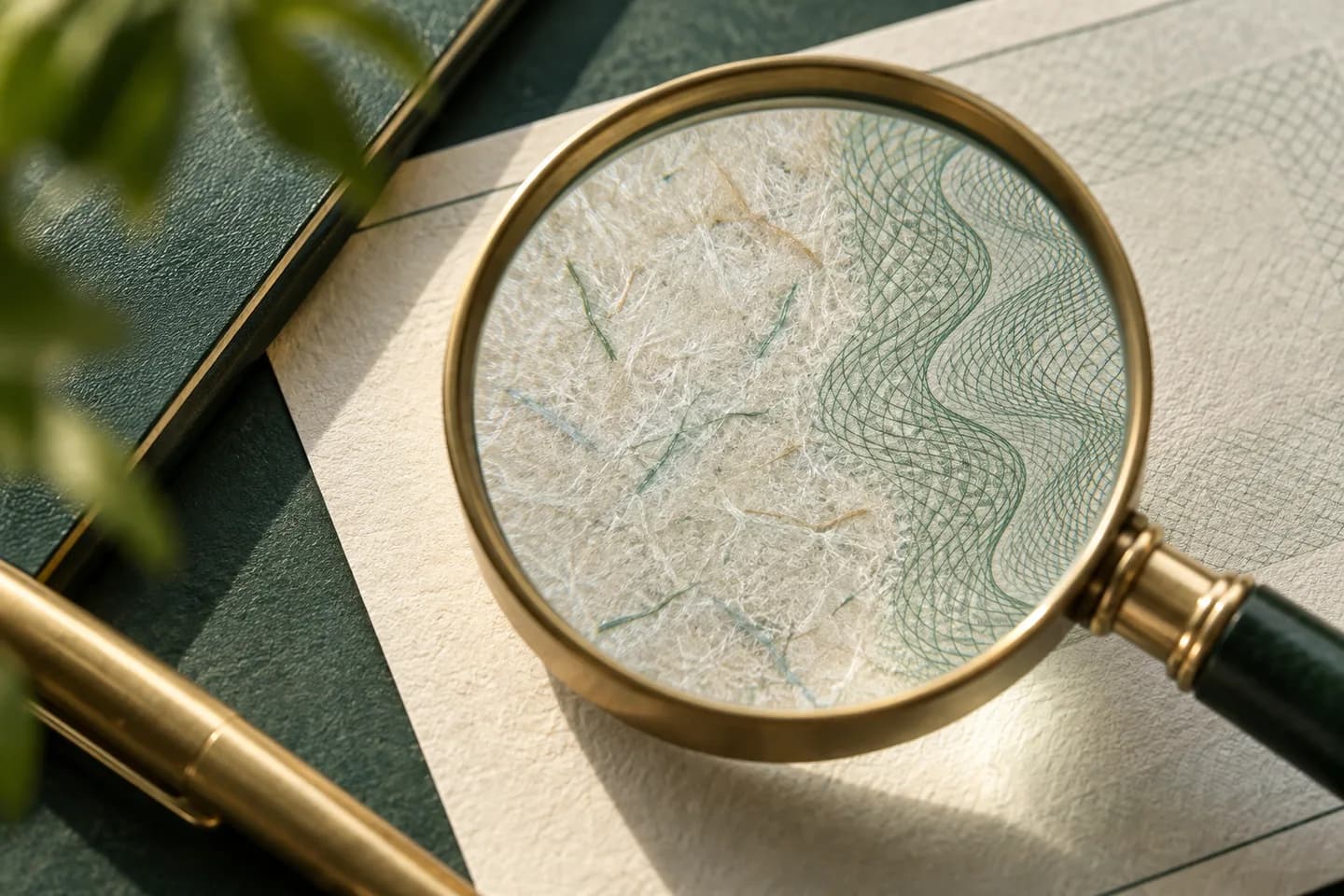
What do check security features actually do?
Every check fraud falls into one of two families. Alteration means a real check is changed: the payee or amount is washed off and rewritten. Counterfeiting means a new check is made from scratch, usually by scanning or copying a real one. A security feature earns its place only if it makes one of those attacks visible to a teller, a bank image system or your own staff.
No single feature stops everything. A void pantograph fights copiers but does nothing against a chemical wash. Chemically reactive paper exposes a wash but does not stop a scanner. That is why the check industry treats security as a stack, and why the rest of this guide sorts each feature by the attack it answers.
Which security feature stops which type of fraud?
| Feature | How it works | Main threat it answers |
|---|---|---|
| Microprinting | A line of tiny text, often on the signature line, that looks solid to the eye | Copying and scanning, since reproductions blur into a broken line |
| Void pantograph | A hidden background pattern that shows the word VOID on a photocopy | Photocopy counterfeits |
| Chemically reactive paper | Paper that stains or spots when bleach, acetone or similar solvents touch it | Check washing |
| Toner anchorage | A coating that bonds laser toner tightly to the paper | Scraping or lifting printed payee and amount |
| Heat reactive ink | Ink that fades when warmed by a finger, then returns | Quick authenticity test without tools |
| Watermark | A true watermark in the paper or an artificial one printed on the back | Counterfeits made on plain stock |
| Security screen and warning box | Reverse printed text on the back plus a list of the features present | Copying, and it tells tellers what to check |
| Fluorescent fibers | Fibers visible only under ultraviolet light | Authentication of genuine stock |
| Padlock icon | A certification mark next to the amount box | Signals that at least three features are present |
What does the padlock icon on a check mean?
The padlock icon is a certification mark of the Check Payment Systems Association. It tells anyone handling the check that additional security features are built into the design, materials or production, and that the back lists them. To use it, a printer must include at least three features; the icon and its warning text on the back count as one, so two more must be present and designated.
The icon is tied to the ANSI X9.100-170 standard for check fraud deterrent icons. The association recommends overt features that people can verify without lab equipment, such as microprinting on the signature line and a security screen on the back. When you see the padlock, flip the check over and read the warning box: it should name the features you can test.
How do anti copy features stop counterfeit checks?
Most counterfeit checks now start as a scan or a photo of a real check. Anti copy features exploit the limits of scanners and copiers. A void pantograph pattern is calibrated so it sits below what the eye notices but above what a copier reproduces, so the word VOID appears on the copy. Microprinting that reads as a clean line of words under a loupe turns into dots on a reproduction. A colored background and a reverse printed security screen also degrade when copied.
These features work best when someone looks. If your staff, your bank or a payee is trained to check the signature line with a magnifier, a counterfeit falls apart in seconds. They do less against image based deposit, where no one holds the paper, which is why bank side controls matter too.
Which features protect against check washing and alteration?
Washing uses household or hardware store chemicals to lift ink so the thief can write a new payee and a larger amount. Chemically reactive paper responds by staining, speckling or showing the word VOID where the solvent landed, which leaves the evidence you need. Toner anchorage matters for laser checks: it locks printed text into the paper so it cannot be scraped or lifted with tape.
Your pen matters as much as the paper. Pigmented gel ink lodges in the paper fibers and resists solvents better than typical dye inks, as our guide to the best pen for writing checks explains. For the full attack sequence and how to break it, read how check washing works and how to prevent it.
How many security features does a business check need?
For most small businesses, a sensible target is the padlock minimum plus the two features that answer your biggest exposure. Businesses that mail many checks should prioritize washing defenses. Businesses that hand checks to many payees should prioritize anti copy features. Use this list when comparing stock or reading a proof:
- Microprinting on the signature line, readable under magnification
- A void pantograph or other anti copy background
- Chemically reactive paper that shows staining when altered
- Toner anchorage if you print checks on a laser printer
- A warning box on the back that lists every feature present
- The padlock icon, if the printer is authorized to use it
- A clean MICR line printed to bank specifications
What can security features not stop?
Paper cannot stop a thief who steals a check you signed and then deposits a digital image through a mobile app, or one who uses your printed routing and account numbers to create entirely new checks on blank stock. FinCEN reported that financial institutions filed more than 680,000 check fraud reports in 2022, nearly double the prior year, much of it linked to mail theft.
That is why the strongest defense pairs good stock with good habits. Ask your bank about positive pay, which matches each presented check against the list you issued. Mail checks inside a post office rather than leaving them in a mailbox, following our guide on whether it is safe to mail a check. Reconcile often, and keep blank stock locked, as covered in our small business check fraud prevention checklist.
How do you order checks with security in mind?
Start by choosing a format that fits how you pay: wallet checks for handwritten payments, laser checks for accounting software, or three to a page checks with stubs for a binder. Then read the product description and the proof for the exact feature list before you approve it. If a feature matters to you and is not listed, ask the printer in writing.
Protect the data as well as the paper. At Voqado, the routing and account numbers go into a protected form and are encrypted separately from the cart, and every order receives a production proof before printing. Never send bank numbers to any printer by email.
Frequently asked questions
What are the most important security features on a check?
The most important features are microprinting, a void pantograph, chemically reactive paper and, for laser checks, toner anchorage. Together they cover both copying and washing. A warning box on the back should list what is present so tellers know what to test. If you can choose only a few, match them to your biggest risk: mailed checks need washing defenses, and widely shared checks need anti copy features.
Is the padlock icon required on business checks?
No. The padlock icon is optional and is a certification mark that authorized printers may use when a check carries at least three security features. Banks accept checks without it. Its value is signaling: it tells a teller or payee that the back of the check lists features they can verify, which makes a counterfeit easier to catch.
Do security features stop mobile deposit fraud?
Only partly. Features like microprinting and heat reactive ink need someone to hold the paper, and a mobile deposit is only an image. A washed check can still look clean in a photo. Bank controls such as positive pay with payee match, plus prompt review of cleared check images, fill that gap.
How can I tell if a check has been altered?
Look for stains, spots or discoloration around the payee and amount, which chemically reactive paper produces after a wash. Check the signature line with a magnifier for crisp microprinting. Rub or breathe on heat reactive ink to see it fade and return. Compare the written and numeric amounts, and confirm the check number fits your issued range.
Sources & specification notes
The references below support the relevant technical or product details in this guide. Examples and checklists are not claims of practical testing or universal supplier requirements. Confirm the current specifications for your chosen product before production.
- Check Payment Systems Association: The Padlock Icon ↗
Supports the three feature minimum, the ANSI X9.100-170 reference and the recommended overt features.
- Tab Service Company: How check security features work and the types of fraud they prevent ↗
Describes each feature, including void pantograph, chemical sensitivity, toner adhesion and fluorescent fibers, and the fraud it targets.
- FinCEN: Alert on Nationwide Surge in Mail Theft Related Check Fraud Schemes ↗
Source for the more than 680,000 check fraud reports filed in 2022 and the link to mail theft.
- U.S. Postal Inspection Service: Check Washing ↗
Explains washing and counterfeiting with copiers and scanners, and mail timing advice.