Do you need separate check printing software?
Often you do not. If your bills and payroll already run through accounting software, that software probably prints checks. QuickBooks Online prints voucher and standard checks, QuickBooks Desktop adds a wallet style, Xero has a check style editor, and NetSuite prints standard and voucher checks with basic layouts.
Separate software earns its place in a few situations: you want to print on blank stock with the MICR line, you issue checks from many bank accounts or entities, your accounting system cannot produce the layout you need, or you need controls such as approval steps that your suite lacks. Otherwise, a second system just adds another place for records to disagree.
What features matter most in check printing software?
Compare tools on what they do for your process, not on how many features they list.
| Feature | Why it matters | Question to ask |
|---|---|---|
| Layout support | Text must land in the right panel of your stock | Does it print check on top, middle, bottom and three per page? |
| MICR printing | Needed only for blank check stock | Does it print the E-13B line in the correct position? |
| Multiple bank accounts | One tool for every account or entity | How many accounts, and can each have its own design? |
| Positive pay export | Lets your bank match presented checks to your list | Can it export an issue file in my bank's format? |
| Payee list | Fewer typos in names and addresses | Does it store vendors and employees with addresses? |
| Audit trail | Shows who created, printed, voided or reprinted each check | Is there a log with user and time? |
| User permissions | Separates who writes checks from who approves them | Can I limit who prints and who edits bank details? |
| Void and reprint handling | Keeps numbering complete after jams | Does it record voided numbers automatically? |
| Accounting sync | Avoids typing each payment twice | Does it post payments to my ledger, or import bills? |
Accounting suite or standalone check software?
| Option | Strengths | Limits | Good fit |
|---|---|---|---|
| Accounting suite printing | Payments post straight to your books | Layout and MICR options vary by product | Most small businesses with one or two accounts |
| Standalone check software | Often MICR on blank stock, many accounts, custom designs | Another system to reconcile with your books | Multiple entities, high volume, blank stock users |
| Accounting suite plus add on | Keeps the ledger, adds missing features | Two vendors, two subscriptions | Businesses that outgrow built in printing |
Two limits are worth knowing. Intuit's QuickBooks Desktop help states that QuickBooks does not print MICR fonts and points to third party solutions, so QuickBooks users printing on blank stock need an add on. Xero, by contrast, added MICR encoding for blank stock to its check style editor, along with top, middle and bottom voucher layouts and up to three checks per page.
How does software support positive pay?
Positive pay is a bank service that pays only checks matching the list you send. You, or your software, upload an issue file with each check's number, amount and often the payee. When a check is presented, the bank compares it against the file and flags mismatches as exceptions for you to approve or return.
The software side is the export. Some banks accept a check issue file generated by accounting software, and the file format varies by bank. Ask your bank for its file layout first, then confirm your software can produce it. If it cannot, you may be typing each check into the bank portal by hand, which is easy to fall behind on. Our guide to positive pay explains the service itself.
Which check layouts should the software support?
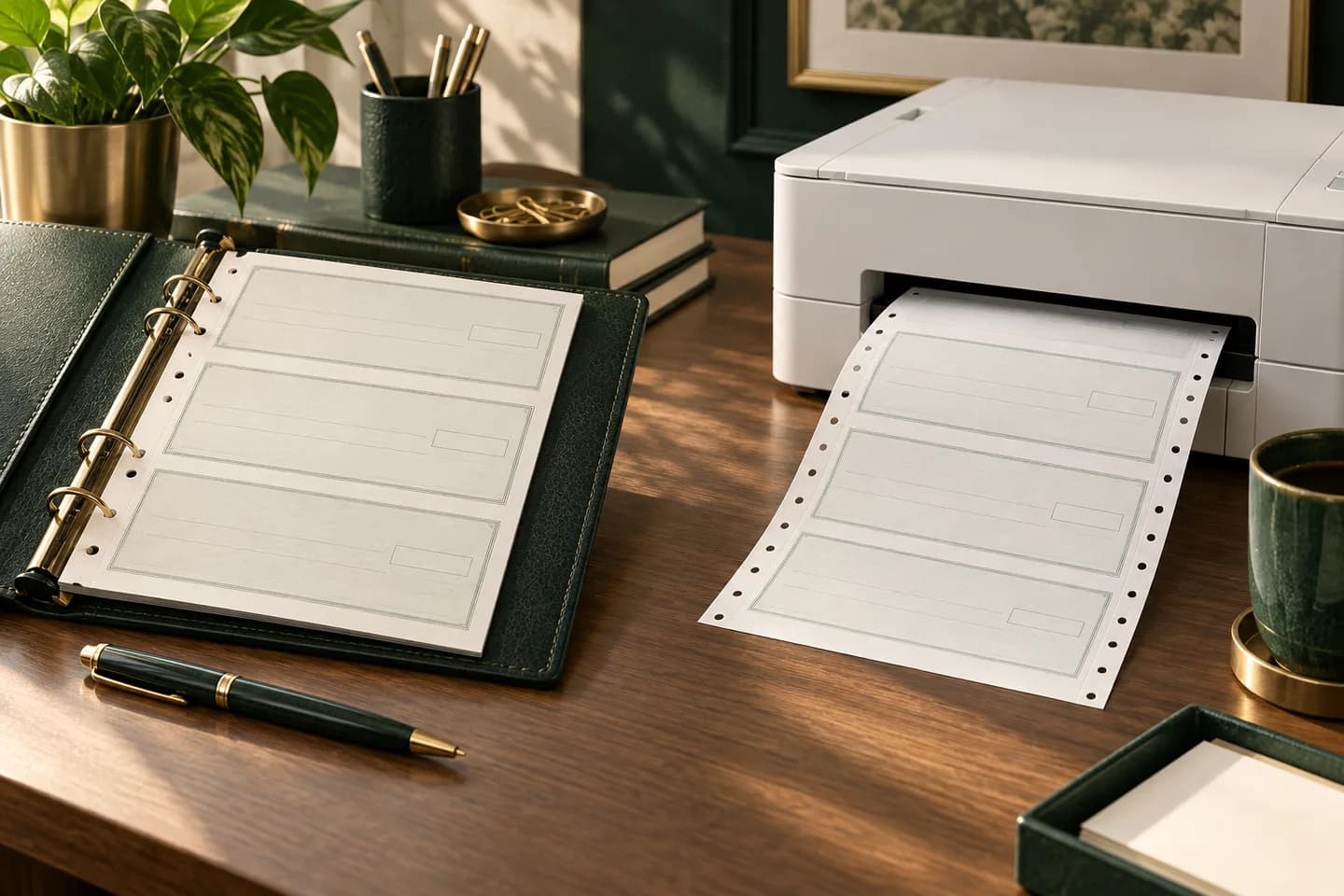
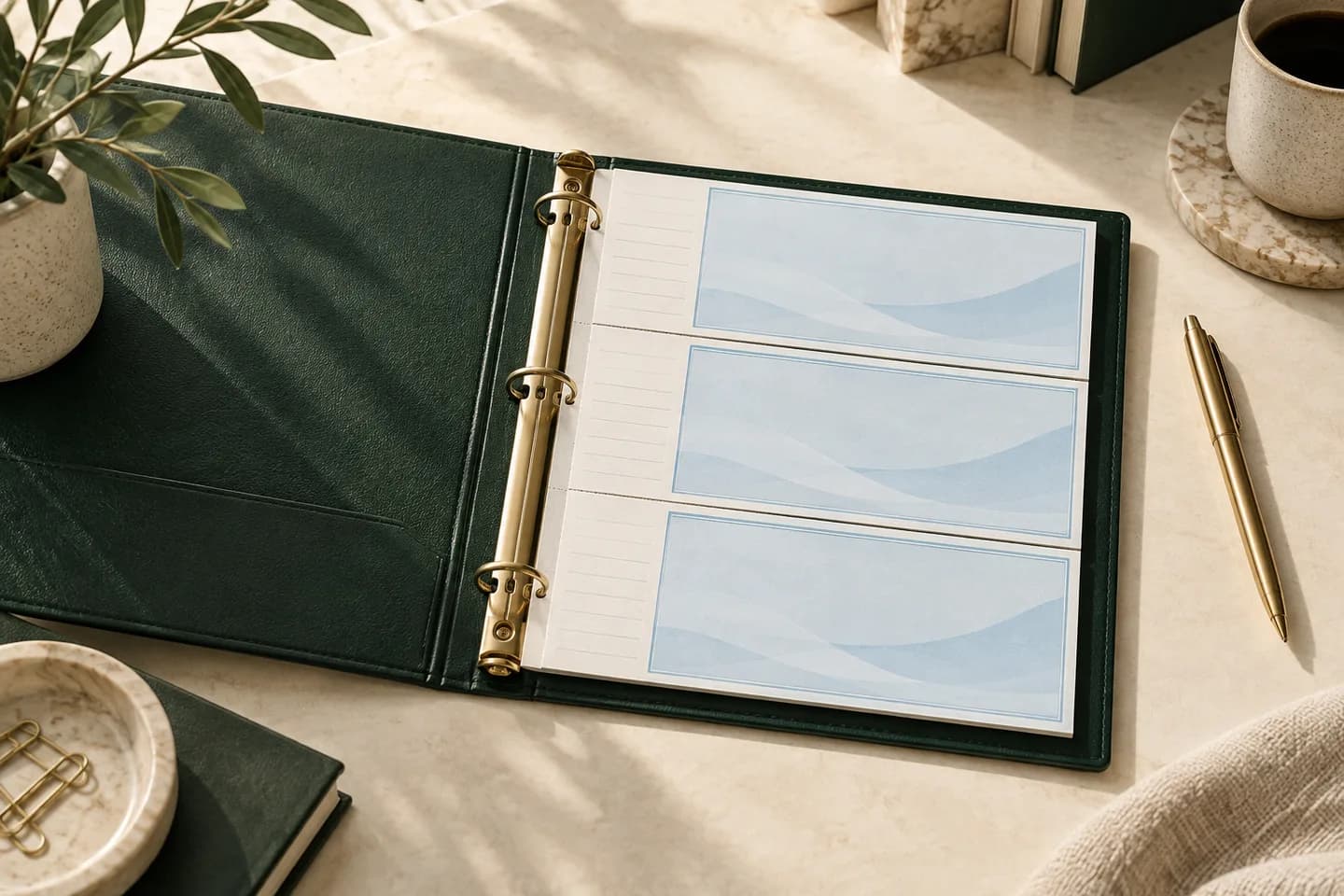
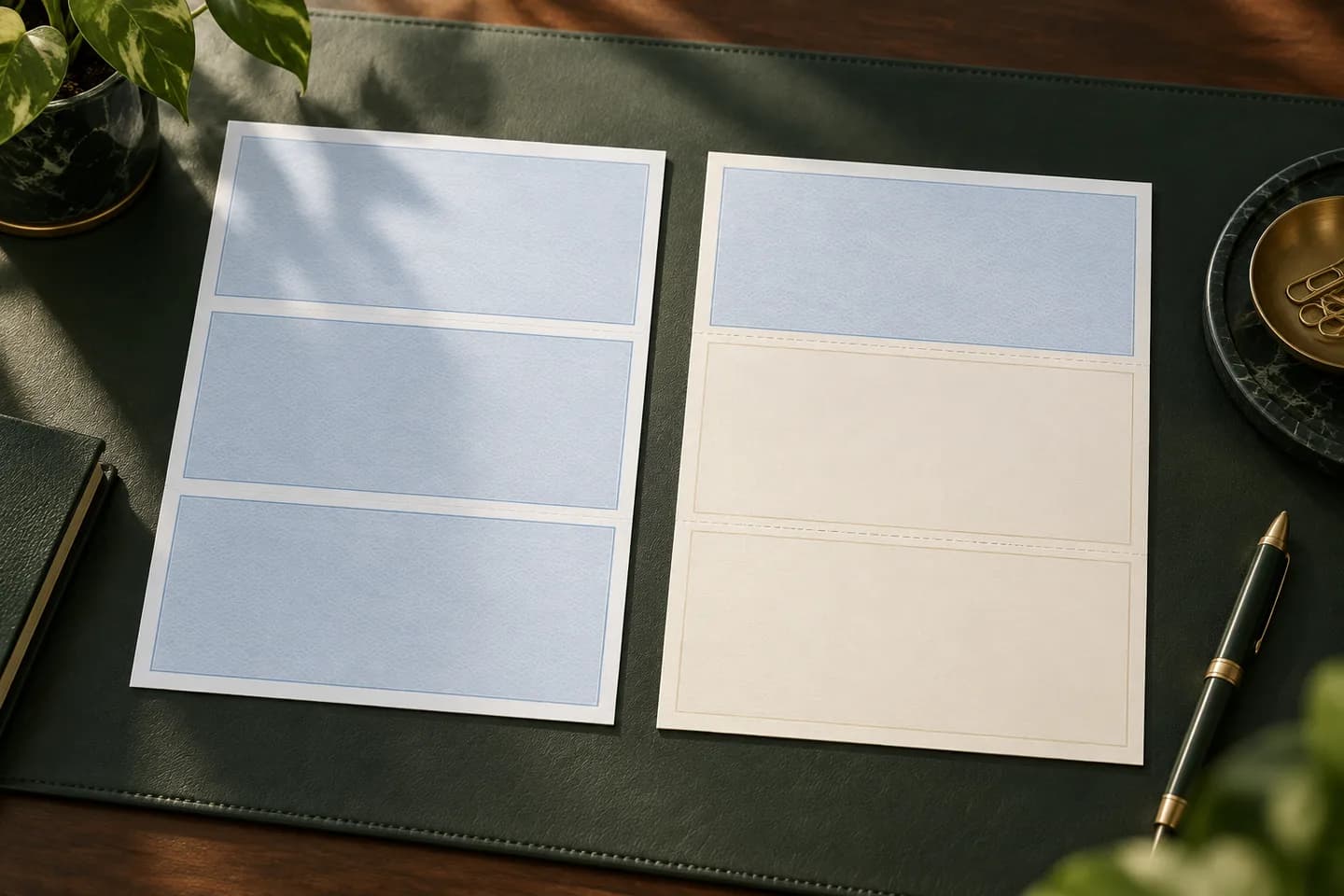
Match the software to the stock you already use, or buy both together. The layout names are not always consistent: in QuickBooks Online and NetSuite, standard means three checks per letter sheet, and voucher means one check with stubs.
- Check on top voucher: a widely used layout, and the one QuickBooks voucher printing uses.
- Check in middle voucher: used by some accounting packages.
- Check on bottom voucher: used by some payroll setups.
- Three per page: three laser checks per letter sheet, sometimes called standard.
- Wallet style: small laser checks, supported by QuickBooks Desktop but not QuickBooks Online.
Our guide to check on top, middle or bottom explains how to confirm which one your program expects.
What security controls should you insist on?
Check software holds your bank numbers and can create payments, so treat access like access to the bank account.
- Separate roles for entering bills, approving payments and printing.
- A log of every print, reprint and void with user and time.
- Restricted editing of bank account numbers.
- Signature images, if used, stored securely and only with your bank's approval.
- Printed checks on stock with security features such as chemically reactive paper and toner adhesion.
- A reconciliation done by someone other than the person who prints.
How do you evaluate software before you commit?
Run a real test before a full rollout. A free trial or demo is enough to find most problems.
- List your bank accounts, layouts and monthly check volume.
- Ask your bank which positive pay file formats it accepts.
- Print five test checks on plain paper and on your actual stock.
- Void one check and reprint it to see how numbering is handled.
- Export an issue file and compare it with your bank's format.
- If using blank stock, have your bank review a MICR test check.
- Confirm the payments post correctly to your ledger.
Worked example: a business with three entities and one checking account each prints about 60 checks a month. Accounting suite printing on preprinted stock means three stock orders and three print setups. A standalone tool on blank stock means one paper, MICR toner and a single setup, but also a sync step with three sets of books. Neither is wrong; the right answer depends on who does the work and how the books are kept.
What check stock should you buy for your software?
If your software prints on preprinted stock, order laser checks in the layout it expects and keep the MICR work with the check printer. If it prints MICR on blank stock, read our guide to blank check stock first, since it adds toner, storage and bank approval steps.
Voqado laser business checks start at $34.99 for 50 and come in multipurpose, payroll or accounts payable layouts for software such as QuickBooks, Xero and NetSuite. For step by step alignment in QuickBooks, see our guide to printing checks from QuickBooks, and for the broader format choice, compare laser checks vs wallet checks.
Frequently asked questions
Can QuickBooks print checks without extra software?
Yes, on preprinted check stock. QuickBooks Online prints voucher and standard checks, and QuickBooks Desktop adds a wallet style. What QuickBooks cannot do by itself is print the MICR line, according to Intuit's Desktop help, so printing on blank check stock requires a third party tool.
Does Xero print checks?
Yes. Xero's US product prints checks, and its check style editor supports check on top, middle or bottom layouts with vouchers or up to three checks per page. Xero also added MICR encoding so users can print on blank check stock. Confirm the current options in your Xero account before ordering stock.
What is the best check printing software for a small business?
The best choice is usually the accounting software you already use, because payments post straight to your books. Consider standalone check software only if you need MICR printing on blank stock, several bank accounts on one paper, positive pay exports your suite cannot produce, or approval controls your suite lacks.
Do I need MICR toner to use check printing software?
Only if you print on blank check stock. With preprinted checks, the MICR line is already on the paper and your software prints the payment details in regular toner. With blank stock, the software prints the MICR line too, and industry standards require it in magnetic ink, so you need MICR toner.
Sources & specification notes
The references below support the relevant technical or product details in this guide. Examples and checklists are not claims of practical testing or universal supplier requirements. Confirm the current specifications for your chosen product before production.
- Intuit: Print a check in QuickBooks Online ↗
Confirms QuickBooks Online voucher and standard check types.
- Intuit: Create, modify, and print checks in QuickBooks Desktop ↗
Lists Desktop check styles and states QuickBooks does not print MICR fonts.
- Insightful Accountant: Xero simplifies check printing ↗
Reports Xero's check style editor, layout options and MICR printing on blank stock. Corrects the plan note that Xero needs add ons for checks.
- Oracle NetSuite Help: Setting Check Printing Preferences ↗
Defines NetSuite standard and voucher check types and notes advanced layouts for customization.
- FSB business banking: Positive Pay ↗
Example of a bank accepting a check issue file generated by accounting software and handling exceptions.