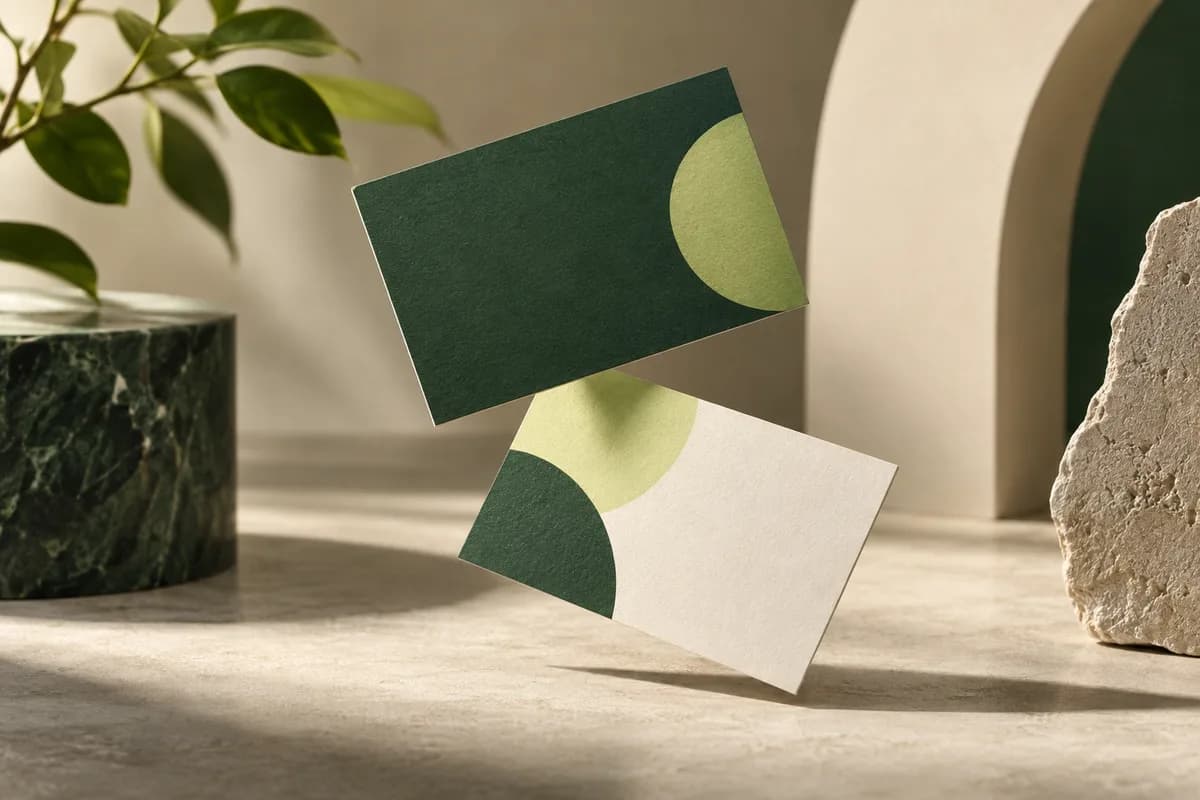
What does orientation mean on a double sided card?
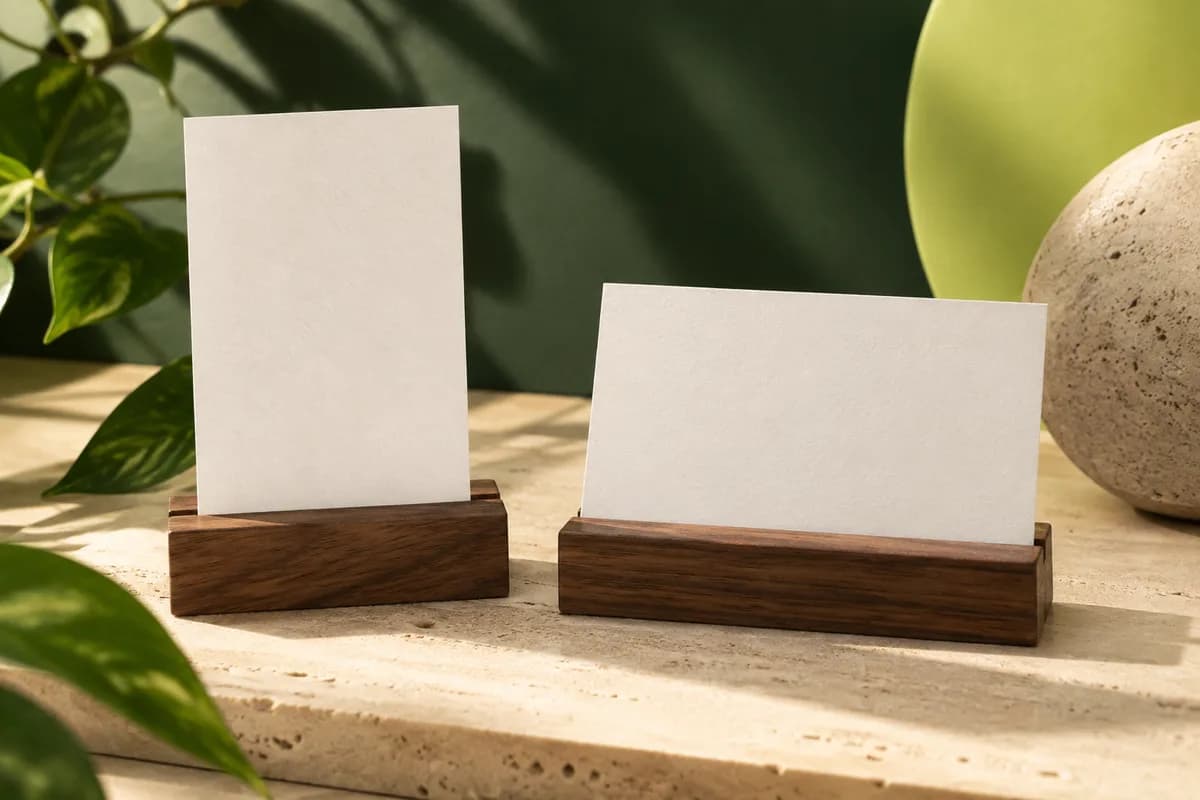
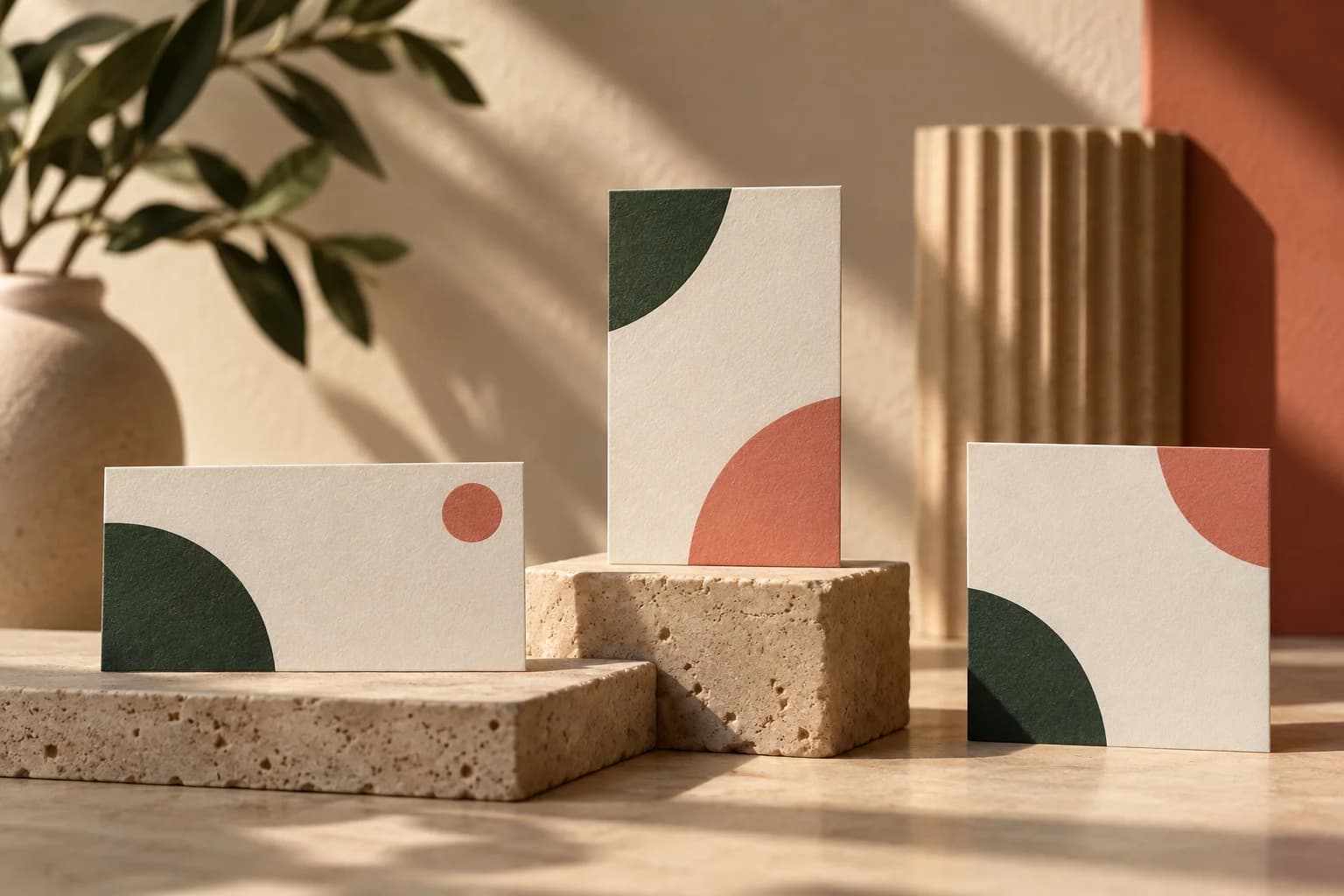
Every double sided card has two decisions. The first is the orientation of each face: horizontal, which is 3.5 inches wide by 2 inches tall, or vertical, which is 2 inches wide by 3.5 inches tall. The second is the flip: the direction the holder turns the card to see the back. A layout that looks perfect as two separate pages on screen can still feel wrong in the hand if the flip was never decided. Most orientation mistakes come from that missing second decision rather than from the artwork itself.
Which way do people flip a business card?
There is no single rule, but a card that is handed over and turned in one hand is commonly flipped side to side, around its vertical axis, the way you turn a page. When a card is flipped that way, the top edge stays at the top, so the front and back should share the same top edge. Some people flip a card top to bottom instead, around its horizontal axis. In that case the back needs to be rotated 180 degrees relative to the front. Pick the flip you expect, design for it, and check it with a paper mockup.
What is the difference between long edge and short edge flipping?
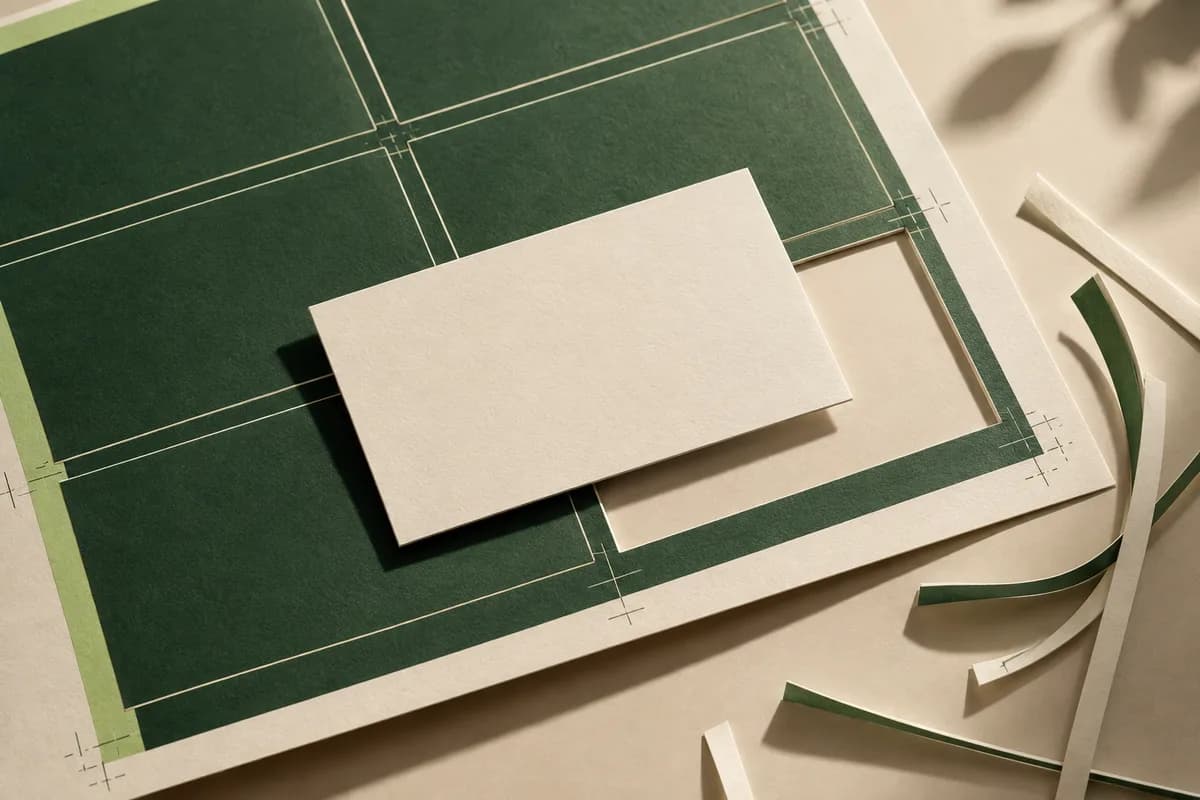
These terms come from office printers and describe where a sheet turns. Microsoft's printing documentation defines two sided long edge output as sheets that flip along the edge parallel to the media height and short edge output as sheets that flip along the edge parallel to the media width. That vocabulary describes a printer's sheet, not a finished card. A commercial printer usually imposes many cards on a large sheet and handles the flip for you, so do not rotate your back page just because a home printer's duplex setting once required it.
| Front | Back | Common flip | What to check |
|---|---|---|---|
| Horizontal | Horizontal | Side to side | Both pages share the same top edge |
| Vertical | Vertical | Side to side | Both pages share the same top edge |
| Horizontal | Vertical | Decide and test | Which edge of the back is the top when turned |
| Vertical | Horizontal | Decide and test | Rotation shown in the printer's proof |
| Any | Any | Top to bottom | Back rotated 180 degrees relative to the front |
How should you set up the front and back files?
Supply one PDF with the front as page 1 and the back as page 2, or two clearly named files if the printer asks for them. Both pages should use the same trim size and the same bleed, commonly 0.125 inch on every side, which makes the full artwork 3.75 x 2.25 inches for a horizontal card. Use the printer's template when one is offered, because it shows the bleed and safe area for each face. Our bleed template guide walks through those margins. Name the files by side and version so nobody has to guess which page is which.
How do you mix a vertical front with a horizontal back?
Mixed layouts can look deliberate, but they need extra care because the back is rotated 90 degrees relative to the front. Decide which edge of the front becomes the top of the back when the card is turned in your chosen direction. Mark it on a mockup, then build the back page in the orientation the printer requests and confirm the rotation in the proof. If you are still choosing between formats, compare the tradeoffs of a vertical or horizontal layout before you commit to a mixed pair.
Orientation checklist before printing
A two minute paper dummy catches most orientation errors before they become a box of cards.
- Print both faces at 100 percent scale and trim each to the card size.
- Glue or tape them back to back in the orientation you intend.
- Flip the dummy the way a recipient will, then hand it to someone else to flip.
- Confirm the back reads upright in the expected flip direction.
- Check that logos and text on both faces stay inside the safe area.
- Compare the dummy with the printer's digital proof before approving.
What should go on the back of a double sided card?
The back works best when it has one job. Common choices are a logo on a solid color, a QR code with a short label, a short list of services, an appointment line or the same details in a second language. Avoid repeating everything from the front. For layout starting points, browse our ideas for the back and pick the one that supports the action you want the reader to take next.
How do team orders keep fronts and backs paired?
Team orders add a matching step. Give every person's front a name based file and pair it with the shared back in the same PDF, so one person's details never print behind another's front. Check every pair in the proof, not just the first, and keep the approved files together for reorders. Our proof checklist covers the rest of the approval review.
Where should you start?
Decide the flip, build a paper dummy and set both faces on the same template. When the pair reads correctly in your hand, choose front and back printing on standard business cards and review the two faces together in the proof.
Frequently asked questions
How do I make sure the back of my business card is not upside down?
Decide how the card will be flipped, then build both faces on the same template. For a side to side flip, the top edge of the front and the top edge of the back should match. Print both faces at actual size, tape them back to back and flip the dummy. Then check the same pairing in the printer's proof before you approve the order.
Should double sided business cards flip on the long edge or short edge?
Those printer settings describe how a sheet turns in an office printer, not how a finished card should be read. For a card, decide whether the holder will turn it side to side or top to bottom. Side to side keeps the same top edge on both faces. Commercial printers impose cards on large sheets and manage the physical flip, so follow their template.
Can the front and back of a business card have different orientations?
Yes. A vertical front with a horizontal back, or the reverse, is a common design choice. Because the back is rotated 90 degrees relative to the front, you must decide which edge becomes the top after the card is turned. Mark that edge on a paper mockup and confirm the rotation in the printer's proof, since screen previews can be misleading.
What file should I upload for a double sided business card?
Most printers prefer one PDF with the front on page 1 and the back on page 2, both at the same trim size with bleed on every side. Some accept two separate files named clearly by side. Embed fonts, keep text inside the safe area and use the printer's template so the pages line up exactly when the card is printed and trimmed.
Sources & specification notes
The references below support the relevant technical or product details in this guide. Examples and checklists are not claims of practical testing or universal supplier requirements. Confirm the current specifications for your chosen product before production.
- Microsoft Learn: Duplexing Enum (System.Printing) ↗
Defines two sided long edge and short edge output by the edge each sheet flips along.
- Microsoft Learn: PageOrientation print schema keyword ↗
Defines portrait, landscape and reverse orientations as rotations of page content.