What are the best things to put on the back of a business card?
The right idea depends on what you want the recipient to do next. A stylist wants the next appointment, a photographer wants people to see the portfolio, and a contractor wants the phone to ring. Each idea also brings production needs, such as a writable stock or a high resolution image.
| Idea | Best for | What it needs |
|---|---|---|
| Appointment lines | Salons, clinics, studios | Writable matte or uncoated stock |
| Portfolio image | Photographers, designers, makers | High resolution image and bleed |
| QR code to booking or portfolio | Anyone with a strong web page | Quiet zone, label, maintained URL |
| Short service list | Trades and consultants | Three to five items, readable size |
| Loyalty punches | Cafes, car washes, salons | Stamp friendly stock, clear reward |
| Hours and address | Shops and restaurants | Accurate, easy to update details |
| Second language | Bilingual markets | Review by a fluent reader |
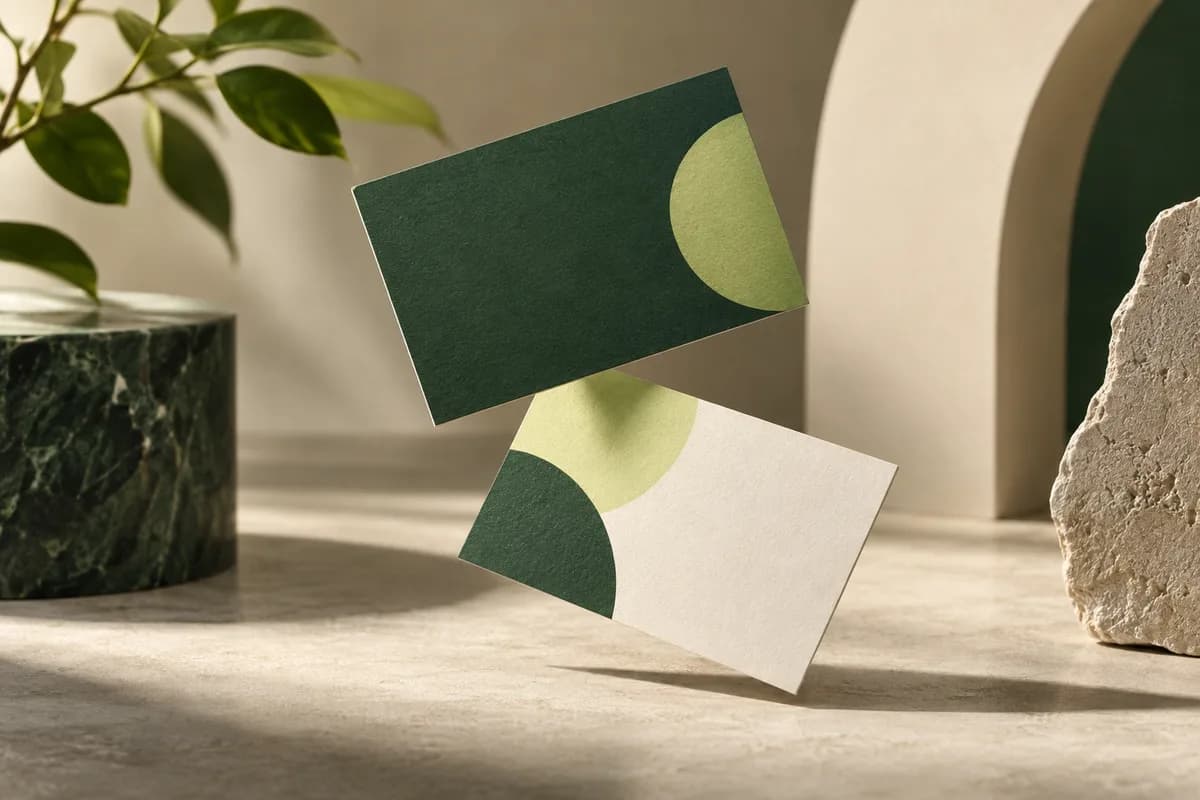
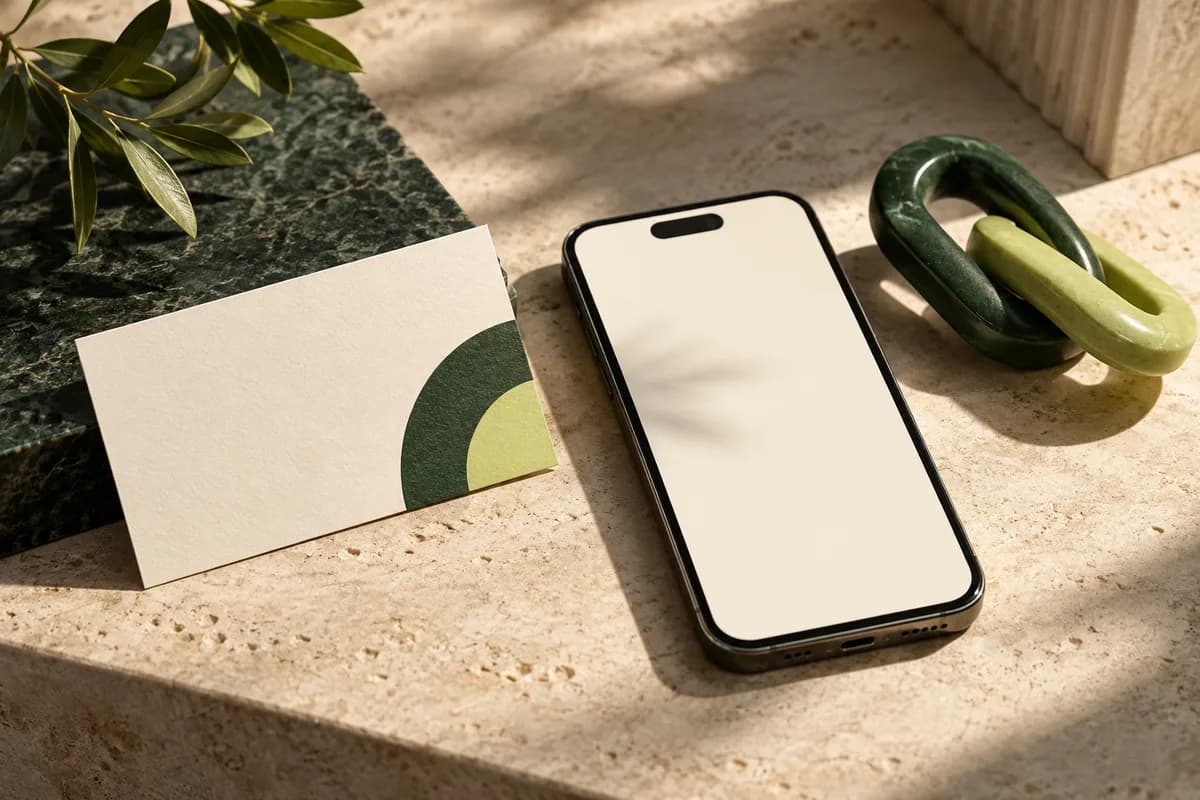
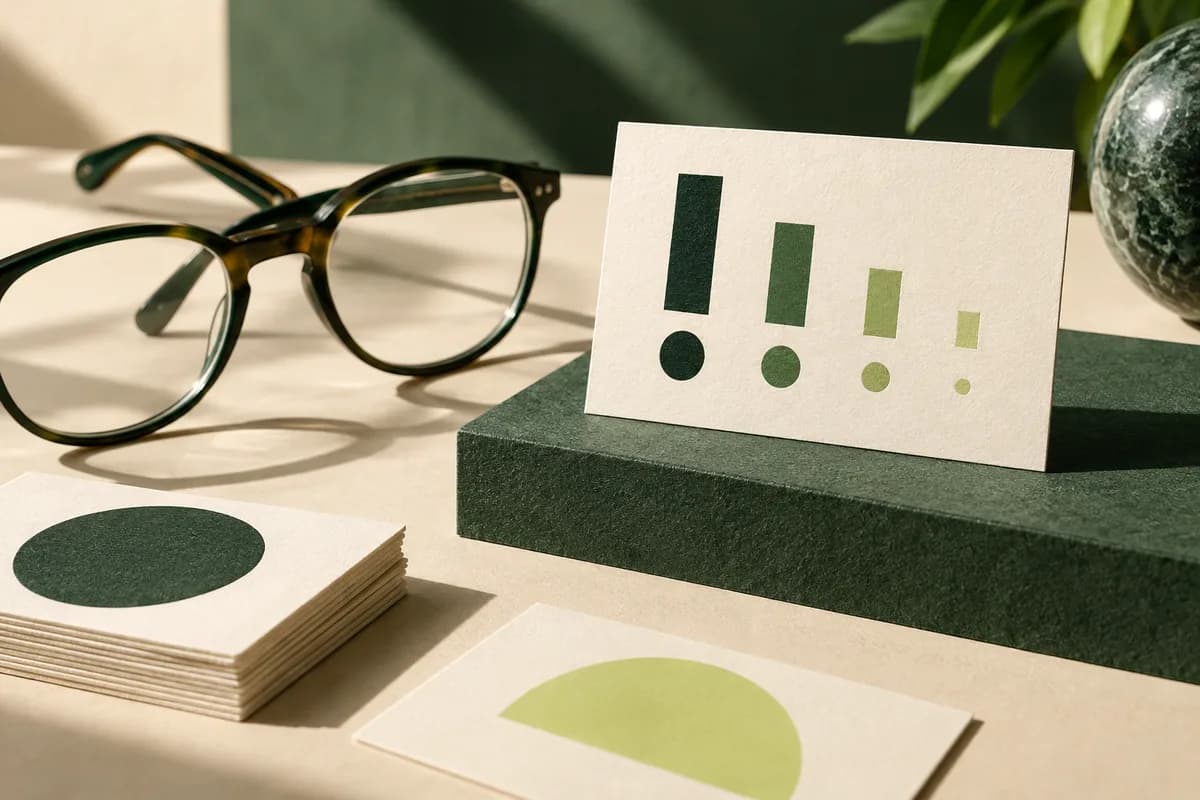
| Brand pattern or color | Brands with strong identity | Front still carries all details |
| Blank note space | Networkers and sales teams | Writable surface, no clutter |
Should the back of a business card be blank?
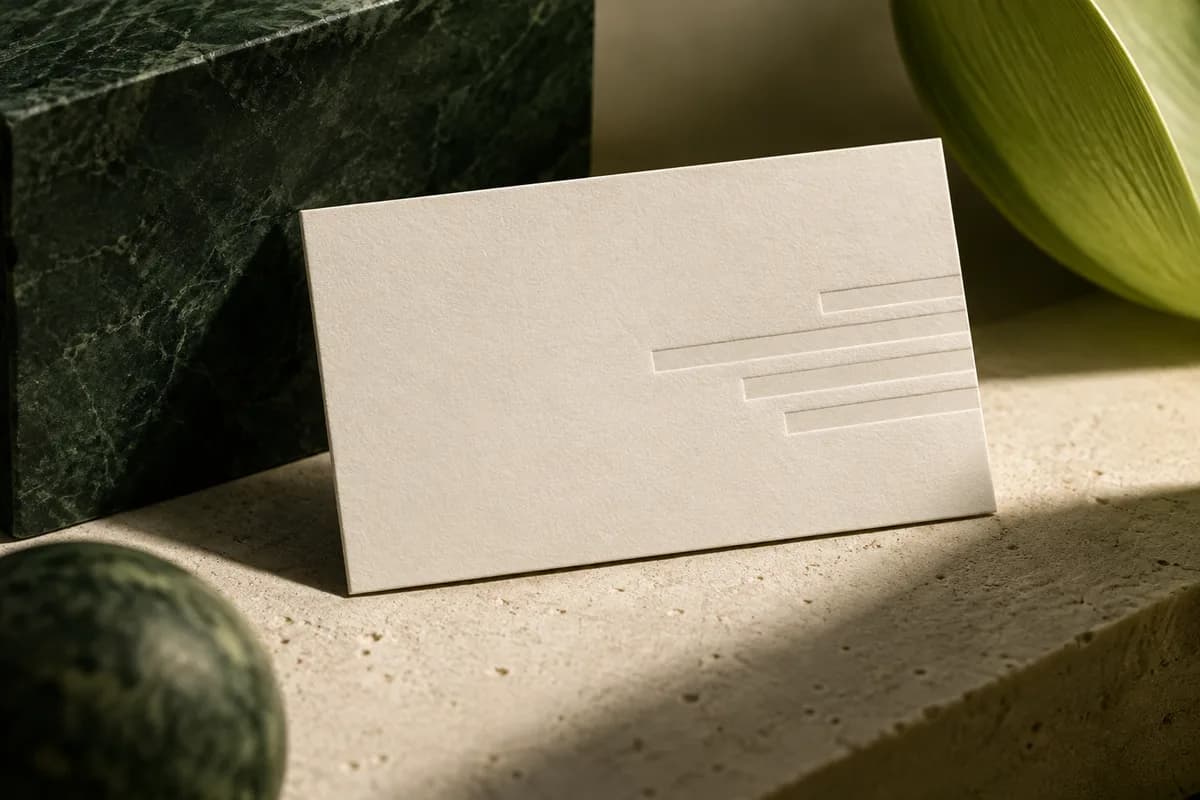
A blank back is a reasonable choice, not a wasted one. On an uncoated or matte stock it becomes a note area where you can write a direct line, a meeting time or a referral name at the moment you hand it over. Single sided printing can also cost less. What does not work is a back filled with content simply because the space exists, such as a pattern with the logo repeated, a slogan and a list of social accounts all at once.
How do you put a QR code on the back?
A QR code earns its space when the page it opens is worth visiting, such as a booking calendar, a portfolio or a contact card that saves to the phone. Keep a blank margin four modules wide around the code, as DENSO WAVE specifies, and add a short label that says what the scan does. Print a readable URL too. The QR code size guide explains how large the code needs to be on a card, and QR code business cards are built to carry a code beside a readable printed URL.
Keep a record of the URL and make sure it will still work in a year, because cards stay in drawers long after a campaign ends. A code that points to a page on your own website is easier to keep alive than one that opens a file or a third party profile you might delete. If you change booking systems, redirect the old address instead of reprinting every card.
Can you put a testimonial or review on the back?
You can, with care. The FTC's Endorsement Guides say an endorsement must reflect the honest opinion of the person giving it, and a material connection, such as a discount or free service given in exchange, must be disclosed when customers would not expect it. Use a real quote with permission, keep it short, and never edit it into something the customer did not say. A single, specific line usually reads better than a paragraph of praise. Credit the customer by first name and town or by business name, with their agreement, so the quote reads as genuine rather than anonymous. Replace it when it becomes dated, just as you would update any other claim on printed material.
How do you design an appointment or loyalty back?
For appointments, give the date, time and staff name their own labeled lines, and choose a stock that takes pen. The appointment card format is set up for exactly that. For loyalty, print a clear row of spaces for stamps or punches and state the reward in one sentence, such as tenth coffee free. Choose stamp friendly loyalty cards with a surface that accepts the stamp ink without smudging, and check a sample with your actual stamp. Leave the spaces large enough for the stamp you own, and keep the terms short enough to read at a glance, such as one stamp per visit.
How do you keep the front and back working together?
The front should identify you completely on its own, because many people only ever see one side. Keep the back visually linked with the same colors, type and margins so the card feels like one piece. Decide which way the card flips, and review both sides together on the proof. The guide to front and back orientation explains how to mark the flip when one side is portrait and the other landscape.
How do you choose one idea for the back?
- Write down the one action you want after the handoff.
- Pick the back idea that serves that action and ignore the rest.
- Check what it needs: writable stock, image resolution or a live URL.
- Keep all essential contact details on the front.
- Print both sides at actual size and flip the mockup to check it.
- Approve front and back together on the same proof.
Three good directions are a portfolio image with one portfolio link, appointment lines with a booking number, or a short service list with one invitation to call. They are alternatives, not a recommendation to fit all three onto one card.
If you cannot choose, look at what people ask you after taking your card. If they ask when you are free, the back should book. If they ask to see your work, it should show one strong image. If they ask what exactly you do, a short service list answers the question before it is asked. Revisit the choice at each reorder, since the back is the easiest part of a card to change without losing recognition.
Frequently asked questions
What should I put on the back of my business card?
Put the one thing that helps the recipient take the next step: appointment lines, a portfolio image, a QR code to booking, a short service list, loyalty punches or open space for notes. Choose based on the action you want after the handoff, check what that choice needs in production, and keep all essential contact details on the front.
Is it OK to leave the back of a business card blank?
Yes. A blank back on a matte or uncoated stock doubles as a note area for a direct line, a meeting time or a referral name, and single sided printing can cost less. A blank back is better than one crowded with patterns, slogans and social accounts that compete with each other and with the front of the card.
Should I put a QR code on the back of my business card?
Only if the page it opens is worth a scan, such as a booking calendar, portfolio or saved contact card. Keep a quiet zone four modules wide around the code, add a short label explaining the scan, and print a readable URL. Make sure the link will still work for as long as the cards are likely to be kept.
Can I put a customer review on my business card?
Yes, if it is real and used with permission. The FTC's Endorsement Guides say an endorsement must reflect the honest opinion of the person giving it, and any material connection, such as a discount given in exchange, must be disclosed when customers would not expect it and it could change how they judge the review. Keep the quote short and never change its meaning.
Sources & specification notes
The references below support the relevant technical or product details in this guide. Examples and checklists are not claims of practical testing or universal supplier requirements. Confirm the current specifications for your chosen product before production.
- DENSO WAVE: QR Code area and quiet zone ↗
A QR Code requires a four module wide margin at all sides of the symbol.
- FTC: FTC's Endorsement Guides, What People Are Asking ↗
Endorsements must reflect honest opinions, and material connections must be clearly disclosed.