How do you calculate QR code size for printing?
A QR code is a grid of small squares called modules. DENSO WAVE, which developed the QR code, specifies a clear margin four modules wide on every side of the symbol. That margin, the quiet zone, is part of the space the code needs. So the full footprint on each side is the module count plus 8, multiplied by the module width.
DENSO WAVE's own example uses a version 3 symbol of 29 modules printed at 0.254 mm per module. The code itself measures 7.366 mm, and adding eight margin modules brings the footprint to 9.398 mm. That example shows the geometry. It does not claim that a 9.4 mm code will scan well on every phone, paper or finish.
How many modules will your QR code have?
The version of a QR code sets its module count. Version 1 is 21 by 21 modules, and each higher version adds 4 modules per side, so version 2 is 25, version 3 is 29 and version 10 is 57. The generator picks the version automatically from three inputs: how much data you encode, the type of characters, and the error correction level.
Error correction matters here. DENSO WAVE lists four levels, restoring roughly 7, 15, 25 and 30 percent of damaged data for levels L, M, Q and H. Raising the level improves resilience but increases the data the symbol must hold, which can push the code to a larger version.
How much space does each QR version need on a business card?
The table shows the full footprint, quiet zone included, at three illustrative module widths. A standard business card is 3.5 by 2 inches, which is about 88.9 by 50.8 mm.
| Version | Modules per side | Footprint at 0.4 mm | Footprint at 0.5 mm | Footprint at 0.6 mm |
|---|---|---|---|---|
| 1 | 21 | 11.6 mm | 14.5 mm | 17.4 mm |
| 2 | 25 | 13.2 mm | 16.5 mm | 19.8 mm |
| 3 | 29 | 14.8 mm | 18.5 mm | 22.2 mm |
| 4 | 33 | 16.4 mm | 20.5 mm | 24.6 mm |
| 5 | 37 | 18.0 mm | 22.5 mm | 27.0 mm |
| 10 | 57 | 26.0 mm | 32.5 mm | 39.0 mm |
These module widths are planning inputs, not scan guarantees. Larger modules are generally easier for cameras to resolve, so if the layout has room, choose the larger footprint rather than the smallest one that might work.
How do you make a QR code smaller without breaking it?
Reduce the data before you reduce the size. DENSO WAVE suggests three options when space is tight: lower the version, reduce the module size, or split data across symbols. On a business card, the first option is almost always the right one.
A short web address on a domain you own produces a low version code. A full contact file encoded directly in the symbol can push it several versions higher, which is why the vCard QR code guide weighs encoding contact data directly against linking to a hosted contact page. Avoid long tracking strings in the printed address when a shorter redirect on your own site will do. Use level M error correction unless you have a specific reason to go higher.
Does scanning distance change the QR code size you need?
Business cards are scanned at arm's length or closer, so they need far less size than a poster or sign read from across a room. Even so, phone cameras vary in focus distance and resolution, and people rarely hold a card perfectly flat. Treat any rule of thumb about distance as a starting point and confirm the result with a printed test at real handling distance.
Do paper and finish affect QR code scanning?
Yes. A high gloss coating can reflect light across the modules, and uncoated stock can soften edges slightly as ink settles into the fibers. Dark modules on a light, plain background scan most reliably. Avoid reversed codes, low contrast color pairs and placement over photographs or patterns. Keep the full footprint inside the safe area so trimming cannot cut into the quiet zone. The guide to bleed and safe area explains where that safe zone sits.
Where does the QR code fit on a standard card?
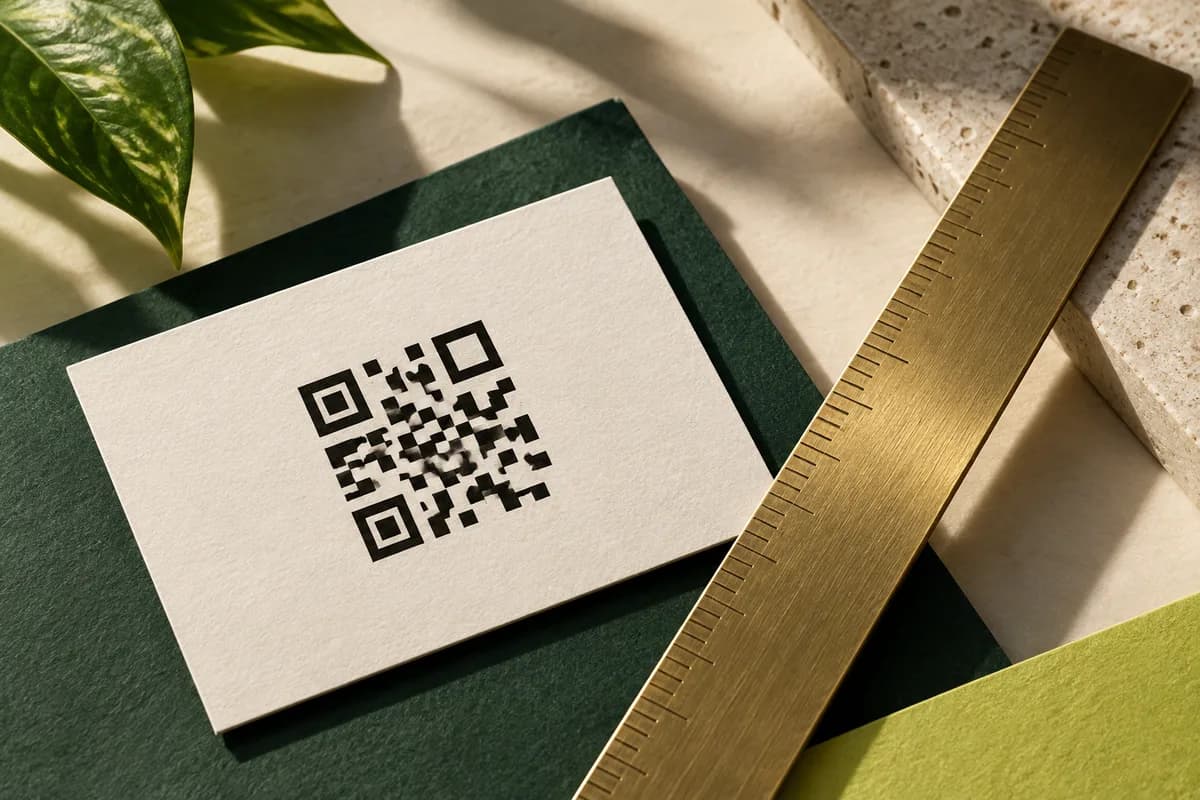
On a 3.5 by 2 inch card, a footprint between roughly 15 and 22 mm leaves room for a label and a readable web address beside it. Many designs give the code its own area on the back. If the layout still feels crowded, square business cards offer more even space around a code.
What if a printed code will not scan?
First separate a phone that cannot recognize the symbol from a code that opens a broken page. If the phone recognizes the code but shows a missing page, repair the destination or the redirect. If the same URL works from a newly generated large code but the printed card does not scan, focus on the printed symbol: check the quiet zone, contrast and glare, and whether small modules were softened by a screenshot or a compressed file. Change one thing at a time and retest on several phones.
How should you test the final QR code size?
- Generate the code from the final web address and error correction level.
- Place it in the layout at the exact printed size with its quiet zone.
- Print candidate sizes at 100 percent scale on plain paper.
- Scan each with several phones, including an older model, in normal light.
- Hold the card at a slight angle and a natural distance.
- Choose the size that scans quickly every time, not the smallest that scans once.
- Retest the printed proof if the paper, finish or colors change.
A QR code generator helps you create the symbol; place it at a size that keeps every module edge crisp. For the planning decisions around what the code should open, see the QR business card guide, and when you are ready, the QR code business card printing page lists the available options.
Frequently asked questions
What is the minimum QR code size for a business card?
There is no universal minimum. The size depends on the module count, the module width your printing supports, and how phones handle your paper and finish. As geometry, a 25 module code at 0.5 mm per module needs 16.5 mm including the quiet zone. Print candidate sizes and choose one that scans quickly on several phones.
How much quiet zone does a QR code need?
DENSO WAVE specifies a clear margin four modules wide on every side of a standard QR code. The margin scales with the module size, so it is not a fixed measurement in millimeters. Keep text, lines, images and card edges out of that area, and include it when you calculate how much space the code needs.
Why does my QR code look so dense?
Dense codes usually encode a lot of data, such as a long web address with tracking strings or a full contact file. More data forces a higher version with more modules. Shorten the address, link to a hosted contact page, and use level M error correction to bring the module count down so the code can print larger modules in the same space.
Can I put my logo in the middle of a QR code?
It is possible because error correction can recover part of the symbol, but a logo removes modules and reduces the safety margin. If you add one, raise the error correction level, keep the logo small, preserve the quiet zone and the three corner finder patterns, and test the printed card on several phones before approving the order.
Sources & specification notes
The references below support the relevant technical or product details in this guide. Examples and checklists are not claims of practical testing or universal supplier requirements. Confirm the current specifications for your chosen product before production.
- DENSO WAVE: QR code area and quiet zone ↗
Specifies the four module margin and gives the version 3 example of 29 modules at 0.254 mm, 7.366 mm symbol and 9.398 mm with margin.
- DENSO WAVE: QR code versions ↗
Version 1 is 21 by 21 modules and each higher version adds 4 modules per side.
- DENSO WAVE: QR code error correction ↗
Levels L, M, Q and H restore about 7, 15, 25 and 30 percent; higher levels increase symbol size.