What is a vCard QR code?
A vCard is a plain text contact record. Each line is a property: FN is the formatted name, N is the structured name, ORG is the organization, TITLE is the job title, and TEL, EMAIL and URL hold the contact routes. RFC 6350 makes FN mandatory, so every vCard must include a display name. The file type is text/vcard, usually saved with a .vcf extension.
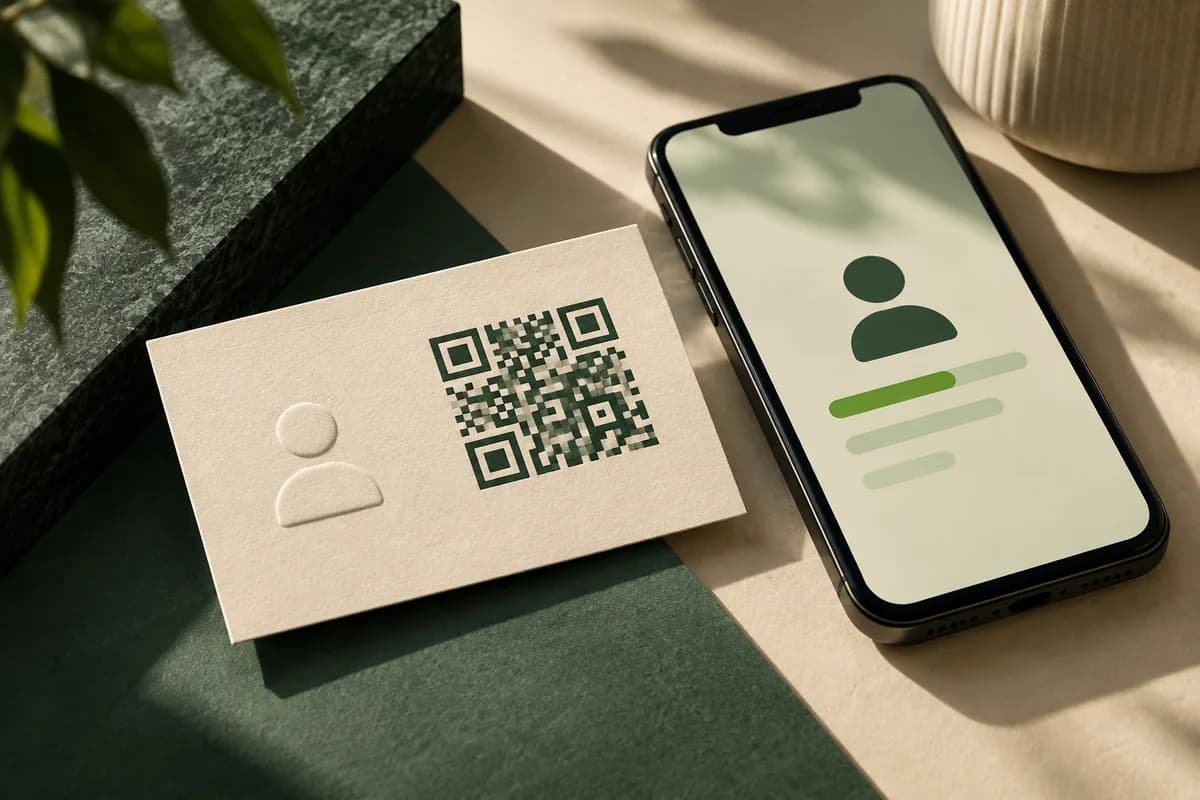
A vCard QR code either stores that text directly inside the code or stores a web address that downloads a .vcf file. Both produce a saved contact, but they behave very differently after printing.
Static or hosted: which vCard QR code should you use?
| Method | What the code holds | Can details change after printing? | Main risk |
|---|---|---|---|
| Static vCard | The contact text itself | No | Code grows dense as fields are added |
| Hosted .vcf file | A URL to a contact file | Yes, update the file | The URL must stay online |
| Contact landing page | A URL to a page with a save button | Yes | One more tap before saving |
A static code works with no server and no subscription, but every change means reprinting. A hosted file or page can be updated when a phone number changes, as long as someone owns the domain and keeps it running. If you use a dynamic code from a third party service, confirm what happens to the code if the account lapses. The guide to QR business cards compares static and dynamic codes in more detail.
Which fields should a vCard QR code include?
Keep the record to what a recipient needs to reach you: full name, company, title, one phone, one email and one website. Every extra field adds characters, and more characters force a denser code. DENSO WAVE, the company that created the QR code, shows that 50 alphanumeric characters at error correction level M need version 3, which is 29 modules per side, while less data fits a smaller version.
| Field set | Typical content | Effect on the code |
|---|---|---|
| Minimal | Name, phone, email | Smallest, easiest to scan |
| Standard | Plus company, title, website | Moderate density |
| Full | Plus address, notes, several phones | Dense, needs a larger print size |
If you need to share a long address, notes or several social profiles, a hosted file keeps the printed code simple.
How big should a vCard QR code be on a business card?
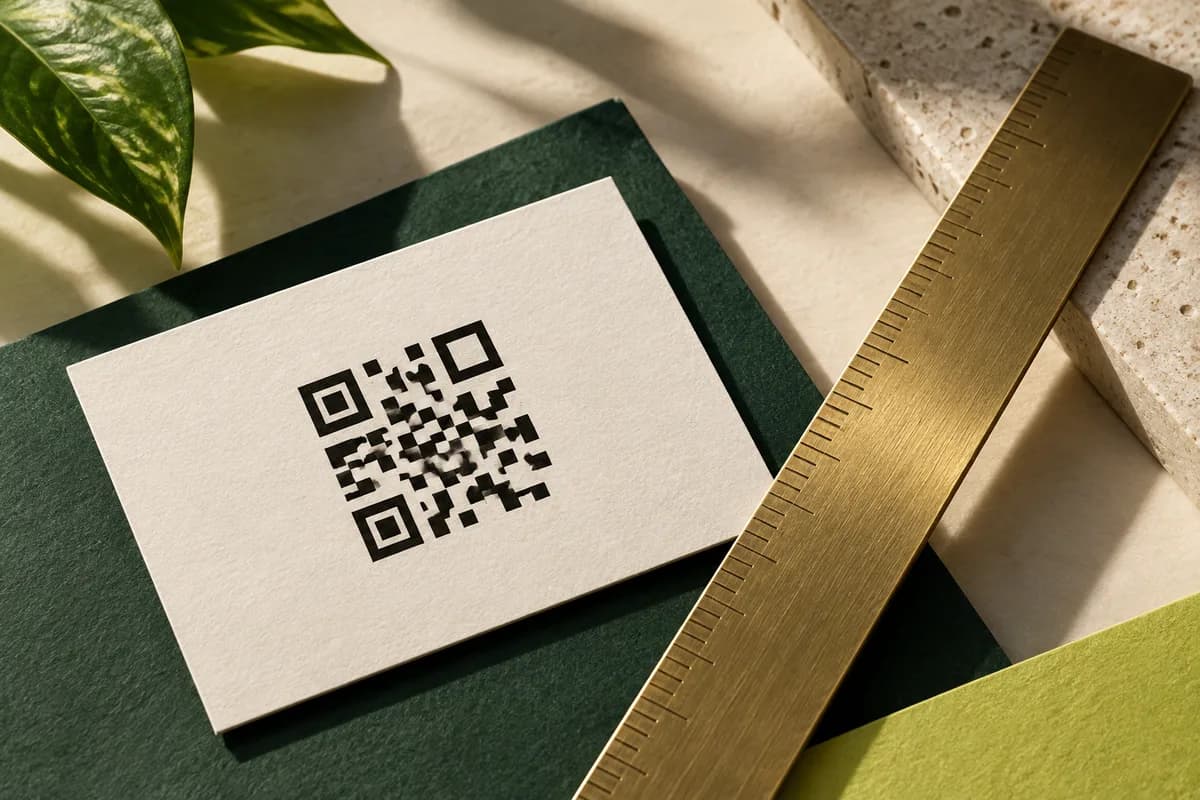
Larger is safer, because static vCard codes carry more data than a short link. On a 3.5 x 2 inch card, a practical starting point is about 0.8 to 1 inch for a static vCard code and a little less for a short URL code, but the real test is scanning the final proof. Add a quiet zone four modules wide on every side, which DENSO WAVE lists as a requirement, and never place the code on a pattern or photo.
The QR code size guide for business cards explains how module size, data and scanning distance interact. The free QR code generator lets you preview how the pattern grows as you add fields.
How do you test a vCard QR code before printing?
Scanning is only half the test. Save the contact and read what the phone actually stored.
- Scan with at least one iPhone and one Android phone.
- Check first and last name order in the saved contact.
- Check accents, apostrophes and other special characters in names.
- Confirm the phone number format includes the country code if you work internationally.
- Tap the saved email and website to confirm they open.
- Test the printed proof at arm's length and in dim light.
- Delete the test contacts afterward.
For a hosted file, change one detail and scan again to confirm that the update appears.
Is a vCard QR code better than a link to a website?
They solve different problems. A vCard code saves your details straight into the address book, which suits networking events, sales calls and anyone who meets many people in a day. A website link shows more, such as a portfolio, reviews or a booking calendar, but the recipient still has to save your details by hand.
You can combine both. A hosted contact page can offer a save contact button at the top and your portfolio below it. Another option is a vCard code on the back and a short printed URL on the front, so each person picks the route they prefer. Whichever you choose, the destination must still work when the last card from the box is handed out.
What else should the card show besides the code?
Print your name, title and at least one contact route in readable type next to the code. Some people will not scan, some phones handle vCards differently, and some recipients will photograph the card instead. A short line such as Scan to save my contact tells people what the code does, which makes them more likely to use it.
Which cards suit a vCard QR code?
Square cards give a code more room, and double sided printing lets the code sit alone on the back with a calm background. Matte and uncoated stocks reduce glare that can confuse a camera. QR code business cards start at $10 for 50, and the same code can go on standard cards with front and back printing.
Checklist before you order
- Choose static data or a hosted contact file.
- Keep the vCard to the fields a recipient needs.
- Size the code for its data and add a four module quiet zone.
- Save the test contact on two phone platforms and read every field.
- Print your name and a contact route beside the code.
Frequently asked questions
Do vCard QR codes work on iPhone and Android?
Current iPhone and Android camera apps can read QR codes and usually offer to add a vCard as a new contact. Behavior varies by phone model and settings, so test the printed proof on at least one iPhone and one Android phone, then open the saved contact and check the name order, phone number, email and website.
Can I change the details in a vCard QR code after printing?
Not if the contact data is stored directly in the code. A static vCard code is fixed once printed. If you expect details to change, point the code at a hosted .vcf file or contact page on a domain you control, then update the file. Make sure the address stays online for as long as the cards circulate.
What information goes in a vCard?
A vCard stores contact properties defined in RFC 6350, including FN for the formatted name, N for the structured name, ORG for the company, TITLE for the job title, and TEL, EMAIL and URL for contact routes. FN is required. For a business card code, keep to one phone, one email and one website to limit code density.
Why is my vCard QR code hard to scan?
Static vCard codes hold more data than a short link, so they have more and smaller modules. Common causes of failed scans are a code printed too small, a missing quiet zone, low contrast, glossy glare or a busy background. Remove optional fields, enlarge the code, add a four module margin and test the final proof again.
Sources & specification notes
The references below support the relevant technical or product details in this guide. Examples and checklists are not claims of practical testing or universal supplier requirements. Confirm the current specifications for your chosen product before production.
- IETF RFC 6350: vCard format specification ↗
Defines vCard 4.0, including the FN, N, ORG, TITLE, TEL, EMAIL and URL properties; FN must be present in every vCard.
- DENSO WAVE: QR code minimum size and quiet zone ↗
A QR code needs a margin four modules wide on every side, and more data moves the code to a higher version with more modules.