What aspect ratio does each poster size use?
Aspect ratio is the relationship between width and height. A photo and a poster with the same ratio can be scaled into each other without cropping. When the ratios differ, something has to give: either part of the photo is cut away or the layout leaves space around it. Stretching the image to force a fit distorts faces, products and type, so it is never the answer.
Most cameras and phones shoot in 3:2 or 4:3. The table shows the common poster sizes, the pixels needed for two resolution targets, and how much of a vertical 2:3 photo survives a crop to each shape.
| Poster size (in) | Ratio | Pixels at 150 PPI | Pixels at 300 PPI | Area kept from a vertical 2:3 photo |
|---|---|---|---|---|
| 11 x 14 | 11:14 | 1650 x 2100 | 3300 x 4200 | 84.8% |
| 12 x 18 | 2:3 | 1800 x 2700 | 3600 x 5400 | 100% |
| 18 x 24 | 3:4 | 2700 x 3600 | 5400 x 7200 | 88.9% |
| 24 x 36 | 2:3 | 3600 x 5400 | 7200 x 10800 | 100% |
The Voqado product guidance for these posters asks for at least 150 dpi at the final size, with 300 recommended for the sharpest result. Poster viewers usually stand farther back than they would from a photo print, which is why the lower figure can work for large sheets.
What is the difference between fit and fill?
Fill scales the photo until it covers the whole poster and crops whatever spills over. Fit scales the photo until the whole image sits inside the poster and leaves empty space on two sides. The same photo can look strong one way and fail the other.
Take a landscape image of 3600 x 2400 pixels. To fill a vertical 24 x 36 poster, the crop keeps 1600 x 2400 pixels, which is 44.44 percent of the image, at 66.67 PPI. A centered crop removes 1000 pixels from each side. On an 18 x 24 poster, fill keeps 1800 x 2400 pixels, half the image, at 100 PPI.
Fit keeps everything. On the 24 x 36 poster the image covers 24 x 16 inches at 150 PPI and leaves 10 inches above and below. On 18 x 24 it covers 18 x 12 inches at 200 PPI with 6 inches above and below. That space can hold the headline and details instead of sitting empty. The free photo crop calculator previews both options, and your photo stays on your device.
How do you keep the subject when cropping to a vertical poster?
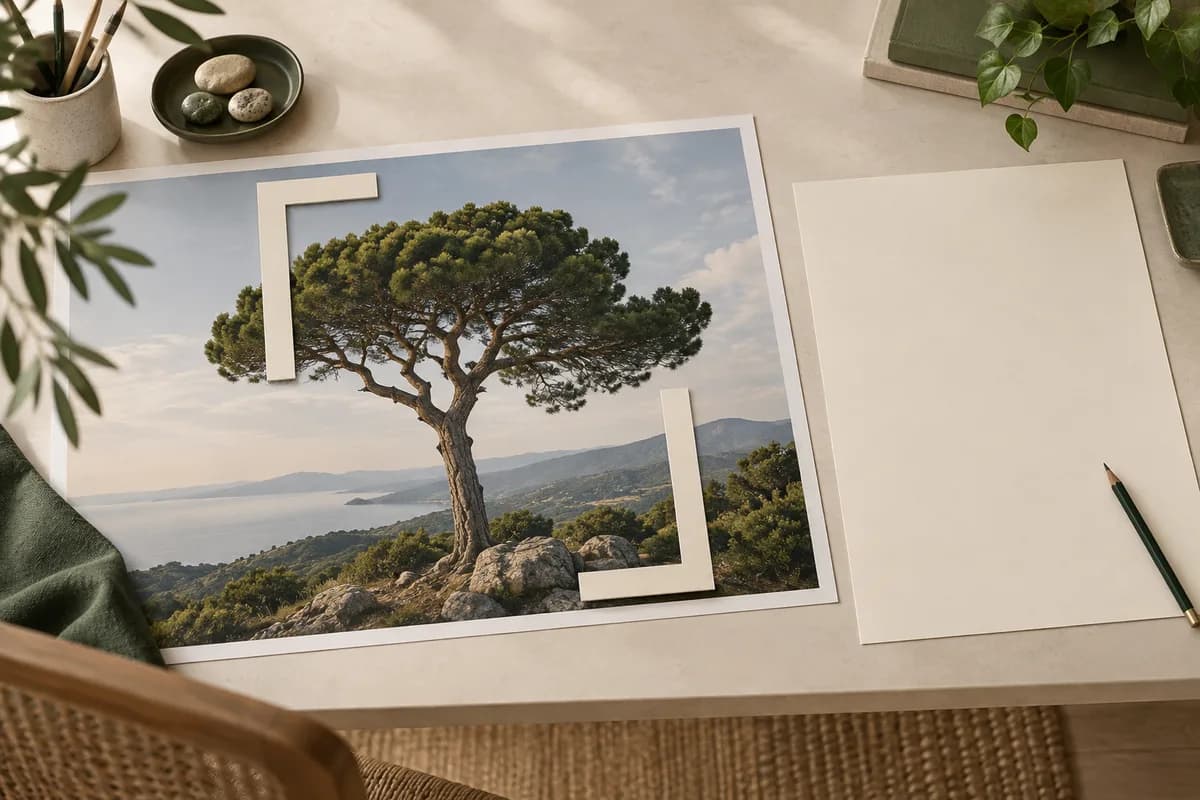
Decide what the viewer must see before you move the crop. A person at one side of the frame, a product edge or the open sky above a building may be the whole point of the image. Keeping the main subject is not enough if the crop removes the context that explains it.
Slide the crop horizontally and watch what survives. Moving it does not change the pixel count or the effective PPI, only which part of the scene stays. Leave room above the subject if the headline will sit there, and avoid placing faces or small details right at the finished edge.
How much resolution do you lose when you crop?
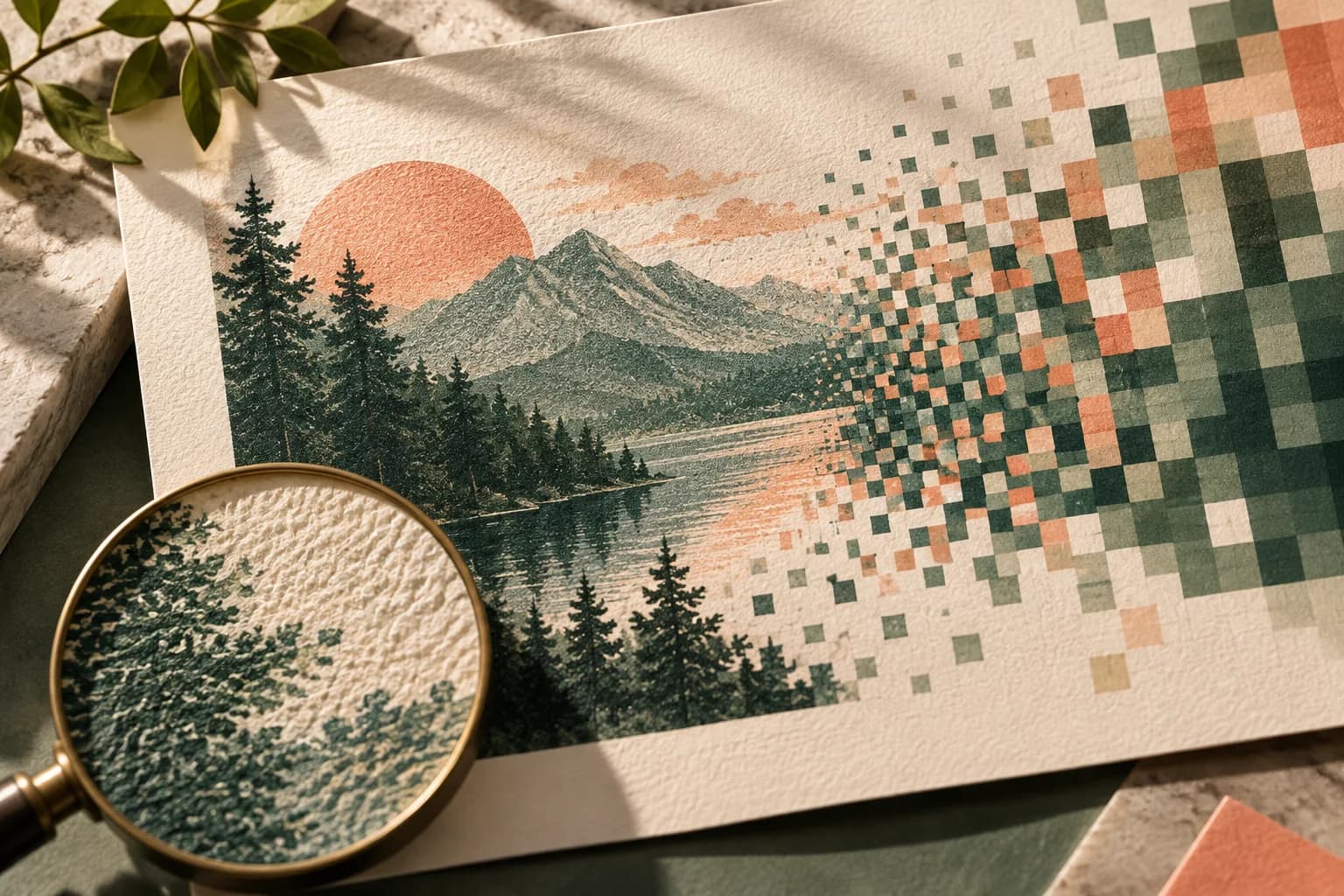
Every crop throws pixels away, so effective resolution drops as the crop gets tighter. Divide the pixels you keep by the printed inches on each side to find the effective PPI, and use the lower of the two figures. A poster resolution guide can take you through the full calculation for other sizes.
The GPO publishing guidelines give the underlying rule for scanning: capture 300 pixels per inch when an original prints at the same size, and raise that in proportion for enlargements, so a photo printed at twice its size should be scanned at 600. The same guidelines recommend cropping, rotating and scaling images in the image editing program before placing them in the layout. Increasing the resolution number in an editor adds pixels by interpolation, but it does not restore detail that was never captured or was cropped away.
Where do bleed and the safe area fit into the crop?
The finished trim is not the edge of the file. Bleed extends the image past the trim so that small variations in cutting never leave a white sliver, and the safe area keeps important content inside the trim. If a printer asks for 0.125 inch of bleed on a 24 x 36 poster, the full artwork measures 24.25 x 36.25 inches.
Plan the crop for the trim, then let the photo continue into the bleed. Enlarging a tight crop to reach the bleed is not the same as keeping the trim composition and finding extra image beyond it, because the enlargement pushes subject details closer to the cut. Frames and rails can also cover part of the edge, so read the guide to poster bleed and trim before finalizing.
When should you choose a different photo instead?
Sometimes the right crop does not exist. Consider another image when the fill crop removes the subject or the people who explain the story, when effective resolution falls well below 150 PPI at a size people will view up close, or when text must sit over a busy area. A wide landscape with important details at both ends often works better as a fit layout with a text panel than as a full bleed vertical crop.
What should you check before exporting the crop?
- Match the crop to the poster's aspect ratio without stretching.
- Compare fit and fill against the message, not just the numbers.
- Confirm effective PPI on both sides at the final size.
- Keep faces, products and text inside the safe area.
- Extend the background through the bleed.
- Save the crop from the full original, never from an earlier crop.
- Save JPG copies at the highest quality setting, because JPG compression is lossy.
Once the crop works, pick from the standard poster sizes and prepare your custom posters for print.
Frequently asked questions
What aspect ratio is a 24 x 36 poster?
A 24 x 36 inch poster has a 2:3 aspect ratio, the same shape as a 12 x 18 inch poster and a vertical photo from a camera that shoots in 3:2, as many dedicated cameras do. That means a full camera frame can fill it without cropping. An 18 x 24 poster is 3:4 and an 11 x 14 poster is 11:14, so photos need a crop or a fit layout for those sizes.
How many pixels do I need for an 18 x 24 poster?
At 300 pixels per inch, an 18 x 24 inch poster needs 5400 x 7200 pixels. At 150 pixels per inch, the minimum commonly accepted for posters, it needs 2700 x 3600 pixels. Measure after cropping, because a crop removes pixels, and add the bleed to the dimensions if the image runs to the edge of the sheet.
Should I stretch a photo to fit a poster size?
No. Stretching changes the proportions of everything in the image, so faces look wide or thin and products look distorted. Crop to the poster's aspect ratio instead, or scale the whole image to fit and use the leftover space for a headline or a solid background. A crop calculator can show you both options before you commit.
Does cropping a photo lower its print quality?
Cropping removes pixels, so the image you keep has fewer pixels to spread across the same printed area, which lowers the effective PPI. A crop that keeps half the width of a photo halves the resolution across that dimension. Check the effective PPI after cropping, and start every new crop from the full original file rather than from an earlier crop.
Sources & specification notes
The references below support the relevant technical or product details in this guide. Examples and checklists are not claims of practical testing or universal supplier requirements. Confirm the current specifications for your chosen product before production.
- U.S. Government Publishing Office: GPO Publishing Guidelines ↗
Recommends scanning at 300 pixels per inch at a 1 to 1 size ratio, proportionally more for enlargements, and cropping, rotating and scaling images in the image editor before placing them in the layout.
- Library of Congress: JPEG (DCT) compression format description ↗
Describes JPEG compression as lossy, with typical settings reducing file size by 10:1 to 20:1 and quality depending on the degree of compression.