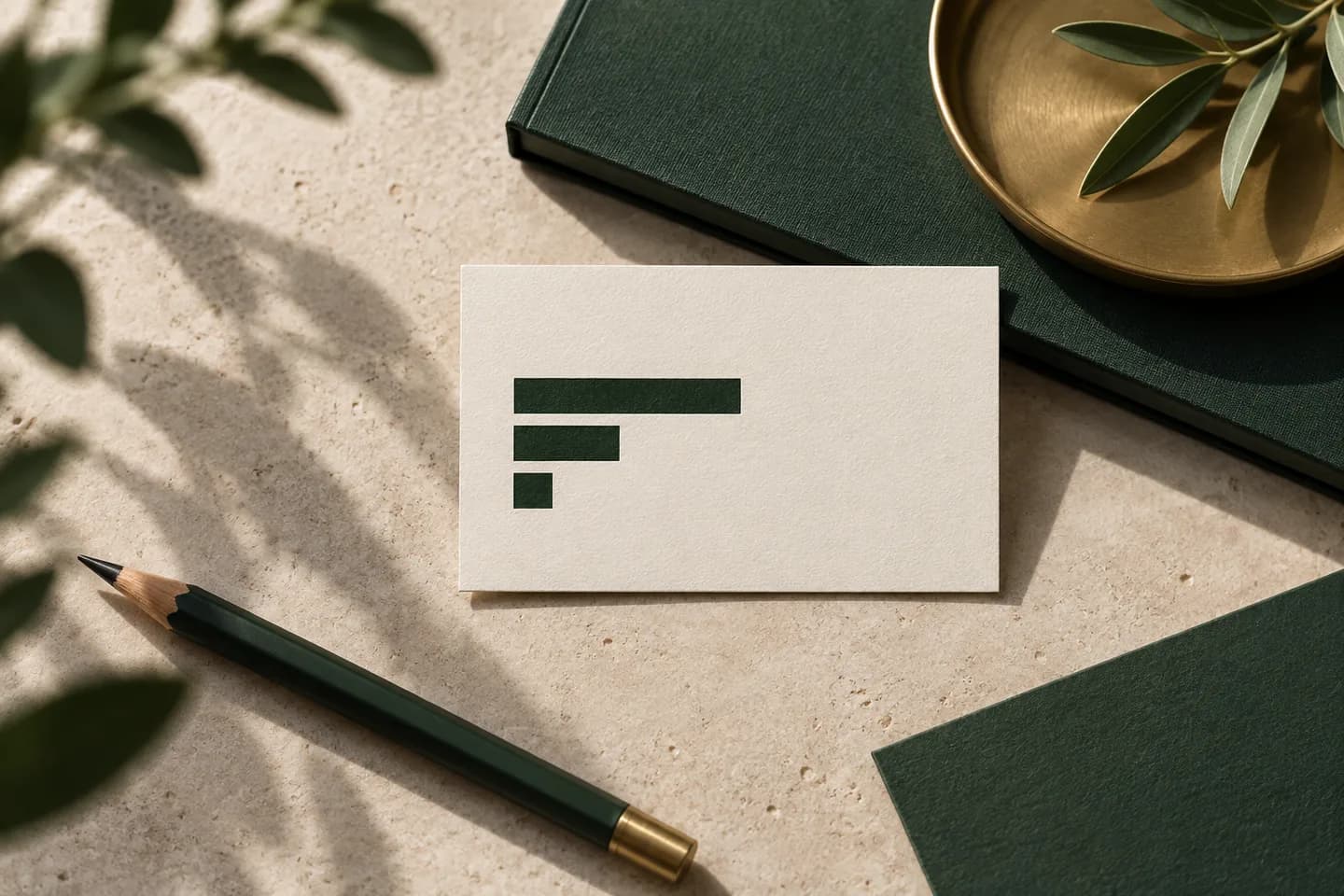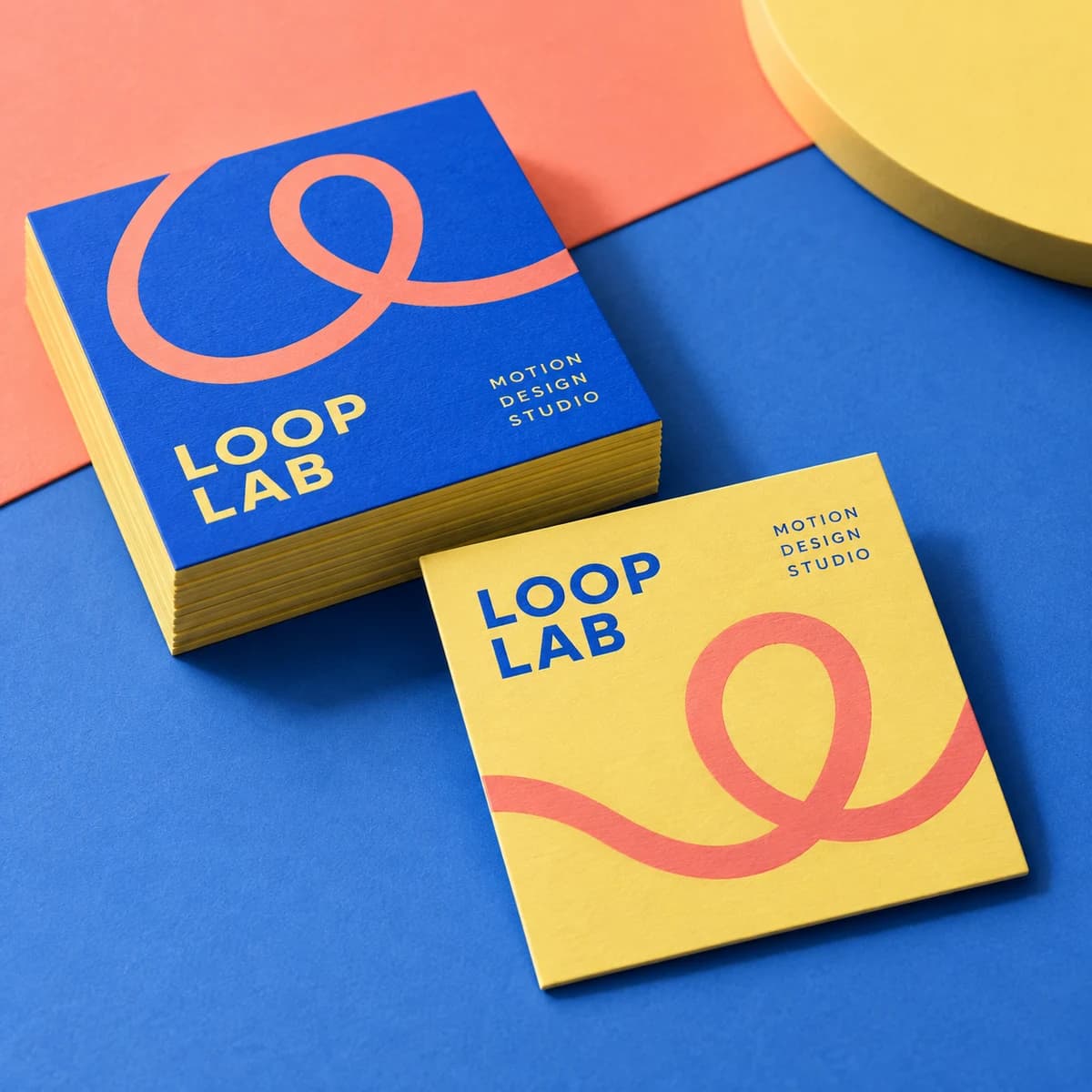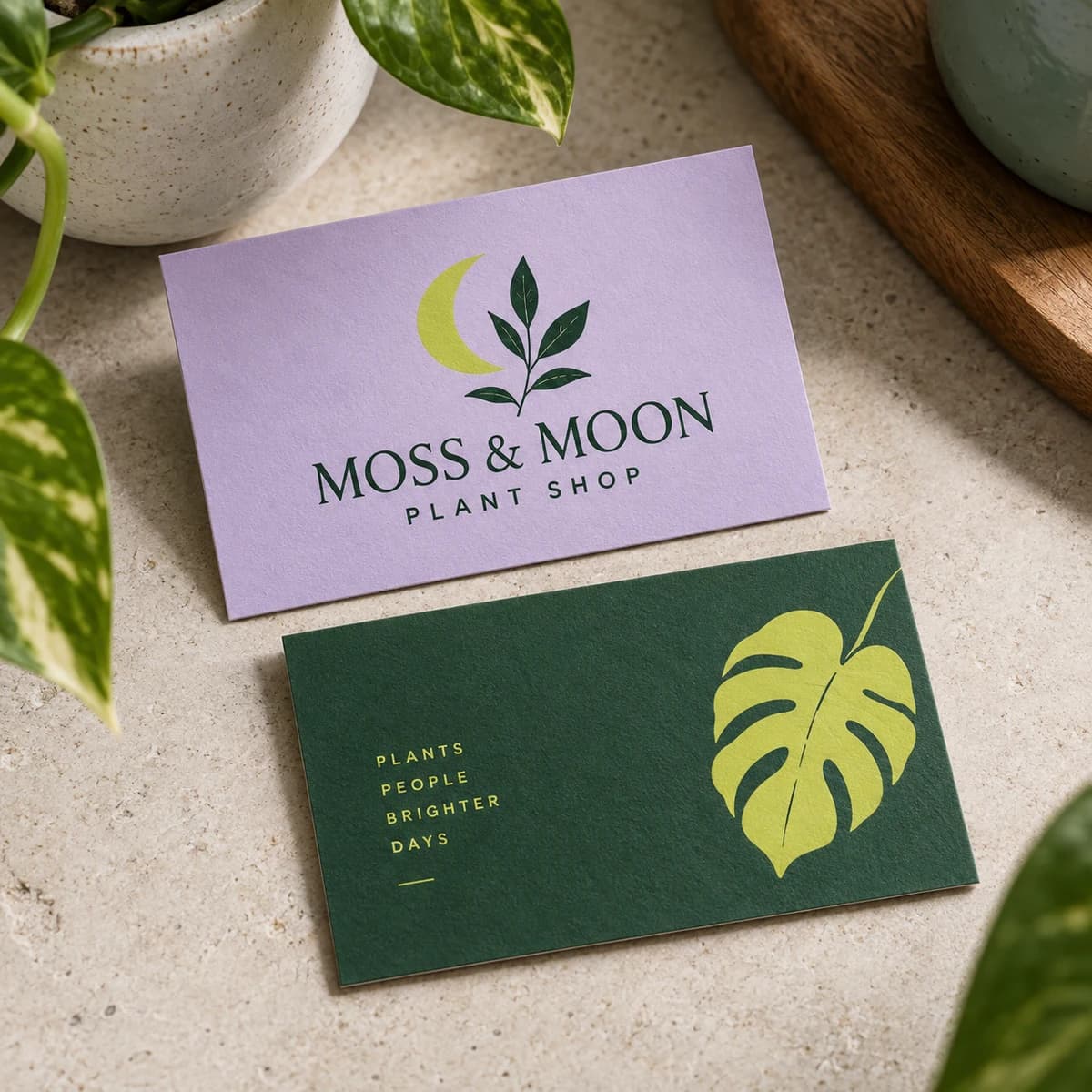
What is a personal business card?
A personal business card, sometimes called a networking card, is a card that represents you rather than an employer. Students hand them out at career fairs, job seekers bring them to interviews and meetups, and career changers use them to introduce the new direction before a job title exists.
The goal is narrow. You want the person who met you to find your profile tonight and remember what you are looking for. That means a personal card should say less than a company card, not more.
What should a personal business card include?
Use this table as your field list. Everything marked optional earns its place only if it helps a recruiter act.
| Field | Include? | Example |
|---|---|---|
| Full name | Always | Jordan Lee |
| Focus line | Always | Data Analyst, SQL and Tableau |
| Always | jordan.lee.data@gmail.com | |
| Phone | Usually | (407) 555 0142 |
| LinkedIn or portfolio link | Always | linkedin.com/in/jordanleedata |
| QR code to that link | Recommended | Back of card |
| City and state | Optional | Orlando, FL |
| School and graduation year | Students | UCF, Class of 2027 |
| Headshot | Optional | Only if it is recent and professional |
The focus line does the work a job title does on a company card. Write what you want to be hired for, not everything you can do. Graphic Design Student, Branding and Packaging is stronger than Creative Person Passionate About Many Things. For more on choosing that line, see our guide to business card title ideas.
What should you leave off a personal card?
Cards get passed around, left on tables and photographed. Treat anything printed on them as public.
- Your home street address; city and state are enough
- Date of birth, age or marital status
- Any government ID number, ever
- A school email you will lose after graduation
- Personal social accounts you would not show an interviewer
- A list of every skill you have; save that for the resume
- Objective statements such as Seeking a challenging role
Networking cards also bring outreach you did not ask for. The FTC warns job seekers never to pay for the promise of a job and to research a company before sharing personal information, so keep your card limited to contact details you are comfortable seeing anywhere.
How should students, job seekers and career changers differ?
The fields stay the same, but the focus line and back of the card change with your situation.
| Situation | Focus line example | What goes on the back |
|---|---|---|
| Student | Nursing Student, UCF Class of 2027 | QR code to LinkedIn and a line of interests |
| Recent graduate | Mechanical Engineering Graduate, CAD and Testing | QR code to a project portfolio |
| Experienced job seeker | Operations Manager, 10 Years in Logistics | Three skills or a short value line |
| Career changer | Teacher Moving into Instructional Design | QR code to a sample project |
| Freelancer between jobs | Copywriter for SaaS and Fintech | QR code to your best samples |
If you freelance on the side, one card can do both jobs as long as the focus line is the same. If the two careers point different directions, print two small runs rather than a card that confuses both audiences.
How do you add your LinkedIn profile to a card?
First clean up the URL. LinkedIn lets you set a custom public profile URL between 3 and 100 characters with no spaces, symbols or special characters. On desktop, click Me, then View Profile, then Edit next to Public profile and URL, and edit the custom URL. LinkedIn allows up to five changes in six months, so pick one you will keep.
Print the short version as text, such as linkedin.com/in/jordanleedata, and put a QR code with the same link on the back. Size the QR code so phones scan it from arm's length, test it with two different phones before you order, and read our guide to QR code size on business cards if you are unsure.
How many personal cards should you order, and on what paper?
Most students and job seekers need 100 cards. That covers a career fair or two, a few conferences and a stack in your interview folder. Order more only if you attend several recruiting events a month, since your focus line and graduation status will change.
Choose a matte or uncoated paper. Both take a pen, which matters because recruiters often jot a note on the back such as met at booth 12, strong SQL. Glossy stock smudges when written on. At Voqado, matte cards start at $14.99 for 100 at the time of writing, which keeps a first run inexpensive.
How do you use personal cards at a career fair?
Lead with conversation, not the card. Offer it at the end of a good exchange, face up and readable for the other person, and ask for theirs in return. Write a note on their card about what you discussed, then send a LinkedIn request or email within a day that mentions it. Our business card etiquette guide covers the handoff and follow up in more detail.
Remember that some employers prefer a digital contact exchange. Bring both: a paper card for the table and a QR code on your phone. Our comparison of digital vs paper business cards explains when each works better.
Personal business card checklist
- Full name exactly as it appears on your resume
- One focus line that says what you want to be hired for
- A professional personal email you will keep
- Custom LinkedIn URL printed and encoded in a QR code
- City and state only, no street address
- Matte or uncoated paper so people can write on it
- QR code tested on two phones
- 100 cards unless you attend events every week
A card someone can hold and scribble on is a big part of why business cards are still relevant for early careers. Lay out yours in the free business card maker, then explore matte business cards for a finish that takes a pen.
Frequently asked questions
What should a student put on a business card?
Put your full name, your major and graduation year, a professional email, a phone number and your LinkedIn URL. Add a QR code to your LinkedIn profile or portfolio on the back. Skip your home address and your school email if you will lose it after graduation. One focus line, such as Accounting Student, Class of 2027, is enough.
Should I put my address on a personal business card?
No, not your street address. Cards get passed around and left on tables, so treat everything printed on them as public. City and state are enough for a recruiter to know where you are based. Your full address can go on an application once you are in a hiring process with a company you have researched.
Are personal business cards worth it for job seekers?
Yes, for in person events. At career fairs, conferences and meetups, a card gives a recruiter something to write on and keep, and a QR code sends them to your LinkedIn profile in seconds. For online applications they add nothing, so a small run of about 100 cards is usually enough.
Should I put a QR code on my personal business card?
Yes, if it links somewhere useful, such as your LinkedIn profile or an online portfolio. Put it on the back, large enough to scan from arm's length, and also print the short URL as text for people who will not scan. Test the code with two phones before ordering.
Sources & specification notes
The references below support the relevant technical or product details in this guide. Examples and checklists are not claims of practical testing or universal supplier requirements. Confirm the current specifications for your chosen product before production.
- LinkedIn Help: Customize your public profile URL ↗
Supports the 3 to 100 character limit, the steps to edit the URL and the limit of five changes in six months.
- FTC Consumer Advice: Job scams ↗
Supports the advice never to pay for the promise of a job and to research companies before sharing personal information.