What size is a standard business card?
The standard US business card is 3.5 × 2 inches after trimming. Your artwork file must be slightly larger, because printers trim through a bleed area so that background color runs cleanly to the edge. A common bleed allowance is 0.125 inch on every side, which turns a 3.5 × 2 inch card into a 3.75 × 2.25 inch file. Other regions use different conventions, so a template from one market can quietly shift your safe area in another.
| Format | Finished size | Metric | File with 0.125 inch bleed | Pixels at 300 PPI with bleed |
|---|---|---|---|---|
| US standard | 3.5 × 2 in | 88.9 × 50.8 mm | 3.75 × 2.25 in | 1,125 × 675 |
| Square | 2.5 × 2.5 in | 63.5 × 63.5 mm | 2.75 × 2.75 in | 825 × 825 |
| European convention | 3.35 × 2.17 in | 85 × 55 mm | 3.60 × 2.42 in | 1,079 × 725 |
| Japanese convention | 3.58 × 2.17 in | 91 × 55 mm | 3.83 × 2.42 in | 1,150 × 725 |
Treat these as planning numbers. The template supplied for your chosen product always wins, because bleed, safe margin and corner radius belong to that specification.
Which paper and finish should you choose?
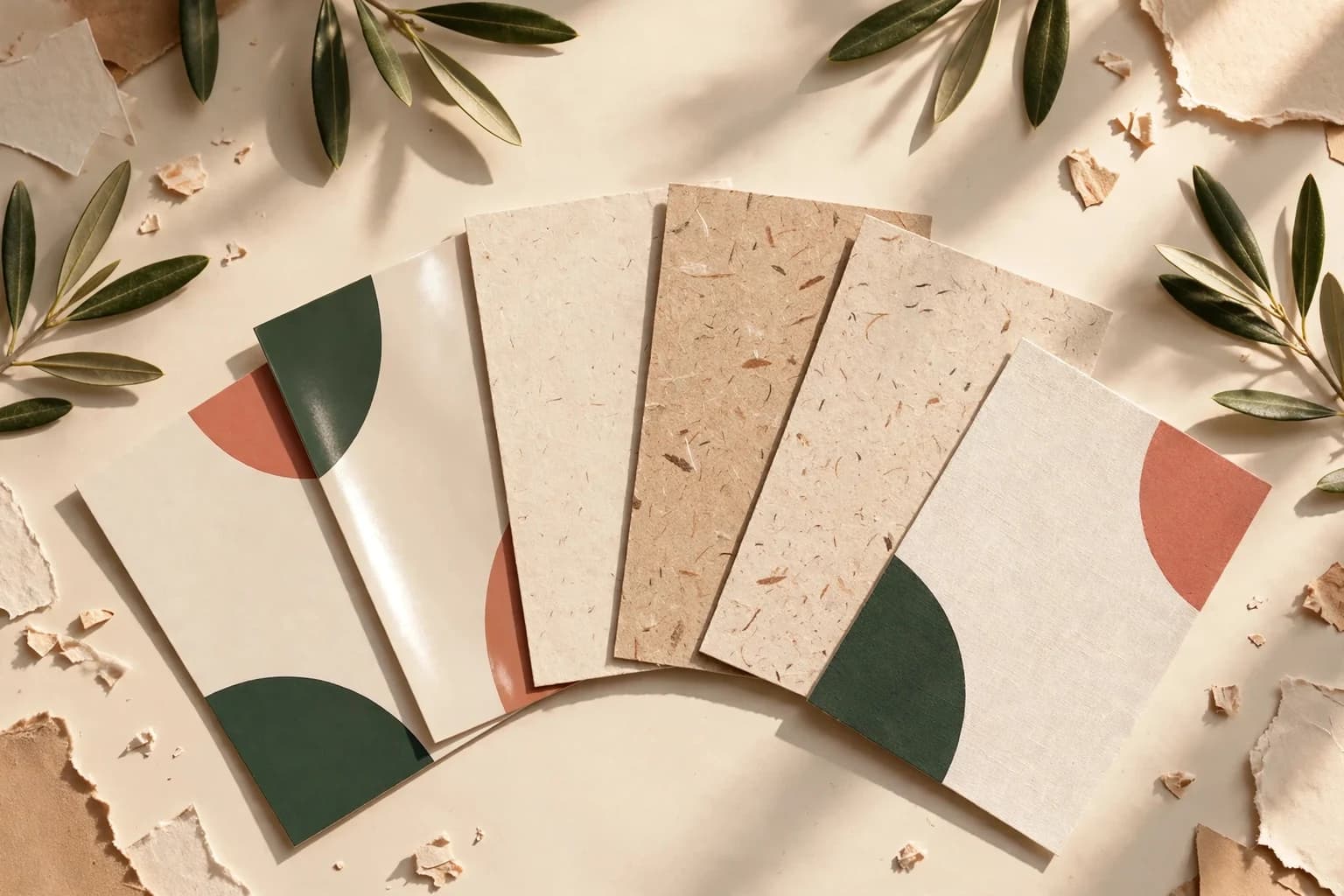
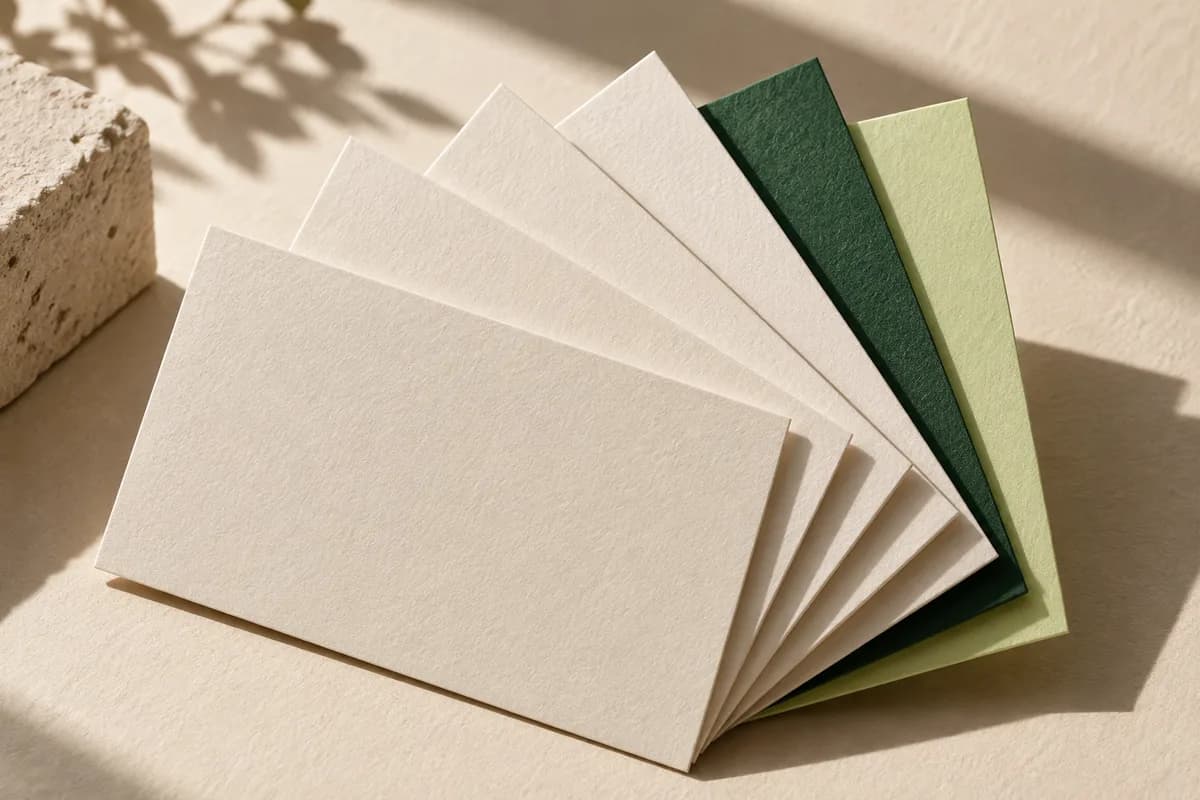
Start with how the card will be used. Matte stock reads cleanly under bright light and takes a pen reasonably well. Glossy stock makes photographs richer but can resist handwriting. Uncoated paper feels natural and is the easiest surface for writing appointment times or notes. Heavier stocks feel more substantial in the hand; our guide to thick business cards explains how point thickness and GSM compare. If the card must signal a premium brand, the options covered in luxury business cards, such as cotton, painted edges or raised foil, change both the feel and the price.
Paper is hard to judge on a screen. A physical sample kit lets you compare coatings, thickness and color on real stock before you commit to a full run.
How do you prepare a print ready business card file?
Build the file at the full bleed size, extend any background to the outer edge, and keep names, phone numbers and logos inside the safe area. Export a PDF, or a high resolution PNG or JPEG, at 300 PPI or more at the finished size. Check that fonts are embedded or outlined and that thin lines have not disappeared at actual scale.
If you add a QR code, leave a clear margin around it. DENSO WAVE, the inventor of the QR code, specifies a quiet zone four modules wide on all sides of the symbol. Crowding a logo or border into that space is a common reason a printed code fails to scan.
How many business cards should you order?
Estimate handoffs instead of guessing a round number. Multiply the cards you hand out in a typical week by the number of weeks before your details or design are likely to change, then add a reserve. Someone who hands out 15 cards a week and expects the design to last 12 weeks needs 180 cards; a 10 percent reserve brings that to 198, so round up to the next available quantity. A free quantity planner runs this calculation and saves the assumptions with the result.
Order more only when the extra cards will be used before a title, phone number or address changes. Surplus cards with outdated details cost money twice: once to print and again to replace.
How much does business card printing cost?
Price depends on quantity, stock, printed sides, shape and finish. At Voqado, standard business cards start at $14.99 for 100. Specialty papers, rounded corners, foil and unusual shapes raise the price, while larger quantities lower the cost of each card. If budget is the first constraint, cheap business cards shows which specification choices save the most without making the card look thin.
Compare quotes by delivered total, not unit price. Standard shipping within the US starts at $5.99 and is free on orders of $60 or more before tax, so the same order can differ by several dollars once delivery is included.
How long does business card printing take?
Production usually takes 2 to 4 business days after you approve the artwork, followed by 5 to 8 business days in transit. Weekends and holidays do not count. If an event is close, fast business card printing explains how production days, daily cutoffs and shipping choices decide whether a date is realistic. Always confirm the delivery date for your destination and configuration before relying on it.
What should you check before approving the proof?
The proof is the last point where a mistake is free to fix. Read every detail aloud, letter by letter, and test every phone number, email address and link.
- Name, title and company spelled exactly as they appear elsewhere
- Phone number, email and website tested from the printed proof
- QR code scanned from a printout at actual size, with its quiet zone intact
- Background extended to the bleed edge on every side
- Text and logos inside the safe area, away from the trim
- Paper, finish, printed sides and quantity matching the brief
- Delivery address and required arrival date confirmed
What happens if the cards arrive damaged or misprinted?
If an order arrives damaged, misprinted or different from the approved proof, report it within 30 days of delivery. Voqado will reprint the order or refund it, and you keep the original cards. Errors in artwork that you approved, such as a typo or a low resolution logo, are not treated as misprints, which is another reason to read the proof slowly.
Keep the approved file, the specification and the proof together. When you reorder, you can repeat the exact job instead of rebuilding it from memory, and any change to paper, size or finish becomes a deliberate decision rather than an accident.
Frequently asked questions
What is the standard business card size in the US?
The standard US business card measures 3.5 × 2 inches after trimming. Your design file should include bleed, commonly 0.125 inch on each side, which makes the artwork 3.75 × 2.25 inches. Keep important text inside the safe area of the template supplied for your chosen product, because safe margins vary between printers and between rectangular, square and rounded formats.
What resolution should business card artwork be?
Aim for 300 PPI at the finished size. For a 3.5 × 2 inch card with bleed, that is 1,125 × 675 pixels. Vector logos and text exported in a PDF stay sharp at any size. Raising the PPI number in software without adding real pixels does not add detail, so start from the largest original image you have.
How many business cards should I order first?
Multiply the cards you hand out each week by the number of weeks your details should stay current, then add about 10 percent in reserve. Fifteen cards a week for twelve weeks is 180 cards, or 198 with reserve. Round up to the next available quantity, and avoid large runs if a title or phone number may change soon.
Should I print on both sides of a business card?
Printing both sides gives space for a logo, a service list, a second language or a QR code without crowding the contact details. A blank or lightly printed back is useful when you write appointment times on the card. Choose an uncoated or matte back if handwriting matters, and confirm the double sided price before approving.
Sources & specification notes
The references below support the relevant technical or product details in this guide. Examples and checklists are not claims of practical testing or universal supplier requirements. Confirm the current specifications for your chosen product before production.
- DENSO WAVE: QR Code area and quiet zone ↗
The QR code inventor's specification of a four module quiet zone on every side of the symbol.
- Voqado: shipping and returns ↗
Production and transit times, shipping rates and the 30 day reprint or refund policy.