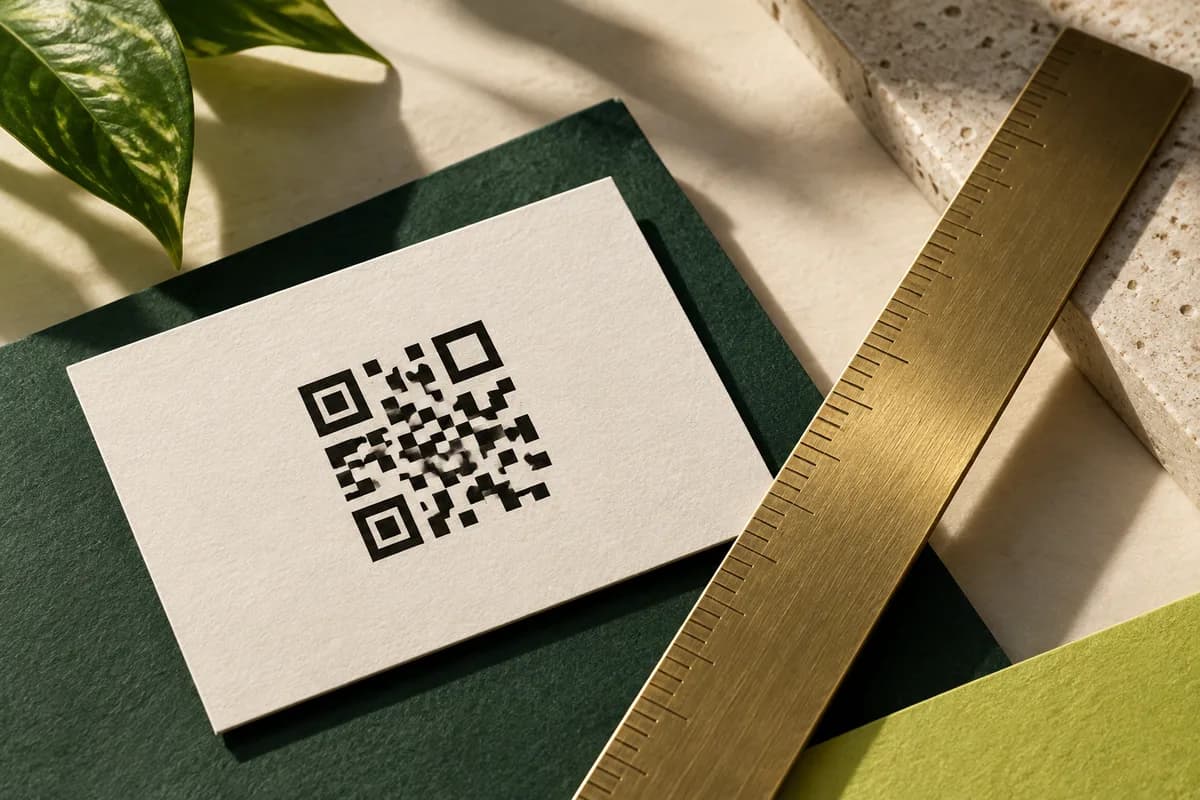
Why does a correctly sized code still fail?
Sizing is covered separately in the guide to QR code size on a business card, and it is the first thing to get right. What that arithmetic assumes is a flat, matte, evenly lit code held at a comfortable distance. A card exchange rarely provides any of those.
Six conditions do most of the damage.
- Specular glare from a glossy, foiled or laminated surface.
- Low or colored light, typical of bars, restaurants and evening events.
- Minimum focus distance: phone cameras cannot focus below a few inches, and a small code pushes people closer.
- Curvature from a card carried in a wallet or back pocket.
- Shadow from the reader's own hand or phone.
- Motion, because people scan while holding the card rather than laying it down.
None of these show up in a PDF proof, which is why cards get approved and then disappoint.
Which finishes cause the most trouble?
The more reflective the surface, the more the code depends on the angle between the light, the card and the lens.
| Surface | Scan behavior | Note |
|---|---|---|
| Uncoated or matte | Most reliable | Diffuses light, minimal glare |
| Soft touch | Reliable | Very low sheen |
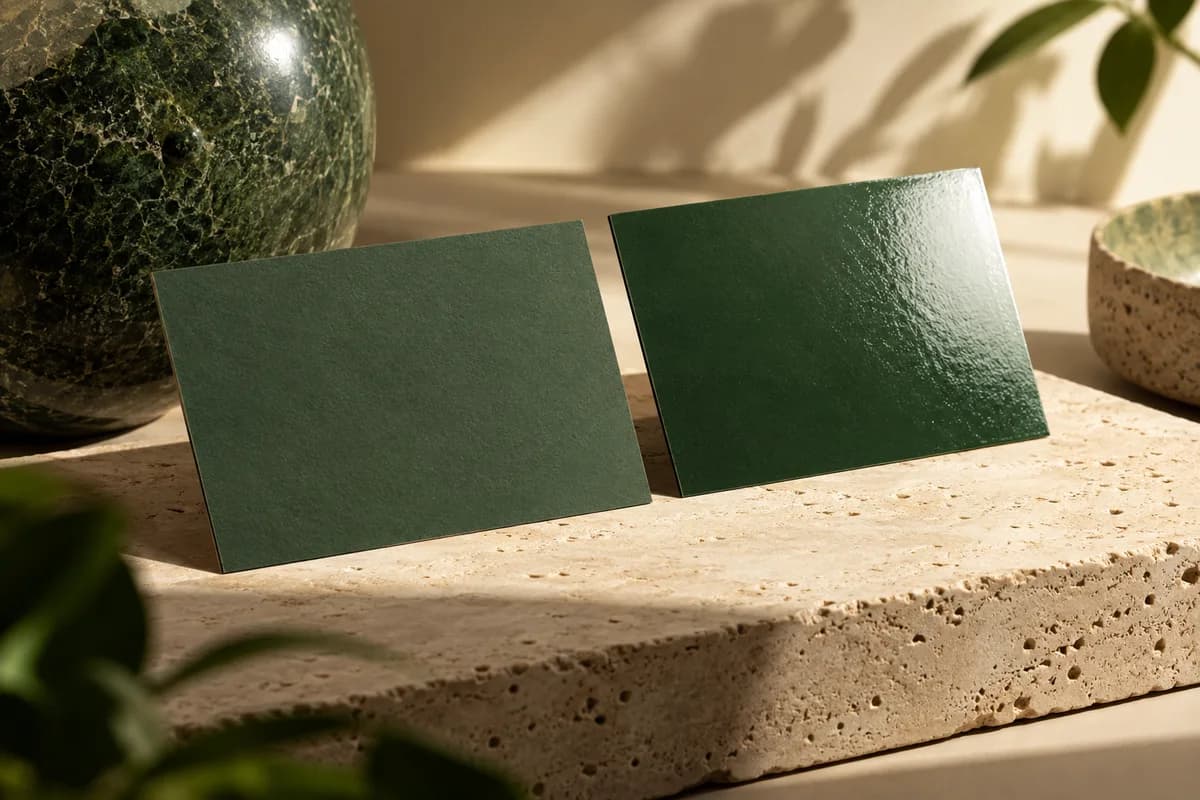
| Glossy | Workable but angle sensitive | Glare can wash out a whole quadrant |
| Foil or metallic | Poor as the code itself | Reflects rather than absorbs |
| Clear or frosted plastic | Difficult | Background shows through the light modules |
The practical rules are simple: never build the code out of foil, never print the code on the glossy side if there is a matte side available, and never place a code over a transparent area of a clear card. On holographic and metallic surfaces the shifting reflection confuses the camera in exactly the way a bad print does.
Does the position on the card matter?
Yes, for physical rather than optical reasons. A code near the edge sits where thumbs grip the card, and finger oil plus pressure both degrade it. A code in a corner is also the first thing to curl or crease.
Put the code away from the trim edge with clear margin around it, and keep it clear of any fold, score or painted edge. On double sided cards, put it on the side with the least other content so the reader is not hunting for it.
If your card has a special finish applied only to part of the front, such as a raised gloss or foil accent, keep that finish entirely off the code area.
How do you test a printed card properly?
The test takes ten minutes and prevents a whole print run being unusable.
- Print at 100 percent on the actual stock, or order the smallest quantity first.
- Scan with at least three phones, including one that is several years old.
- Scan under four lights: daylight, office ceiling light, a dim restaurant level, and a warm lamp.
- Scan at an angle, roughly 30 degrees off square, not just flat on.
- Bend the card gently, as a wallet would, and scan again.
- Hand the card to someone who has not seen it and time how long the scan takes.
- Confirm the destination page loads on mobile data, not only on wifi.
If a scan takes more than about two seconds in any of those conditions, treat it as a failure and change something.
What do you change when it fails?
Work through the cheapest fixes first.
Increase the quiet zone before you increase the size. Raise the contrast to solid dark modules on a plain light background. Move the code off a busy photograph. Increase the physical size next. Only then consider shortening the encoded URL, which reduces the module count and therefore makes each module larger at the same overall size.
Avoid two common false fixes. Adding a logo in the middle of the code trades reliability for decoration, and raising the error correction level to compensate adds modules, which makes each one smaller. Changing the code color to a brand color usually lowers contrast, and contrast is the thing you were trying to fix.
What should sit beside the code?
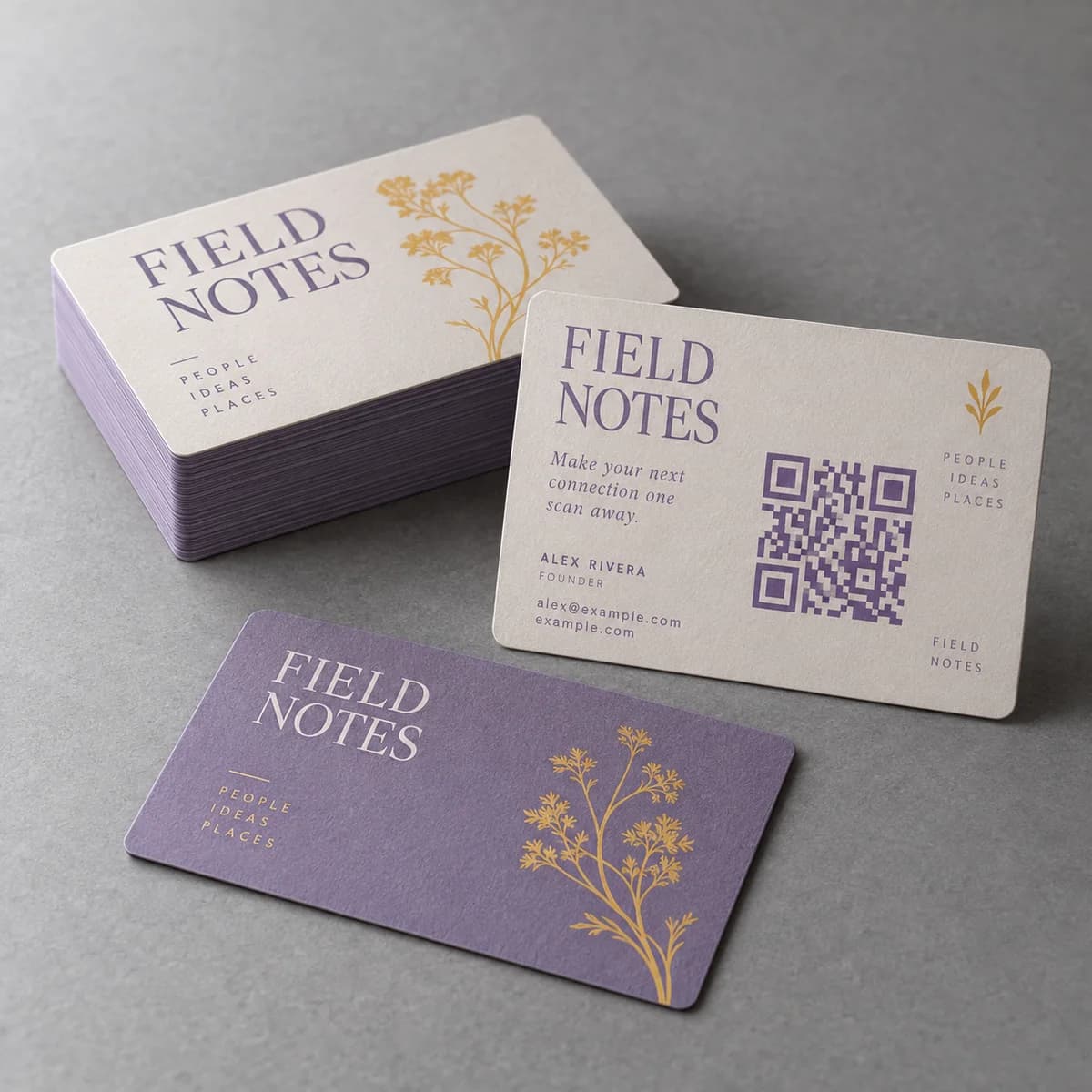
Always print the destination as readable text. A code that does not scan is a dead end unless there is something to type, and the FTC advises consumers to check that a QR code destination looks like a URL they recognize before opening it, which they cannot do unless you show it.
A short line such as your domain plus a simple path is enough. It also gives the reader a choice, which matters because a meaningful share of people will not scan a code from a stranger at all.
What is the reliability checklist?
- Keep the code on a matte or uncoated surface, never foil or clear plastic.
- Keep special finishes off the code area.
- Keep the code away from the trim edge and from fold lines.
- Test on three phones, four lighting conditions and at an angle.
- Test a bent card, because wallets bend cards.
- Fix quiet zone and contrast before size, and size before shortening the link.
- Print the destination as readable text beside the code.
Frequently asked questions
Why does my business card QR code not scan?
Check the surface first. Glossy, foiled and clear stocks throw glare that hides part of the code, and special finishes applied over the code area ruin it. After that, look at contrast, the clear margin around the code and whether phones can focus at the distance the code forces. Size is often the last thing at fault, not the first.
Can a QR code be printed on a glossy business card?
Yes, but it becomes angle sensitive: light reflecting off the coating can wash out part of the symbol. If the card has a matte or uncoated side, put the code there. If it is glossy on both sides, increase the quiet zone and contrast, and test under a ceiling light where glare is worst.
Does putting a logo in the middle of a QR code break it?
It can. Covering modules relies on error correction to recover the missing data, and raising the correction level to compensate adds modules, which makes each one smaller at the same printed size. On a business card, where the code is already small, a clean code without a logo scans more reliably.
How should I test a QR code before printing business cards?
Print at 100 percent on the real stock or order the smallest quantity first, then scan with at least three phones including an older one, under daylight, office light, dim restaurant light and a warm lamp, at an angle and with the card gently bent. Anything slower than about two seconds should be treated as a failure.
Sources & specification notes
The references below support the relevant technical or product details in this guide. Examples and checklists are not claims of practical testing or universal supplier requirements. Confirm the current specifications for your chosen product before production.
- DENSO WAVE: How to create a QR Code, margin and cell size ↗
States the four module quiet zone requirement on all sides and shows how module size follows from print resolution.
- FTC Consumer Alert: Scammers hide harmful links in QR codes ↗
Advises people to check that a QR destination looks like a URL they recognize, which is why the destination should be printed as readable text.