The one calculation to learn
Effective resolution equals pixels divided by printed inches. Do it for both dimensions and take the smaller answer.
Changing the resolution field in an image editor without adding pixels does nothing to the detail. It relabels the file. Upscaling software can invent plausible pixels, and on a soft surface such as a blanket it is often good enough, but on a glossy acrylic block held at arm's length it is visible.
Start from the largest original you own. A download from a social platform, a screenshot or an image pulled from a web page is usually the smallest version that ever existed.
Targets by surface, not by rule
The sensible target changes with how close the object is held and how hard the surface is.
| Product | Typical printed size | Sensible target | Why |
|---|---|---|---|
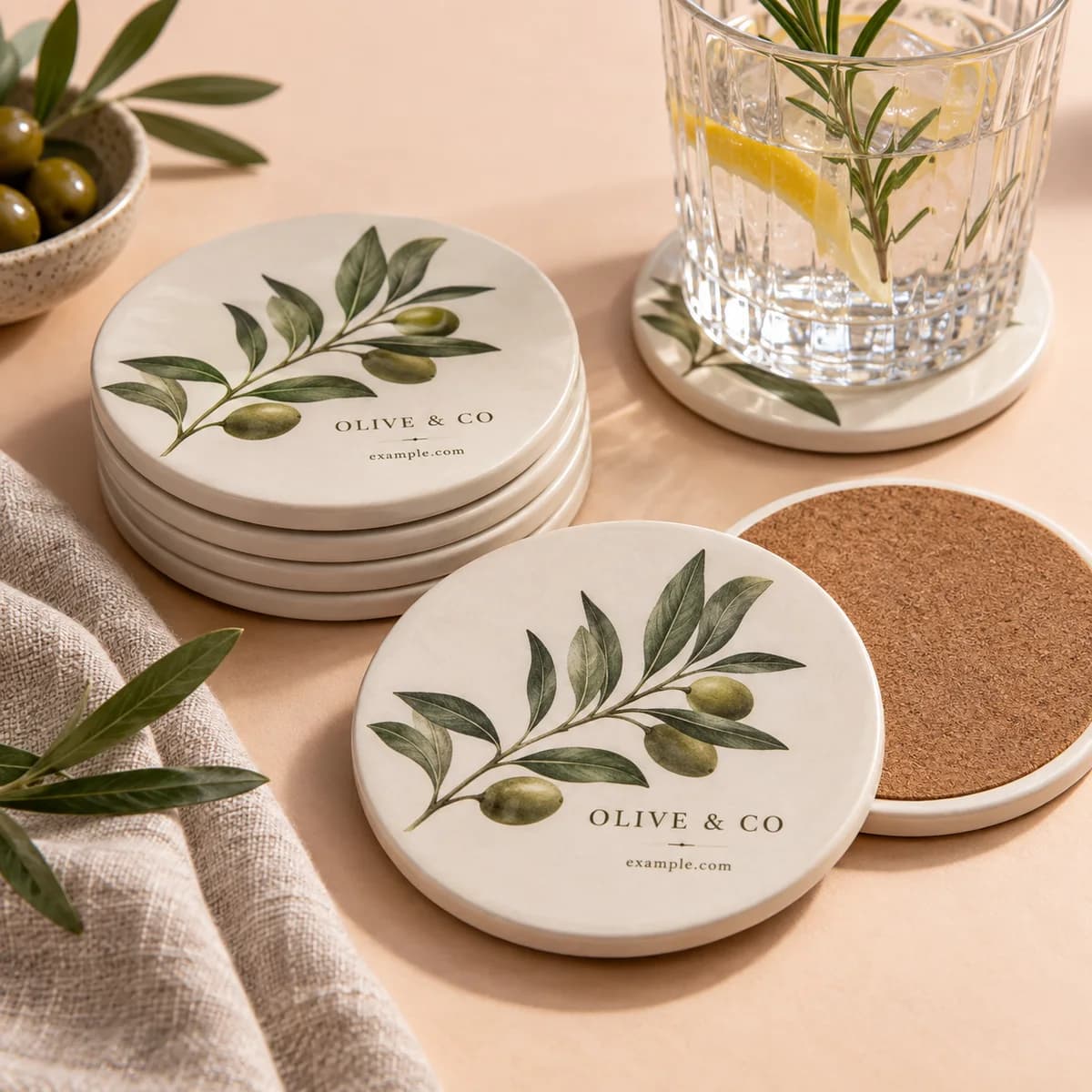
| Ceramic coasters | 4.1 in circle | 300 ppi | Held in the hand, absorbent surface |
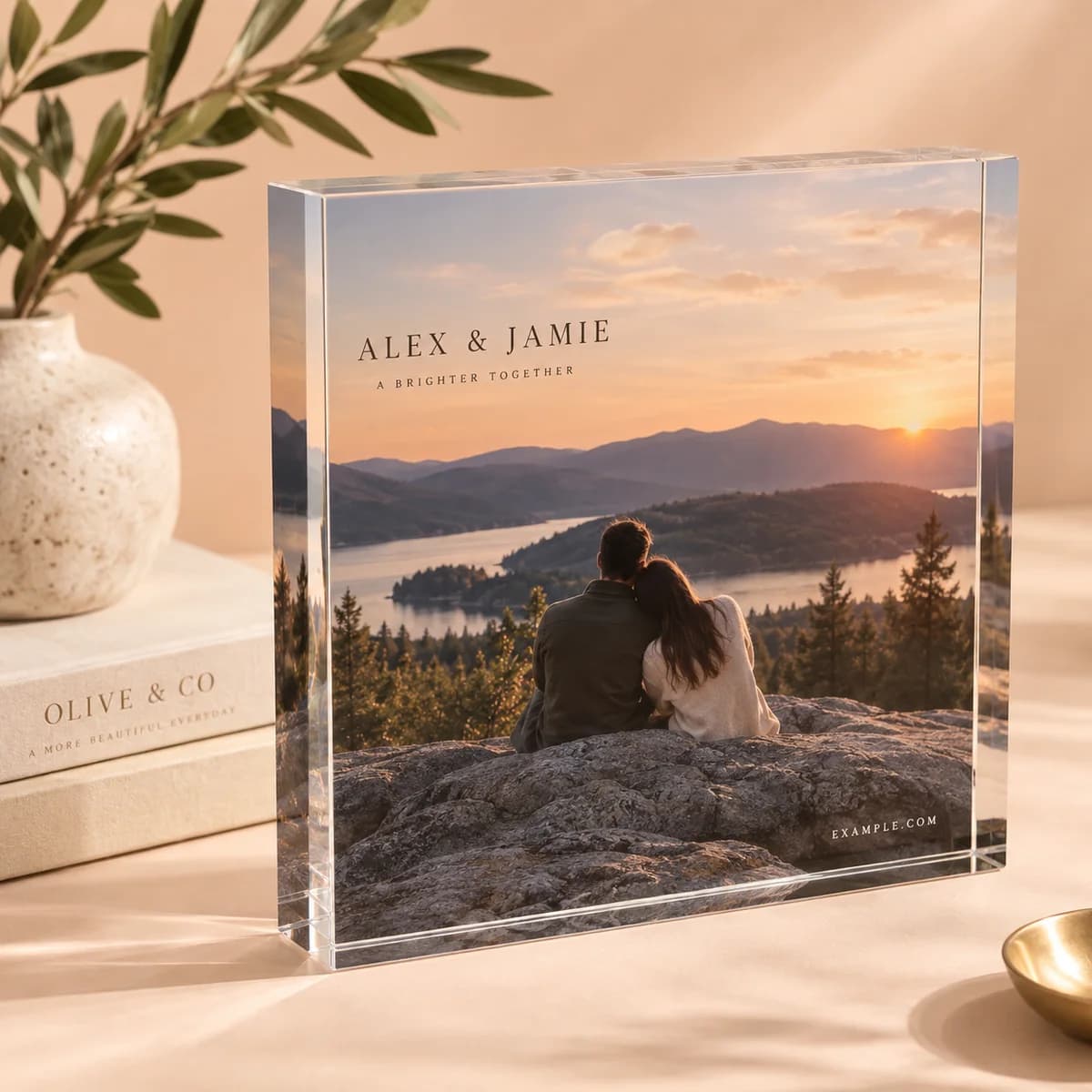
| Acrylic photo blocks | Small formats, 1 in thick | 300 ppi | Glossy and inspected closely |
| Tabletop photo tiles | From 5 by 7 in | 300 ppi | Desk distance |
| Framed prints | 8 by 10 to 24 by 36 in | 300 ppi small, 150 ppi large | Wall distance forgives more |
| Canvas prints | 8 by 8 to 24 by 36 in | 150 ppi at large sizes | Canvas texture limits fine detail |
| Photo books | 7 sizes, 24 to 120 pages | 300 ppi | Pages are read at reading distance |
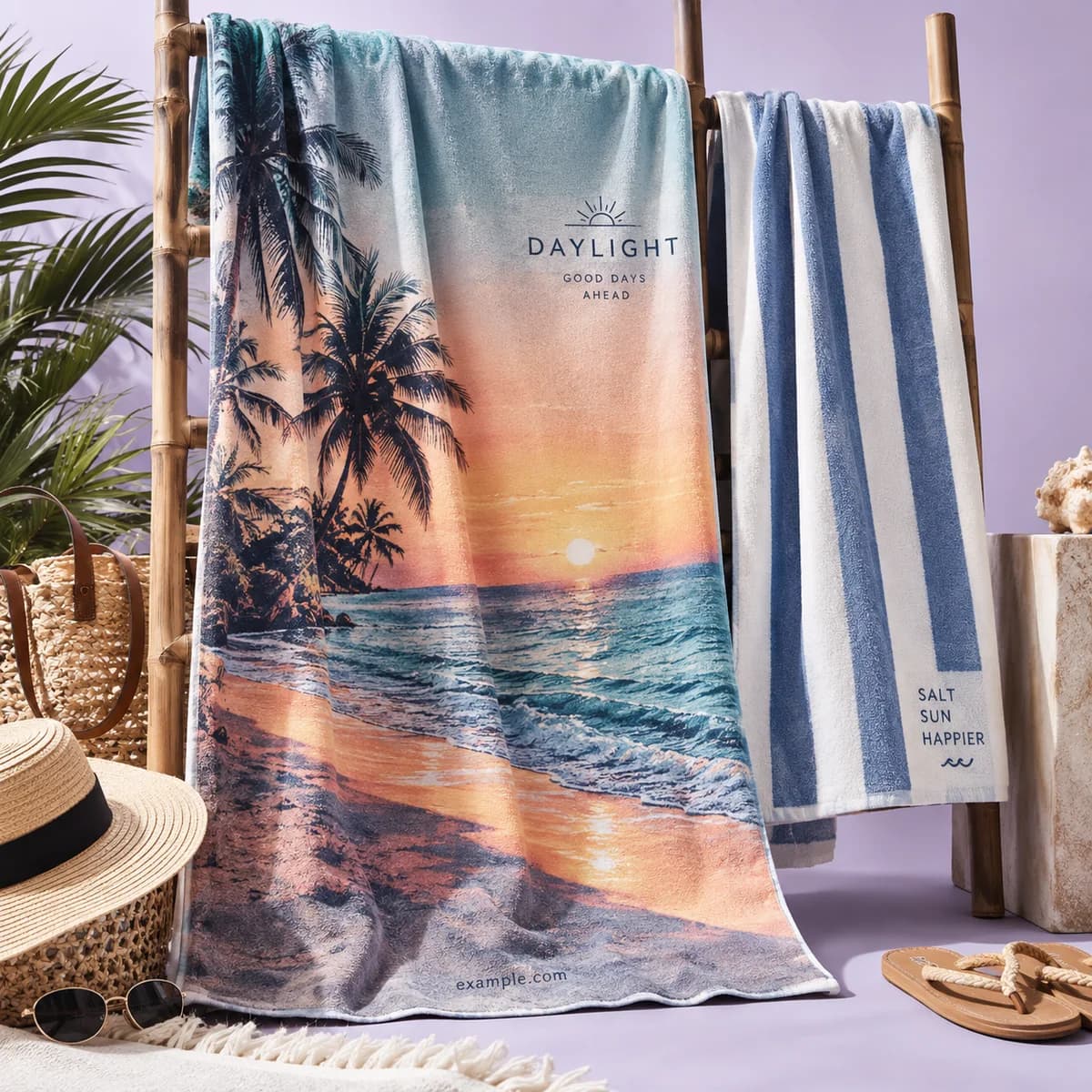
| Beach towels | 30 by 60 in | 150 ppi | Plush pile limits detail |
| Fleece blankets | Up to 60 by 80 in | 150 ppi | Viewed from further away |
| Yoga mats | 24 by 72 in | 150 ppi | Large and seen from standing |
| Cutting boards | 11.125 by 7.75 in | 300 ppi | Glass, inspected closely |
A 24 by 36 inch framed print at 150 pixels per inch needs about 3,600 by 5,400 pixels. At 300 it needs 7,200 by 10,800, which is more than most phones produce in a single frame.
The surface decides how much detail survives
Hard, glossy surfaces show everything. Our acrylic photo blocks are UV printed with the image shining through a glossy front, and glass cutting boards are similarly unforgiving: compression artifacts, noise in shadows and soft focus all show.
Soft and textured surfaces hide a lot. A plush microfiber towel face has its own texture at a similar scale to fine detail, and canvas has a weave. That forgives resolution but punishes pattern: fine repeating lines and hairline type suffer on both.
Matte paper behind acrylic, as on our framed prints, sits in the middle. It holds midtone detail well and is kinder to a slightly soft file than a glossy face.
Formats, and what we accept
Our product pages state accepted formats where they differ. Wall calendars accept JPEG, BMP, PNG, HEIC and RAW. Custom cups accept JPEG, PNG, PDF, AI and PPT. Guest books recommend 300 dpi for the full color cover photograph.
A few general habits help regardless of product. Send the original rather than a re saved copy, because each JPEG save discards more detail. Keep layered originals if you have them. Avoid sending screenshots, which are always screen resolution.
The archival world formalizes this thinking. The National Archives guidelines for digitizing archival materials describe production master files created at a benchmark high enough to be reprocessed later for different outputs. The same principle applies to a family photograph: scan or export once at the highest sensible quality, then derive smaller versions from it.
Crop before you calculate
The number that matters is the resolution of the part of the image you are actually printing.
If you crop to a square for a coaster, you may be discarding half the pixels. Work out the effective resolution after the crop, not before. This is the most common reason a file that looked ample turns out to be marginal.
On made objects the crop is also not fully under your control, because edges, thickness, mounting and finish decide what is visible once the item is built. Choose the size and orientation in the order, send the highest resolution original you have, keep faces and text well in from every edge, and ask us for the product template if the crop is tight.
Color, said plainly
Our Studio works in RGB and we do not offer color matching or file conversion services. Treat color on a photo gift as close rather than exact, and expect a textile or a textured surface to read slightly softer and darker than the same image on a coated sheet.
Keeping the finished gift looking new
Light is the main enemy of a printed image. Library of Congress preservation guidance recommends minimal exposure to all kinds of light and no exposure to direct or intense light for material you want to keep. Passing that on as a display suggestion is a small addition that makes a gift feel considered.
Photo gift resolution checklist
- Divide pixels by printed inches, and do it after cropping.
- Aim for 300 pixels per inch on small, hard, glossy surfaces.
- Accept 150 pixels per inch on large or textile surfaces.
- Start from the largest original, never a download or a screenshot.
- Avoid fine repeating lines and hairline type on textiles and canvas.
- Keep faces and text well in from every edge.
- Suggest a display spot out of direct sunlight.
Frequently asked questions
What resolution do you need for a photo gift?
Divide the pixel width of your image by the printed width in inches. Around 300 pixels per inch suits small hard surfaces such as acrylic blocks, coasters and photo book pages. About 150 pixels per inch at final size is reasonable for large framed prints, canvas, blankets and towels, where distance and texture forgive more.
How many pixels does a 24 by 36 inch print need?
About 3,600 by 5,400 pixels for 150 pixels per inch, and 7,200 by 10,800 for 300. The larger figure is more than most single phone frames produce, so for the biggest sizes either use a camera original at full size or accept 150 pixels per inch, which is usually fine at wall viewing distance.
Can you increase the resolution of a photo for a gift?
Changing the resolution setting without adding pixels only relabels the file. Upscaling software invents plausible detail and often works acceptably on soft surfaces such as blankets and towels, but the invention is visible on a glossy acrylic block held at arm's length. Find the largest original instead.
Which image formats can you send for photo gifts?
It varies by product and the page states it. Wall calendars accept JPEG, BMP, PNG, HEIC and RAW, custom cups accept JPEG, PNG, PDF, AI and PPT, and guest books recommend 300 dpi for the cover photograph. Send the original rather than a re saved copy, since each JPEG save discards more detail.
Sources & specification notes
The references below support the relevant technical or product details in this guide. Examples and checklists are not claims of practical testing or universal supplier requirements. Confirm the current specifications for your chosen product before production.
- U.S. National Archives: Guidelines for Digitizing Archival Materials for Electronic Access ↗
Describes production master raster files created at a benchmark suitable for reprocessing into different distribution and print outputs.
- Library of Congress: Care, Handling and Storage of Works on Paper ↗
Preservation guidance recommending minimal light exposure and no direct or intense light for printed material intended to be kept.