What are the four levels?
The levels are defined in the QR code symbology specification, ISO/IEC 18004, and published by DENSO WAVE as approximate restoration capacities.
| Level | Approximate restoration | Typical use |
|---|---|---|
| L | About 7 percent | Clean surfaces, large amounts of data |
| M | About 15 percent | General use, the most commonly selected |
| Q | About 25 percent | Handled or dirty surfaces |
| H | About 30 percent | Industrial settings, harsh environments |
DENSO WAVE describes level M at 15 percent as the level most frequently selected, with L suited to clean environments carrying large amounts of data and higher levels chosen for factory conditions where symbols get dirty or worn.
Why can a higher level make a code worse?
Because redundancy is stored in the symbol itself. Adding correction capacity means adding codewords, and once the current version runs out of room the code steps up a version, which adds four modules to each side.
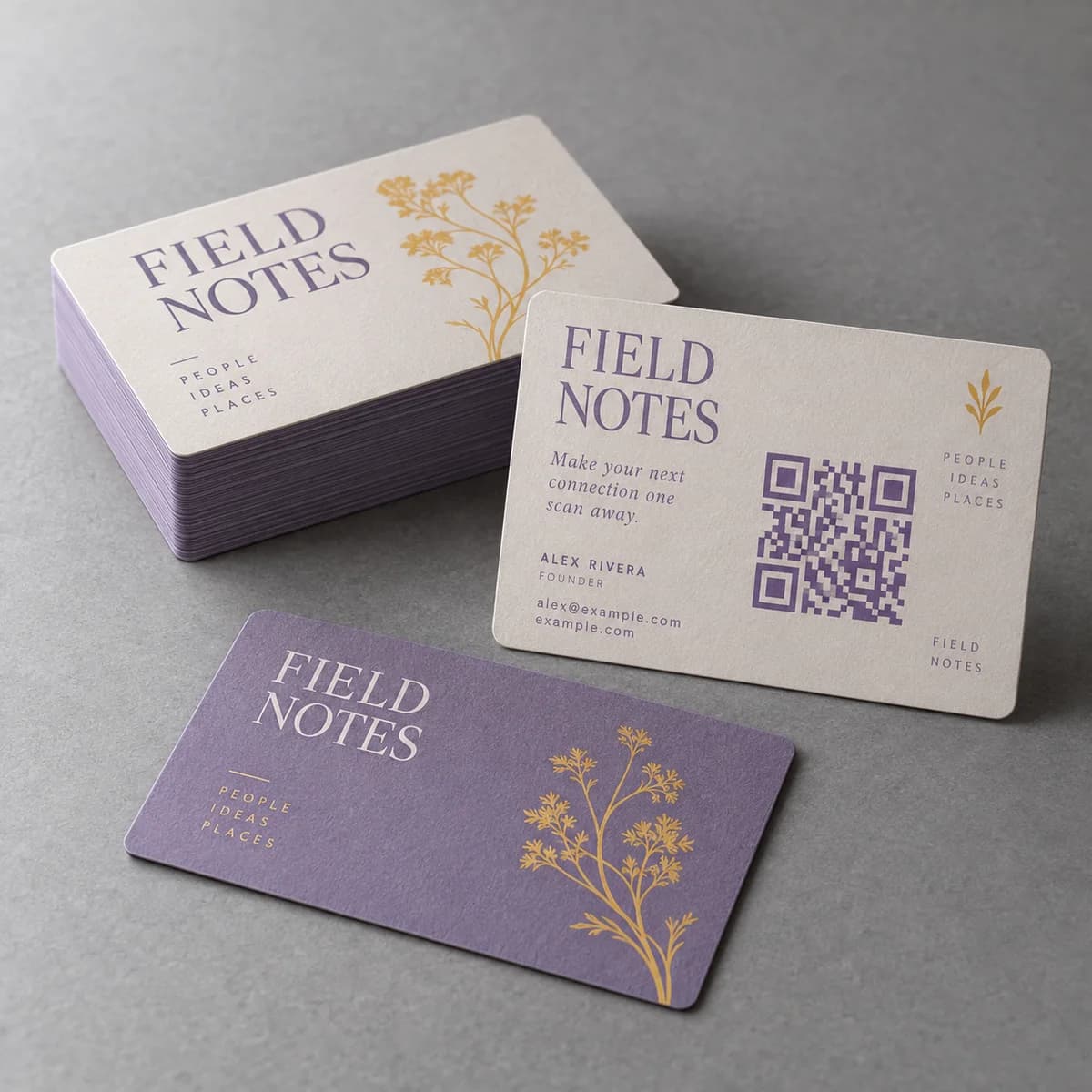
On a large sign that costs nothing: the code simply has more, smaller squares and it is still enormous. On a business card, where the printed code might be 15 to 20 mm across, stepping from version 3 to version 5 makes every module noticeably smaller. Smaller modules are harder for a camera to resolve, more vulnerable to ink spread on uncoated stock, and less forgiving of a slight blur.
So the real comparison is not damage tolerance versus nothing. It is damage tolerance versus module size, and on small print the module size usually matters more.
When is a higher level worth it?
Choose by what will physically happen to the code.
- Packaging that is handled, scuffed or refrigerated: Q is a reasonable default.
- Labels on curved containers, where part of the symbol turns away: Q or H.
- Outdoor signage exposed to dirt and weathering: Q.
- Anything where a logo or graphic will cover part of the symbol: H, reluctantly.
- Business cards, flat sheets and indoor signage: M.
- Very long URLs on a large surface: L, if the surface is clean.
Notice that the business card is the one place people most often raise the level, usually to allow a logo in the centre, and it is the place where the cost is highest.
Does error correction make a logo in the middle safe?
It makes it possible, not safe. Covering modules consumes the same redundancy that is meant to absorb real world damage such as a crease, a smudge or a glare spot. If a logo uses most of the correction budget, there is nothing left for the conditions the code will actually meet.
If a logo is required, keep it small, keep it central, keep it well inside the symbol away from the three large position detection patterns in the corners, and test heavily on printed samples. If the code is smaller than about 20 mm, the honest answer is to leave the logo off and put it beside the code instead.
How does the level interact with link length?
The shortest route to a robust small code is less data, not more correction.
A long URL with tracking parameters can easily push a code two or three versions higher than a short one. Shortening the destination reduces the module count, which makes every module larger at the same printed size, which improves reliability far more than raising the correction level would.
Build the code from the final destination. If you need campaign parameters, consider a short path on your own domain that redirects, rather than encoding a long string of parameters directly. The guide to UTM links for print campaigns covers how to keep those links organized.
How do you pick and record the level?
Generators default to different levels, and most do not show you which one they used. That is a problem when you reorder a year later and the new code behaves differently.
- Choose the level deliberately rather than accepting a default.
- Record the level, the version and the encoded URL with the print file.
- Export the code as vector artwork so it stays crisp at any size.
- Never scale a code non uniformly or apply effects to it.
- Test the printed result rather than the generator preview.
What is the error correction checklist?
- Use M for business cards, flat print and clean indoor signage.
- Use Q for packaging, curved labels and outdoor exposure.
- Reserve H for symbols that will be partly covered or badly treated.
- Shorten the link before raising the level on small print.
- Keep logos small, central and away from the corner patterns, or leave them off.
- Record level, version and destination alongside the artwork.
- Test on the printed sample, at the printed size.
Frequently asked questions
What error correction level should a QR code use?
Level M for business cards, flat print and clean indoor signage, which is also the most frequently selected level in general use. Move to Q for packaging, curved labels and outdoor exposure where the symbol gets handled or dirty, and reserve H for symbols that will be partly covered or used in harsh conditions.
Does a higher error correction level make a QR code more reliable?
Not automatically on small print. Higher levels add redundancy that must be stored in the symbol, so the code gains modules and each module becomes smaller at the same printed size. On a business card that can make the code harder for a camera to resolve, which is the opposite of the intended effect.
How much of a QR code can be covered by a logo?
Only as much as the correction level can restore, and you should not spend all of it. Covering modules uses the same redundancy meant for creases, smudges and glare. Keep any logo small, central and away from the three corner position patterns, and on codes below about 20 mm leave it off entirely.
Where are the error correction levels defined?
In the QR code symbology specification, ISO/IEC 18004, which covers symbol formats, data encoding, dimensional characteristics and error correction rules. DENSO WAVE, which developed the symbology, publishes the approximate restoration figures of roughly 7, 15, 25 and 30 percent for levels L, M, Q and H.
Sources & specification notes
The references below support the relevant technical or product details in this guide. Examples and checklists are not claims of practical testing or universal supplier requirements. Confirm the current specifications for your chosen product before production.
- ISO/IEC 18004:2024, QR code bar code symbology specification ↗
Defines the QR code symbology including symbol formats, dimensional characteristics and error correction rules.
- DENSO WAVE: Error correction feature ↗
Publishes the four correction levels with approximate restoration capacities and notes that level M at 15 percent is the most frequently selected.