What should a QR code menu sign say?
The code alone is not a message. Next to it, say what happens and why it helps, in a few words: scan to see the menu, or scan for today's specials and drinks. If the scan leads to ordering and payment rather than browsing, say so, because guests behave differently when they expect to pay on their phone. Add a short, readable URL under the code for anyone who would rather type, and a line telling guests that staff can bring a printed menu.
Keep the brand mark and a headline, but remove anything that competes with the code. A sign that asks guests to follow social accounts, join a list and leave a review on the same card usually gets none of those actions.
How big should the QR code be on a menu sign?
Size depends on how much data the code holds and how far away the phone will be. A QR code is built from square modules, and according to DENSO WAVE, the inventor of the format, codes range from version 1 at 21 by 21 modules to version 40 at 177 by 177. A short URL produces a simpler code with fewer, larger modules at the same print size, which is easier to scan from a seat or across a counter.
The code also needs a quiet zone, a blank margin four modules wide on every side. Frames, folds, table edges and decorative borders must stay outside it. Error correction lets a scanner recover part of a damaged or smudged code, and higher levels add modules, so choose the level to match the setting.
| Error correction level | Approximate data restored | Good fit for |
|---|---|---|
| L | About 7% | Clean indoor signs with short URLs |
| M | About 15% | Most menu signs and table cards |
| Q | About 25% | Signs that get handled, splashed or scuffed |
| H | About 30% | Codes with a small logo placed over them |
Build the code with the QR code generator, keep the destination URL short, and print a test sheet at the real size before you commit to a batch.
Where should a QR menu sign go?
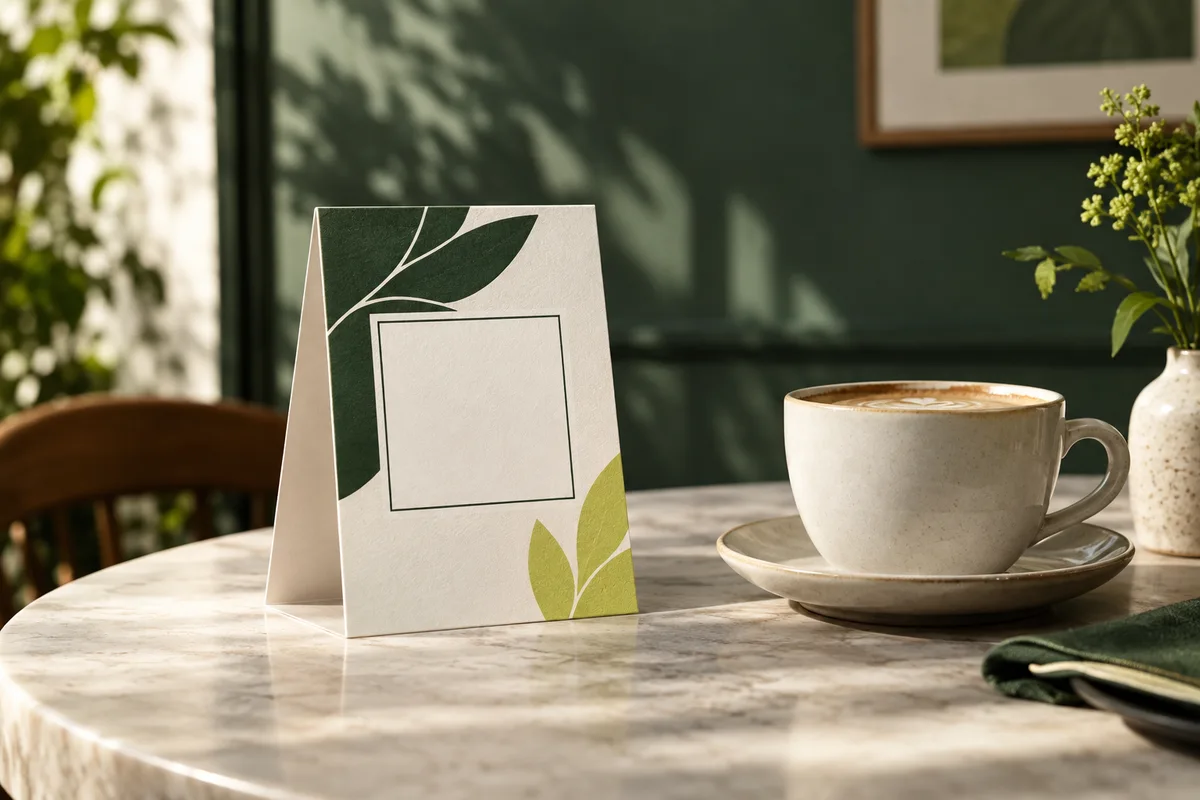
Put the sign where guests pause and have a free hand: on the table, at the host stand, on the counter where people queue, or in the window for passersby. On tables, a folded tent or a small holder keeps the code upright and visible; the table tent planning guide covers stability and sightlines. On counters and windows, QR code stickers can hold a code in place where a loose card would slide around.
Check the lighting at each spot. Glossy surfaces, acrylic fronts and pendant lights can bounce glare across the code, and dim corners slow scanning down.
What makes the menu page easy to use after the scan?
Many menu sign problems start after a successful scan. A large PDF built for printing forces guests to pinch and scroll sideways on a phone. The W3C Reflow guidance for accessible web content expects text to fit a 320 CSS pixel wide screen without horizontal scrolling, which is a fair standard for a menu page. The same guidelines set 4.5 to 1 as the minimum contrast for normal text, useful when a moody photo sits behind menu items.
Put prices, allergens and dietary notes on the page itself rather than in a separate download. Make the next step obvious: order with staff, order on the page, or call a server. Check the page on an ordinary mobile connection, not only on fast office internet.
How do you keep the code working when the menu changes?
Point the code at an address you control and can update, such as a page on your own website, rather than a file link that breaks when the PDF is replaced. Keep a simple record of every code, the URL it opens, and where the signs are placed. If you want to know which placement earns scans, add UTM tags on printed links so analytics can separate the table cards from the window sign.
Before replacing a menu page, confirm that the old URL still opens something useful, or redirect it. Reprinting every sign because one link changed is an avoidable cost.
What if a guest cannot or will not scan?
Not every guest has a phone, a data signal or the patience to scan. Keep printed restaurant menus available and tell guests on the sign that they can ask for one. Staff should know the fallback without needing to check. It is also worth asking whether a code is needed at all: a small cafe with a short board menu may be better served by print alone, and the guide to when a QR code is unnecessary walks through that decision.
How do you check a QR menu sign before printing a batch?
- Print one sign at actual size on the final material if possible.
- Place it in the real position with glasses, plates and lighting as usual.
- Scan from the seat or queue position with two or three different phones.
- Read the opened page with one hand, without zooming.
- Confirm the fallback URL types correctly and opens the same page.
- Record the code, URL, placement and owner of future updates.
Once one sign passes, print the batch. When the menu changes, repeat the scan and page check before the new version goes out, so guests never land on an old menu or an error page.
Frequently asked questions
How big should a QR code be on a menu sign?
Size it for the scanning distance and the amount of data. A short URL makes a simpler code with fewer, larger modules, which scans more easily from a seat. Leave a blank quiet zone four modules wide on every side, keep folds and borders out of it, and print a test sheet at the real size to scan from the actual guest position before ordering.
What should a QR code menu sign say?
Say what the scan does in a few words, such as scan to see the menu or scan for today's specials. Add a short, readable URL for guests who prefer typing and a note that staff can bring a printed menu. If the page also takes orders or payment, say that clearly so guests know what to expect before they scan.
Should a menu QR code link to a PDF?
Usually not. A PDF designed for print makes guests pinch and scroll sideways on a phone, and its link often breaks when the file is replaced. A mobile friendly web page at an address you control is easier to read and easier to update. Accessibility guidance expects text to fit a 320 CSS pixel wide screen without horizontal scrolling.
Do restaurants still need printed menus if they use QR codes?
Yes, as a fallback. Some guests have no phone, no signal or simply prefer paper, and a sign should tell them they can ask for one. Keeping a small supply of printed menus also protects service when a website or network is down. Staff should know where the printed copies are without needing to check with a manager.
Sources & specification notes
The references below support the relevant technical or product details in this guide. Examples and checklists are not claims of practical testing or universal supplier requirements. Confirm the current specifications for your chosen product before production.
- DENSO WAVE: QR Code area and quiet zone ↗
A QR Code requires a four module wide margin at all sides of the symbol.
- DENSO WAVE: QR Code versions ↗
Versions run from 1 (21 by 21 modules) to 40 (177 by 177 modules), and more data needs a larger version.
- DENSO WAVE: QR Code error correction ↗
Levels L, M, Q and H restore about 7, 15, 25 and 30 percent of codewords.
- W3C: Understanding WCAG 2.2 Success Criterion 1.4.10 Reflow ↗
Content should reflow within a 320 CSS pixel width without horizontal scrolling.