DESIGN CONCEPT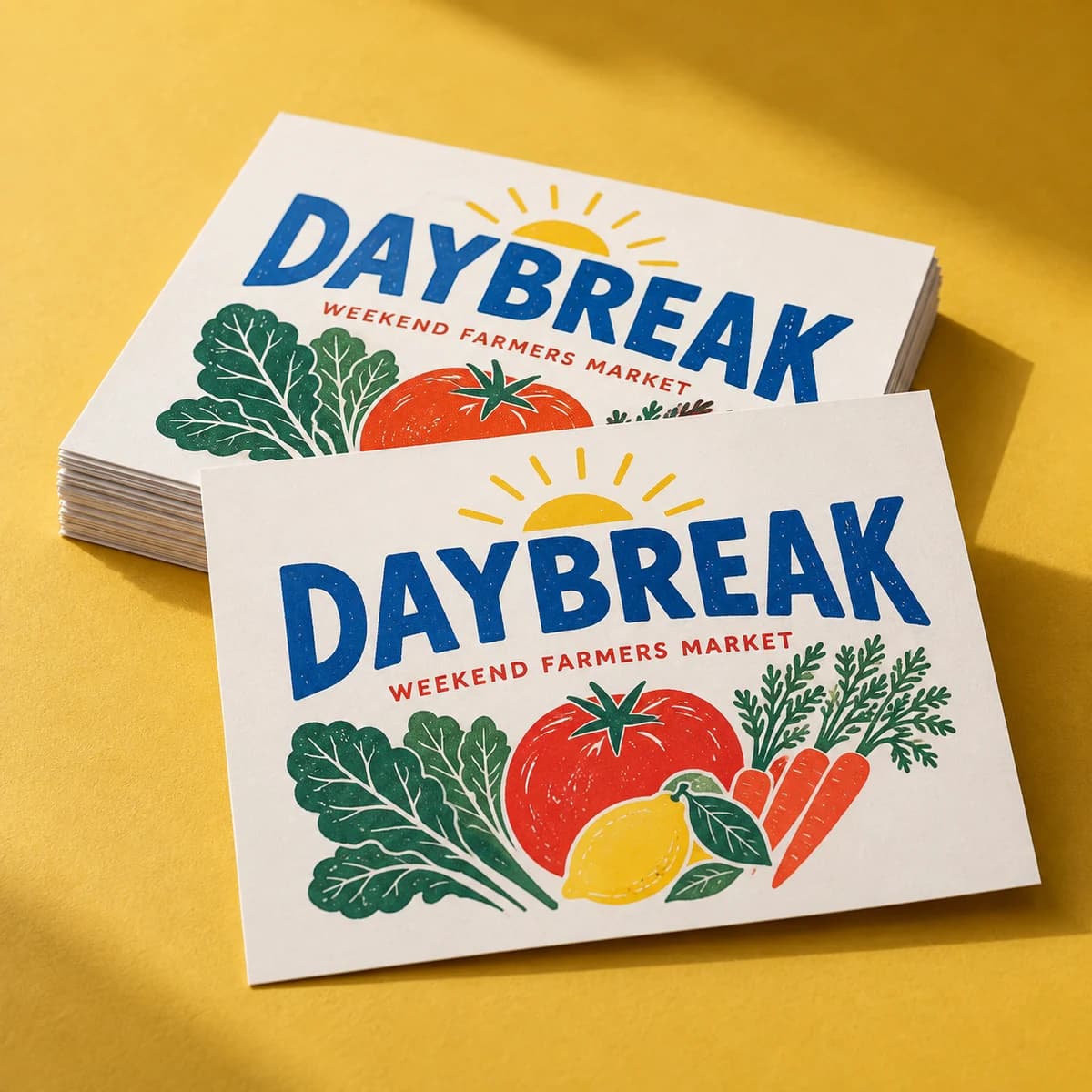
Design inspiration · Your artwork stays yours
From $9.99· 10 stickersTax and delivery shown before payment.
A sticker that goes somewhere. Scan it, and you're on the menu, the playlist, the WiFi.
QR code stickers bridge the physical and the digital: stick one on packaging, a storefront window, a table tent or an event badge, and customers land on your menu, booking page, review link or WiFi login with one scan. Start from a QR sticker template in Voqado Studio or drop a QR code into any sticker design with the QR icon. Pair it with a short fallback URL in readable type, and test at actual size before the big order.
Opening product configuration…
Stickers & labels · 6 MIN READ
Make QR code stickers that scan the first time: size the code for distance, keep the quiet zone, choose a glare free finish and test before printing.
Read the guide START HERE
Stickers & labels · 8 MIN READ
Plan custom sticker printing the way a print buyer does: choose the cut, material, finish and size, set up a clean file, and pick a quantity that pays off.
Read the guide
Stickers & labels · 6 MIN READ
Sticker vs label explained: a label identifies and informs, a sticker promotes. Compare materials, cuts, sheets and rolls, and pick the right one to order.
Read the guideStart with 10 stickers for $9.99. We check your file for free and you approve a proof before we print.
Give every QR sticker one understandable purpose: open care instructions, view a menu, or reach a booking page. Put that promise beside the code and include a readable fallback address. A successful scan starts a useful journey; it is not the whole customer experience.
Use the QR generator to create a static URL code. Check the exact address and its mobile page before downloading. The encoded address stays fixed; updating that page is different from changing the code. The tool does not provide a managed redirect or scan analytics. Keep control of the destination.
Start with dark modules on a plain light background. Leave a clear margin at least four modules wide on every side; a module is one small square in the code. Keep text, artwork and cut edges outside it. Do not stretch the square or place decorative shapes over its pattern.
Print a mockup at the intended dimensions and attach it to the intended object. Try several phones, viewing angles and realistic lighting conditions. On a curved container, check that the whole code remains visible without wrapping around the sides. If scanning is unreliable, revise the size, placement or background and retest.
VoqadoPrint Studio supports editable QR sticker layouts on a planning canvas. A visual proof does not certify scan performance. Confirm final dimensions, material and artwork requirements before production, then test an actual printed specimen when available. Recheck the destination before every run, including buttons, forms and any sign-in requirement.
There is no single size that fits every code and setting. Data density, printing and viewing conditions matter. Confirm production requirements and test the actual layout at its intended size.
No. It checks that display and device combination. The printed size, finish and application surface still need testing.
COMPLETE YOUR PRINT KIT
Useful extras for your business. Choose what fits.
Add your logo and colors to preview a coordinated look.
Create a Brand Kit ↗Choose a saved design or start with your Brand Kit. Edits open in a separate copy.
Suggestions selected for this product. Matches use your words in this browser.
Previews are not production proofs. Customizing creates a separate editable project; your original stays unchanged. Review both sides, bleed and image quality before printing. Product links open options without transferring artwork. Your logo, cart contents and typed request stay out of AI requests. Nothing is added to your cart automatically.
Start with the format, compare the choices, then prepare the artwork for your exact order.
Use the template for your selected format. A preview canvas does not establish manufacturing dimensions.
Not every combination is available. Use the configurator to select quantity and options; payment is available only when that exact combination has an approved price.
Choose my options ↑Yes. QR Code Stickers come with reusable material options and a gallery of customizable QR designs. You can also add a QR code to any sticker design from the studio's QR code icon.
Print a readable fallback URL next to the code and test the scan at actual size before ordering in bulk.
Menus, booking pages, review links, WiFi logins, playlists, portfolios: anywhere a tap would be handy but a sticker is what's there.
Keep it high contrast (dark code on light background) and don't shrink it below a comfortable scanning size: about an inch square is a good minimum.
Yes. Upload your final artwork now or add it after purchase. We will match it to the exact production template before printing.
The displayed item subtotal covers the selected quantity and options. Tax and delivery are calculated during secure checkout before you pay.
Yes. Add the product to your cart now and attach final artwork later from your saved order.
Pieces that pair well with this one.
Help us improve Voqado with analytics? Details