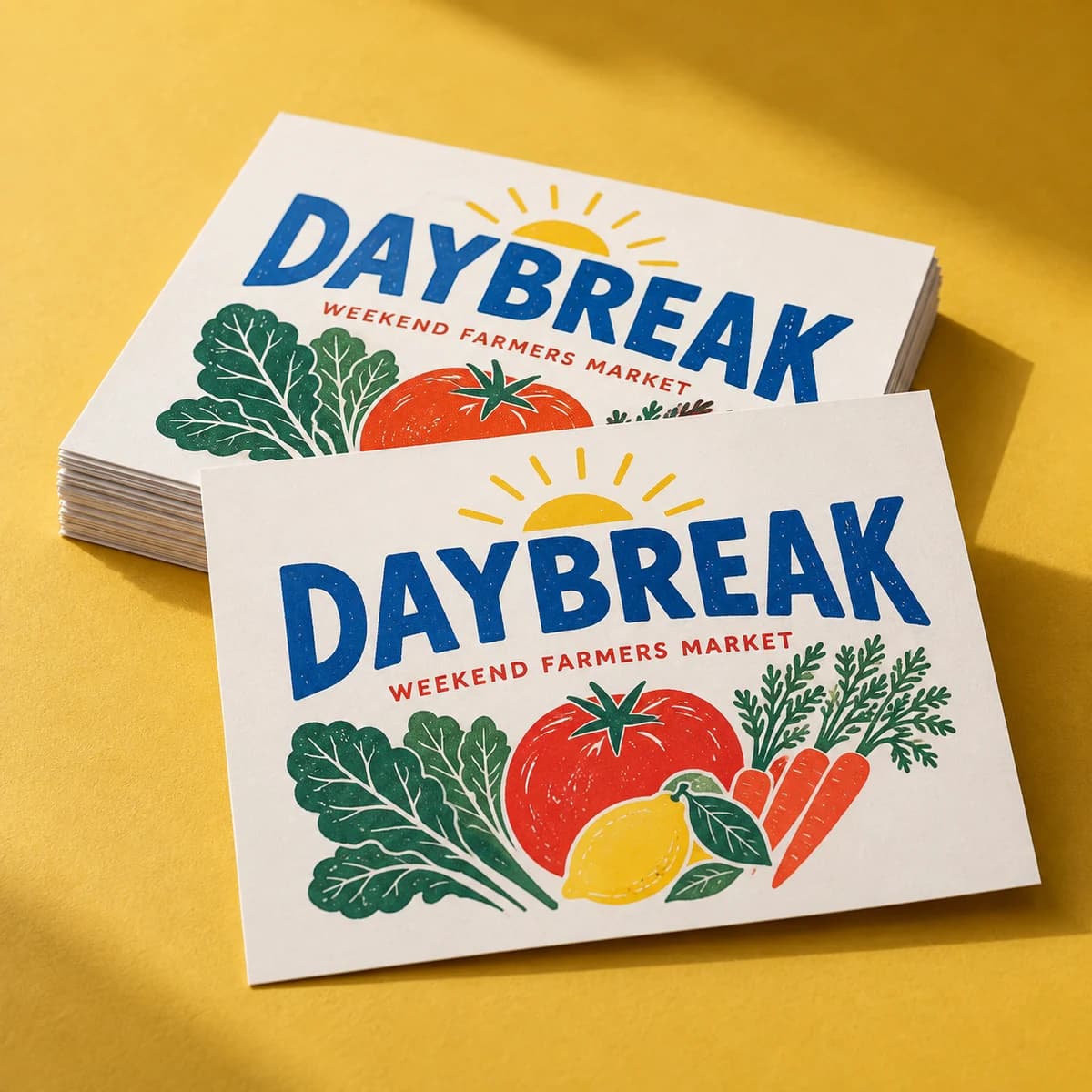
SINGLES / VOQADO

Die cut sticker singles

From $9.99· 10 itemsTax and delivery shown before payment.

  • Free artwork check
  • 30 day reprint or refund
  • Free US shipping over $60

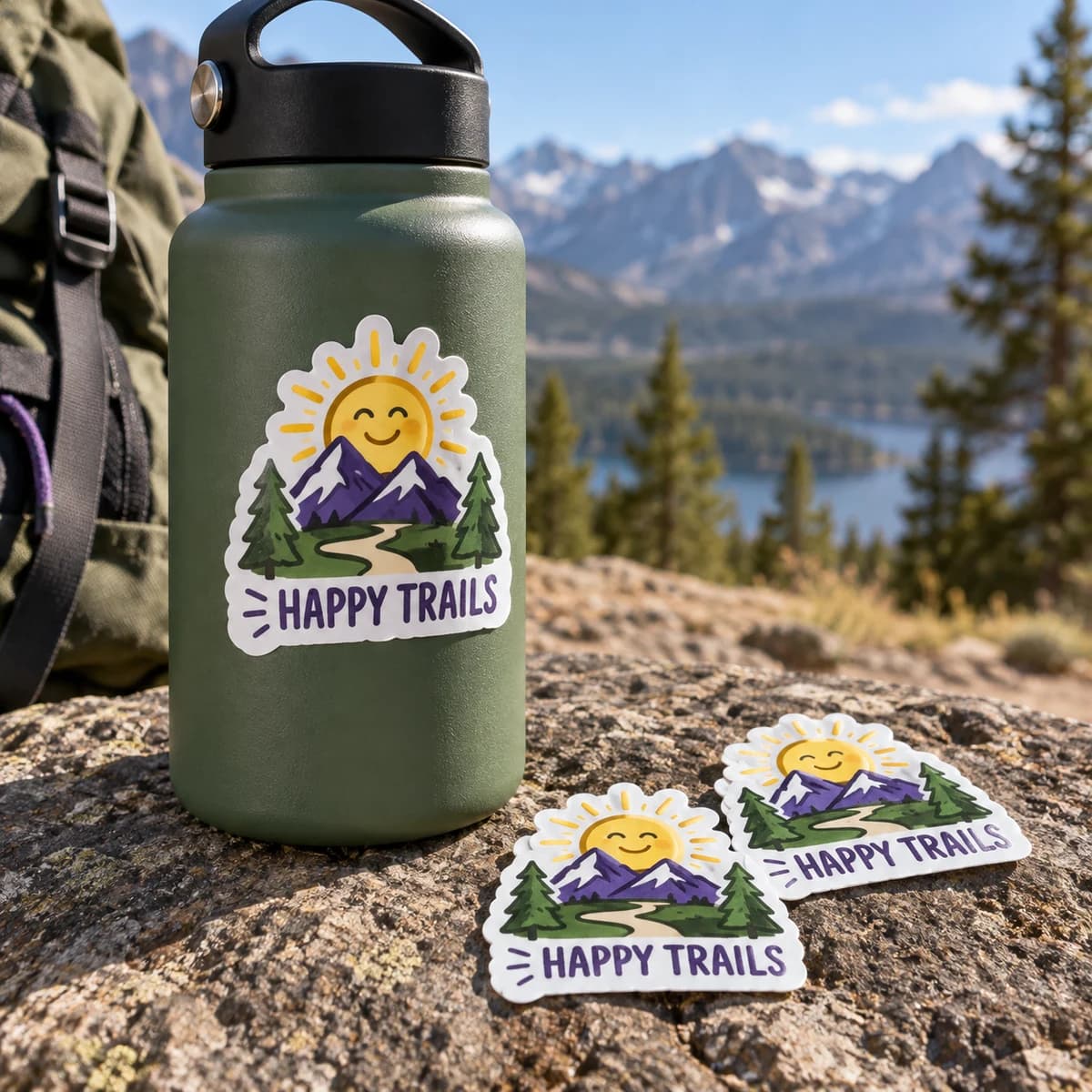
Your logo, your mascot, your doodle: cut out to the exact outline. Zero background, all personality.

What makes this a good choice?

Die cut stickers follow the silhouette of your design instead of sitting inside a square or circle. That makes them read clearly at a glance, whether they land on product packaging, a laptop or a water bottle. Upload your artwork and Voqado Studio builds a custom cutline around it; you can even tweak the background color of the cut. Choose white paper for a classic indoor look, or go plastic (white, clear or holographic) for stickers that survive water, weather and daily handling.

Explore design ideas

Opening product configuration…

New around here? Start small.

Start with 10 items for $9.99. We check your file for free and you approve a proof before we print.

Choose 10 items
Product details, inspiration & artwork helpOpen this only when you need specifications or ideas.
START WITH THE SHAPE AND THE SURFACE

Plan custom die cut stickers for their actual use

A custom outline is one part of a sticker order. Decide how the sticker will be handed out, peeled and applied, then confirm the material and artwork requirements for that use. This product needs dedicated artwork setup; the general Studio does not generate its production cut path.

1. Describe the finished outline

Specify the widest and tallest points of the finished sticker, with units. Mark narrow joins, sharp points, small holes and detailed edges for production review. Ask which features can be cut reliably and whether the outline needs simplifying. A logo’s rectangular image bounds are not necessarily its finished cut dimensions.

Compare overall sticker proportions →

The size tool compares circles and rectangles. Use it for scale; it does not validate a custom contour.

2. Choose the backing format

Die cut singles typically follow the design through the sticker and backing. Kiss cut formats leave additional backing around the removable sticker. Extra backing may help handling, but the supplied format and peel method still need confirmation.

Compare kiss cut sticker options →

3. Describe where it will stick

Record the actual surface, texture, curvature, moisture, temperature exposure and expected use duration. Ask for the material, adhesive and finish appropriate to those conditions. Test a sample on the intended surface, including removal if that matters. A cut style alone establishes neither water resistance nor removal without residue.

Record physical sample observations →

Prepare artwork for an agreed cut path

Ask for the selected printer’s file instructions, including how to identify the cut path, bleed and safe area. Keep artwork and cutting instructions distinguishable. Confirm any white border and whether clear or specialty material requires separate ink preparation. Do not add an arbitrary colored outline and assume it will be interpreted as a cutting instruction.

Build a comparable enquiry

Include finished width and height, outline reference, quantity per design, backing format, application surface, material questions, artwork status and requested delivery date. Ask whether setup, proofing, design variations, packaging and shipping are included. Final size, material, price and availability are confirmed for the exact project.

Download the sticker print brief →Prepare comparable print quotes →

Review before the run

Check the proof’s stated dimensions, contour, borders and small text. For an illustrative handout design, compare the same artwork at two physical sizes before selecting one; assess both the message and ease of peeling. A screen proof does not test adhesive performance or durability.

Prepare the artwork handoff →

Configure your sticker project

Attach your artwork and explain the intended cut and use in the product configuration. Keep unresolved specifications visible for review. A saved configuration or cart is not a submitted enquiry or paid order.

Configure die cut sticker singles →Explore other sticker formats →

Die cut and kiss cut, in plain terms

A die cut sticker is cut through the sticker and its backing, so the backing follows your shape. A kiss cut sticker is cut through the sticker only, leaving extra backing around it that makes it easier to peel and hand out.

Explore more print explainers in the Print Lab →

COMPLETE YOUR PRINT KIT

Looks good together.

Useful extras for your business. Choose what fits.

Personalize previews & find a match
A coordinated collection starts here

Add your logo and colors to preview a coordinated look.

Create a Brand Kit ↗

Choose a saved design or start with your Brand Kit. Edits open in a separate copy.

Suggestions selected for this product. Matches use your words in this browser.
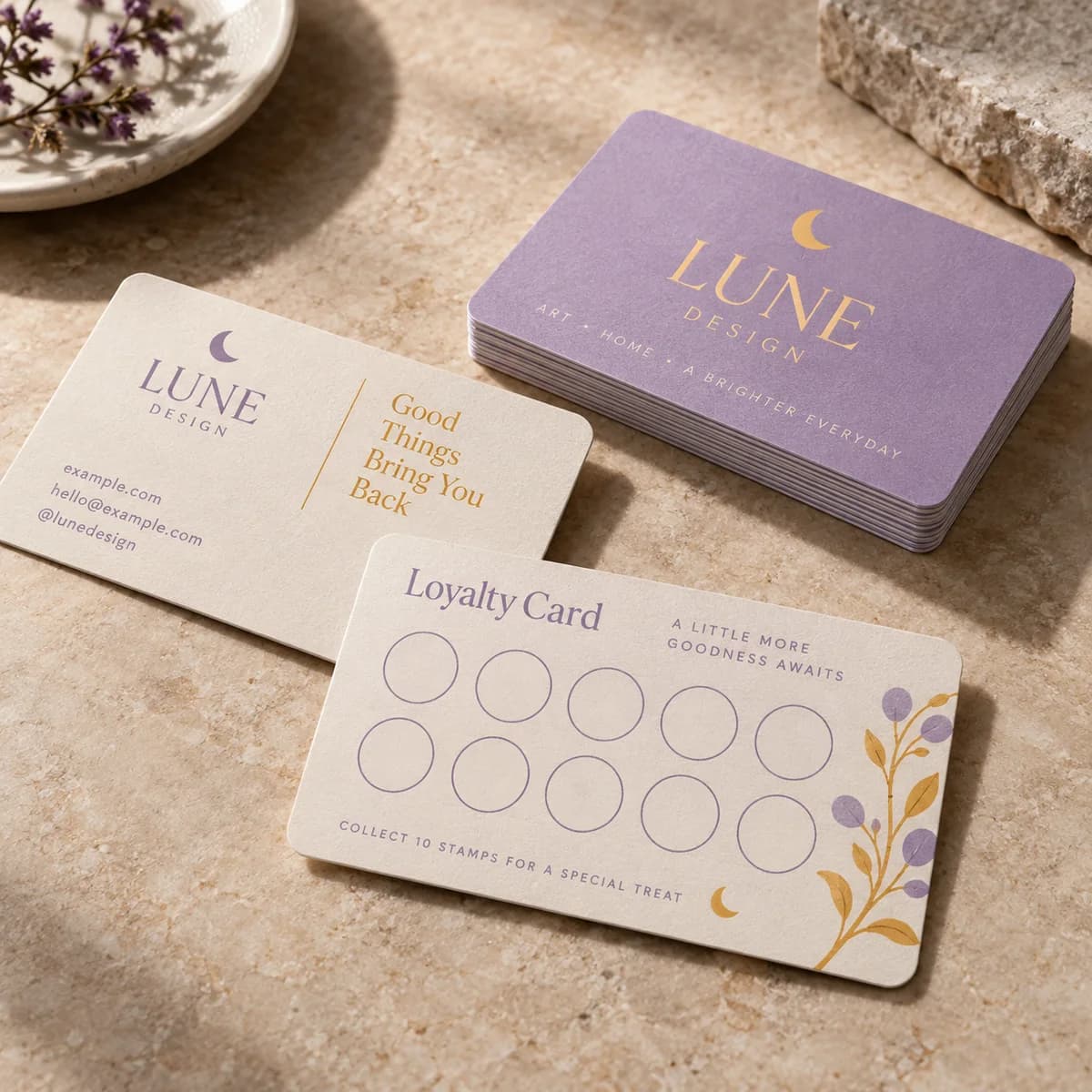
About previews & your artwork

Previews are not production proofs. Customizing creates a separate editable project; your original stays unchanged. Review both sides, bleed and image quality before printing. Product links open options without transferring artwork. Your logo, cart contents and typed request stay out of AI requests. Nothing is added to your cart automatically.

CHOOSE WELL. PRINT HAPPY.

The details for die cut sticker singles.

Start with the format, compare the choices, then prepare the artwork for your exact order.

Know your format

  • Cut precisely to the shape of your artwork
  • 7 sizes: 2" x 2", 2.5" x 2.5", 3" x 3", 3.5" x 3.5", 4" x 4", 4.5" x 4.5", 5" x 5"
  • Materials: white paper; white, clear or holographic water resistant plastic
  • Coated for durability with tabbed backing for easy peeling
  • Size = max length on all sides, regardless of shape

Use the template for your selected format. A preview canvas does not establish manufacturing dimensions.

Choose the details

Catalog material choices
Confirm with quote
Catalog finish choices
Confirm with quote

Not every combination is available. Use the configurator to select quantity and options; payment is available only when that exact combination has an approved price.

Choose my options ↑

Your artwork, in three clear steps

  1. Start at the final size. Use the selected product template. Extend background artwork through the bleed; keep names, logos and contact details inside the safe area.
  2. Use your originals. Use the highest-resolution original images. Enlarging a screenshot does not restore detail. Review both sides, spelling, crop and any QR code at actual size.
  3. Review before ordering. Attach the final file to the selected product. For supported Studio formats, export the print PDF and review its report. The Studio uses RGB; specialty finishes, folds and dielines require product-specific instructions.

Good to know.

How do I make a die cut sticker from my logo?

Upload your artwork or logo in Voqado Studio and it automatically creates a custom cutline following your design's outline, with an option to customize the background color.

What does the size mean for a die cut sticker?

The size is the maximum length your sticker reaches on all sides, no matter how quirky its outline is.

Paper or plastic: which should I pick?

White paper is great for clean, classic indoor use: notepads, planners, packaging inserts. Plastic stickers are water resistant and built for most uses, from water bottles to skateboards.

How do I apply die cut stickers so they last?

Apply them to a clean, smooth, dry surface. Once they're on, they'll stay put and look great even with liquid contact: just make sure the surface is dry when you stick them down.

Can I use my own artwork?

Yes. Upload your final artwork now or add it after purchase. We will match it to the exact production template before printing.

What does the price include?

The displayed item subtotal covers the selected quantity and options. Tax and delivery are calculated during secure checkout before you pay.

Can I finish the artwork later?

Yes. Add the product to your cart now and attach final artwork later from your saved order.

PAIRS WELL WITH

Complete the set.

Pieces that pair well with this one.

Help us improve Voqado with analytics? Details