DESIGN CONCEPT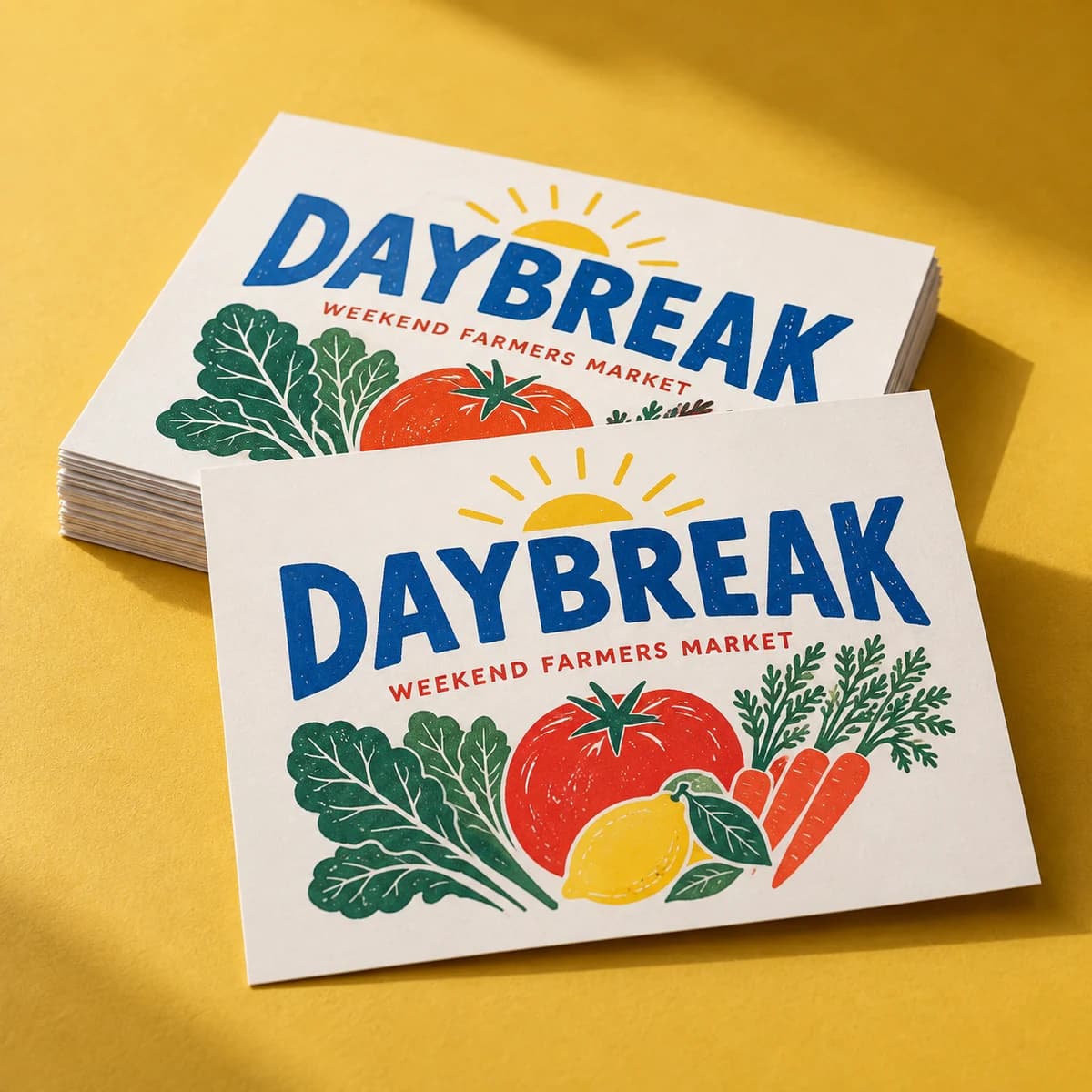
Design inspiration · Your artwork stays yours
From $9.99· 48 itemsTax and delivery shown before payment.
Small batch labeling, made simple. Organized sheets of product labels that make homemade look handmade on purpose.
Product label sheets keep a coordinated set of labels on one tidy sheet: ideal when you're labeling jars, bottles, boxes or bags in small batches. Full color printing on 8.5" x 11" sheets, with white paper, clear plastic or gold and silver foil paper to match your brand's vibe. Since each sheet repeats the same design, they're built for consistency: every label looks like every other label, which is exactly what a shelf ready product needs.
Opening product configuration…
Stickers & labels · 7 MIN READ
What to put on a product label: product name, net quantity, business name and address, plus ingredients and allergens for food. Checklist by product type.
Read the guide
Stickers & labels · 7 MIN READ
Design product labels that sell and comply: measure the container, build a two second hierarchy, plan required information, and set up files that print well.
Read the guide
Stickers & labels · 6 MIN READ
Roll labels vs sheet labels explained: how each is applied, the volume where rolls start saving time, the roll specs you must know, and a staged plan to grow.
Read the guideStart with 48 items for $9.99. We check your file for free and you approve a proof before we print.
Product labels need to distinguish items as clearly as they unite the brand. A range with several sizes, scents or colors can create more artwork versions than expected. Start with the inventory you actually plan to label, then connect each item to its approved text, container and artwork file before splitting the print quantity.
Create one row for every distinct label version. Include the internal product identifier, customer-facing name, variant, container size, artwork revision and required individual-label quantity. Keep shared brand elements in a master, but check every exported version. Similar names are particularly easy to swap when a file differs only by one word or a small accent color.
An even split is a planning choice, not a requirement. For example, a hypothetical run of 300 labels might allocate 150 to one variant, 100 to another and 50 to a third. Record those as individual labels and confirm how each quantity translates into sheets and available order increments. Keep any reserve visible, with a reason, and avoid carrying obsolete versions into the next run.
Place a paper mockup on the actual container and view it as a customer would. Decide where the brand, product name and variant should appear first. Check the longest version of each text field, not only the shortest. For a cylindrical container, use the wrap calculator as an estimate, then verify the physical fit around seams, shoulders and other interruptions.
Have the person responsible for product information approve each version before artwork release. This guide does not establish which statements your product requires. If you plan to add changing details later, explain how they will be applied and confirm the chosen surface supports that method. Stock and finish remain quote-confirmed; describe handling and exposure needs, then evaluate a suitable sample on the actual package.
List each artwork version and desired quantity in the brief. Confirm how those versions can be produced and priced; a combined planning total does not establish a mixed-design order option.
Describe the container, temperature changes and moisture exposure in your request. Suitability needs confirmation for the selected material and adhesive, followed by testing under your actual conditions.
COMPLETE YOUR PRINT KIT
Useful extras for your business. Choose what fits.
Add your logo and colors to preview a coordinated look.
Create a Brand Kit ↗Choose a saved design or start with your Brand Kit. Edits open in a separate copy.
Suggestions selected for this product. Matches use your words in this browser.
Previews are not production proofs. Customizing creates a separate editable project; your original stays unchanged. Review both sides, bleed and image quality before printing. Product links open options without transferring artwork. Your logo, cart contents and typed request stay out of AI requests. Nothing is added to your cart automatically.
Start with the format, compare the choices, then prepare the artwork for your exact order.
Use the template for your selected format. A preview canvas does not establish manufacturing dimensions.
Not every combination is available. Use the configurator to select quantity and options; payment is available only when that exact combination has an approved price.
Choose my options ↑Sheets are 8.5" x 11" and each sheet repeats the same design and shape. Pick from 18 size options and four standard shapes (circle, oval, rounded rectangle, rounded square), or a custom shape.
Paper labels are great for dry, indoor use. If your product faces oil, moisture or refrigeration, choose clear plastic: it's both oil and water resistant.
Yes. The matte paper option is the easiest to write on. For gloss finishes, use a permanent marker.
Yes. Upload your final artwork now or add it after purchase. We will match it to the exact production template before printing.
The displayed item subtotal covers the selected quantity and options. Tax and delivery are calculated during secure checkout before you pay.
Yes. Add the product to your cart now and attach final artwork later from your saved order.
Pieces that pair well with this one.
Help us improve Voqado with analytics? Details