ROLLS / VOQADO

Roll labels

From $99.99· 1,000 itemsTax and delivery shown before payment.

  • Free artwork check
  • 30 day reprint or refund
  • Free US shipping over $60

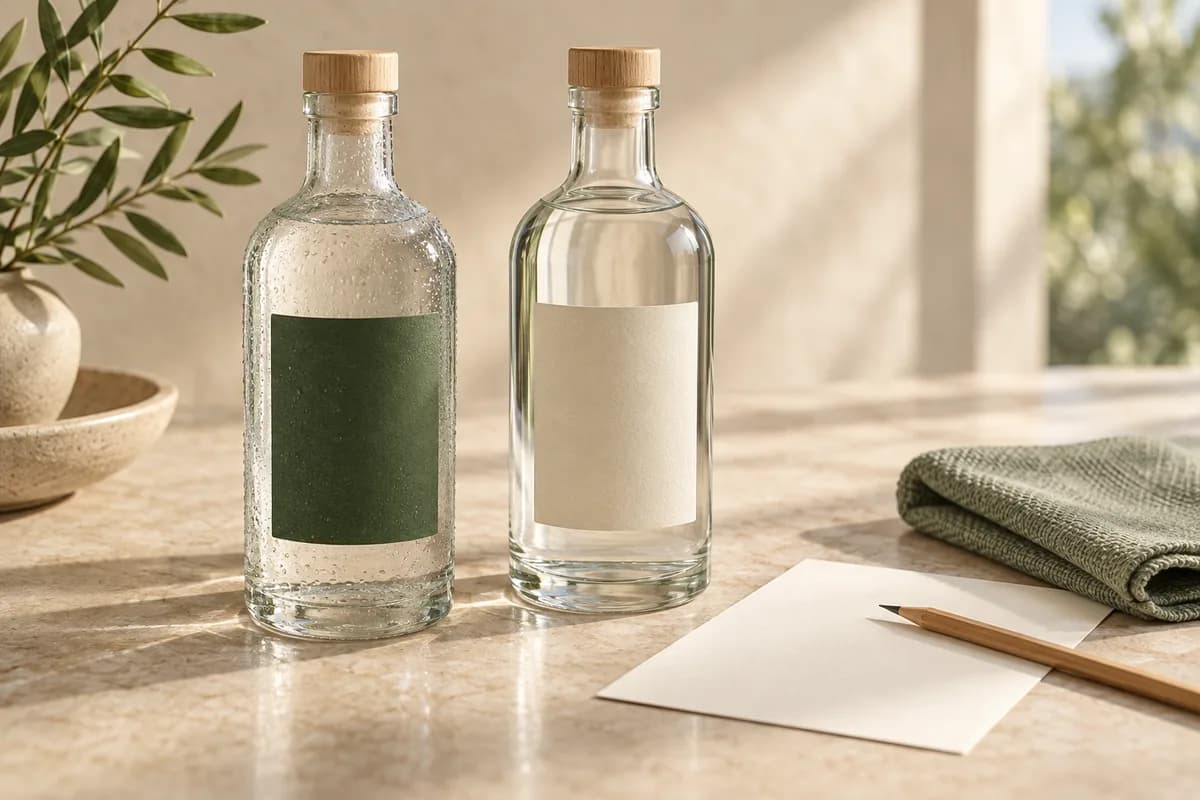
Labels on a roll, ready when you are. The workhorse format for packaging lines that never stop.

What makes this a good choice?

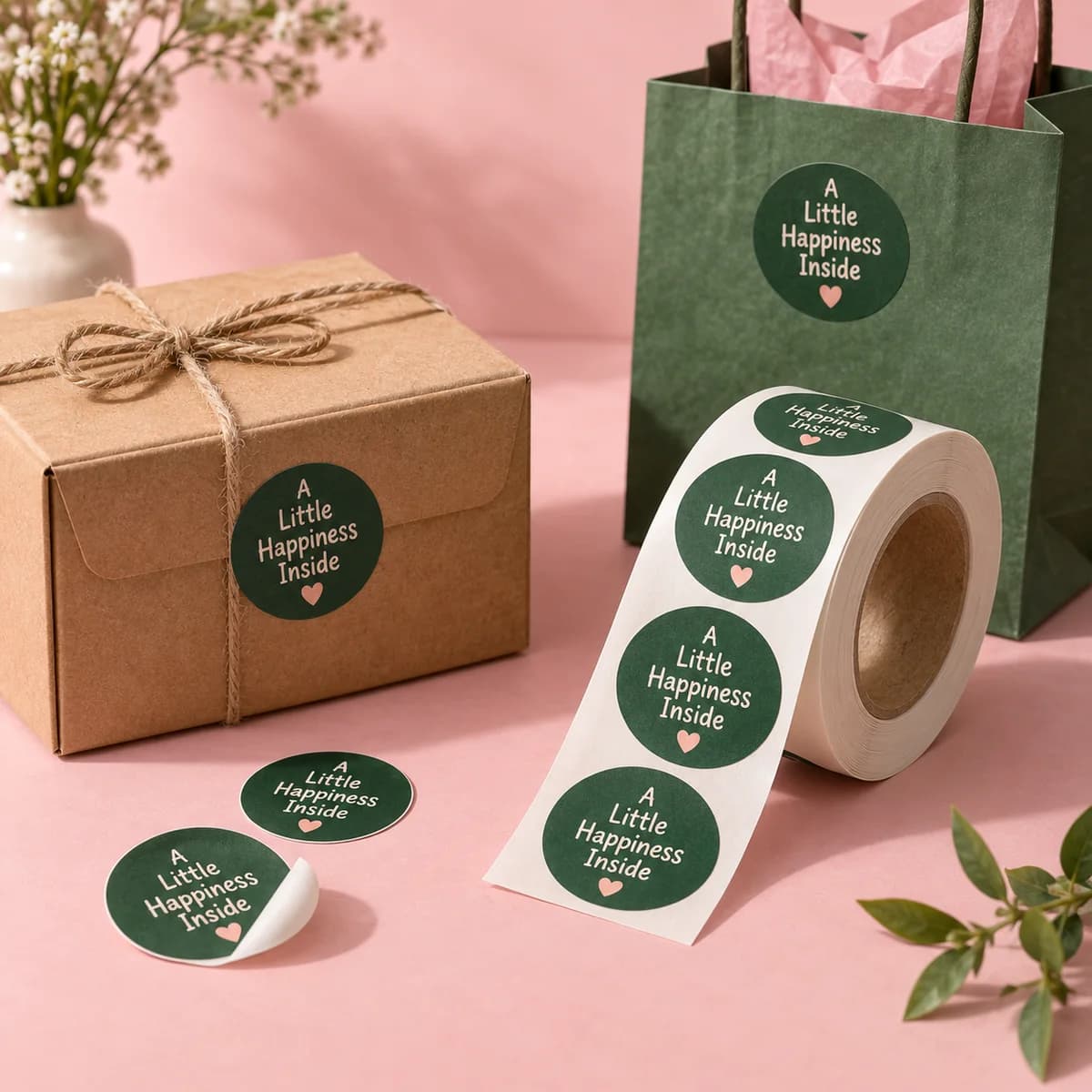
Roll labels keep a repeated labeling task moving: peel, stick, repeat, hundreds or thousands of times over. They're the format of choice when you're sealing boxes, branding bags or labeling products in volume. Because rolls aren't part of our standard sticker lineup yet, every roll order gets a personal spec check (size, material, quantity and where the labels will live), so the roll you get is the roll your process needs.

Explore design ideas

Opening product configuration…

New around here? Start small.

Start with 1,000 items for $99.99. We check your file for free and you approve a proof before we print.

Choose 1,000 items
Product details, inspiration & artwork helpOpen this only when you need specifications or ideas.
PLAN THE LABEL AND THE ROLL TOGETHER

Prepare roll labels for your packing process

Custom roll label printing starts with the product surface and the way labels will be applied. A label that fits a container still needs the right material, orientation and roll specification. Confirm those details before preparing the final artwork.

1. Measure the usable label area

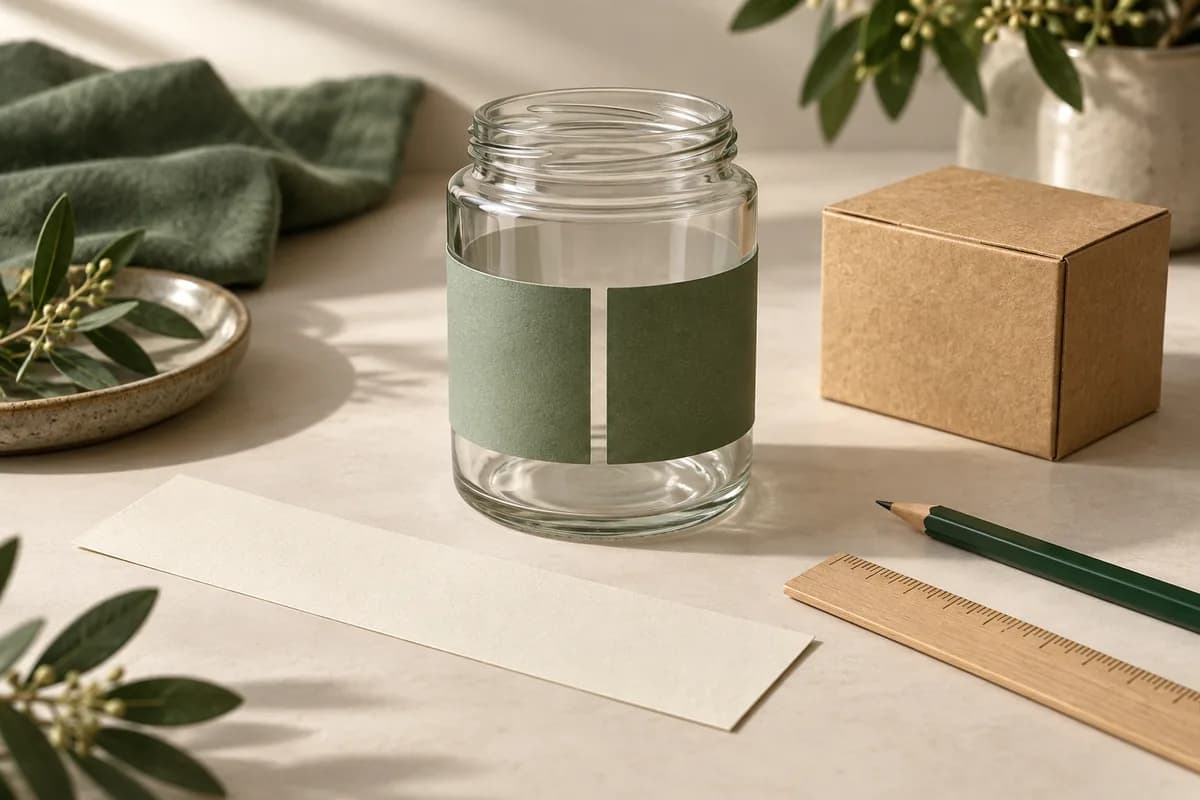
Record finished width and height with units, avoiding shoulders, seams and ridges. For a straight circular container, use the wrap calculator to plan a gap or overlap. Make a paper mockup on the actual container. A rectangular wrap estimate does not establish the correct shape for a tapered container.

Calculate a straight container wrap →

2. Describe application and exposure

State whether labels will be applied by hand, dispenser or machine. Record the surface material, texture, curvature, moisture and temperature conditions. Ask which adhesive, face material and finish suit the project; verify them with a physical sample. Roll format alone does not establish water resistance or removal behavior.

Compare physical label samples →

3. Confirm how the roll feeds

For equipment, obtain its required roll specifications from the operator or manufacturer. Include the make and model, required core inside diameter, maximum roll outside diameter, liner width, label spacing and orientation. Ask the printer to confirm compatibility; no universal core, gap or roll capacity is promised here.

Prepare the production handoff →

Specify unwind with a sketch, not just a number

Unwind describes the label’s orientation as it leaves the roll. Identify which artwork edge leads and whether labels face inward or outward on the wound roll. Attach a labeled sketch using the printer’s confirmed convention. A label that looks correct can still arrive in the wrong orientation for the applicator.

Keep quantities clear

Distinguish total labels, labels per roll and quantity per artwork version. For an illustrative batch of 600 products with one label each and a chosen reserve of 30, the planning total is 630 labels. That does not establish an available order increment or labels per roll specification. Add the roll arrangement you need to your order notes.

Plan quantities across designs →

Prepare a complete brief

Include label dimensions, shape, application method, surface, material questions, quantities, roll requirements, artwork version and requested delivery date. Confirm cut path, bleed and safe area instructions with the production template. This product requires dedicated artwork setup; the general Studio does not prepare its roll layout.

Download the roll label brief →Compare complete printing quotes →

Review and configure

Check the proof’s dimensions, text and orientation against the approved brief. Confirm material, roll arrangement, preparation charges, shipping and final price before production. A saved configuration or cart is not a submitted enquiry or paid order.

Configure custom roll labels →Compare other label formats →

Check orientation with your application team

Unwind describes which edge of the artwork leaves the roll first, and whether labels face out or in on the wound roll. If labels go on by machine, check the orientation it needs with the person who runs it and include a sketch in your brief.

Explore more print explainers in the Print Lab →

COMPLETE YOUR PRINT KIT

Looks good together.

Useful extras for your business. Choose what fits.

Personalize previews & find a match
A coordinated collection starts here

Add your logo and colors to preview a coordinated look.

Create a Brand Kit ↗

Choose a saved design or start with your Brand Kit. Edits open in a separate copy.

Suggestions selected for this product. Matches use your words in this browser.
About previews & your artwork

Previews are not production proofs. Customizing creates a separate editable project; your original stays unchanged. Review both sides, bleed and image quality before printing. Product links open options without transferring artwork. Your logo, cart contents and typed request stay out of AI requests. Nothing is added to your cart automatically.

CHOOSE WELL. PRINT HAPPY.

The details for roll labels.

Start with the format, compare the choices, then prepare the artwork for your exact order.

Know your format

  • Continuous roll format for repeated, high volume labeling
  • Suitable for boxes, bags, jars and product packaging

Use the template for your selected format. A preview canvas does not establish manufacturing dimensions.

Choose the details

Catalog material choices
Confirm with quote
Catalog finish choices
Confirm with quote

Not every combination is available. Use the configurator to select quantity and options; payment is available only when that exact combination has an approved price.

Choose my options ↑

Your artwork, in three clear steps

  1. Start at the final size. Use the selected product template. Extend background artwork through the bleed; keep names, logos and contact details inside the safe area.
  2. Use your originals. Use the highest-resolution original images. Enlarging a screenshot does not restore detail. Review both sides, spelling, crop and any QR code at actual size.
  3. Review before ordering. Attach the final file to the selected product. For supported Studio formats, export the print PDF and review its report. The Studio uses RGB; specialty finishes, folds and dielines require product-specific instructions.

Good to know.

Rolls vs. sheets: which do I need?

Rolls are the format built for volume and repetition: continuous peeling, consistent placement, and easy integration with dispensers. Sheets win when you need a mixed set of designs on one page.

Can roll labels handle moisture or rough handling?

Yes. Water resistant plastic materials hold up to moisture and handling, which is exactly what packaging tasks demand.

How are roll labels priced?

The price is shown for the quantity and options you choose, before you pay.

Can I use my own artwork?

Yes. Upload your final artwork now or add it after purchase. We will match it to the exact production template before printing.

What does the price include?

The displayed item subtotal covers the selected quantity and options. Tax and delivery are calculated during secure checkout before you pay.

Can I finish the artwork later?

Yes. Add the product to your cart now and attach final artwork later from your saved order.

PAIRS WELL WITH

Complete the set.

Pieces that pair well with this one.

Help us improve Voqado with analytics? Details