What should a service reminder postcard say?
The front has one job: tell the recipient what is due and what to do about it. A headline such as "Your furnace tune up is due this month" works better than a general brand message, because the reader recognizes the task in a second. Under the headline, give the due window, the booking method and a short reason to act now, such as avoiding a breakdown before the busy season.
The back carries the details that make booking easy. Include the business name, the phone number exactly as staff answer it, a short booking address or QR code, opening hours and the service location if you have more than one. If you offer a reminder incentive, state the terms plainly and include an end date. Avoid stacking several offers on one card; a reminder that asks for one decision gets an answer faster than one that lists everything you sell.
Decide whether the card asks the recipient to book a new visit or to confirm a visit already on the calendar. Those are different requests, and the wording, the reply method and the staff script should match the one you choose.
What information should stay off an open postcard?
A postcard travels without an envelope, so the carrier, household members and anyone who picks it up can read it. Print only what the reminder needs. A first name, the general service type and a due month are usually enough. Account numbers, balances, detailed service history, diagnoses, vehicle identification numbers and anything a customer would consider sensitive belong in a sealed letter, a secure portal or a phone call.
The FTC's guide to protecting personal information advises businesses to scale down: if there is no legitimate business need for sensitive personally identifying information, do not keep it. Apply the same test to every variable field on the card. If the reminder still works without a field, remove it. Regulated fields such as healthcare, legal and financial services may have their own rules about what can appear on an open mailpiece, so check with whoever sets your privacy policy before you run a variable data job.
When should you mail a service reminder?
Work backward from the date you want the customer to call. The card should arrive before the due window opens, with enough time left for the customer to find a slot. Build the schedule from three pieces: production time, delivery of the printed cards to you, and mail transit to the recipient. If you order through Voqado, plan for 2 to 4 business days of production after artwork approval plus 5 to 8 business days of delivery before the cards reach you, then add your own mailing time.
Do not print a promise such as "arrives before your appointment" unless your mail provider confirms it. For time critical reminders, such as a confirmed appointment tomorrow, a text message or call is the right channel, and the postcard is the longer lead nudge that comes weeks earlier.
What size postcard works best for reminders?
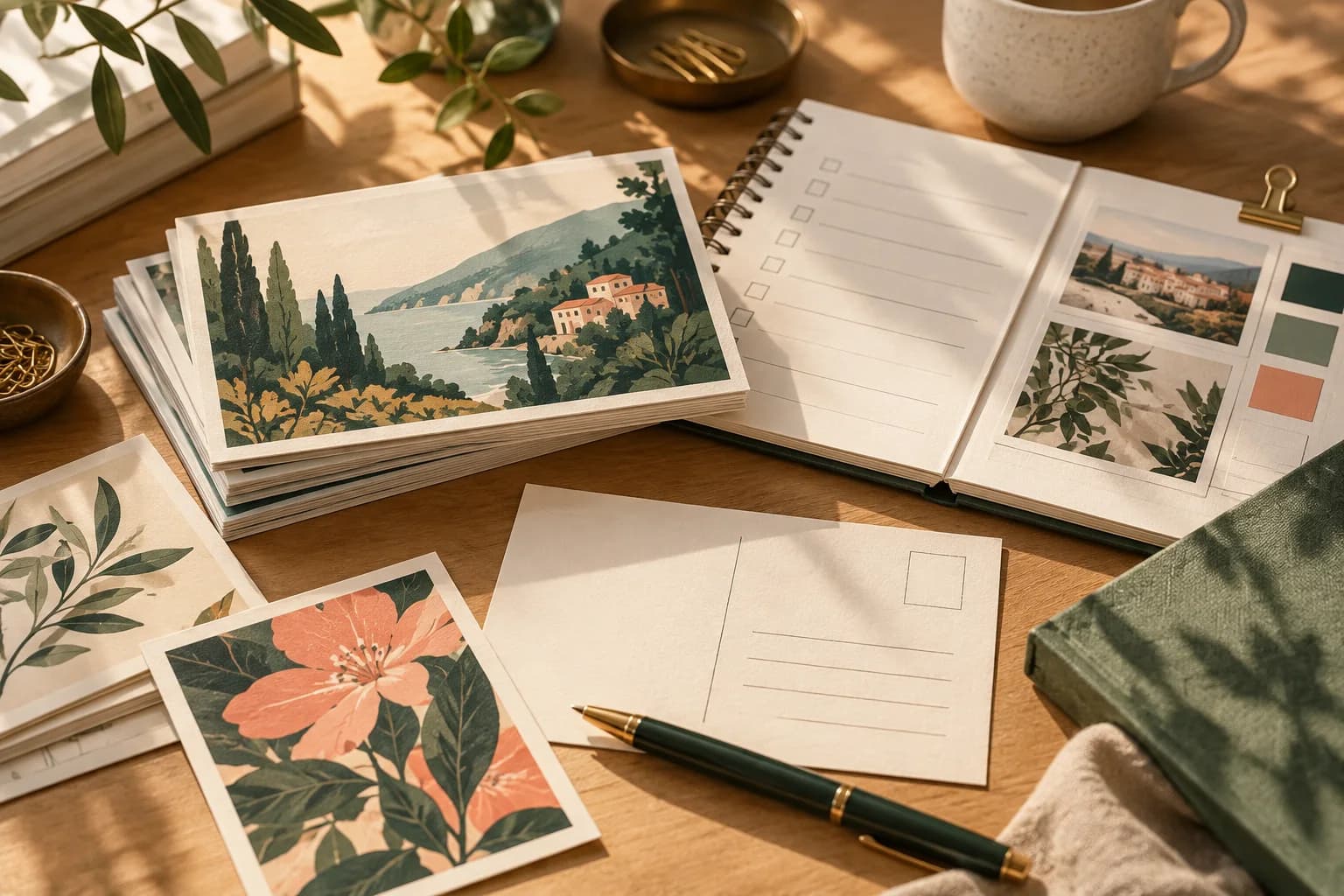
Most reminders fit comfortably on a 4 x 6 card, which is the largest size that qualifies for USPS postcard pricing. A larger card gives more room for a seasonal image or a short checklist, but it moves into a different postage category. The table summarizes the common options using the USPS physical standards.
| Finished size | USPS category | Good for |
|---|---|---|
| 4 x 6 in | Postcard price, 0.007 to 0.016 in thick | A single reminder with a booking link |
| 4.2 x 5.5 in | Postcard price | A compact reminder with minimal copy |
| 5 x 7 in | Letter price, 0.009 in minimum thickness | Reminder plus a short seasonal message |
| 6 x 9 in | Letter price | Reminder with a checklist or map |
| 6 x 11 in | Letter price | Multiple locations or a longer offer |
For a routine monthly batch, standard postcards in the 4 x 6 size on the standard 0.4 mm stock, about 0.016 inch, keep postage predictable and leave enough space for the essentials.
How do you lay out the address side?
USPS reserves a barcode clear zone in the lower right corner of the address side, measured 4.75 inches from the right edge and 0.625 inch from the bottom. Keep artwork, text and dark backgrounds out of that rectangle. The address block belongs in the optical character reader area above it, in type of at least 8 points. Put your reminder copy on the left portion of the back and the address on the right. The address side layout guide walks through the placement in more detail.
Should a reminder include a QR code or a phone number?
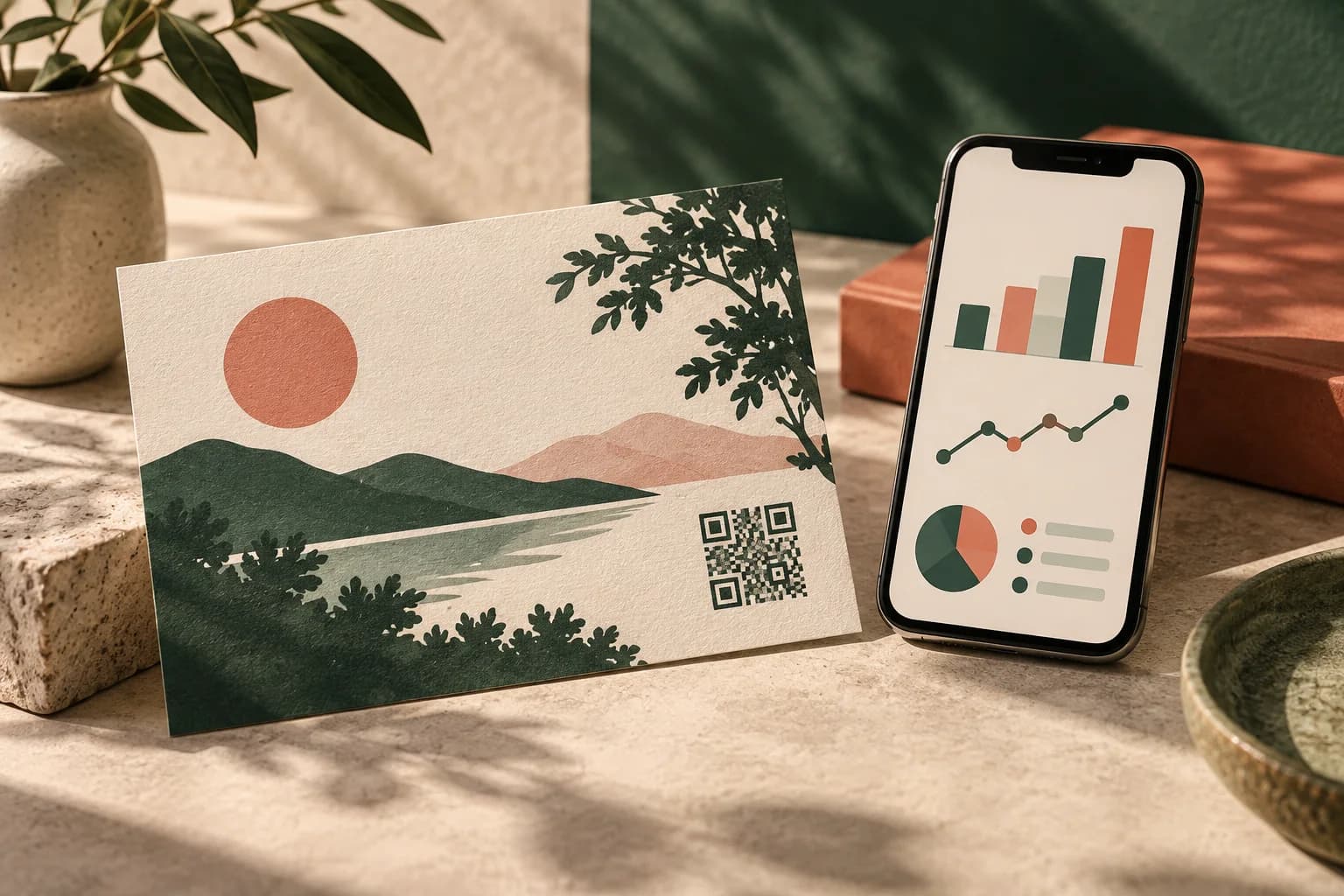
Include both when you can. Some customers call, others prefer to book on a phone, and a reminder that offers only one route loses the rest. Point the code at a booking page for the specific service, not your home page, and print a short typed address beside it for anyone who does not scan. You can create a static code with the free QR code generator, then scan a printed proof at actual size before approving. If you want to measure how many bookings come from the card, give it a unique link or promo code that staff can recognize.
How do you keep reminder lists accurate?
A reminder is only as good as the list behind it. Before each run, remove customers who have already booked, moved or asked not to be contacted, and check that the due date field matches the service record. Ask the person who handles bookings to read a sample card and confirm they could resolve the request from what is printed. For recurring reminders that customers keep on the fridge, printed appointment cards handed over at the counter are a useful companion to the mailed card.
What belongs on a reminder postcard checklist?
- One service, one due window and one clear action on the front.
- A phone number, booking link or QR code, and opening hours on the back.
- No account numbers, balances, history or other sensitive details.
- Barcode clear zone and address area kept free of artwork.
- Offer terms and an end date stated plainly, if you include an offer.
- Mailing date set so the card arrives before the due window opens.
- A proof reviewed by the person who takes the bookings.
Frequently asked questions
What should an appointment reminder postcard include?
Include the service that is due, the due window, one clear action such as calling or booking online, a phone number, a booking link or QR code, and your opening hours. Keep the front focused on the reminder and put contact details on the back. Leave out account numbers, balances and service history, because the card can be read by anyone who handles it.
How far in advance should I mail a service reminder postcard?
Plan backward from the date you want customers to call. Add production time, delivery of the printed cards to you and mail transit, then aim for the card to land before the due window opens. For a confirmed appointment in the next day or two, use a text or call instead, because a mailed card cannot promise a specific arrival date.
Is it safe to print customer details on a reminder postcard?
Print only what the reminder needs, usually a first name, the general service type and a due month. The FTC advises businesses not to keep sensitive personal information without a legitimate business need. Healthcare, legal and financial businesses may face stricter rules, so confirm your policy before running a variable data mailing with personal fields.
What size is best for a service reminder postcard?
A 4 x 6 inch card is the usual choice because it qualifies for USPS postcard pricing when it is 0.007 to 0.016 inch thick and leaves enough room for a headline, a due window and booking details. Choose 5 x 7 or 6 x 9 when you need space for a checklist or map, and budget for letter postage.
Sources & specification notes
The references below support the relevant technical or product details in this guide. Examples and checklists are not claims of practical testing or universal supplier requirements. Confirm the current specifications for your chosen product before production.
- FTC: Protecting Personal Information, a guide for business ↗
The scale down principle: do not keep sensitive personally identifying information without a legitimate business need.
- USPS DMM 202: elements on the face of a mailpiece ↗
Barcode clear zone 4.75 inches from the right edge and 0.625 inch from the bottom; OCR read area; addresses in at least 8 point type.
- USPS Postal Explorer: Business Mail 101, postcards ↗
Plain language postcard size and thickness rules, and the warning that attachments can disqualify postcard pricing.
- USPS DMM 101: physical standards for retail mail ↗
Card price limits: 3.5 x 5 to 4.25 x 6 inches, 0.007 to 0.016 inch thick, uniform paper or cardstock, 3.5 ounces; letter limits 6.125 x 11.5 x 0.25 inches with 0.009 inch minimum thickness above 4.25 x 6; flats up to 12 x 15 x 0.75 inches; aspect ratio below 1.3 or above 2.5 is nonmachinable.