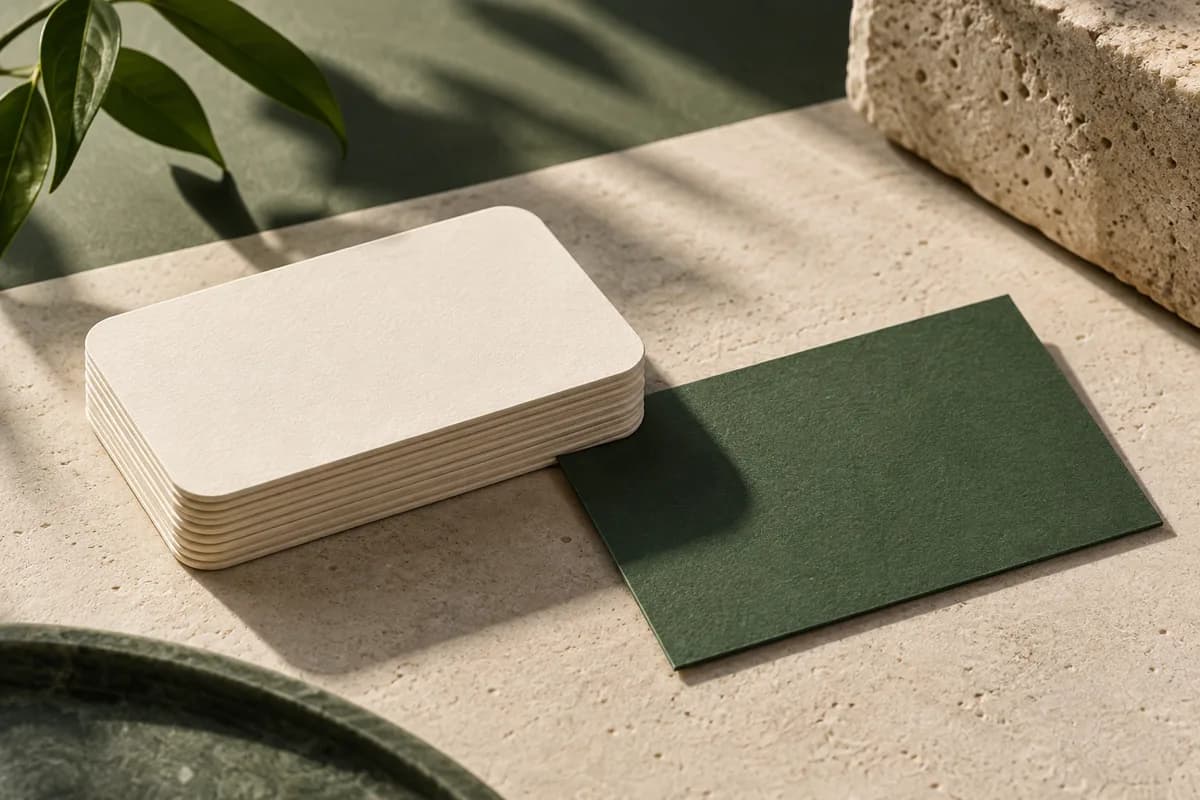
What is a rounded corner business card?
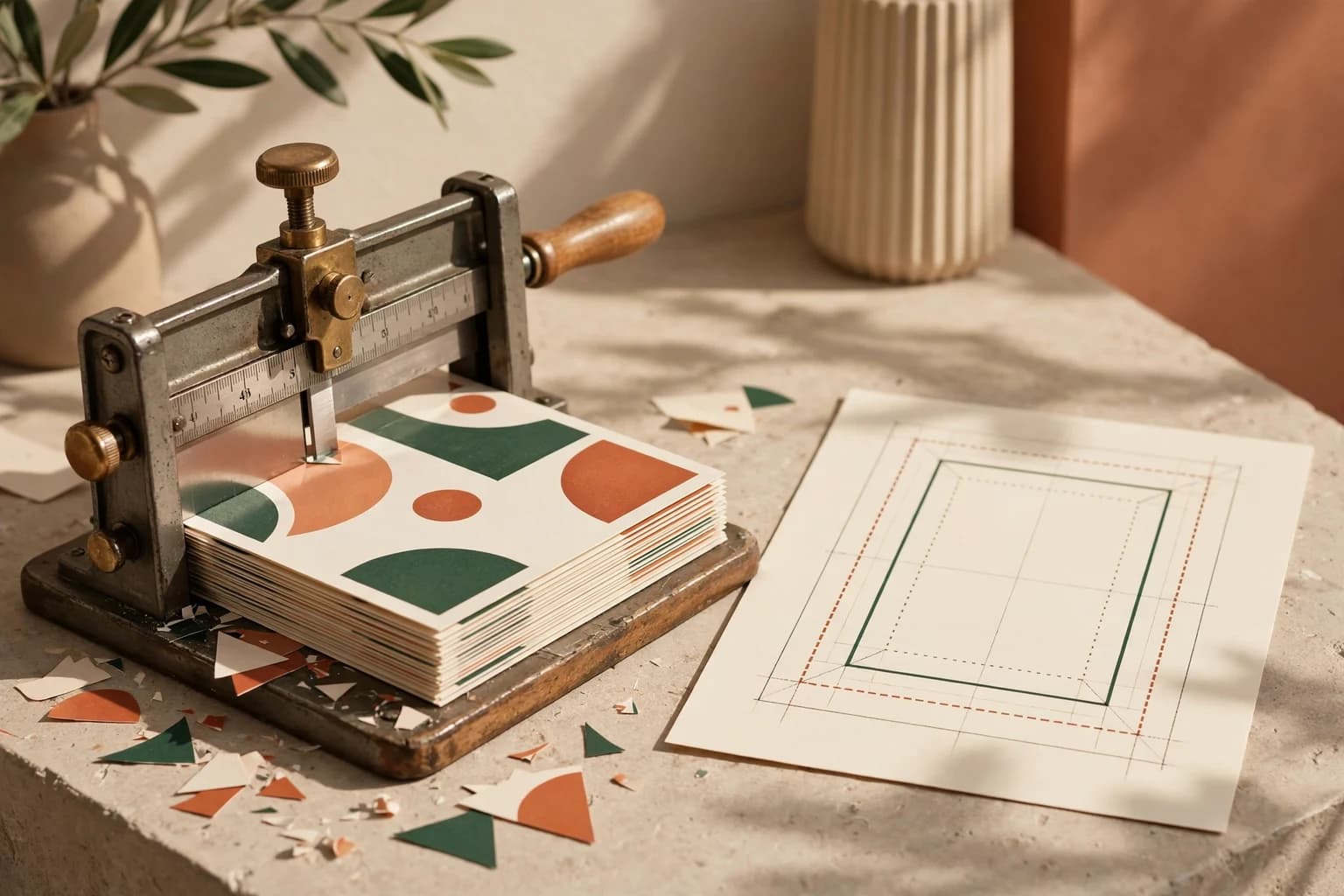
It is a regular business card, typically 3.5 by 2 inches, finished with a corner rounding step. After the sheet is printed and trimmed to size, a die or corner rounder cuts each corner along an arc. The result feels softer in the hand, looks more modern and fits the same wallets and holders as a square card.
Corner rounding dies are made in many sizes. One equipment maker's standard dies run from 1/8 to 1/2 inch radius, with special dies from 1/16 to 5/8 inch. The rounded corner card listing on this site uses a 1/4 inch radius, a common choice for business cards.
How much does each corner radius trim?
The radius is the size of the circle the corner follows. The deeper the radius, the more of the corner disappears. Along the diagonal, the curve sits about 0.414 times the radius inside the original square corner.
| Radius | Inches | Millimeters | Diagonal trim | Look on a 3.5 x 2 in card |
|---|---|---|---|---|
| 1/8 in | 0.125 | 3.2 | 0.05 in (1.3 mm) | Subtle, close to an ID card |
| 1/4 in | 0.25 | 6.4 | 0.10 in (2.6 mm) | Clearly rounded, most common |
| 3/8 in | 0.375 | 9.5 | 0.16 in (3.9 mm) | Very soft, playful |
| 1/2 in | 0.5 | 12.7 | 0.21 in (5.3 mm) | Dramatic, very round corners |
The diagonal trim column is simple geometry: radius multiplied by the square root of two, minus one. It tells you how far a sharp corner detail would be cut back.
Do rounded corner business cards need bleed?
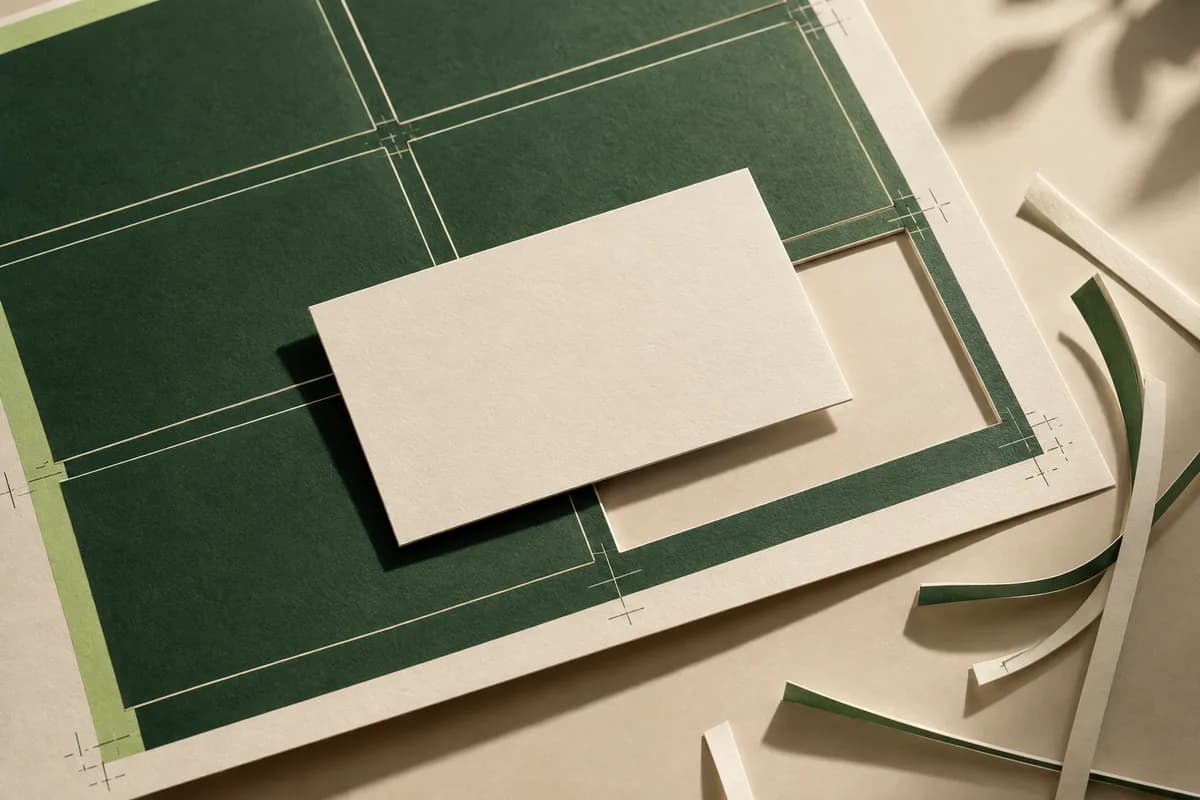
Yes. Rounding happens after the card is trimmed, so your file is still a rectangle with the usual bleed. In PDF terms, the TrimBox sets the finished size and the BleedBox sets how far artwork extends past it, commonly 3 to 5 mm in general print and 1/8 inch on many US business cards. Do not cut the corners off in your file. Extend background color and images into the bleed on all four sides, including the corners, and let the rounding die do the shaping.
Use the supplier's own business card bleed template when one is available, because it shows trim, bleed and safe lines in the right place. For the general rules, see how bleed works.
Where should text and logos go on a rounded card?
Treat the corners as a no go zone. Keep text, logos and QR codes inside the rectangular safe area, then look again at each corner, where the curve eats further in. Narrow borders and corner ornaments are the most exposed: a thin frame drawn close to the edge will look uneven once the corner is cut, so either move it well inside the safe area or leave it out. Circular icons and rounded shapes echo the corner nicely.
Check both sides. A double sided card is rounded through the whole stack at once, so the back has exactly the same corners as the front. A full bleed photo on the back loses the same small arcs, which rarely matters for a landscape or texture but can clip a face or a product placed too close to a corner. Vertical cards are rounded the same way, so the rules apply whichever orientation you choose.
Are rounded corners more durable?
A square corner is a sharp point that takes the first knock in a wallet or pocket and is the first part to fold or fray. A curve has no point, so rounded cards tend to stay neater with handling. They are not tougher overall; the paper and finish still decide how well the card survives. That makes rounding a good match for cards people keep and reuse, such as loyalty and appointment cards, which spend months in wallets. Pair it with a thicker stock if you want the edges to stay crisp as well as smooth.
What do rounded corner business cards cost?
Rounding is an extra finishing step, so it usually adds a little to the price. On the current price list, rounded corner cards start at $22.99 for 100, compared with $14.99 for 100 standard cards. Rounded corners pair with foil and embossed gloss on many products, and the same shape is available as rounded corner postcards for mailers.
Which designs suit rounded corners?
Friendly, modern and product brands benefit most, especially where the card is handled often: cafes, children's services, wellness, tech and creative studios. Very traditional brands, such as law firms, often keep square corners, though a subtle 1/8 inch radius can soften a card without changing its character. Match the radius to your brand's shapes, so a logo with rounded letters and a card with rounded corners feel related. Keep the radius the same on reorders and on matching pieces such as loyalty cards, so your printed materials look like one family.
What should you check before ordering?
- Confirm the corner radius the supplier uses
- Keep all text and codes inside the safe area and clear of corners
- Extend backgrounds into the bleed on all four sides
- Avoid thin borders close to the trim
- Check that your chosen stock and finish allow rounding
- Review a proof that shows the cut line
Frequently asked questions
What radius are rounded corner business cards?
Many printers use a 1/4 inch radius, and some offer 1/8 inch for a subtler curve. Corner rounding dies are made from 1/16 to more than 1/2 inch, so always confirm the exact radius with your supplier and use their template. The rounded corner cards sold here use a 1/4 inch radius on the standard 3.5 by 2 inch size.
Do I need to round the corners in my design file?
No. Supply a normal rectangular file with bleed on all four sides, and let the printer round the corners after trimming. If you cut the corners off in the file, a small shift in cutting can leave white slivers. Use the supplier's template to see where the curve will fall and keep important content away from it.
Are rounded corner business cards more expensive?
Usually a little, because corner rounding is an extra finishing step. On the current Voqado price list, rounded corner cards start at $22.99 for 100, compared with $14.99 for 100 standard cards. Paper, finish, quantity and double sided printing also affect the total, so compare fully configured prices.
Do rounded corners fit standard card holders?
Yes. Rounding changes only the corners, not the overall 3.5 by 2 inch size, so rounded cards fit the same wallets, holders and card cases as square ones. Some people find they slide in and out more easily because there are no sharp points to catch on pockets or sleeves.
Sources & specification notes
The references below support the relevant technical or product details in this guide. Examples and checklists are not claims of practical testing or universal supplier requirements. Confirm the current specifications for your chosen product before production.
- MyBinding: Lassco Wizer corner rounders and dies ↗
Equipment listing showing standard corner rounding dies from 1/8 to 1/2 inch radius and special dies from 1/16 to 5/8 inch.
- Prepressure: The PDF page boxes ↗
Prepress reference defining the TrimBox as the finished page size and the BleedBox as the area artwork extends to, typically 3 to 5 mm beyond trim.