What should a package insert card say?
Start with the question a customer has in the first minute after opening the box. Write that question at the top of your draft, then answer it in one or two short sentences. Put the answer before any promotion. A thank you is welcome, but a thank you plus one useful next step is what makes the card worth printing.
| Card job | What the message does | Typical placement |
|---|---|---|
| Setup or first use | Gives the first step and a help address | On top of the product |
| Support | Points to the right help page | Inside the lid |
| Reorder or refill | Names the item and how to buy it again | With the product |
| Thank you | Thanks the customer in your brand voice | First thing seen on opening |
| Offer | States a code and its conditions plainly | Tucked beside the packing slip |
| Feedback | Asks for comments and says where to leave them | With the product |
Keep essential product information on the card, and move longer detail to a maintained web page. If the card gives care or setup instructions, have the person responsible for the product approve the wording. Do not invent care advice to fill empty space on the back.
What size should an insert card be?
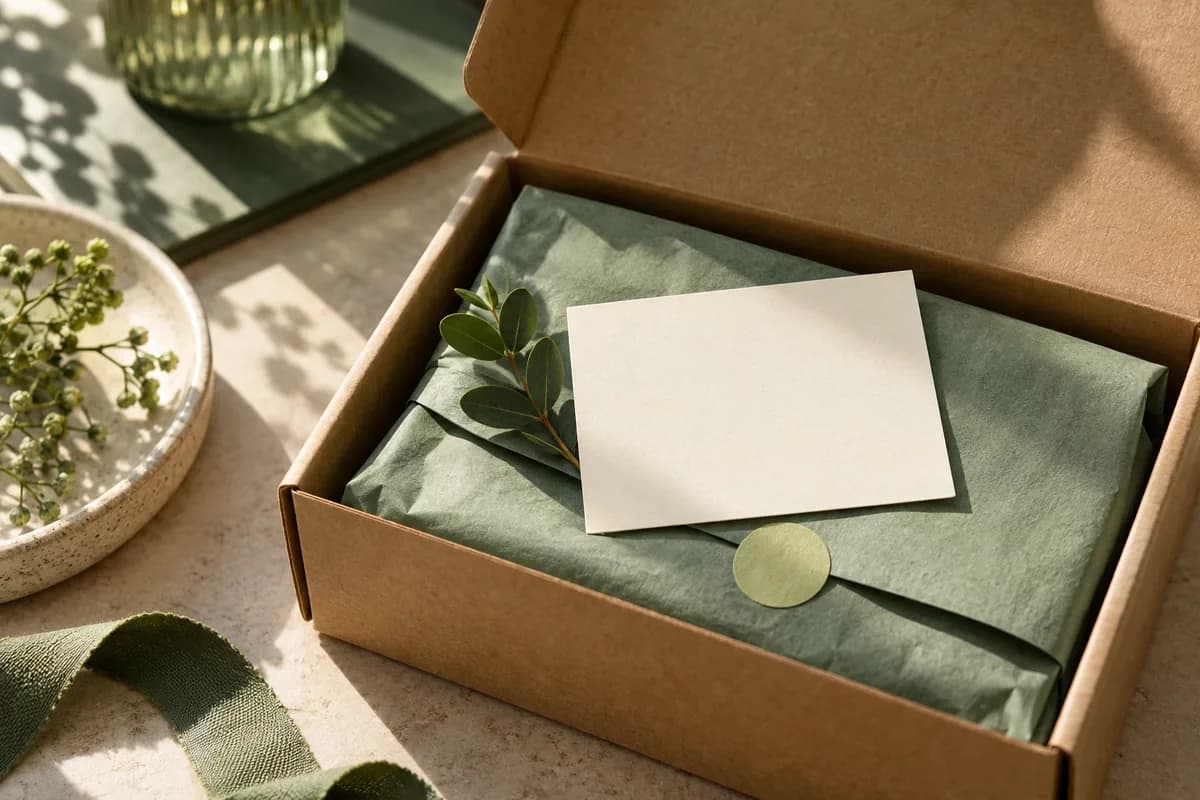
Choose the size around the content and the parcel, not the other way round. Draft the words at a comfortable reading size first. Then cut a paper mockup to the proposed finished dimensions and pack it with the real product and protective material. Check whether the card is visible on opening, easy to remove, likely to bend, or hidden under tissue or filler. Repeat the test for every box size you ship.
A small card suits a short thank you and a support address. A larger card is more useful when the message needs numbered steps. If essential text does not fit, cut optional copy or move up a size rather than shrinking the important words. The packaging insert cards page lists the size, paper choices and printing sides available, and a quote confirms the final paper and finish.
Should you put a discount code or offer on an insert?
An offer can work well, as long as it is honest and clear. The Federal Trade Commission states that advertising claims must be truthful, not deceptive, and backed by evidence. Its guidance for small businesses adds that the terms of a free offer should be disclosed clearly and conspicuously, and that claims about sale prices are held to the same standard of truthfulness.
In practice, print the code, what it gives, any minimum spend and the expiry date in readable type near the offer itself. Avoid claims you cannot support, such as best quality or lowest price. If the offer expires, plan the print quantity so few cards outlive it.
How do you add a QR code to an insert card?
Link the code to the exact support, setup or reorder page the card mentions, and print a readable web address beside it. DENSO WAVE, which developed the QR code, specifies a clear margin four modules wide on every side of the symbol. Keep artwork and text outside that margin, place the code on a plain light background, and test the printed size on several phones. The guide to QR codes on packaging covers curved and glossy surfaces in more detail.
How many insert cards should you order?
Order for the period the message will stay accurate. Estimate the shipments expected before the next packaging or product change, add a reserve, and subtract usable cards already on hand.
Consider a fictional shop expecting 180 relevant shipments before a packaging update. It has 40 current, approved inserts on hand and wants a reserve of 20. The requirement is 180 plus 20 minus 40, which is 160 additional inserts. The reserve is a business choice, not a forecast. If those 40 cards carry outdated instructions, they are not usable stock and should not be subtracted.
Separate stable support messages from time limited promotions, so a promotion ending does not force you to scrap the support card too. For price planning, the published price for 100 cards of the Voqado insert product is $41.99, and standard shipping within the United States is free on orders of $60 or more before tax.
What should the insert card print brief include?
A complete brief prevents the most common reprint causes: wrong size, wrong side, wrong version. Send finished dimensions, quantity, front and back artwork, paper and finish, corner style, and the date the inserts are needed. Name each version clearly when you run more than one message. The guide to prepare artwork for print explains bleed, safe area and file export. When comparing suppliers, the quote comparison tool lines up entered totals once specifications match, but it cannot judge whether two papers are physically equivalent.
How do you tell whether an insert card is working?
Give each version a distinct code or web address so responses can be counted separately. Change one thing at a time, such as the offer or the headline, and run each version for a comparable number of shipments. The insert experiment planner helps structure a simple test. Keep the results with the approved files so the next print run starts from what actually performed.
How do you approve the insert before printing?
- Give the card one primary job and put it first.
- Confirm product instructions with the person responsible for them.
- Test a paper mockup inside every box size you ship.
- Open every web address and scan every QR code from a printed sample.
- Check offer terms, minimum spend and expiry dates for accuracy.
- Read the smallest line of text at actual size.
- Confirm front and back orientation against the proof.
- Save the approved file and brief together for reorders.
An insert card sits alongside other printed touches such as business thank you cards. Keep them visually consistent so the unboxing feels like one brand rather than a stack of unrelated paper.
Frequently asked questions
What should I put on a small business insert card?
Put the answer to the customer's first question after opening the box, such as how to start, where to get help or how to reorder. Add a short thank you and, if relevant, an offer with its terms. Keep essential instructions on the card and link longer detail to a maintained web page with a readable address and an optional QR code.
What size should a package insert card be?
Choose the size that fits the message at a comfortable reading size and sits visibly in your box. Cut a paper mockup to the proposed dimensions and pack it with the real product and filler. If essential words do not fit, remove optional copy or move up a size instead of shrinking text. Confirm the final format with your print quote.
Can I put a discount code on an insert card?
Yes. Print the code, what it gives, any minimum spend and the expiry date clearly near the offer. The FTC requires advertising to be truthful and not misleading, and says the terms of a free offer should be disclosed clearly and conspicuously. Plan the print quantity so few cards remain after the offer expires.
How many insert cards should I print?
Estimate the shipments expected before the message or packaging changes, add a reserve, then subtract current, usable cards on hand. For example, 180 shipments plus a reserve of 20, minus 40 usable cards, means ordering 160. Cards with outdated instructions are not usable stock, so do not subtract them.
Sources & specification notes
The references below support the relevant technical or product details in this guide. Examples and checklists are not claims of practical testing or universal supplier requirements. Confirm the current specifications for your chosen product before production.
- Federal Trade Commission: Advertising FAQs, a guide for small business ↗
Covers evidence for advertising claims, clear and conspicuous disclosure of free offer terms, and truthfulness in sale price claims; applies to printed promotions as well as online ads.
- Federal Trade Commission: Advertising and marketing basics ↗
States that claims must be truthful, not deceptive or unfair, and evidence based.
- DENSO WAVE: QR code area and quiet zone ↗
Specifies a margin four modules wide on every side; it does not set a universal printed code size.